How to write an SOP a new hire, virtual assistant or Slack agent can follow, and when to write it
If you are about to hand off the weekly client report or the Monday pipeline review, you have to decide when to create the SOP. Write it first from memory and you get a long document before anyone has run the job. Skip it and you answer the same questions every week and check every result yourself. Either way, the handoff keeps costing you your attention.
Below are a rule for when to write the standard operating procedure (SOP), the content a recipient who cannot walk over and ask you must find on the page, and a way to keep it correct from the Slack thread where the job already happens. It works for a new hire, a virtual assistant (VA) or an AI agent.
The short answer: a brief first, the SOP after one clean run
The guides that rank for this topic disagree on timing. The sequence below keeps what each gets right.
- Write a one-page brief for the job: outcome, inputs, who decides what. This is not the SOP. The task delegation guide covers that brief.
- Run the job once yourself while narrating it in a Slack thread: what triggered it, which sheet or folder you opened, what you checked, what you sent.
- Hand the job to the recipient with the brief and the thread, and let them run it. Answer questions in the same thread.
- After one clean run by someone other than you, write the SOP from that run.
- Add the lines a remote recipient needs: which steps stop for approval, when to stop and ask, what counts as done.
- Correct the page from the thread each time a run hits a case it missed, and review it on a calendar as a backstop.
A clean run means the output met your standard with little back-and-forth. If you cannot name what "clean" means for this job, the brief is not finished.
Why the usual order fails
The most common failure is writing from memory. Prialto, a VA provider, says that if you try to write a process out from memory, you will miss steps without realizing it, and suggests recording yourself doing the task and narrating it. Flowpio, another VA vendor, goes further: the first SOP you write is almost never the one you end up using, because you write it in a vacuum and fill gaps without noticing. Its line is that "SOPs aren't the starting line. They're the finish line."
The two vendors still disagree on order. Prialto has you write the steps from the recording and then have the VA test them using only the documentation. Flowpio has the VA attempt the task from a short walkthrough and writes the SOP afterward, once the work is repeatable. Both claims are vendor guidance, and both vendors sell a service built around their own order. The practical difference is how much you write before you know what the recipient trips on.
SOPs also fail for reasons beyond timing. Trainual, a training software vendor, names the usual causes of SOPs nobody uses: they are written for compliance rather than use, they live where the team does not look, they go stale, nobody owns them, and the wrong person wrote them.
Writing nothing is the other failure. One Ask HN poster, an author report from 2021 with no replies, asked for "training materials or SOPs they've used with virtual assistants" and said there are "a lot of listicle articles for VAs, but not many templates or detailed tactics" (Ask HN thread). One post proves nothing about the market. It does point at the same gap: plenty of generic steps, little on how a procedure behaves once someone runs it.
When to write it: a decision rule
Timing depends on how many times the job has been run by someone other than you and how much it can cost when it goes wrong.
| Situation | Write now | Wait |
|---|---|---|
| The job has never been handed off | The one-page brief and the narrated thread | The SOP |
| One clean run by the recipient is done | The SOP, from that run | Nothing |
| The recipient asks the same question twice | One line on the page answering it | A rewrite of the whole page |
| The job sends something to a customer or moves money | The SOP and its approval lines before the first live run | Nothing. Do not run it live from a brief alone |
| The job changes every month | A short checklist | A long SOP that will be wrong by the next run |
The fourth row is the exception to "write after the run". If a mistake reaches a customer or moves money, run the first pass in a draft mode where nothing leaves the building, so the SOP can be written before a live run does damage.
How to create an SOP from a finished run
A good SOP is mostly the run, cleaned up. Take the thread where the recipient ran the job and work through it.
Pick the format by the number of decisions
Penn State Extension, a university extension guide written for dairy farm managers but general in its method, ties the format to two factors: how many decisions the user must make and how many steps the procedure has. Short procedures with few decisions fit a simple numbered list. Long procedures with few decisions, over ten steps, suit hierarchical steps or a graphic. Procedures with many decisions suit a flowchart. A recurring job with few decisions usually fits the first format. For a complex workflow, Trainual advises several linked SOPs rather than one long document.
Trainual adds a length test: SOPs that fit on one screen get used, and ones that need scrolling rarely do (a vendor claim, but a cheap one to check against your own page).
Lead with the action
Trainual's advice is that the first line of the SOP is the first action, and the context goes at the bottom. Open with the trigger in one sentence ("Run this every Friday at 2 pm"), then the numbered steps, then edge cases, then the owner and last-updated date.
Write from the run, not from memory
The thread already holds the steps, the file names and the questions asked. Copy each action in order. Where the recipient hesitated, stalled or asked something, add a line. Where they made a choice, write the rule behind it.
> Write the SOP from a run that someone other than its author completed, because the author's memory skips the steps done on autopilot and only a second person exposes them. Penn State makes the same point about testing: have a person not familiar with the work follow the procedure while the writer watches, and revise any step that causes confusion or hesitation. Combining that with the vendor warnings above is my synthesis, and a recommendation. In practice, do not review your own draft by rereading it. Hand it to someone who has never run the job and watch where they stop.
What the page must hold
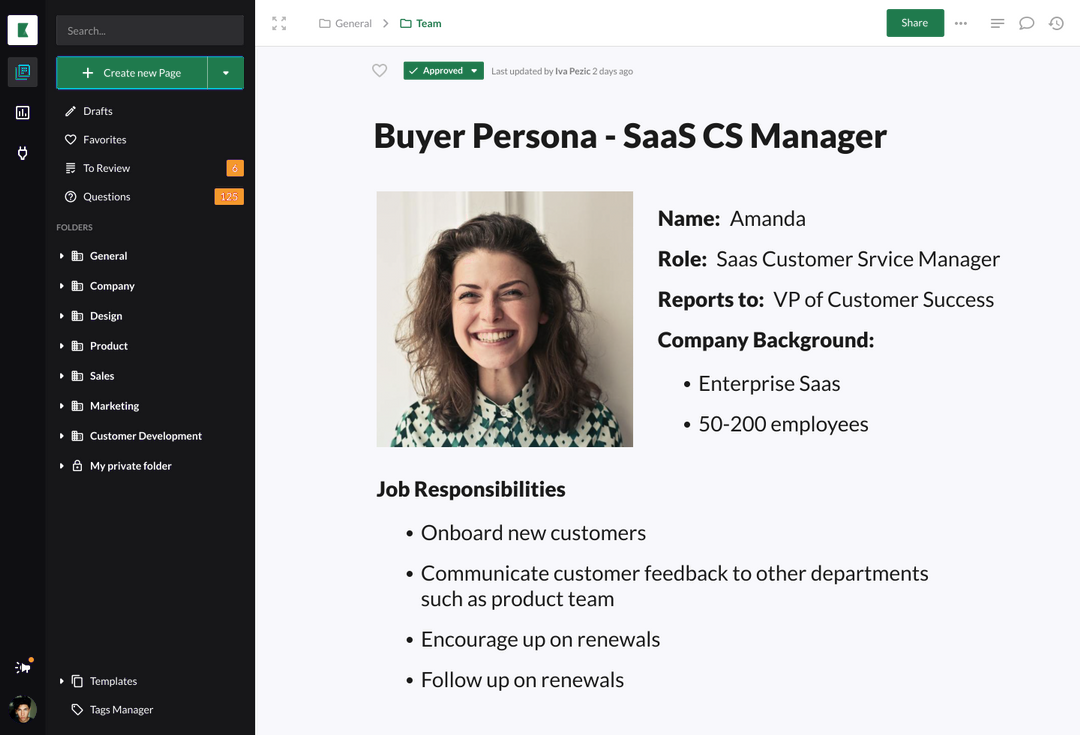
Penn State says every SOP needs a clear descriptive title, the name of the author or person responsible, and the date it takes effect. Prialto adds logins or where to find them, links to the tools and files, templates for anything with a standard format, and what "done correctly" looks like. Flowpio's list for a finished SOP is a short checklist, a definition of done, common mistakes, edge cases, where files live, and what to escalate and when.
The sources cover the generic content. A recipient who cannot ask you needs the rows below stated outright.
| Section | What it holds | Why a remote recipient needs it |
|---|---|---|
| Trigger | The event or time that starts the job | They should never have to ask "is it time yet?" |
| Steps | Numbered, one action each, tagged read, draft or send | They see where the job stops for a person |
| Done test | How anyone can check the result in about two minutes | Removes "can you check this?" |
| Stop line | The cases where they must stop and ask, and who to ask | A missing input should halt the job, not produce a guess |
| Files | Links to the sheet, folder and past examples | One click, no searching |
| Owner and date | Who maintains the page and when it last changed | Lets a reader judge whether to trust it |
> Tag every step of the procedure as read, draft or send, because a recipient that can only act with approval needs to know before the run which steps will stop for a person. This is a recommendation, not a finding from the vendor guides. Read means the step only looks at something. Draft means it produces something that nobody outside sees yet. Send means it leaves the building or changes a record.
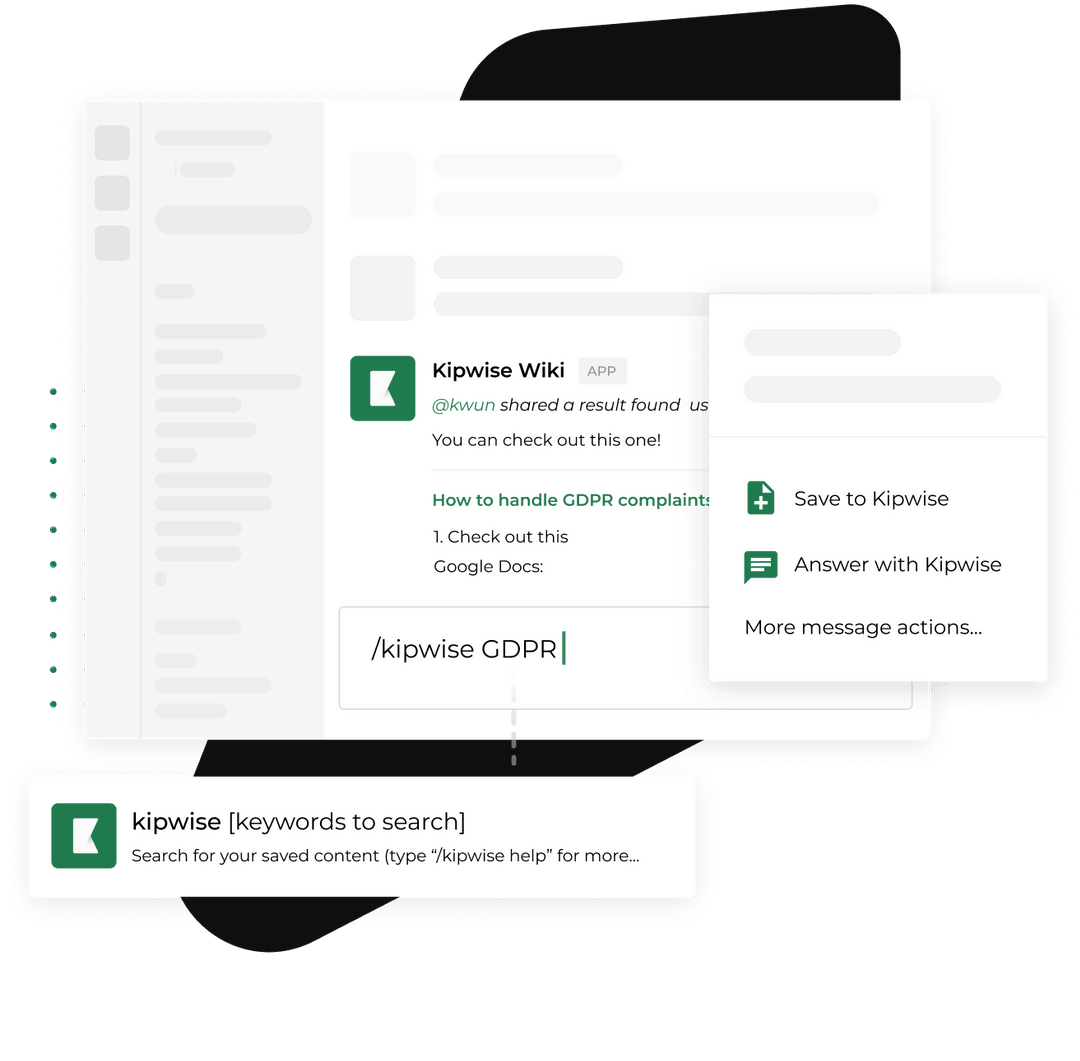
The Kipwise agent gates actions the same way. Before it posts a message or changes something in a connected tool, it shows an Approve or Deny card that only the person who asked can use. The card expires after 30 minutes, and a denied or expired card means the action is not run. An SOP that does not mark the send steps leaves the recipient, and the person holding the card, to discover them mid-run. The guide to human approval in Slack agent workflows covers the pattern.
A worked example in Slack
This example is made up to show the shape. Take a 14-person design studio where the owner, Maya, sends a weekly client status update every Friday and wants a coordinator and the Kipwise agent to take it over.
Maya opens a thread in the studio's operations channel and writes what she does as she does it: "Trigger: Friday, 2 pm. I open the project sheet, filter to active clients, check the status column against last week, draft one paragraph per client, and send it from the account email." She asks the agent in the thread to write the steps up as a Kipwise page.
The agent can draft a page from what was said in a thread, put it in a folder you name, publish it and post the link. It can also append to an existing page, and it says so when a page on the same topic already exists. Pages it writes show the asker's name as the author, because it writes as that person. That matters for step four of the rule: Maya should read the draft as the owner, not treat it as finished. She reads it, but she does not rely on it yet. This was her run, not a clean one.
The next Friday the coordinator runs the job from the page. She stalls twice. The sheet has two statuses ("paused" and "on hold") that Maya treated as the same, and the page says nothing about clients without a contact on file. She asks both questions in the thread. Maya answers in the thread, and the agent is asked to append two lines to the page.
After that run, the page is a real SOP. Maya adds the tags: reading the sheet is read, drafting the paragraphs is draft, sending the email is send, and send stays with Maya until three clean weeks pass. She adds a stop line: if a client has no contact on file, the coordinator skips that client and posts the name in the thread.
Keep it current from the thread
The usual advice is a scheduled review. Prialto suggests every three to six months, with a recurring reminder, and Trainual suggests an owner reviewing each SOP quarterly and updating within days when a workflow changes. Both are reasonable as a backstop. The weakness is the gap between a change and the review.
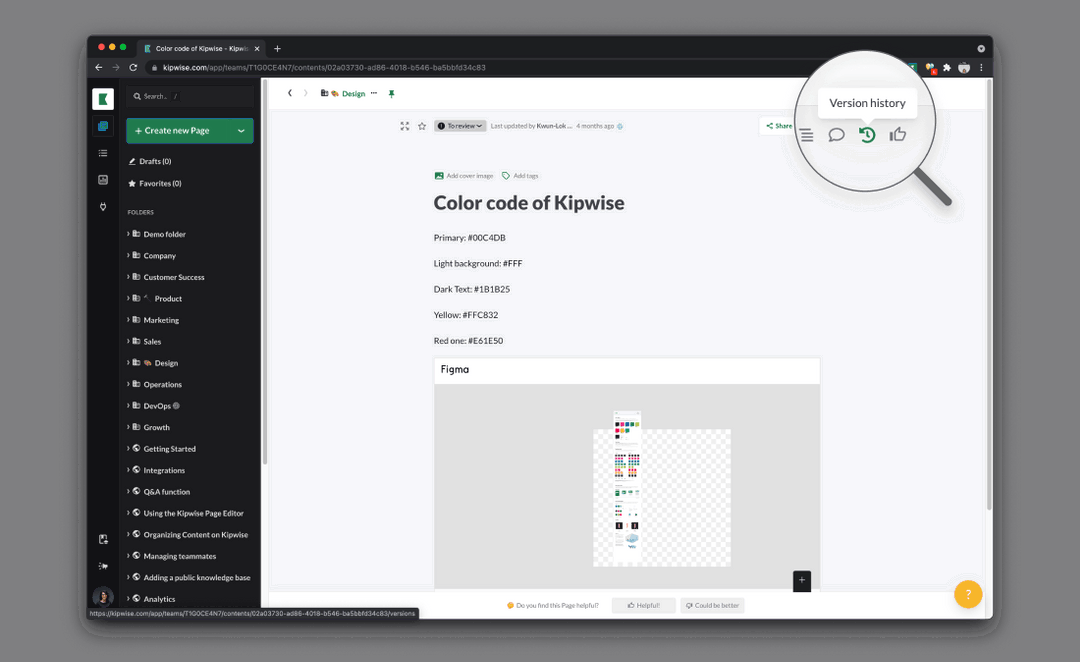
> Fix the SOP in the same thread where the run went wrong and put an owner and a last-updated date on the page, because procedures go stale when changes wait for a scheduled review. Trainual's own account of staleness supports the direction: it says the workflow evolves while the SOP does not, and trust collapses once the document and the practice diverge. The thread-based habit is my recommendation. When a run hits a case the page missed, the person who solved it says so in the thread and asks the agent to append the fix to the page. The page is correct before the next run, and the thread shows why the change was made.
If the job runs on a schedule, you can ask the agent to run a request later or weekly in plain language. Creating the schedule needs approval once, and later runs do not ask again, so a send step inside a scheduled job has no card at run time. Keep send steps with a person. The scheduled jobs guide covers the failure modes, and the decision log guide covers capturing why a rule changed.
Handle failure and edge cases
- The recipient follows the page and the result is wrong. Treat the page as the fault. Find the step that hid a decision, write the rule, and rerun.
- The agent says a page on the topic already exists. Append to it rather than creating a second one. Two SOPs for one job go stale at different speeds.
- A step needs judgment with an outsider or moves money. Leave it with a person. Write "owner decides" in the step and name the owner.
- Nobody maintains the page. Trainual lists "nobody owns them" among the main causes of unused SOPs. A page without a named owner and date is a draft.
Verify it works
Judge the SOP by what the recipient does with it.
- Have someone who has never run the job do it using only the page, as Prialto suggests for its VA test. Count the questions they ask. Every question is a missing line.
- Count the questions in the next three runs. Expect the number to fall. If it does not, the page is not fixing the right gaps.
- Check that every send step in the page has a named person who approves it.
- Check the date. A page not touched since the last process change is suspect.
- After a month, ask how often you still checked the work yourself. If the answer is every result, the done test is too vague.
Kipwise's own read of Upwork team-chat posts puts the median hourly VA pay at $10 (93 posts with a stated rate), so your attention costs more than the hourly rate. The VA cost guide and the guide to hiring a VA cover the hiring side.
What to do next
Pick the one job you most want to hand off this month. Today, run it once in a Slack thread and narrate each step, then hand the thread to the recipient. After their first clean run, write the SOP from that thread using the table above, tag each step read, draft or send, and add an owner and a date.
If your team already uses Kipwise, the agent can draft the page from that thread. Pricing is $10 per user per month with a minimum of 3 users and a short trial; Meet Kipwise Agent explains what it does. If you need a blank form instead, use the SOP template, and then fill it from a run rather than from memory.
References
- Standard Operating Procedures: A Writing Guide (Penn State Extension): authoritative source for format by number of decisions, required elements and testing with a person unfamiliar with the work.
- How to Create SOPs for a Virtual Assistant (Prialto): vendor guidance on recording the task, writing steps, VA testing and review cadence.
- Do You Really Need SOPs Before Hiring a Virtual Assistant? (Flowpio): vendor view that the SOP follows the first working run, and what to include.
- How to Write a SOP That People Actually Use (Trainual): vendor account of why SOPs fail, plus length, ownership and review guidance.
- Ask HN: Does anyone have examples of how they've worked with a VA effectively?: one author report asking for VA SOPs and noting the lack of detailed tactics.
- Standard operating procedures SOP template (Kipwise): first-party blank form.
- Task delegation in Slack: how to brief an assistant or an AI agent (Kipwise): the one-time brief that comes before the SOP.
- How to Capture Slack Decisions in an AI Decision Log (Kipwise): recording why a rule changed.
- How to Schedule Recurring AI Agent Jobs in Slack Without Silent Failures (Kipwise): scheduled jobs and their failure modes.
- How to Add Human Approval to AI Agent Workflows in Slack (Kipwise): approval cards for agent actions.
- Meet Kipwise Agent, the AI teammate for your Slack threads (Kipwise): product overview.
- How to Hire a Virtual Assistant for a Slack-Based Team (Kipwise): the hiring decision this article sits beside.
- What a Virtual Assistant Costs, and What to Put in Slack First (Kipwise): VA cost context.