How to Schedule Recurring AI Agent Jobs in Slack Without Silent Failures
A scheduled agent job needs two statuses, not one: whether the run executed, and whether the right Slack destination received the result. Alert on both, and alert when a scheduled fire never happened, because a skipped job raises no error for any handler to catch. Then bind each schedule to a named identity whose permissions you re-check when it fires, and refuse to answer from a source that has gone stale. A job that reports success while nobody receives the result is worse than one that fails loudly.
Why scheduled jobs fail differently from chat prompts
Interactive Slack agents usually fail in front of someone. A teammate sees the wrong answer, the missing citation or the permission denial and corrects the request. Scheduled jobs fail in the dark: the fire happens, the model finishes, the status field says ok, and the channel is empty.
Open-source agent schedulers show the pattern. OpenClaw issue #17905 reports cron runs that show status: "ok" while Slack delivery failed with channel_not_found, and jobs for a non-default agent that were marked skipped and never ran. OpenClaw issue #10211 reports isolated cron jobs that finish with lastStatus: "ok" while the announce message never reaches Telegram, with nothing in the logs. Hermes Agent issue #5861 documents execution marked ok when delivery to Discord or Telegram fails, and asks for a distinct delivery_failed state. These are issue reports about specific tools, not claims about every vendor, but the lesson holds: execution and delivery are different outcomes, and a skipped run is a third one.
Slack's own platform schedules run without a person in the loop. Scheduled triggers fire automatically once created, on an hourly, daily, weekly or annual cadence, and scheduled messages use chat.scheduleMessage with the chat:write scope and a limit of 120 days ahead. Platform scheduling is necessary and not sufficient. Your agent still needs an identity, fresh sources, write gates, and proof that the intended Slack destination actually received the result.
Write the contract before you pick a cron string
Start with the operational job, not the crontab. Name the owner, the audience, the systems the agent may open, the actions it may take, and what done means in Slack. A useful schedule contract records:
- cadence and timezone, including daylight-saving behavior;
- destination channel or thread, plus a fallback owner DM;
- acting identity for permissions;
- allowed tools and denied tools;
- required sources, each with a maximum age;
- which actions may post and which require approval;
- retry budget and idempotency key;
- separate fields for execution status and delivery status, and the alert route when either is not success;
- an end date or review date.
We recommend that last field for every schedule. A schedule is a decision frozen on the day someone wrote it: the channel gets archived, the owner leaves, the metric is retired, or the rule it was built on is reversed in a thread the job never reads. Make renewing the schedule the review, so jobs nobody renews stop on their own instead of posting stale output for months.
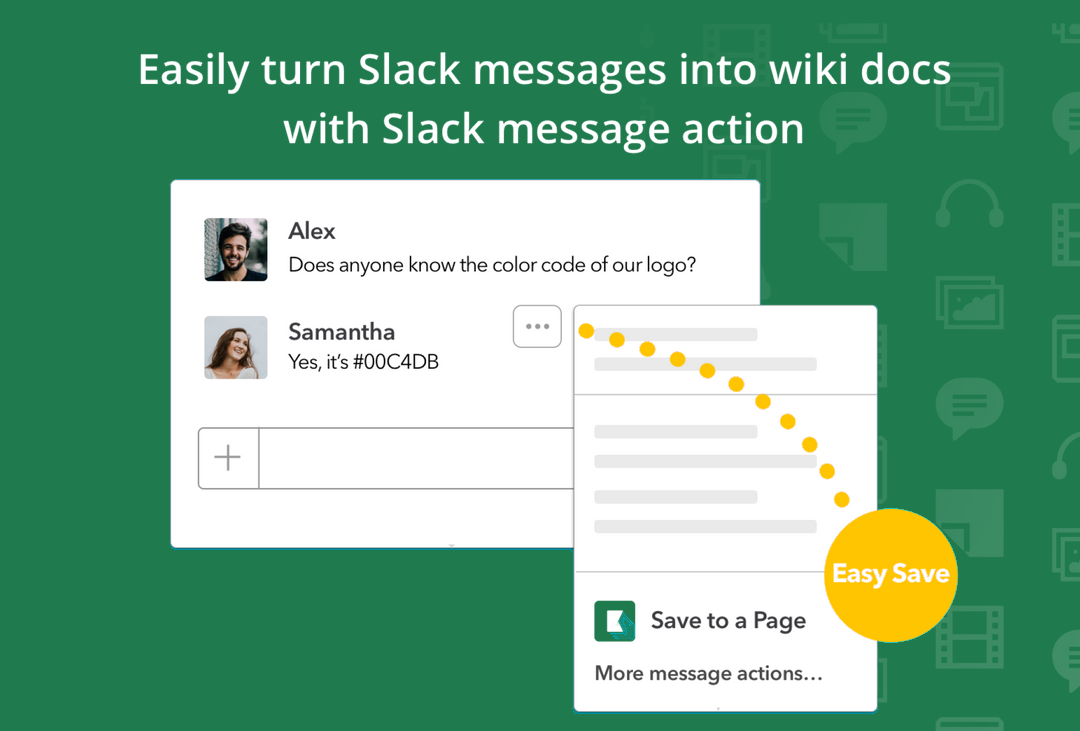
Kipwise Agent fits this contract as a thread-native work agent. A teammate can mention it once and continue with ordinary replies. It can search and write Kipwise knowledge, work with GitHub under safeguards, fetch Google Search Console, Analytics, and Ads data, draft support answers from Intercom and help-center evidence, process files in an isolated sandbox, and run scheduled requests. Applicable actions use the requesting user's permissions. It cites sources it opened, refuses to guess, and keeps consequential writes explicit.
Fix the acting identity and re-check permissions when the job fires
Unattended jobs need a named principal: a service role owned by operations, or a named person whose access is deliberately broad enough for the job and no broader. What matters is that the schedule does not inherit whoever happened to talk to the agent last week. The person who last replied may have left the company, lost a role, or never had access to the metrics source the schedule needs.
At fire time, re-resolve current permissions. Role changes, channel membership changes, and revoked connector grants are common between one Monday and the next, and a schedule that cached "allowed" last month will post from stale authority or fail in a confusing way. Make denial a first-class outcome. If the acting identity cannot read Search Console, open the help-center collection, or reach the GitHub repository named in the contract, the job stops with a clear permission failure and notifies the owner. It does not improvise from memory or from a neighboring public page.
Separate execution success from Slack delivery success
Define two statuses for every run:
- Execution: Did the agent complete the contracted steps without an unhandled error?
- Delivery: Did the contracted Slack destination receive the result, an escalation, or an explicit empty-result notice?
A run can execute cleanly and still fail delivery when the bot is missing from the channel, the destination ID is wrong, a scope is missing, or the workspace rejects the post. Delivery proof is an API acknowledgement tied to the destination, plus a durable run record that stores the message timestamp or scheduled-message ID when Slack returns one. If delivery fails, mark delivery_failed, keep the generated artifact for replay, and page the owner. Do not mark the schedule healthy.
For empty but valid results, still deliver a short notice such as "No incidents in window" or "No stale pages above threshold." Silence is not a successful empty result unless the contract explicitly allows quiet success and a separate heartbeat still proves the scheduler is alive.
Alert on absence too. A job that never fires leaves no failure for an error handler to see, which is the skipped case in the OpenClaw issue. Put the check outside the scheduler: a second, independent monitor that expects a delivery by a set time and alerts when none arrives.
Guard stale sources before the agent answers
Scheduled jobs are exposed to connector rot. A weekly digest that keeps answering after Analytics, Search Console, Intercom, or the internal wiki stops syncing teaches the company the wrong story with high confidence. Add a freshness gate to the contract:
- each required source has a maximum age and a reachable health check;
- if any required source is stale or unreachable, the agent refuses the scheduled answer and alerts the owner;
- optional sources may be omitted only when the contract says so and the post labels the gap.
Interactive users notice when a tool fails in the thread. Overnight readers assume the digest is complete. Refusal is safer than a confident summary of last month's index. When the agent can answer, require citations to opened sources only. If it did not open a page or file, it should say so rather than inventing a reference. That rule matters more when nobody is watching the run.
Make retries idempotent and keep writes behind approval
Unattended retries create duplicate side effects. A CrewAI issue reports that tools re-execute on task retry with no idempotency guard, with duplicate payments and emails as examples. Whether or not you use that framework, the failure applies to scheduled agents that create tickets, update wiki pages, merge pull requests, or send customer-visible drafts.
Give every schedule fire a logical request ID derived from the job ID plus the period start, and pass it to every consequential tool. Before a write, reconcile the destination for an existing object with the same ID. If the previous attempt already created the artifact, return the existing result instead of creating a second one. Separate three retry classes:
- Transport retries before any model call or tool call: safe to repeat when no side effect started.
- Model or tool retries after partial work: allowed only with idempotency keys and destination reconciliation.
- Delivery retries after successful execution: replay the stored artifact to Slack without re-running tools.
Keep consequential writes explicit. Publishing a wiki page, approving a review, sharing to a broad channel, or preparing a customer-visible reply should require an approval checkpoint, or a tightly scoped allowlist with an owner who accepts the residual risk. Scheduled does not mean unsupervised for irreversible actions.
A long-sleeping job can also wake on old code. Vercel's Slack agent guide notes that a sleeping workflow stays pinned to the deployment it started on, so its weekly daisy-chain starts each next run with deploymentId: "latest" to pick up current code. Whatever scheduler you use, make sure a code or prompt change is what actually runs next Monday.
Worked example: Monday operations digest
A business operations owner wants a Monday 09:00 Europe/Tallinn digest in #ops-daily that covers:
- Search Console queries with sharp CTR drops;
- open severity incidents from the internal wiki status page;
- draft support replies waiting in Intercom that need policy citations;
- GitHub pull requests labeled
needs-ops-review.
Contract choices:
- acting identity:
ops-bot-owner@company, not the last human who chatted with the agent; - tools allowed: Search Console read, wiki read, Intercom read, GitHub read;
- tools denied: wiki publish, Intercom send, GitHub merge;
- freshness: Search Console and wiki must have synced within 24 hours or the job refuses;
- delivery: post to
#ops-dailyas a thread root created by the schedule; on delivery failure, DM the owner and setdelivery_failed; - writes: the agent may draft wiki updates and support answers as private artifacts, but publishing or sending requires a human approval message in the thread during business hours.
When Search Console is stale, the Monday post says the digest was blocked and why, instead of inventing traffic commentary. When delivery fails, the owner gets the artifact in DM and the schedule board shows red for delivery even if execution was green. When a human later replies "publish the wiki draft," that interactive approval is a different transaction from the schedule fire, with its own audit record.
A schedule board your on-call will use
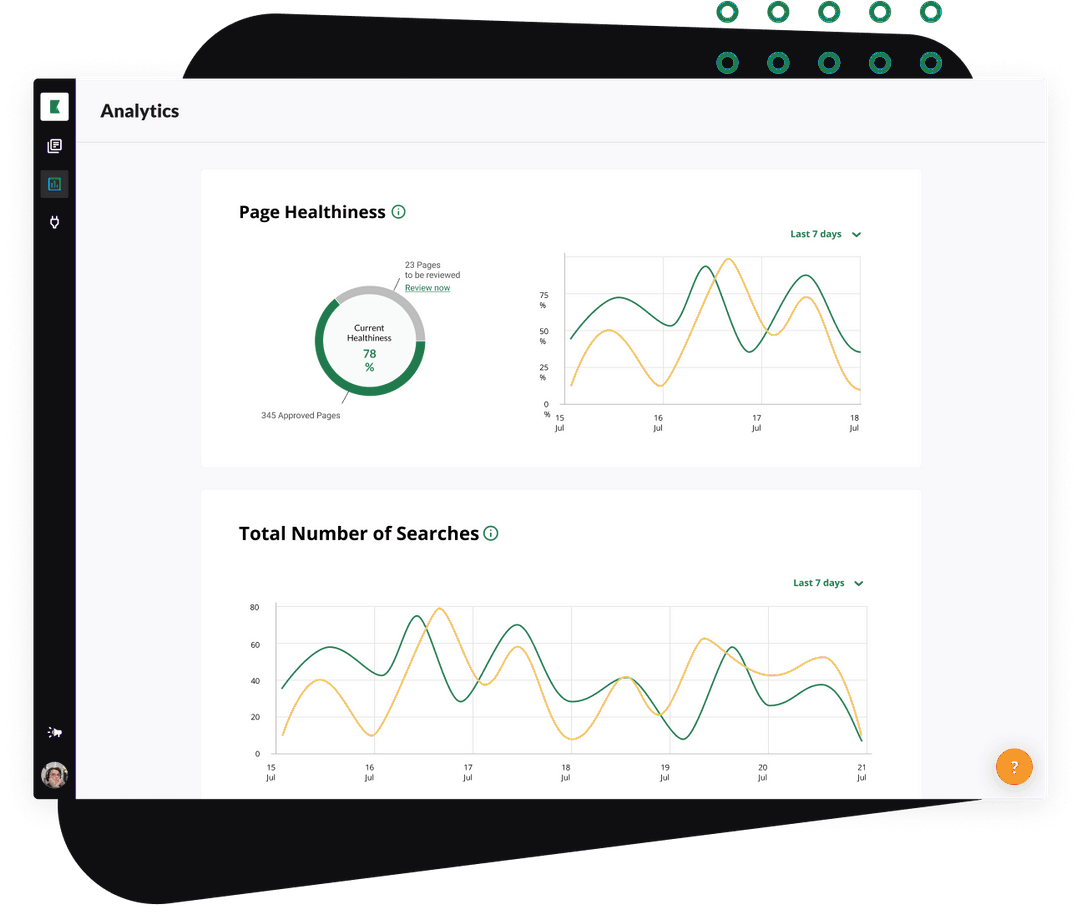
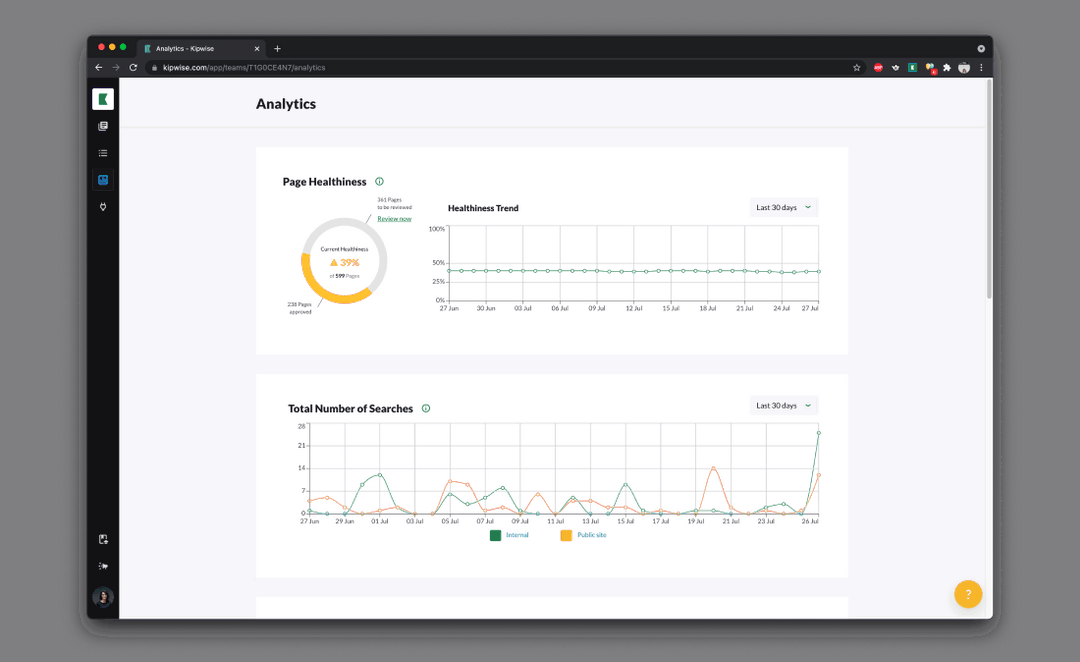
Admins need a short board more than another dashboard. For each job show next and last fire in the owner's timezone, last execution status and last delivery status, acting identity and permission check result, source freshness results, retry count and last idempotency key, a link to the Slack message or the failure alert, and the owner and backup owner. Alert on the first delivery failure, repeated permission denials, freshness refusals, failure streaks, and missing fires. Do not alert only on process crashes: the expensive failures in the issue reports were green ones, where the job finished and the message never arrived. Keep a per-job spend ceiling as well, and stop the run when it is hit instead of letting retries and tool thrash spend quietly.
Try it on one job first
Pick one recurring job with a clear owner and a non-customer-facing destination. Write the contract and store it with the schedule definition. Fire it once by hand in a staging channel with the same identity and tools, then force three failures on purpose: a delivery failure, and confirm the board does not say ok; a stale source, and confirm the agent refuses instead of summarizing; and a retry after a partial write, and confirm the idempotency key prevents a duplicate. Review seven days of paired execution and delivery statuses with the owner before adding a second job.
A good pilot ends with every fire showing an explainable pair of statuses, bad sources refused, no duplicate writes, and a human notified when Slack never got the result. If your team already uses a thread-native agent for interactive work, extend the same permission, citation, and explicit-write rules to the schedule instead of inventing a second, weaker mode for nights and weekends.