How to Capture Slack Decisions in an AI Decision Log
A decision made in Slack can disappear while everyone still remembers that a decision happened. Weeks later, an operations manager has to reread a long thread, ask who approved the change, and guess whether the reasoning still applies. The result is repeated debate, conflicting execution, and time lost reconstructing context, because no decision log exists to settle it.
An AI decision log can remove that manual work, but only if it preserves the boundary between discussion and approval. The useful workflow identifies a completed decision, extracts the evidence and alternatives, asks the accountable owner to confirm the record, writes it to governed knowledge, and preserves later amendments without erasing history.
This guide gives business operations and knowledge-management owners a concrete Slack-native contract for doing that.
Why Slack decisions become unreliable
Slack is good at fast discussion. A durable decision record has a different job. It must answer six questions after the people involved have forgotten the conversation:
- What was decided?
- Who had authority to decide it?
- What evidence and constraints shaped the choice?
- Which alternatives were rejected, and why?
- When did the decision take effect?
- What later record changed or replaced it?
A thread rarely answers all six cleanly. One person proposes an option near the top. Another adds a constraint ten replies later. The owner approves a narrower version using "yes, do that," but the antecedent is ambiguous outside the conversation. A later reply may reopen one part without replacing the whole decision.
This is why a generic transcript summary is unsafe. It compresses language before establishing authority and state. It may turn a popular suggestion into the accepted outcome or omit the condition that made approval valid.
The problem appears in current practitioner requests. One GitHub issue asks for a workflow that reads a specific Slack thread, saves a decision with the thread permalink as its source, and flags ambiguous extraction for review rather than pretending certainty. That is an author-reported implementation need, not a universal rule, but its acceptance criteria expose the right failure mode: ambiguity must stay visible.
Define the decision-capture contract first
Before connecting an agent, write down what qualifies as a decision. A practical rule is:
> A decision exists only when a named owner with the required authority confirms an outcome, scope, and effective state.
Agreement, enthusiasm, silence, an emoji reaction, or a model confidence score does not satisfy that rule. They can be evidence for review, but they are not approval.
The capture contract should define four boundaries.
The trigger boundary
Do not scan every channel and automatically convert likely discussions into records. Start with an explicit trigger in the relevant thread. For example, the operations owner mentions the agent and says, "Draft this as a decision record for review."
This narrows the source conversation, establishes intent, and avoids turning casual brainstorming into policy. It also gives the agent a stable thread identifier. Slack's developer documentation explains how apps retrieve conversation history, identify threaded messages, and retrieve replies, subject to the scopes granted to the app. Use those primitives to read the selected thread, not unrelated channel history. See Slack's guide to retrieving messages.
The authority boundary
The agent should extract the apparent decision owner, then verify that person instead of inferring authority from who spoke most. Your rule may use a process owner listed in an existing SOP, a project owner in the project brief, or an admin-maintained responsibility map.
If the thread names no accountable owner, the output remains a draft. The agent asks for one. It must not assign authority to the requester merely because the requester invoked the workflow.
The evidence boundary
The record may cite only evidence the requester can open and the agent actually read. A link posted in the thread is not evidence by itself. The agent should open it, confirm that it supports the attached claim, and preserve the direct source link.
Restricted evidence creates a second rule: do not copy sensitive text into a broadly visible decision page. Record the permitted conclusion and link to the restricted source. If readers lack access, the page should say that supporting evidence is restricted, not paraphrase material they are not allowed to read.
The write boundary
Extraction and publication are separate steps. The agent drafts the record in the thread, highlights uncertainty, and waits for an authorized person to confirm the fields. Only then does it create or append the governed page.
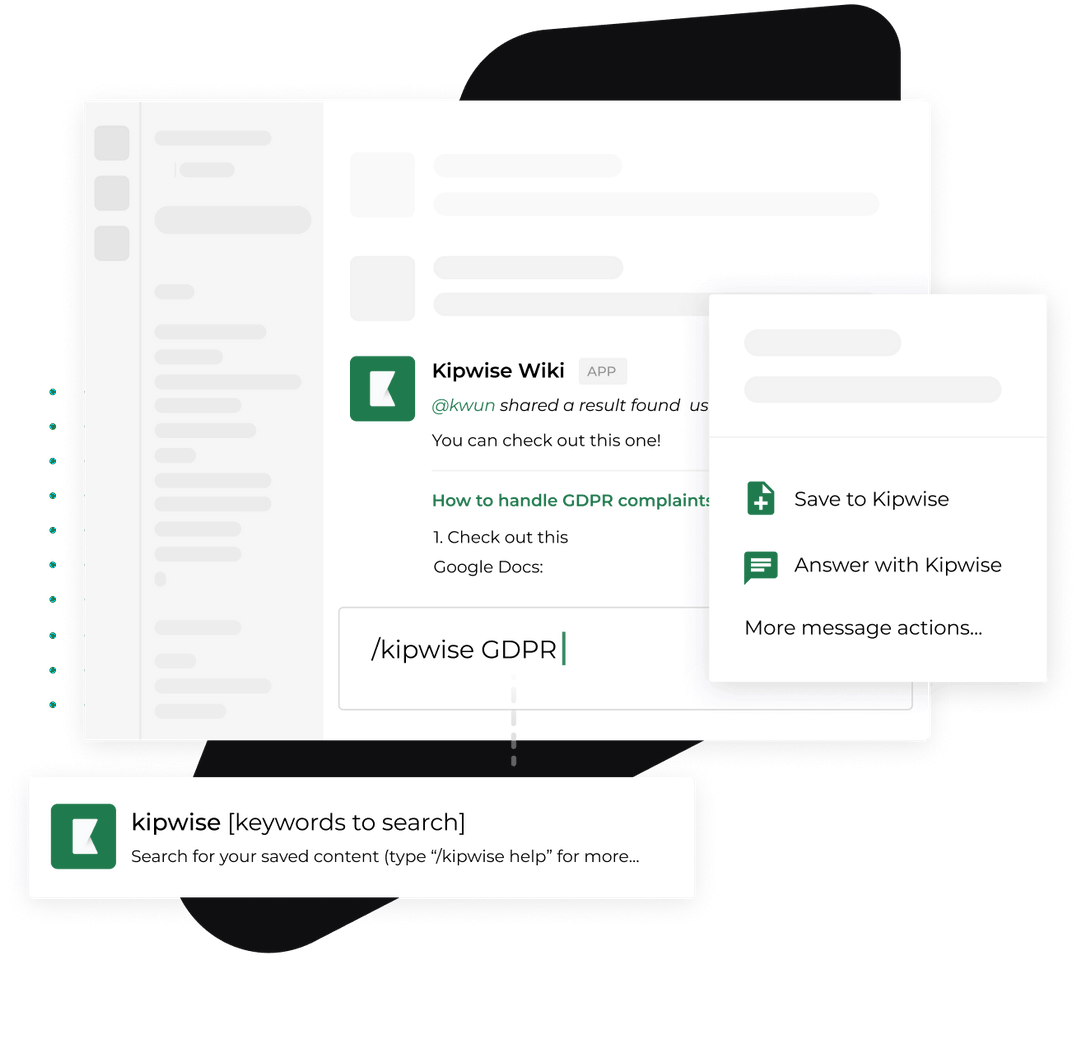
The Kipwise Agent product page describes this thread-native pattern: a teammate mentions the agent once, replies continue in the same thread, the agent can search permitted knowledge, cite sources, write a page, and avoid creating a duplicate when an existing page already covers the topic. Those capabilities support the workflow, but your operating policy still decides who may approve a record and where it may be written.
Use a schema that survives later change
A useful decision log is structured enough to compare records. A prose-only page makes later search and supersession unreliable. Start with a compact schema such as this:
{
 "decision_id": "DEC-2026-042",
 "title": "Use weekly customer-risk review for enterprise accounts",
 "status": "active",
 "outcome": "Review enterprise risk signals every Monday",
 "scope": "Customer Success, enterprise accounts only",
 "owner": "Head of Customer Success Operations",
 "decided_at": "2026-09-09",
 "effective_at": "2026-09-14",
 "source_thread": "permalink to the Slack thread",
 "evidence": ["direct source link"],
 "alternatives": ["daily review", "monthly review"],
 "constraints": ["no automated customer contact"],
 "review_trigger": "risk model or account segmentation changes",
 "supersedes": null,
 "superseded_by": null,
 "confirmed_by": "authorized owner"
}
Do not let the agent omit fields silently. Missing evidence, owner, scope, or confirmation should produce a visible validation failure. A current automation-governance issue makes a related practitioner case for an append-only record containing trigger, reasoning, alternatives, attribution, and reversal information before an automated mutation occurs. Its proposed design is specific to that project, but the core concern is useful here: a failed log must not leave a consequential change with no explanation. See the decision-log and operator-alerting issue.
The schema should distinguish three statuses:
proposed: extracted but not confirmedactive: confirmed and currently applicablesuperseded: replaced by another identified decision
Avoid a vague closed state. It does not tell a future reader whether the decision expired, was reversed, or was replaced.
Implement the Slack workflow in seven steps
1. Capture one explicit thread
Require a thread permalink or stable channel and thread timestamp. Store that identifier before extraction. If the agent cannot retrieve the full thread, stop and report the missing range. A partial transcript must not produce an apparently complete record.
2. Separate statements by role
Classify each relevant message as a proposal, constraint, evidence, question, objection, or apparent approval. This is an extraction aid, not a final judgment. Preserve message links for the passages that support the outcome and rejected alternatives.
3. Open the attached evidence
Resolve direct links and confirm what each source supports. Mark inaccessible or stale sources. If the decision relies on a dashboard, file, or ticket that cannot be opened, the draft should say exactly which claim remains unverified.
4. Draft the structured record
Populate the schema with the narrowest outcome supported by the thread. Do not improve the decision, add rationale nobody stated, or infer a wider scope. Quote only when exact wording matters and the source can be shared at the destination.
5. Run duplicate and conflict checks
Search the existing knowledge base for the same process, policy, system, or project. The result can be:
- no related record, so create a new page;
- an existing active record, so draft an amendment or superseding record;
- a duplicate record, so append evidence rather than create another page;
- a conflicting record with unclear authority, so stop and route the conflict to the owners.
Blank templates leave this workflow undefined. Atlassian's DACI decision documentation template gives teams useful fields such as decision status, impact, participants, due date, outcome, background, options, and an approver. A Slack automation still needs rules for finding an existing record, handling uncertainty, and preserving replacement history.
6. Ask the owner to confirm specific fields
Post a compact preview in the source thread. Ask the owner to confirm outcome, scope, effective date, evidence, alternatives, review trigger, and destination. Do not ask "Does this look good?" A generic confirmation encourages skimming and leaves ambiguity hidden.
If the owner changes a field, retain the correction in the thread and update the draft. If a different person approves, verify that person's authority under the workflow before accepting it.
7. Write, link, and verify
Create or update the decision page only after confirmation. Post the final page link back into the Slack thread. Then read the saved page and compare its required fields with the confirmed preview. A successful API response is not proof that the right content was stored.
Worked example for customer success operations
Suppose a customer success operations team debates how often to review enterprise account risks. The thread contains three options: daily, weekly, and monthly. A manager favors weekly review, provided the workflow never sends customer messages automatically. The head of customer success operations confirms Monday morning as the schedule and names a dashboard as the evidence source.
The agent should not produce "The team decided to automate enterprise risk management." That statement is broader than the thread.
A defensible record says:
- Outcome: review enterprise account risk signals every Monday.
- Scope: enterprise accounts owned by Customer Success.
- Owner: Head of Customer Success Operations.
- Constraint: findings may be drafted in Slack, but customer contact requires a human action.
- Evidence: the opened dashboard definition and the source Slack thread.
- Alternatives: daily review was rejected as too noisy; monthly review was rejected as too slow for the stated operating need.
- Review trigger: account segmentation or the risk model changes.
If the dashboard cannot be opened, the record stays proposed. If an older page says reviews happen monthly, the new record must supersede it explicitly after approval. The old page remains available with a link to the replacement.
Handle failures without inventing success
A reliable workflow needs explicit failure states.
Thread retrieval fails: stop before extraction and report which conversation could not be read.
Evidence is inaccessible: keep the claim unverified, request an accessible source, or restrict the destination. Do not paste restricted evidence into a public page.
The outcome is ambiguous: produce a proposed record with the competing interpretations. Ask the owner to choose.
No owner can be verified: do not publish. Route the draft to the process owner or admin responsible for decision rights.
A conflicting record exists: link both records and require an authority decision. Do not let recency alone decide which rule wins.
The write fails: leave the Slack preview clearly marked as not persisted. Retry through an idempotent operation keyed by the decision ID, so a delayed response does not create duplicates.
The decision changes later: create an amendment or new decision, link both directions, and change the old status to superseded. Never rewrite history so the old rationale disappears.
Verify the decision log with real tests
Test the workflow against cases that are harder than a clean demo.
- A thread with three proposals and no approval must remain proposed.
- A short approval such as "go with the second option" must resolve the correct antecedent or ask for clarification.
- A linked source outside the requester's permissions must not leak text into the record.
- A decision matching an existing page must update or supersede it instead of creating a duplicate.
- A failed page write must not be reported as complete.
- A later replacement must make both the old and new record easy to navigate.
- A reader searching by project, owner, or affected process must find the active decision and its source.
Track operational outcomes, not model fluency. Useful measures include median capture time, percentage of records missing an owner or direct source, number of duplicate records prevented, retrieval success for active decisions, and cases where a superseded decision was still followed.
Put one decision through the contract
Choose a recent operational Slack thread that has a clear owner, at least one rejected alternative, and a source link. Run it through the seven steps. Do not expand the pilot until the saved record matches the confirmed outcome, respects source permissions, links back to the thread, and can be superseded without deleting history.
The pilot is ready to expand when the saved record matches the confirmed outcome, respects source permissions, links back to the thread, and preserves the history of later changes.
References
- Atlassian DACI decision documentation template supports the recommended core fields, roles, options, and approval structure.
- Slack Developer Docs: Retrieving messages supports thread identification, reply retrieval, conversation history, and message-scope constraints.
- GitHub issue: Save a Slack thread as a decision record provides a current practitioner implementation request for source-linked capture and ambiguity review.
- GitHub issue: Decision log and operator alerting provides a current practitioner requirement for durable rationale, attribution, alternatives, reversal, and fail-closed logging.
- Kipwise Agent supports the product-specific Slack thread, permission-aware retrieval, citation, writing, and duplicate-check workflow described here.

-p-1080.jpg)
-p-1080.jpg)
-p-1080.jpg)