Task delegation in Slack: how to brief an assistant or an AI agent so the work does not come back
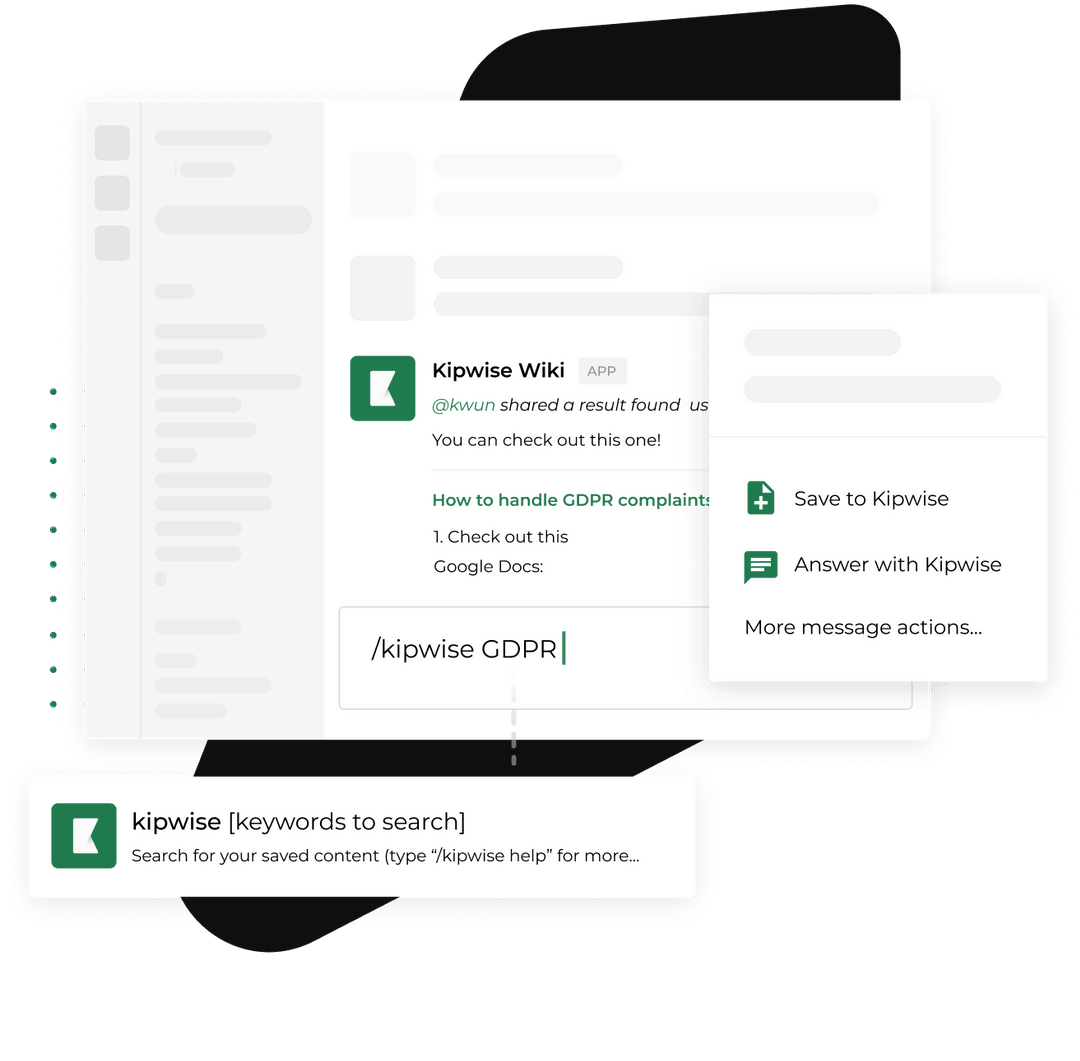
Task delegation usually breaks at the hand-off, which is often one line in a chat message. The recipient cannot see the goal, the inputs, how much they may decide alone or what "done" looks like, so the work returns as questions. One founder put it this way in a Reddit post, an author report: "I thought I was delegating. In reality, I was just moving tasks around. Every few hours I'd get another message." The owner stays the checker, nothing is written down, and the firm decides it needs another hire.
This guide starts with the standard task delegation steps, which are sound. It then adds what they leave out: one brief, written once in a Slack thread, that works for a remote virtual assistant (VA) or an AI agent that cannot walk over to your desk. It ends with a decision rule for what goes to a person and what goes to an agent, and a worked example you can copy.
The short answer: five steps and one brief
The delegation steps that rank today agree on a sequence. Asana's guide gives ten tips, and its own summary of the steps is: identify the tasks to delegate, choose the right person, define the task clearly, provide resources and support, and follow up with feedback. VA Masters, a VA recruitment agency, gives a similar sequence for owners: pick three to five tasks, write the steps once, define "done", give only the access the task needs, do the first runs together, and set a check-in rhythm.
Those steps hold. They stop helping when there is no live walkthrough. A founder with no coordinator, a part-time VA in another time zone or an agent in a Slack thread cannot be asked. So put everything into a single brief with seven fields:
- Outcome: what exists when the work is finished, and by when.
- Done test: how you or anyone else can check it in under two minutes.
- Inputs: where the files, sheets, names and examples live, as links.
- Authority: what the recipient may decide alone, and what must come back to you.
- Approval point: the one step where a person says yes before anything leaves the building.
- Stop condition: what to do when an input is missing or the situation is not covered.
- Check-in: when you will look, and what you will look at.
Why the work comes back
Delegation advice is written for a manager and a team member who share an office, a calendar and a chat. Asana tells you to "make sure people have a way to reach you with questions" and to schedule regular check-ins. The method depends on that: the recipient fills the gaps in your instructions by asking.
The standard delegation guides assume a recipient who can ask you a follow-up question, so a brief for a remote assistant or an AI agent has to carry the answers a hallway question would have supplied. This is a recommendation drawn from how the guides are written, not a measured finding. Before you send a brief, read it as the recipient and list the three questions they would ask in the first hour. Then answer those in the brief. If you cannot answer one, you have found the real reason the work would have come back.
The Reddit post quoted above lists the questions that followed the hand-off: "Can you check this?", "Is this the right way?" and "What should I do here?" (author report). Each maps to a missing field. "Can you check this?" means no done test. "Is this the right way?" means no stated method or no example of good output. "What should I do here?" means the authority line was never written. A brief with the seven fields answers all three before they are asked.
An agent does not take part in your hallway conversations, so the context in your head does not exist for it. A person may push back on an unclear brief, and an agent may not, so I would not rely on it to notice a gap by itself. That is a recommendation, and it is why the stop condition is a field.
Pick the task: sort by ambiguity, not hours
The usual first question is "what should I delegate first?" Common answers are the inbox, the calendar and data entry. VA Masters adds a three-part test: the task repeats every week, you can explain it as steps, and it does not need your personal judgment. One founder in a second r/Entrepreneur thread (an author report, from a poster who says they are gathering data) wrote that they spent "40% of my week on report formatting and administrative data entry" before hiring a part-time operations assistant. Hours spent is how most owners notice the problem, and it is a poor way to decide who should receive the work.
Sort tasks to hand to a person or an agent by how ambiguous the finish line is, not by how many hours they take, because a VA vendor reports that the tipping point is task ambiguity and not task volume. VA Masters writes that "the tipping point isn't task volume, it's task ambiguity. The messier the decision, the more you need a human." Treat that as a vendor view from a company that places VAs, so it may lean toward people. It still gives you a usable test, and it is consistent with the vendor's own remark that AI wins on speed and on simple, repeatable tasks.
Here is how to apply it without hours:
| If the finish line is... | Example | Better first recipient |
|---|---|---|
| A fact you can check | "List every invoice older than 14 days from the sheet" | An agent, with you checking the list |
| A format you can show | "Turn Friday's notes into the same recap as last week's" | An agent or a VA, with an example attached |
| A judgment call you can describe | "Decide which leads deserve a call this week, using these three rules" | A VA, and an agent for the first sort |
| A judgment call you cannot describe yet | "Handle the unhappy client" | You, until you can describe it |
If you cannot write the done test for a task, do not delegate it yet. VA Masters warns, "If you can't explain what good looks like, your VA can't deliver it". Apply that before the hand-off instead of after.
Write the brief once, in a thread
Put the brief in a Slack thread rather than a direct message or a document nobody reopens. A thread keeps the brief, the work and every correction in one place, so the next person to pick up the job reads one page. If you use the Kipwise agent, you mention it once in the channel thread and plain replies in that thread continue the conversation.
Here is the template. Copy it and replace the angle brackets.
Outcome: <what exists when this is finished, and by when>
Done test: <how I will check it in two minutes>
Inputs: <links to the sheet, folder, past example>
You may decide alone: <list>
Bring back to me: <list>
Approval point: <the step where I say yes before anything is sent or changed>
If something is missing or unclear: <stop and post the exact question in this thread>
Check-in: <day and time I will look, and what I will look at>
Three notes on the fields people skip.
The done test should be checkable by someone who has not read the brief. VA Masters makes the same point with an example: "Inbox at zero by 10 AM, urgent items flagged in Slack" beats "manage my email". Anything with a time, a count or an example output works.
The authority lines are the ones that cut your interrupt rate. Asana tells you to focus on the outcome and let people develop their own approach. That is good advice only after you have said where the outcome ends. Write two short lists: what the recipient may decide alone (which of two equivalent sources to use, how to word a routine note) and what always comes back (anything that spends money, changes a record a client can see, or is sent outside the company).
The stop condition replaces the follow-up question you cannot be present for. "If an input is missing, stop and post the exact question here" turns a silent guess into a visible, answerable question. Put it in the brief in those words, because the recipient will not necessarily choose to stop.
Briefing an AI agent: name the approval point and the stop condition
An agent brief is the same seven fields with two of them doing more work.
An agent version of the brief should name its approval point and its stop condition, because agents are described as pausing for human feedback at checkpoints or when they hit a blocker. That description comes from Anthropic's research note on building effective agents: agents "can then pause for human feedback at checkpoints or when encountering blockers", and it is also common to include stopping conditions to maintain control. The same note recommends finding "the simplest solution possible, and only increasing complexity when needed". For a small firm that means one job, one checkpoint and one stop rule, where "handle operations" would be too broad.
With the Kipwise agent, the checkpoint is partly built in. According to the product description, before a live request changes something in a connected service or posts a message, the agent shows an Approve or Deny card. Only the person who asked can use it, and it expires after 30 minutes; if you deny it or let it expire, the action is not run. The agent works with the asking person's own connections and permissions, so it can only reach what you can reach, a point covered in running Slack AI agents on per-user permissions. Your brief should still say which step you expect to approve, so you are not surprised by the card, and so the agent does not treat a read-only lookup and a customer-visible message as the same kind of step. The mechanics of that pause are in adding human approval to AI agent workflows in Slack.
For a recurring job, ask for a schedule in the same thread. Creating a scheduled task needs your approval once, and its later runs do not ask again. That makes the approval point in the brief more important. Decide up front which changes the scheduled run may make by itself, and which ones should stop and ask. Anything outside what you approved at creation shows a fresh card.
Worked example: a weekly overdue-invoice list
This example is made up, to show the shape. A 12-person design studio keeps an "Invoices" Google Sheet. Every Friday the owner opens it, finds invoices unpaid after 14 days and pings the account lead for each client. It takes about 40 minutes and she sometimes forgets.
The one-line hand-off: "Can you chase overdue invoices?" The brief that works:
Outcome: by 10am every Friday, a list in #finance of invoices unpaid
 more than 14 days, with client, amount, due date and days late.
Done test: every row can be matched to a line in the Invoices sheet;
 no invoice under 14 days is listed; the total at the bottom matches.
Inputs: the Invoices sheet (link). Last week's list is pinned in this thread.
You may decide alone: sorting order, wording of the summary line.
Bring back to me: any invoice marked "disputed", any row missing a due date.
Approval point: I approve before anything is posted to a channel other
 than #finance, and before any message goes to a client.
If something is missing or unclear: stop and post the exact question here.
Check-in: I will read the first four lists myself, then spot-check monthly.
Read it against the three questions from earlier: the done test, last week's pinned list and the two authority lists answer them. Nothing in it needs a hallway question.
Now the person-or-agent decision. The finish line is a fact you can check against a sheet, so this is a good first job for an agent, with the owner reading the first four lists. The client message that follows an overdue invoice is a judgment about relationships, which VA Masters says to keep with a person, so it stays in "bring back to me" until the owner has written down how she decides. For the longer version of the hire-versus-Slack decision, see what to know before you hire a virtual assistant.
When the brief fails
A good brief still fails in predictable ways. Cover them in the brief itself.
- The input moved. A renamed sheet or a missing column is the most common break. The stop condition covers it: the recipient posts the exact question in the thread instead of guessing. Check that this actually happens during your first runs by renaming a column on a copy.
- The recipient does the whole thing but the done test fails. Treat this as a brief problem first. Add the missing fact to the inputs or an example to the pinned thread, then rerun.
- A person leaves or the job changes hands. Because the brief and its corrections live in one thread, the next person reads it top to bottom. If the corrections sit in direct messages, they are gone. For ownership of open loops across a team, see keeping follow-ups from falling through the cracks in Slack.
Verify it worked
Measure the hand-off. Three numbers from the first month are enough:
- Questions per run. Count the follow-up messages the recipient sends after the brief. It should fall run over run. If it does not, a field is vague.
- Done test pass rate on first delivery. Use the two-minute check from the brief. Aim for a pass on at least three of the first four runs before you widen the job.
- Interventions. How often did the recipient hit a "bring back to me" item, and was it the right one? A bring-back that was never needed can move to "you may decide alone". A mistake that slipped through the approval point should move the other way.
Add tasks in waves, as VA Masters suggests: when the first job runs without you, hand over the next one. The same logic applies to a second agent job. Which workflows to run first is covered in agentic workflows for a small Slack team.
What to do next
Pick one weekly job you currently do yourself and can check against a sheet or a document. Open a Slack thread and write the seven-field brief for it, including the stop condition. Read it as the recipient and answer the three questions they would ask in the first hour before you send it.
If you want to try the agent version, the Kipwise agent is $10 per user per month with a minimum of 3 users. A new install starts with a $2, 7-day trial, and saving a card or being on a paid Slack plan unlocks a $10, 14-day trial; see Kipwise pricing. Hand it the one job above, approve its first Approve card yourself, and read the first four runs. If you would rather hire first, use the brief with the person: it is the same page.
References
- Asana: How to delegate effectively, 10 tips: The standard delegation steps, advice to provide context and guidance, schedule check-ins, focus on outcomes and keep accountability.
- VA Masters: Tasks to delegate to a virtual assistant: Vendor view: the three-test rule for first tasks, defining "done", check-in rhythm, and the claim that the tipping point between AI and a person is task ambiguity.
- Anthropic: Building effective agents: Official note that agents can pause for human feedback at checkpoints or on blockers, can use stopping conditions, and that the simplest solution is preferred.
- r/Entrepreneur: The day I realized I wasn't actually delegating: Author report of delegation that returned as repeated questions (quotes re-matched against an archived copy of the post, because Reddit blocked direct fetching).
- r/Entrepreneur: Founders with Teams, what was the single most valuable task you delegated: Author report of report formatting and data entry as a first hand-off (poster says they are gathering data; quote re-matched against an archived copy of the post).
- Kipwise: Before you hire a virtual assistant: The hire-versus-Slack decision page.
- Kipwise: Add human approval to AI agent workflows in Slack: How the approval pause works.
- Kipwise: Run Slack AI agents on per-user permissions: The agent acts with the asker's own permissions.
- Kipwise: Keep follow-ups from falling through the cracks in Slack: Ownership of open loops.
- Kipwise: Agentic workflows for a small Slack team: Which workflows to run first.
- Kipwise: Pricing: Agent price and trial.