Intercom alternative for teams on Slack
An Intercom alternative for small teams that work in Slack
Your site’s chat answers from your help center first and shows the page it used. Your team takes over in Slack or by email. It comes with the Kipwise Agent at $10 per user a month, AI credit included.
We set it up with you on a 20-minute call. Free trial when you add it to Slack, no card needed.
Why teams look past Intercom
“…Intercom’s increasingly pricing themselves out of the market for the mid-market and SMEs…”
Price$10 per user a month, for teams of three or more. The support desk comes with the Kipwise Agent, so there is no separate desk price.
“…Intercom charges $1 per ‘AI resolution’”
AI answersAI answers to your visitors draw on your team’s shared credit: $2 per person every month, plus any credit you top up. One credit is $1 of AI usage, charged at cost with no markup.
“…the unpredictable nature of usage-based billing, total cost adds up fast.”
The billThe bill is your seats, plus any credit you choose to top up. When a month’s credit is used up, AI answers pause until the credit renews or you top up.
“…one of the program managers spent 1.5 months ‘training’ Fin on our knowledge base, then we spent 2 weeks stress-testing before a staggered, slow release.”
SetupSetup is a 20-minute call. We create your first inbox and switch on email with you, and you paste one script tag on your site.
How a question moves through it
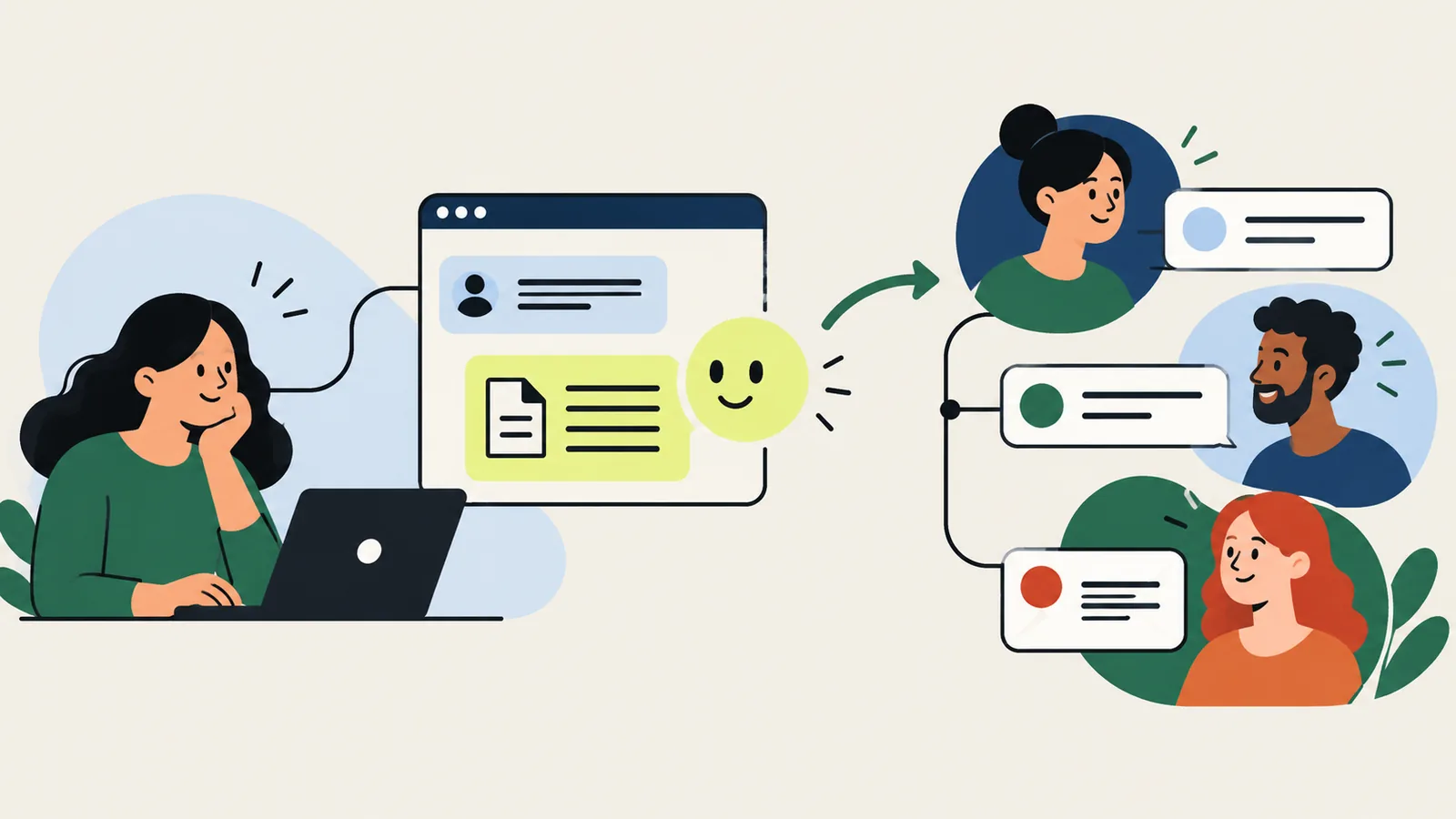
Your help center is the first line of support. Your team is the second.
Ask
Visitors ask on your site
The widget loads from one script tag. Visitors can search your public help center before they write, and attach files.
Answer
The help center answers first
The AI replies from your public help center and names the page it used. “That helped” closes it. “Talk to a person”, or an answer the sources do not support, hands the conversation to your team once, with one notice.
Resolve
Your team takes over in Slack or by email
In Slack, ask the Kipwise Agent to read a conversation, draft a note, assign it or reply. A reply to a customer waits for your Approve. By email, teammates reply to the notification and the replies stay in one conversation.
What a visitor sees
Search, ask, attach and get an answer in one window
The reply names the page it came from, so the visitor can check it. The widget speaks English, German and Japanese, and the answer comes back in the language the visitor wrote in.
A teammate who replies first stops the AI from posting.
How do I get a refund for the annual plan?
Annual plans can be refunded within 30 days. Open Settings, then Billing, and choose Request refund. A teammate confirms by email.
Source: Refunds and billing · Help center
I can’t find Billing
Handed to the team inbox. A teammate will reply here.
Sample data
What is in it
- Conversations
- Open, snoozed and closed, and reopened when the customer replies. Assign to a teammate or a team, set a priority, add tags and team-only notes, answer from saved replies, and collect a rating when it closes.
- Tickets
- Turn a conversation into a ticket. Customer tickets are visible to the visitor who filed them. Back-office and tracker tickets are for your team, and a tracker can link to the customer tickets it covers.
- Contacts and companies
- Contacts with custom attributes, tags and notes, and companies. Search, merge and archive. Visitors can be identified with a signed hash, so a stranger cannot pose as a known user.
- Forward your support address to a Kipwise address. Customers and teammates reply by email, and the replies stay in one conversation.
- Reports and data
- Metrics, conversation export, an audit log of settings changes, and GDPR export and delete for any contact.
- Your site code
- Pages that already call the Intercom messenger, such as boot, update, show, hide and showNewMessage, keep working. The Kipwise widget answers those calls.
Intercom and Kipwise, side by side
Prices as each company publishes them.
| Intercom | Kipwise | |
|---|---|---|
| A seat | Essential: $19 per seat a month | $10 per user a month, at least 3 users |
| AI answers | Fin: $0.99 per outcome | Drawn from your team’s shared credit ($2 per person a month, plus any top-up), charged at cost with no markup |
| The bill | Seats plus a charge for each AI outcome | Seats, with AI credit included: $5 per person and $2 per person of shared team credit every month |
Intercom prices as published on its own pricing pages, read 19 October 2026.
Questions
How much does it cost compared with Intercom?
Kipwise’s support desk comes with the Kipwise Agent: $10 per user a month, for at least 3 users. That includes $5 of AI credit per person and $2 per person of shared team credit every month. AI answers to your visitors draw on the shared team credit, and one credit is $1 of AI usage, charged at cost with no markup. Intercom publishes Essential at $19 per seat a month and Fin at $0.99 per outcome (read 19 October 2026).
What does setup involve?
A 20-minute call with us. We create your first inbox and switch on email with you. You paste one script tag on your site.
Do I have to change my site’s chat code?
You add one script tag. Pages that already call the Intercom messenger, such as boot, update, show, hide and showNewMessage, or set window.intercomSettings, keep working: the Kipwise widget answers those calls.
Where do the AI answers come from?
Only from your public help center, plus a public docs site you have connected. It does not read your private pages. Every answer names the page it used. If the sources do not support an answer, it hands the conversation to your team instead of guessing.
Which languages does it support?
The widget speaks English, German and Japanese, and follows the visitor’s browser language. The AI answers in the language the visitor writes in.
Where does my team reply?
In Slack, ask the Kipwise Agent to read a conversation, draft a note, assign it or reply. A reply to a customer waits for your Approve before it is sent. Teammates are also notified by email and can reply to the notification, and replies by email stay in one conversation.
What happens to attachments?
Visitors can attach files. Each file is scanned for malware and cannot be downloaded by anyone until it passes. Conversations and their attachments are deleted 24 months after the last message, and an admin can export or delete a contact’s data for GDPR.
Can I try it first?
Yes. Add the Kipwise Agent to Slack and the free trial starts on your first message, no card needed. The support desk comes with the Agent, and we set up your inbox with you on a 20-minute call.