How to Build a Thread-Native AI Agent for Slack
A Slack AI agent fails quickly when every reply looks like a new request. People repeat instructions, the bot retrieves the wrong context, and an approval from one conversation can drift into another. For IT and digital-workplace admins, that creates both measurable waste and a serious control problem. The fix is to make the Slack thread the boundary for state, evidence, permissions, and pending actions.
This guide gives you that design. It covers the event sequence, state record, permission checks, citations, approval rules, duplicate-event handling, recovery, and tests needed to run multi-step internal work safely in Slack.
Why a Slack AI agent loses the plot
Slack delivers messages as events, not as a ready-made agent session. An app can receive a direct mention through the app_mention event, but later replies may arrive through different event paths. The implementation must decide which messages belong to the same job.
A thread timestamp solves only part of the problem. The agent also needs the workspace, channel, requester, current participants, tool scopes, opened sources, and any proposed action. Without those fields, a model may remember the words while losing the authority and provenance attached to them.
Practitioners hit this in production. One current issue reports that a bot mentioned inside an existing thread received no thread context. Another implementation had to deduplicate and truncate oversized Slack thread context. These are author reports, not universal Slack guarantees. They expose two reproducible failures: missing history and repeated history.
Store conversation text as input. Keep state in an explicit record with deterministic keys and transitions.
Use the thread as a scoped work session
Give every session a stable key made from the Slack workspace, channel, and root thread timestamp. Do not key it by the latest message timestamp or by user alone. Two people can run separate jobs in the same channel, and one person can run several jobs at once.
Store the minimum state required to resume safely:
session_key: T_WORKSPACE:C_CHANNEL:ROOT_TS
requester: U_REQUESTER
participants:
 - U_REQUESTER
objective: "Compare last week's support backlog and draft an internal update"
status: gathering_evidence
permitted_tools:
 - kipwise.read
 - analytics.read
opened_sources:
 - source_id: "support-backlog-report-2026-09-10"
 retrieved_at: "2026-09-10T09:30:00Z"
 permission_subject: U_REQUESTER
pending_action: null
last_processed_event: Ev123
version: 8
expires_at: "2026-09-11T09:30:00Z"
The objective should be a concise description confirmed from the initiating message. opened_sources records what actually supported the answer. pending_action holds a proposed write separately from completed work. last_processed_event and version support replay and concurrency control. Expiry prevents an old approval state from surviving indefinitely.
Slack documents how to identify and retrieve replies through conversations.replies. Its token behavior differs by conversation type, so admins must test the exact installation model rather than assume one token can read every thread. Slack's broader message retrieval guide also explains conversation history, reply retrieval, and the scopes involved.
Bind every tool call to the requesting user
Thread continuity never grants permission continuity. A teammate joining a thread does not inherit the requester's connected Google, GitHub, support, or knowledge access. Before each tool call, resolve the actor responsible for that call and check the live permission required for the resource.
Use this rule:
- Read-only follow-up questions can use evidence already visible to the replying user.
- A new retrieval runs with the current requester's permitted connection where the integration supports user-bound access.
- A write requires both tool permission and explicit intent for the exact target.
- A customer-visible or sensitive action requires a fresh confirmation from an authorized person.
- Changing the target, payload, or evidence invalidates the previous confirmation.
Slack apps request capabilities through OAuth scopes. The Slack OAuth installation guide makes the grant explicit during installation. Keep scopes narrow, but do not mistake a workspace-level Slack scope for authority in another system. GitHub repository access, analytics properties, Intercom conversations, and Kipwise pages each need their own check.
Kipwise Agent applies the requesting user's permissions where applicable, cites opened sources, and keeps sensitive writes explicit. That product behavior supports this architecture, but admins still need to define which roles may approve each action in their own workflow.
Process each event through a deterministic sequence
A safe handler does not send raw message text straight to a model. Use a fixed sequence.
Normalize and deduplicate the event
Verify the Slack request, extract workspace, channel, message timestamp, root thread timestamp, and sender, then check whether the event ID has already been processed. Slack can retry delivery. Your handler must return the prior outcome for a duplicate instead of running tools again.
Use an idempotency key for every consequential action. A knowledge-page update might use session_key + page_id + proposed_revision_hash. A support send might use ticket_id + approved_draft_hash. Retries with the same key should return the existing result.
Load bounded context
Fetch the root message and replies only for the selected thread. Preserve author and timestamp ordering. Remove duplicate events and cap the context by message count or tokens. If older context is summarized, keep the source message identifiers so a reviewer can inspect what was compressed.
Never pull nearby channel messages simply because they seem relevant. That can mix jobs and expose content that participants did not place in the work thread.
Recheck objective and authority
Compare the new reply with the session objective. If the user changes from analysis to action, update the state explicitly. Resolve the actor and tool permissions again. Do not reuse a cached authorization after role changes, token revocation, or session expiry.
Retrieve evidence before drafting
Open the permitted documents, code, metrics, or support records needed for the claim. Attach each source to the result it supports. If a source fails, report it as unavailable. Do not fill its missing value from an earlier run or from model memory.
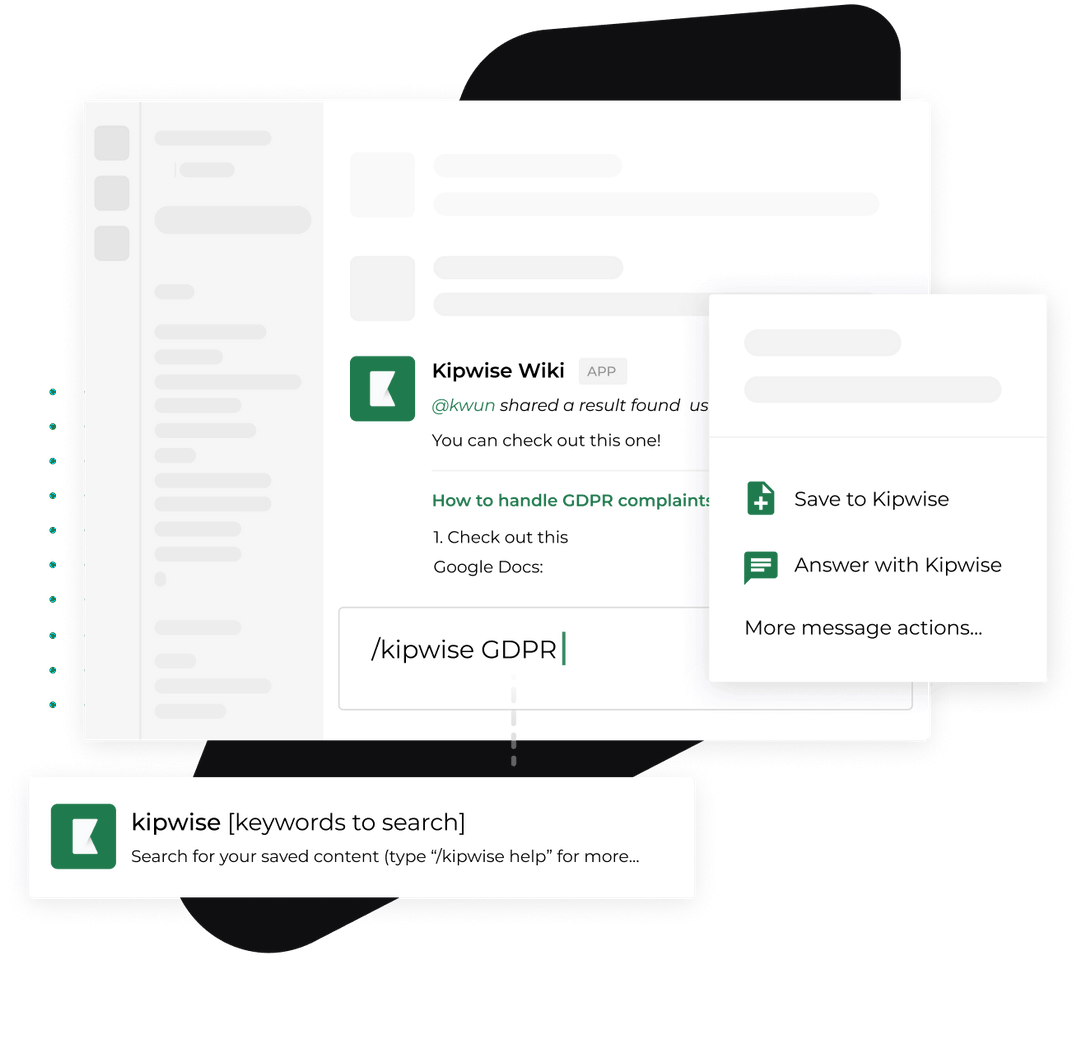
The older Kipwise article on integrating Slack with an AI company brain covers knowledge retrieval in Slack. A thread-native agent extends that job by carrying source provenance and action state across follow-up replies.
Separate proposal from execution
The agent may draft a page update, code change, report, or customer answer. Store the proposed payload and evidence digest in pending_action. Show the target, effect, supporting sources, and rollback route to the approver.
Approval must identify the exact proposal. A plain “yes” is valid only when it is from an authorized person, in the bound thread, before expiry, and after the final payload is visible. Any material edit returns the state to pending.
Commit and record the outcome
After approval, perform the action once with the idempotency key. Record the external result identifier, actor, time, payload hash, and any partial failure. Post a concise thread reply with links to the result and sources. Clear the pending approval so it cannot be reused.
Handle concurrency without crossing wires
Two replies can arrive close together. If both handlers load version 8 and write version 9, one can erase the other's evidence or approval state. Use optimistic concurrency or a short lock on the session key. A stale handler should reload and reconsider its action, not overwrite newer state.
Parallel read-only retrieval is usually safe when results merge under source-specific keys. Writes should serialize by target. If one participant requests a page update while another changes the objective, pause the write and ask for confirmation against the new state.
Keep session state isolated by workspace as well as thread. Channel IDs and timestamps are not globally unique enough to serve as cross-workspace keys.
Define failure behavior before launch
Plan for these cases:
- Missing root message: stop and ask the user to start a new thread or restore access. Do not infer the objective from one reply.
- Reply history is truncated: state the retrieval boundary and ask for the missing decision or source.
- Permission is denied: name the inaccessible system or object without exposing its contents.
- Source is stale: show its timestamp or version and route the decision to the source owner.
- Tool times out: mark that input unavailable and do not report the whole run as complete.
- Duplicate Slack event: return the recorded result without repeating work.
- Conflicting replies: pause a pending write and ask the accountable owner to resolve the conflict.
- Expired approval: regenerate the proposal against current evidence and require confirmation again.
- Post succeeds but acknowledgement fails: reconcile by idempotency key before retrying the external write.
These rules turn failures into visible states. They also give operations teams metrics that matter: repeated-context messages, permission denials, stale-source blocks, duplicate events suppressed, pending actions rejected, and recoveries that required manual work.
Verify the design with adversarial tests
Run tests in a non-production workspace before granting write access.
- Start two threads in one channel with similar requests and confirm their evidence never crosses.
- Mention the app in an existing thread and verify it loads the root and permitted replies.
- Replay the same Slack event and prove no tool action occurs twice.
- Send simultaneous replies and confirm version control prevents lost updates.
- Have an unauthorized participant approve a write and confirm the action stays pending.
- Approve a draft, change its payload, and prove the old approval is invalid.
- Revoke a connected permission during a session and confirm the next call fails closed.
- Make one evidence source time out and confirm the response labels the partial result.
- Exceed the context budget and verify message identifiers survive summarization.
- Let the session expire and prove a later reply cannot reuse its approval state.
Review logs by session key, actor, tool, target, outcome, and external result identifier. Do not log secret values or unrestricted document bodies. The evidence ledger should point auditors to governed sources without creating a second uncontrolled knowledge store.
Put one real workflow through the contract
Choose a frequent, bounded job owned by a named operations team. A support operations pilot might ask the agent to open a ticket, search approved help content, inspect a linked issue, and draft an internal response in Slack. Keep the customer send manual at first.
Measure the baseline and pilot using the same definitions: time from request to evidence-backed draft, number of tool switches, context restatements, unsupported claims rejected, and actions correctly held for approval. If the agent saves typing but increases corrections or permission exceptions, the architecture is not ready.
Start with read-only evidence gathering, then add one reversible internal write. Add customer-visible or code-changing actions only after duplicate delivery, permission revocation, concurrency, and recovery tests pass. That sequence gives your Slack AI agent useful continuity without turning a convenient thread into an uncontrolled authority channel.
References
- Slack
app_mentionevent supports mention-trigger behavior. - Slack message retrieval supports history, thread, and scope handling.
- Slack
conversations.repliessupports reply retrieval and token constraints. - Slack OAuth installation supports app scope grants.
- GitHub issue on missing thread context is a practitioner-reported failure.
- GitHub pull request on repeated context is a practitioner implementation change.
- Kipwise Agent supports the product workflow described here.
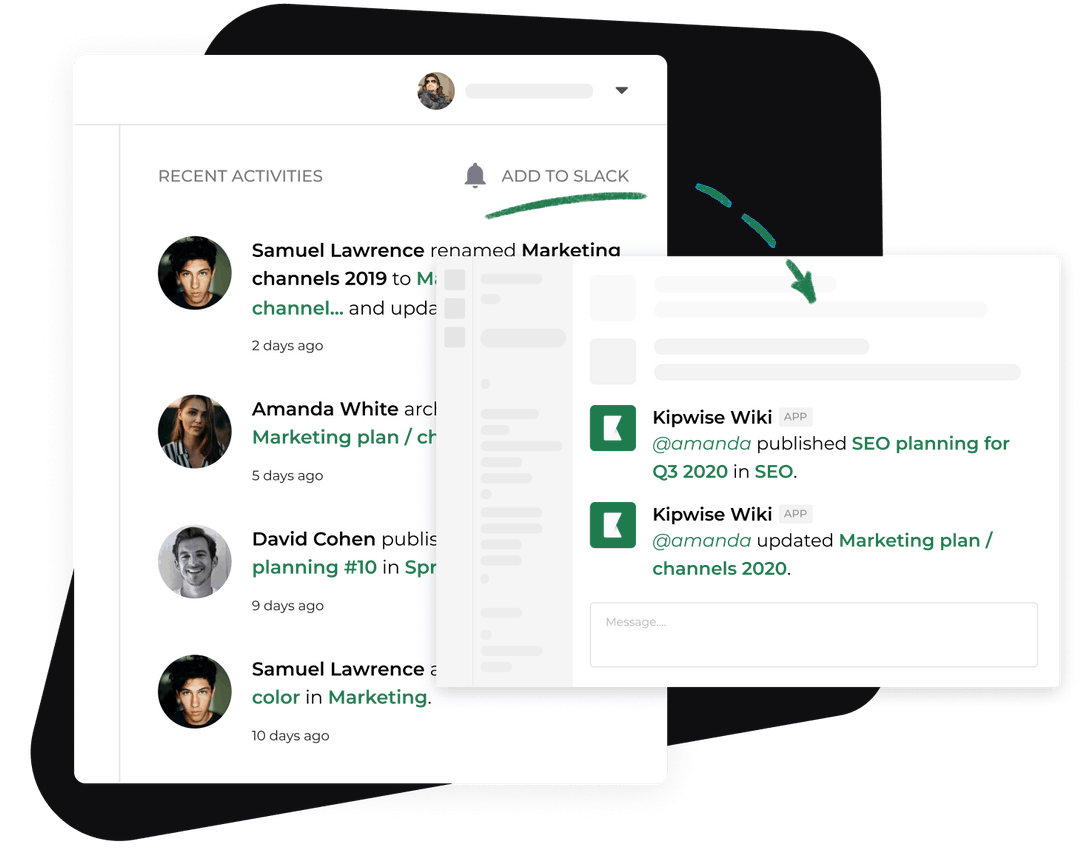
- Kipwise Slack integration guide provides the closest existing retrieval context.
-p-1080.jpg)