How to Automate Weekly KPI Reports in Slack Without Publishing Bad Numbers
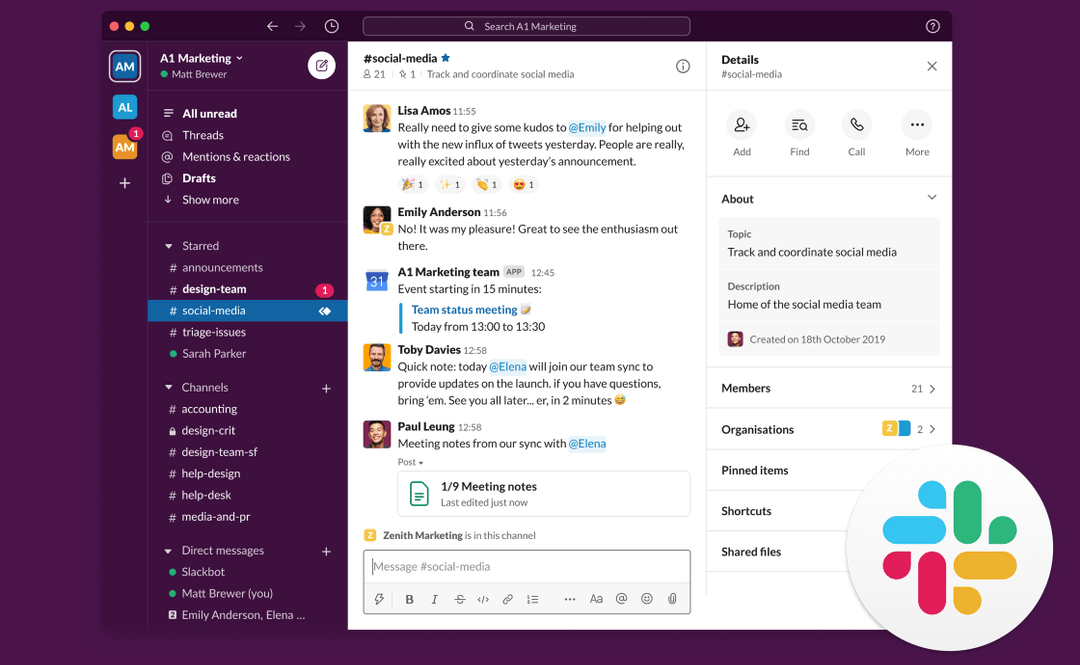
KPI reporting wastes time when an operations analyst has to reopen the same dashboards, align date ranges, copy figures, explain exceptions, and paste a weekly update into Slack. Basic automation removes the copying but creates a harder failure: a scheduled bot can publish stale, partial, or differently scoped numbers as if the report succeeded. Operations leaders need automated KPI reporting that proves which sources were read, uses a fixed reporting contract, and refuses to turn missing data into a clean-looking update.
The payoff is a weekly Slack report that can be reproduced. Each number has a declared period and source, failures remain visible, backfills use the same rules, and follow-up questions stay in one thread.
Why automated KPI reporting fails
A dashboard and a weekly operations report serve different jobs. The dashboard lets an analyst explore. The weekly report makes a dated claim to a team: this is what happened, this is what changed, and this is where someone must act. Copying a chart into Slack hides the definitions and checks behind that claim.
Four common failures follow.
First, reporting windows drift. One source uses the previous calendar week, another uses the last seven complete days, and a third includes today. The numbers may all be accurate for their own periods while the comparison is false.
Second, a successful request is mistaken for complete data. An API can return rows even when a connector lost access to one account, a dimension changed, or late events have not arrived. A nonempty response does not prove that the required source set is complete.
Third, no activity is confused with a failed read. Zero incidents may be good news. Zero rows caused by an expired credential is not. A GitHub feature request for verified scheduled-report outcomes keeps four results apart: sources read, sources unavailable, no activity, and publication failed. It is one team's requirement rather than a platform guarantee, but the four-way split is worth copying.
Fourth, scheduled delivery breaks reproducibility. A team can see Monday's message but cannot regenerate the same result for the same period after a dispute. Another GitHub request, for aggregate Slack summaries, asks for explicit windows, filters, comparisons, scheduled delivery, and manual backfills in the same format. It is written for one product, but the problem applies to any recurring report.
Define the reporting contract before the schedule
Do not begin with a cron expression. Begin with the claim the report is allowed to make.
For every metric, record its owner, definition, source, segment, timezone, allowed lateness, comparison period, and behavior when unavailable. Then define which metrics are required for publication. A secondary annotation can be omitted with a warning. A required revenue, support, or reliability metric should block the complete report state if its source cannot be verified.
A compact contract can look like this:
report_id: weekly-operations-kpis
owner: business-operations
schedule_timezone: America/Los_Angeles
period:
 kind: previous_complete_week
 week_starts: monday
 close_delay_hours: 36
metrics:
 - id: organic_sessions
 source: google_analytics
 definition_version: v3
 segment: channel_group=Organic Search
 required: true
 - id: nonbrand_clicks
 source: search_console
 definition_version: v2
 search_type: web
 required: true
 - id: support_escalations
 source: approved_support_export
 definition_version: v1
 required: false
publication:
 destination: slack
 channel_id: C012345
 status_when_optional_source_fails: partial
 status_when_required_source_fails: blocked
 duplicate_key: weekly-operations-kpis:{period_start}:{period_end}
The format is up to you; YAML is only an example. What matters is that scheduled runs and backfills use the same period, metric definition, source, and failure rule.
Version metric definitions. If marketing changes an organic-session filter or support changes what counts as an escalation, do not silently rewrite history. Record the new version and its effective date. A report spanning the change should flag the break rather than showing a smooth but misleading trend.
Build the workflow in seven stages
A reliable Slack reporting automation should expose each stage as a separate outcome. That makes failures diagnosable and prevents a formatting success from hiding a data failure.
1. Resolve the period once
At the start of the run, calculate one closed interval in the contract's timezone. Store the start, end, timezone, schedule time, and run identifier. Pass that frozen period to every connector.
Never let individual data tools interpret "last week" independently. Convert the contract into each source's required date format, then display the resolved interval in the report. If a source cannot represent the interval exactly, stop or label the mismatch before comparing values.
2. Check identity and permissions
Resolve the report owner and connected account before requesting data. The scheduled job should not become a privileged service identity that sees more than the owner can inspect.
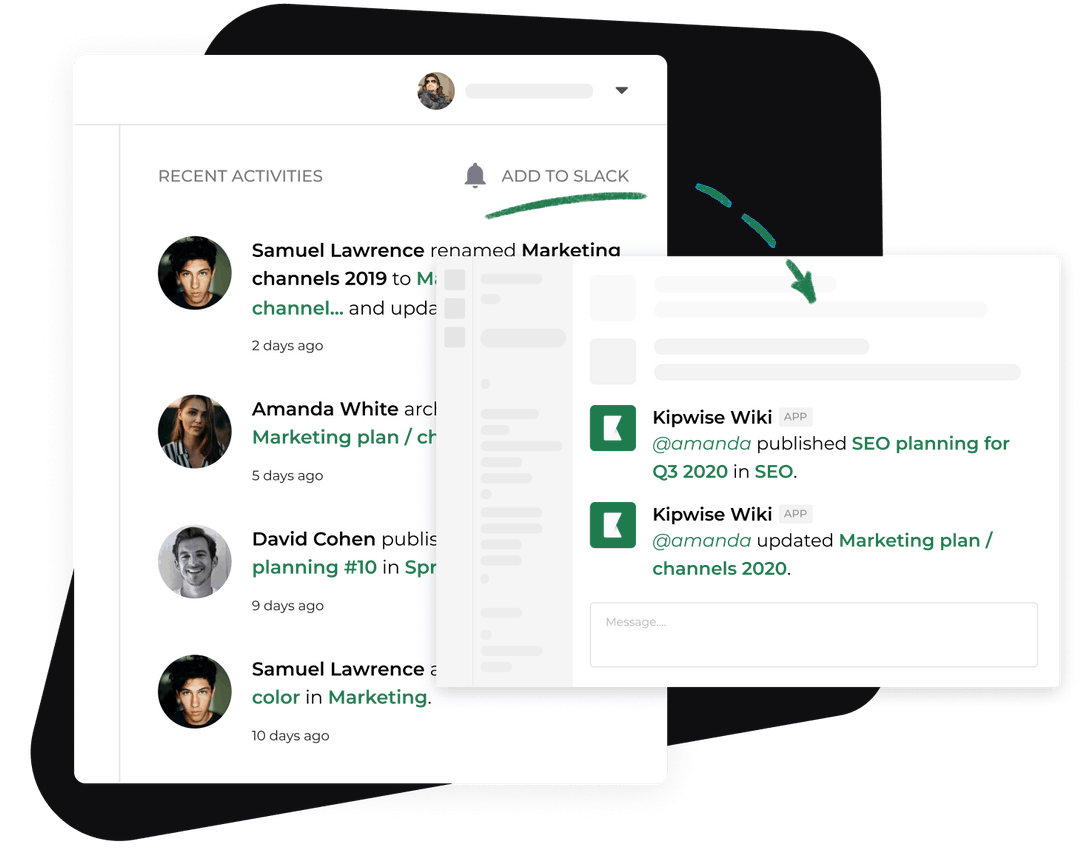
The Kipwise Agent works in Slack threads, runs scheduled requests, uses connected Google access, and acts with the requesting user's permissions. It cannot read or edit a page the user cannot open. That gives operations leaders a useful boundary: scheduled access should match live-request access, and removing a person's access should remove the agent's access on that person's behalf.
For shared operational reports, assign a durable human owner and a backup. If the owner leaves or loses access, block the run with a clear ownership error. Do not fall back to an unrelated administrator credential.
3. Read every source and preserve evidence
Fetch each required source independently. Google's Analytics Data API overview documents programmatic reporting and methods including runReport and batchRunReports. It also states that returned data follows the reporting identity configured for the property. Record the property, method, dimensions, metrics, date range, filters, retrieval time, and row count beside the result.
Apply the same evidence rule to every connector. Store enough request metadata to reproduce the value without storing unnecessary raw customer or employee data. For a Search Console metric, keep the site, search type, dimensions, filters, period, and aggregation rule. For an Ads metric, keep the account label, currency, network, targeting, and whether the number is modeled. For a file input, keep the file identifier, checksum, version, and approved extraction rule.
A source record should end in one of four states: read, no_activity, unavailable, or invalid. Only read and a verified no_activity state may contribute to a complete report.
4. Validate freshness, completeness, and comparability
Validation happens before narrative generation. Check that every required source returned for the declared period, that its newest available data meets the freshness rule, and that compared metrics use compatible segments and definitions.
Useful checks include:
- The resolved period is identical across current and comparison requests.
- Required account, property, hostname, country, device, and channel filters match the contract.
- The source was actually read, not restored from an expired cache.
- The current result is within an expected magnitude range, with anomalies flagged for review rather than overwritten.
- A zero has a successful source response and the dimensions needed to distinguish no activity from missing data.
- Currency, timezone, and attribution settings are displayed when they affect interpretation.
- A metric definition version is valid for the whole reported period.
Thresholds should not replace investigation. A 70 percent drop may be a real event. The gate should mark it as anomalous and attach the source evidence, not force the value back into a familiar range.
5. Generate claims only from validated values
Separate facts from interpretation. The facts section can state the period, current value, comparison value, absolute change, percentage change when the denominator permits it, source state, and link. The interpretation section should identify who supplied the explanation or state that no explanation is confirmed.
For example, "Organic sessions decreased 18 percent week over week" is a calculated claim. "The decline came from a ranking update" is a causal claim that needs separate evidence. If the workflow lacks that evidence, it should ask the report owner for an explanation rather than inventing one.
The agent can then draft a concise weekly update with four blocks: reporting status, KPI summary, exceptions, and owned next actions. Keep source failures at the top. A partial report must look partial.
6. Publish once and keep follow-up in the thread
Create a deterministic duplicate key from the report identity and period. Before posting, check whether that key already has a confirmed Slack message. A retry after a timeout should update or reconcile the known run, not post a second official report.
Slack's chat.postMessage documentation explains that thread_ts creates a reply to a parent message, recommends a top-level text fallback for accessibility when blocks are used, and documents channel permissions and posting limits. Use the parent report message as the weekly record. Put evidence, corrections, and questions in its thread. Include readable top-level text instead of relying only on visual blocks.
If Slack returns an uncertain delivery result, reconcile by duplicate key before retrying. Record published, publication_failed, or publication_unknown. Never call an unknown result successful simply because report generation finished.
7. Support reproducible backfills and corrections
A backfill should call the same contract with a historical period. It should not use a separate analyst spreadsheet or different filters. Label the result as a backfill and link it to the original report if one exists.
If a published metric is wrong, post a correction in the same thread and mark the original claim as superseded. Preserve the old value, new value, reason, approver, and definition version. Editing a message without a correction record makes the error harder to audit.
A changed metric definition needs approval from the named owner. The agent can draft the contract update and show affected reports, but the definition should not take effect because someone casually described a new calculation in the thread.
Handle failures without publishing false confidence
When a required source is unavailable, post a blocked-run notice rather than a KPI summary. Name the failed source, period, last successful read, error category, owner, and next retry rule. Do not repeat a cached number without displaying its age and approval status.
When an optional source fails, publish a partial report only if the contract allows it. Remove dependent calculations, mark the missing section, and keep the failure visible above the remaining metrics.
When a permission check fails, do not ask another connector to supply an equivalent-looking number. The difference between properties or accounts may be invisible in the final sentence. Route the access problem to the owner.
When a comparison denominator is zero, report the absolute change and omit the percentage. When currency or timezone differs, stop the comparison until an approved conversion rule exists. When late data is expected, delay publication or label the report preliminary according to the contract.
When narrative generation fails after metrics validate, preserve the validated evidence packet and retry the narrative without refetching values. When Slack publication fails, retry delivery without rerunning the data requests unless the contract explicitly requires fresh data.
Verify the automation with negative tests
Test the workflow with synthetic or safely scoped data before it becomes the official weekly report. Include an expired credential, empty but valid period, delayed analytics source, wrong property, mixed timezone, changed metric definition, zero denominator, optional-source timeout, required-source timeout, duplicate delivery retry, inaccessible Slack channel, and successful post with failed status write-back.
The workflow passes only if it:
- Uses one explicit reporting period across all sources
- Applies the requesting owner's permitted connections
- Distinguishes no activity from an unavailable or invalid source
- Blocks completion when a required source fails
- Labels an allowed partial report before showing its metrics
- Attaches source and request evidence to every material number
- Keeps causal explanations separate from calculated claims
- Prevents duplicate official posts for one report and period
- Produces the same values for a scheduled run and a backfill
- Records corrections without erasing the original claim
- Keeps definition changes behind the named owner's approval
- Leaves follow-up evidence in the original Slack thread
Measure analyst minutes per report, manual tool switches, missing-source failures caught before publication, duplicate posts, backfill agreement, corrections, and follow-up questions answered from cited evidence. Compare these measures with several manual runs of the same report. Bot message count is not a success metric.
Start with one weekly operations report and three to five metrics. Write the contract, run the negative tests, and operate in draft-only mode for two cycles. Let the operations owner compare every generated value with the source. Enable scheduled Slack publication only after missing data, permission loss, duplicate delivery, backfill, and correction tests all fail safely.
References
- GitHub issue on verified scheduled-report outcomes supports the practitioner requirement to distinguish read, unavailable, no-activity, and publication outcomes.
- GitHub issue on aggregate Slack summaries supports the practitioner need for fixed windows, filters, scheduled summaries, and reproducible backfills.
- Kipwise Agent supports the product workflow for scheduled requests, Slack threads, Google connections, and user-bound permissions.
- Google Analytics Data API overview supports programmatic reporting methods and property reporting-identity behavior.
- Slack
chat.postMessagedocumentation supports thread replies, accessibility fallback text, channel permissions, and message posting limits.
-p-1080.jpg)
-p-1080.jpeg)