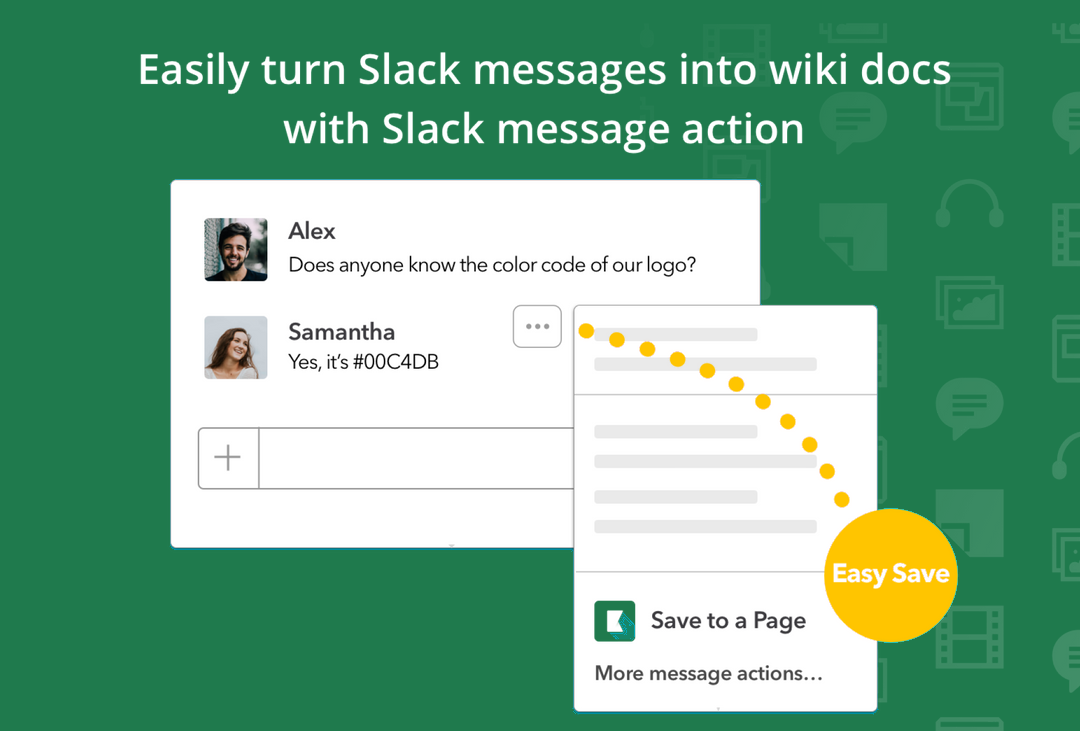
Bug report for a small team: what to ask for before you file it, who triages it, and how a Slack report becomes a Linear or Jira issue

A useful bug report has five things: the steps that cause the problem, what the reporter expected, what actually happened, the environment (browser, device, account) and how often it happens. Mozilla's Bugzilla guidelines call the steps to reproduce the most important part of any report, because without them nobody can tell whether a fix worked.
At a small software company the report rarely starts in a tracker. It starts as a two-line Slack message from someone in support or sales: "checkout is broken for Acme". If nobody asks for the five fields, owns the report and files it once, a developer spends the morning guessing at steps, or the message scrolls away and the customer reports it again next week. The payoff for fixing that is small and concrete: one owner, a short checklist asked in the thread, and one ticket per bug.
What goes in a bug report?
Five fields cover what a developer needs to start. Everything else is useful but optional for a team of 10 to 50 people.
| Field | What to write | Example |
|---|---|---|
| Steps to reproduce | Numbered actions from a state anyone can recreate, one action per step | 1. Log in as a trial user. 2. Open Billing. 3. Click Upgrade. |
| Expected result | What should have happened, in plain words | The plan changes to Team and a receipt arrives. |
| Actual result | What happened instead, with the exact error text | A blank page; the plan stays Trial. |
| Environment | Browser and version, device, account or workspace | Chrome 131 on macOS, workspace "acme" |
| Frequency | Every time, sometimes (with a count), or once | 3 of 3 attempts |
The example rows are made up to show the shape. Add a title of about ten words that describes the problem rather than the fix, which is the rule in Bugzilla's guidelines, and attach a screenshot or screen recording when you have one.
Marker.io's bug report guide lists a longer set for teams with dedicated testers: visual proof, console logs, network requests, the source URL, severity and priority. Those help, but a support person on a customer call will not capture network requests. Ask for the five fields first and let the developer pull logs once the bug reproduces.
Two writing rules prevent most back and forth:
- Keep facts apart from guesses. "The page went blank after I clicked Upgrade" is a fact. "I think the payment service is down" is a guess, and Bugzilla's guidelines ask reporters to keep the two separate.
- One bug per report. If the reporter saw two problems, file two reports, so each can be fixed, tested and closed on its own.
A copyable template for a Slack message:
Bug: <what breaks, about ten words>
Steps: 1. ... 2. ... 3. ...
Expected: ...
Actual: ... (exact error text)
Environment: browser and version, device, account
How often: every time / sometimes (x of y) / once
Customer affected: <name or none>
Try Kipwise Agent free in Slack: mention it once in a thread and it does the repetitive work, with your permissions.
Why do bug reports from Slack get lost?
They get lost because Slack is a conversation and a tracker is a list, and at a small team nobody owns moving one into the other. A developer on Hacker News asked for tickets in a comment about bug reports in Slack: make a ticket, because a report from Thursday afternoon will be buried under pages of later messages. That is one person's report, and it describes the usual failure: the report is somewhere in the channel, and nobody can find it when the fix is due.
Three things go wrong in a typical week:
- The report arrives without steps, so the developer asks, waits a day, and the reporter has forgotten the details.
- Two people file the same bug from two threads, and the comments and fix status split between two tickets.
- Nobody files it at all, because each person assumes someone else did.
At a small team the person who reports a bug is usually not the person who will open the tracker, so the five fields have to be collected in the Slack thread before anything is filed, not left to a form the reporter never sees. The templates in most guides assume the reporter fills in the tracker form. Support and sales people at a 20 person company often do not have a seat in Linear or Jira, and they report where they already are. So the checklist has to live in Slack: pin the template in the channel and have the triage owner, or an agent, ask for the missing fields in the same thread.
Who should triage a bug report at a small team?
Name one triage owner per week, usually the engineering lead or a rotating developer, and make the job small: within one working day, decide whether each report is a bug, ask for missing fields, check for a duplicate, file it once and set a priority. The owner does not fix the bug. They make sure it exists exactly once in the tracker with enough detail to start.
A simple decision rule for the owner:
- Missing steps or actual result: ask in the thread before filing. A ticket without steps is a placeholder that someone will have to chase.
- Can it be reproduced? If not, file it as "cannot reproduce" with what the reporter saw, rather than inventing steps.
- Already filed? Link the thread to the existing ticket and add the new customer's name there.
- Customer blocked from paying or logging in: high priority, tell the reporter today.
- Everything else: normal priority, the reporter hears when it is done.
The duplicate check belongs before the ticket is created, because a second ticket for the same bug splits the comments and the fix status across two places that each look complete. Marker.io's guide tells reporters to search the tracker for duplicates first. In practice a support person who cannot open the tracker cannot search it either, which is one more reason the check sits with the triage owner, before filing.
How does a bug reported in Slack get into Linear or Jira?
There are three common routes, and the deciding question is what each one asks of the person reporting.
| Route | How a report is filed | What the reporter needs | Main limit |
|---|---|---|---|
| Linear's Slack integration | Message menu, then Connect to apps, then Create new issue | A Linear account | People without a Linear account need Linear Asks, which is on the Business and Enterprise plans |
| Jira Cloud for Slack | The message action menu, or the /jira create command | The Jira app in Slack and an Atlassian login | A Jira site administrator must enable the integration first |
| An AI agent in the thread (Kipwise) | Mention the agent once in the thread and ask it to file the bug | The person who asks connects their own Linear or Jira account | Each issue waits for that person to approve it |
According to Linear's Slack documentation, only people with Linear accounts can create issues from Slack, Slack guests cannot use the integration, and admins can offer up to ten issue templates in it. Atlassian's Jira Cloud for Slack help page describes turning a message into a Jira work item from the action menu or with /jira create, and says the app follows each person's existing Jira permissions.
Every built-in route from Slack to a tracker asks something of the reporter, a tracker account, a paid plan or an installed app, and that requirement decides whether support and sales people can file at all. Before you pick a route, list who reports bugs today. If most reports come from people without a tracker seat, either the triage owner files on their behalf, or you use a route that works from the thread for whoever is asking.
What does the Slack thread look like with an agent?
With the Kipwise agent, the report is collected and filed in the thread where it was posted. The example below is made up to show the flow, and every action in it is one the agent supports today.
A support lead writes in #product-bugs: "Acme can't upgrade, the page goes blank". The triage owner replies in the thread and mentions the agent once: "@Kipwise file this as a bug in Linear for the web team." The agent reads the thread and replies that the steps, environment and frequency are missing. The support lead answers in plain replies in the same thread: the steps, "Chrome on a Mac", "every time".
Before filing, the agent searches Linear as the person who asked and reports that no open issue matches "upgrade blank page". It then shows the issue's title and description on an Approve card. Only the person who asked can press Approve, the card expires after 30 minutes, and a denied or expired card files nothing. Comments and status changes are attributed to that person's own Linear account.
The same works with Jira through the Kipwise Jira connection: the agent lists and searches issues as you and files or updates an issue when you ask, though it does not create or change Jira sprints, epics or boards. Connecting Jira also connects Confluence through the same Atlassian login.
To close the loop, the triage owner can set a standing automation: "when this Linear issue is marked done, post in this thread". The agent reads the issue back before posting, so the support lead hears without asking. How mentioning the agent once and then replying in the thread works is covered in our guide to a thread-native agent.
What stays with people: the triage owner decides whether it is a bug and sets the priority, a developer fixes it, and the support lead tells the customer. The agent collects fields, checks for a match and files after approval.
What goes wrong, and how to handle it
Most failures come from incomplete reports, unclear ownership or the wrong permissions.
- The reporter cannot reproduce it. File it anyway with the actual result, the time and the account, and mark it "cannot reproduce". Do not let anyone invent steps to make the ticket look complete.
- The bug is really a feature request. "It should export to CSV" is not a defect. Move it to wherever feature feedback lives; our post on customer feedback for a small team covers that path.
- It is an outage. If customers cannot use the product at all, run it as an incident with an owner and follow-ups, as in our incident report template for a small firm, and file the underlying bug afterwards.
- The person filing cannot see the right project. Every route above acts with the filer's own access, so a support lead without access to the web team's project cannot file there. Fix the access or let the triage owner file.
- The thread has two bugs in it. Split them into two reports before filing.
Watch the trade-off in where reports land. A dedicated #product-bugs channel keeps reports findable and gives the triage owner one place to check. Accepting reports in any channel is friendlier for reporters but makes the weekly sweep harder. For a team under 50, one channel plus a pinned template is usually enough.
How do you know the process works?
Check three numbers once a month, taken straight from the tracker:
- The share of new bug tickets that had steps to reproduce on the first day. If it is low, the thread checklist is not being asked.
- Duplicates closed in the month. A rising count means the check before filing is being skipped.
- Days from the first Slack message to a filed ticket. More than one working day means the triage owner role is not being covered, often because the person is on leave with no backup.
A quick spot check also works: pick five bug threads from last month and confirm each one links to exactly one ticket. If you use an agent for project status, our post on an AI agent for project management in Slack shows how the same connection answers "what is still open from last week".
What to do next
Today, pin the seven-line bug report template above in your bug channel and name this week's triage owner in the channel topic. If you want the thread to collect the missing fields and file the Linear or Jira issue after an Approve, connect Linear or Jira to the Kipwise agent and try it on the next report; it costs $10 per user per month with a minimum of three users.