What does an office manager do at a small firm, and which duties can run in Slack first
An office manager job description is a bundle of supplies, vendors, scheduling, invoices, onboarding paperwork and HR odds and ends, and it does not say which parts need a person's judgement. If you hire the whole bundle, the repetitive part (reminders, requests and approvals) is the first thing to slip, because one person holds all of it. This guide covers what an office manager does at a small firm of 5 to 100 people and sorts each duty into three groups: what can run in Slack, what a person approves each time, and what stays with a person. It ends with a table you can copy and a four-week test to run before you spend a salary.
The short answer: sort the duties into three groups
Start from the duty list. Take every duty you would put in the job post and place it in one of three groups.
- Runs in Slack. Recurring reminders, scheduled checks, internal requests that need a number and an owner, and look-ups in a shared folder or sheet.
- A person approves each time. Anything that spends money, shares a file or sends something a customer or vendor will see.
- Stays with a person. Building and facilities, mail and deliveries, phones, hiring and sensitive HR conversations, vendor negotiation.
The sections below explain the split, give you the table and show how to check it. Then you can decide whether you need an office manager at all or a narrower, cheaper role.
What an office manager actually does
Published definitions describe the same duties at very different sizes. Spendesk's guide to the role says that at startups and smaller businesses an office manager may be one of the first people hired to oversee internal operations, and its sections for a small company cover payroll support, HR tasks, finance tasks and facilities management. For a medium-sized company it adds scheduling meetings, welcoming visitors, managing deliveries, post and office supplies, ordering equipment, supporting onboarding, managing relationships with landlords, contractors and suppliers, and monitoring budgets and contracts.
Julia Bucci Consulting, a practice-management consultancy, lists the hats an office manager wears: "Bookkeeper, scheduler, facilities wrangler, team therapist and unofficial HR manager." That is one author's description, and it matches the lists above: many small jobs held by one person.
The US Bureau of Labor Statistics page on administrative services and facilities managers lists supervising staff, setting goals and deadlines, recommending changes to policies and procedures, and making sure facilities stay safe, secure and well maintained and meet environmental, health and security standards. It reports a 2025 median pay of $110,500 a year. That occupation is larger and more managerial than a generalist in a 20-person firm, so read the figure as an upper reference, not a quote for your hire.
The job descriptions you find online combine several jobs. Your firm probably needs only some of them, and you can find out which before you hire.
Why the repetitive part fails first
When one person holds a bundle of duties, the hard and visible ones get attention. A vendor dispute or a difficult onboarding is noticed. A weekly reminder to approve invoices or chase a timesheet is not, because nothing looks broken until the day it matters.
Sort office manager duties by what quietly lapses when one person holds them, because the repetitive duties fail silently while the hard ones get attention. This is a recommendation, not a measured result, but it follows from how the work is shaped: a duty that repeats every week and has no natural owner in a channel depends on one person's memory. Spendesk makes a related point when it says that automation can be particularly useful for recurring tasks such as approval requests, reminders, document collection and meeting scheduling.
So ask of each duty what happens if nobody does it for a week. If the answer is "nothing visible until a deadline," the duty belongs in the Slack group even if it feels trivial. If the answer is "someone is unhappy right away," a person probably needs to hold it.
The duty sort for a 5 to 100 person firm
Copy this table into a doc and change the rows to match your own list. The groups come from the duty lists above and from what the Kipwise agent does today, which is described below the table.
| Duty | Runs in Slack | A person approves each time | Stays with a person |
|---|---|---|---|
| Internal requests (laptop, access, desk) | File the request, keep a numbered card, flag the team when a deadline is at risk | Requests that need budget sign-off | Deciding what to buy and from whom |
| Recurring reminders and weekly checks | Post the reminder in the channel on a schedule | Anything that goes to a customer | Handling a person who keeps missing it |
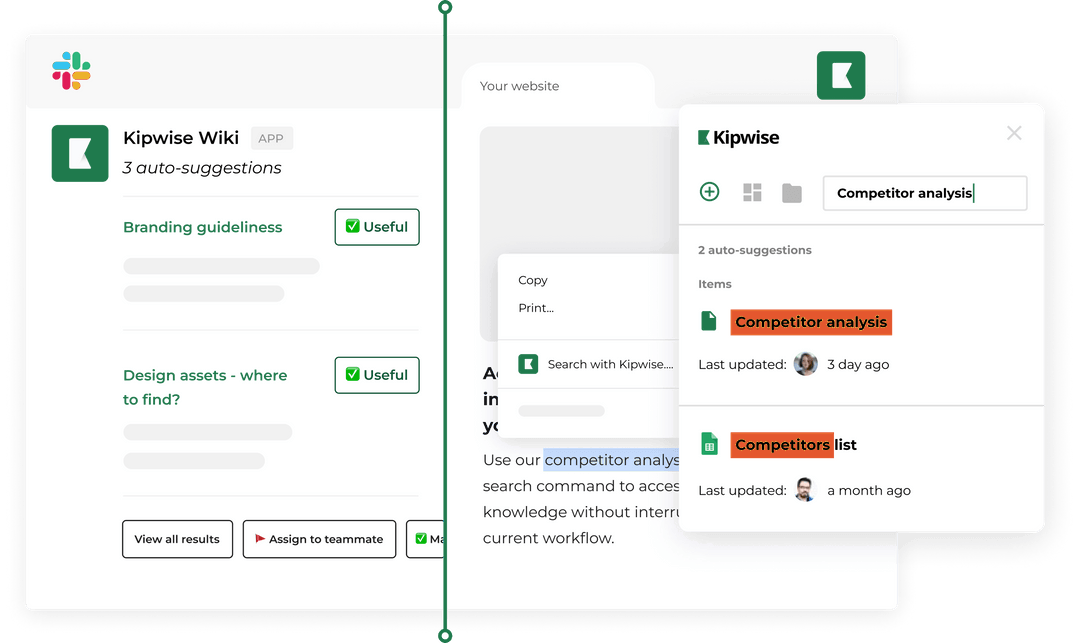
| Finding files and answers | Search a Drive folder, read a Doc or Sheet, summarise it | Sharing a file with a colleague | Judging which version is right |
| Invoices and payment status | Look up an outstanding balance in QuickBooks or Xero | Any change to an invoice | Disputes and write-offs |
| Supply and vendor orders | File the request and track its state | Placing the order | Vendor negotiation |
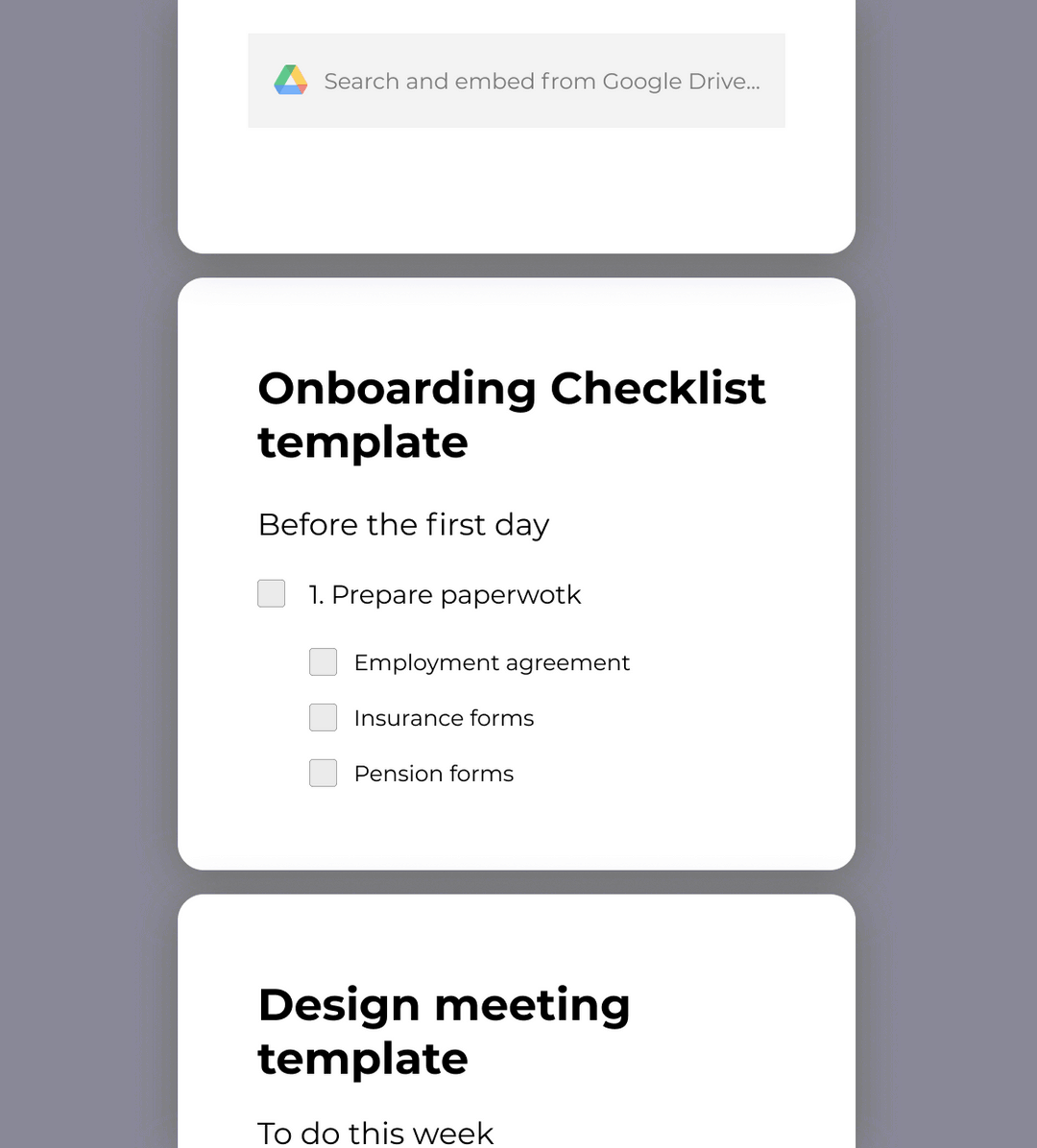
| Onboarding paperwork | Remind the new hire and the owner of each step | Sharing files and access | The first-week conversation |
| Building, mail, deliveries, phones | Nothing | Nothing | All of it |
| Hiring and sensitive HR | Nothing | Nothing | All of it |
What the Kipwise agent covers in that table
Every entry in the Slack column is something the agent does today. A teammate mentions it once in a thread, and plain replies in that thread continue the work. It acts with the asking person's own connected-tool permissions, so it cannot reach a file or record that person cannot reach.
- Requests. In a direct message you can say "I need a new laptop." The agent asks "Send this request?", files it and keeps a request card with its number and state in your chat. In a channel only a neutral "Request #42 was sent" line appears, not the details. When a request is about to miss its deadline, the team sees one line in that request's thread in the triage channel. This is part of the Premium plan that every Agent install receives, and an admin saves the desk settings first.
- Scheduled checks. You ask for a recurring task in plain language, approve it once, and later runs do not ask again. The agent posts the result in the channel with the same permissions as the person who asked, and you can list jobs and ask what happened on earlier runs, including failures.
- Files. It can search Google Drive, list a folder and read Docs and Sheets. Sharing or moving a file waits for an Approve card that only the asker can use.
- Invoices. It can look up a contact's balance and an invoice's status in QuickBooks or Xero with your own access. Changes only happen when you ask and show an Approve card.
The agent does not answer phones, receive deliveries or run building facilities, so those rows stay empty in the Slack column on purpose. For one recurring check, see timesheet reminders for a small team.
What stays with a person
The right-hand column matters most for the hire. The duties that must stay with a person are mostly physical or relational, so the hire you need may be a narrower role than the job description suggests. Mail, deliveries, phones, the building, vendor negotiation, hiring and hard HR conversations all need someone present or someone trusted. None of them is a reminder or a request.
That has a hiring consequence, and again it is a recommendation. If the Slack column absorbs the recurring part, what is left may be a few hours a week of facilities and vendor work, or a part-time coordinator, and not a full-time generalist. The BLS description of facilities oversight says what that remaining work involves, which is keeping a space safe, maintained and compliant. Decide whether you need that, and how many hours of it, before you write the title.
If you were weighing a virtual assistant instead, the same sort applies, and our posts on how to hire a virtual assistant and what a virtual assistant costs cover that decision. A virtual assistant can take some of the repetitive duties but cannot be in the building either.
A worked example in one Slack thread
This example is made up to show the flow. The firm has 18 people and no office manager yet.
The owner posts the current duty list in a thread and writes: "Sort these into runs in Slack, I approve each time, and stays with a person. Then set up a Monday check for anything waiting more than five days." The agent replies with the three groups, close to the table above. It shows an Approve card for the scheduled Monday check. The owner presses Approve once.
On Monday the agent posts in the channel: "Three requests are waiting more than five days: #14 (monitor), #17 (door badge), #19 (desk). #14 needs budget approval." The owner approves the monitor, and someone on the team picks up the badge and the desk. Nothing was lost in a channel, and the owner did not have to remember to look.
The same sort also tells the owner what is not in the thread: the badge needs someone physically at the door, and that is a person's job.
Count requests before you hire
Office managers also absorb request noise. A 2014 survey of office managers, reported by Fortune, found that 88 percent said they got "bizarre" requests from colleagues, and two complaints tied at 39 percent: unnecessary or personal orders, and requests for items already in stock. It was a vendor survey from a group-shopping site, it is 12 years old, and the $3,450 a year in lost time is the researchers' own estimate. Treat it as background, not a current figure.
Counting requests before you hire shows whether the job is a workload or just noise, because a numbered request is something you can count and an interruption is not. This is a recommendation. If requests are filed with numbers, you can ask for the totals after a month: how many were opened and solved, how fast the team replied and how many deadlines were met. A low count may mean you do not need a full-time hire, and a high one tells you what the person will spend the week on.
Handle failure and edge cases
Four things can go wrong.
- A duty sits in two groups. Ordering a monitor is a request that runs in Slack and an order a person places. Write both, and make the person step explicit so it is not assumed.
- The agent cannot see something. It only reaches files and records the asking person can open, and each connected tool is connected separately. If a check returns nothing, the fix is usually access, not the agent.
- A scheduled check fails. Ask the agent what happened on previous runs, failures included, and read the failure instead of waiting for the next run.
- A confidential request. A confidential request never appears in a channel, and its alerts are private messages. Keep sensitive HR matters out of the request flow and with a person anyway.
The sort is only as good as your duty list, and a duty missing from it will be nobody's job.
Verify it works
Run the sort for four weeks before you post the job.
- In week one, build the three-column table with your real duties.
- In weeks one to four, move every recurring check and internal request into Slack and number them.
- At the end of week four, ask for the totals: requests opened, requests solved, deadlines met.
- Count the hours spent on the right-hand column, the physical and relational work.
If the right-hand hours fit in a part-time role, hire for that. If they fill a week, hire the generalist, and now the job description in your post matches the job. For recurring jobs and failure handling, see how to schedule recurring AI agent jobs in Slack.
What to do next
Open a thread today, paste the duty list you were going to put in the office manager job post, and ask the agent to sort it into the three groups. The agent costs $10 per user per month ($108 a year), with a minimum of 3 users. A trial is $2 for 7 days, or $10 for 14 days with a card or a paid Slack plan. Then set the Monday check, approve it once, and look at the numbers in four weeks before you decide what to hire.