Real Estate Virtual Assistant: Which Admin a Small Team Can Run in Slack First, What Needs a License, and When to Hire
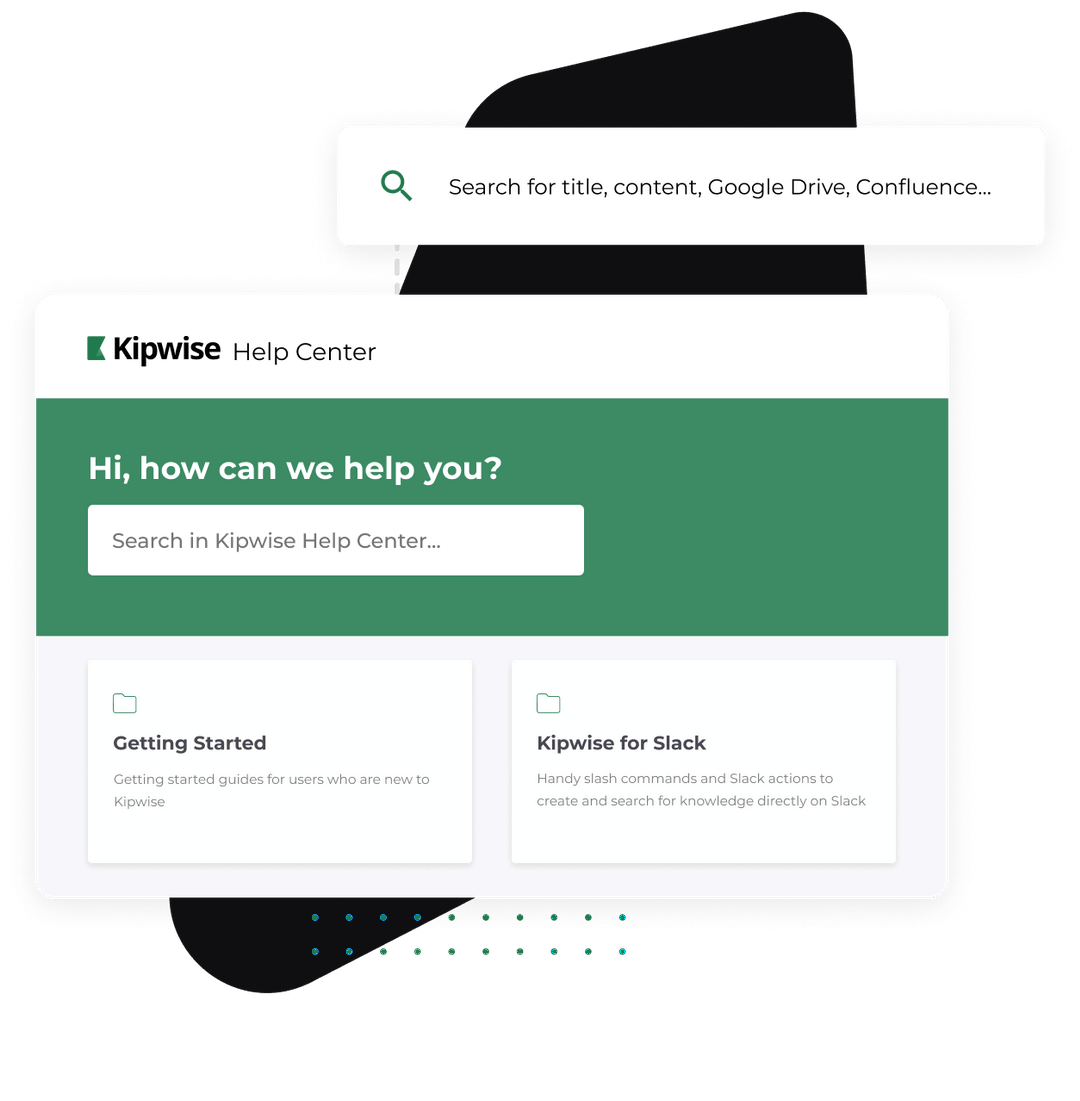
You run a small real estate team, the admin eats your evenings, and the obvious fix is a real estate virtual assistant. Before you post the job, sort the task list. Some of it is follow-up lists, CRM notes and calendar checks that software can already run from the Slack channel your team works in. Some of it lives in the MLS, a transaction platform or on the phone, where you need a person. And some of it, like advising on price or negotiating, no assistant may do without a license. This guide gives you that three-way sort, a worked example in Slack, and a plain rule for when the VA is still the right hire.
The short answer
- Write down the 10 to 15 admin tasks you want off your plate.
- Mark each one: software in Slack, a person without a license, or a licensee only.
- Put the software column in place first, in a week, with an approval step on anything that goes to a client.
- Hire a VA for what is left in the person column: phone work, MLS entry, transaction platform updates.
- Keep the licensee column with your agents, and check your own state's rules before you assign anything near it.
On most teams the software column turns out bigger than expected, and the VA job gets smaller and clearer. A clearer job takes less training.
What a real estate virtual assistant usually does
VA agencies publish long task lists, and they agree with each other. ExpertVA's list of 15 real estate VA tasks runs from inbox and calendar management, CRM data entry and document preparation, through contract-to-close coordination and compliance files, to social media, listing marketing with MLS entry, lead follow-up, sphere outreach, market research and vendor coordination. The same page draws the licensing line in one sentence: a VA cannot negotiate contracts, advise on price or represent clients.
These lists never say which tasks need a human at all. They are written by companies that place VAs, so every task goes to the VA. The AI side of the search results has the opposite gap. HousingWire's roundup of AI tools for real estate agents sorts tools into lead generation, marketing, AI-enhanced CRMs, valuation and productivity, and says the tools should complement personal interactions rather than replace them. It does not map those tools back to the job you were about to hire for, and none of them sits in the team chat where your agents already ask each other for things.
A team lead who reads both ends up with two lists that never meet. The table below puts them on one page.
Why the admin piles up in the first place
On a small team the admin is not one big job. It is fifty small ones spread across five tools. A lead comes in by email, the follow-up lives in someone's head, the showing notes live in a text thread, the closing date lives in the transaction platform, and the question "did anyone send the inspection report to the buyer's lender?" gets asked in Slack every other day.
Each task takes two minutes. The cost is in remembering it, finding the right tab and doing it on time, so the first instinct is to hire a person to remember for you.
The trouble is that a new VA has to learn all five tools and all your habits before they remember anything reliably. Practitioners say this plainly. In a BiggerPockets thread from an Atlanta broker looking to hire a VA, one reply says the first step is to have a system that works and then train the VA on it, another says to start them on data entry and CRM updates before giving them lead generation, and a third names training and quality control as the biggest challenge. Those are author reports from one forum, not a survey, but they match what most team leads describe: the hire works once the system exists, and building the system is the part nobody has time for.
Most of a real estate VA job description splits three ways: work software can run from the team chat with an approval step, work that only a person can do because it lives in the MLS, a transaction platform or on the phone, and work no assistant may do without a license. If you hire before you split it, you pay a person to do the first group and train them on the second while they learn where the third begins.
The three-way sort
The table below takes the usual VA task list and sorts it. "Software in Slack" means an agent your team mentions in a Slack thread that works with your own Gmail or Outlook, Google Calendar, Google Drive and HubSpot or Pipedrive, and asks you to approve anything that sends or changes something. "Person" means a VA or admin. "Licensee" means it should stay with a licensed agent.
| Task | Software in Slack | Person (VA or admin) | Licensee only |
|---|---|---|---|
| Daily list of leads with no recent activity | Yes, on a schedule | Can do, if they remember | No |
| Drafting follow-up emails for those leads | Yes, drafts wait for approval | Can do | No |
| Calling or texting new leads | No | Yes | No |
| Logging showing notes and moving a deal in the CRM | Yes, after you approve | Can do | No |
| Checking the calendar and booking showings by email | Reads calendar, drafts emails | Yes, including by phone | No |
| Finding which closing files are missing documents in a shared Drive folder | Yes, if the files are in Drive | Can do | No |
| Updating the transaction platform or e-signature status | No | Yes | No |
| MLS entry and listing changes | No | Yes, where your state allows | Check your state |
| Writing ad and flyer copy | Drafts it | Can do | Broker approves |
| Advising on price, terms or contract language | No | No | Yes |
| Negotiating, holding open houses alone, showing property | No | No | Yes |
Each state sets what an unlicensed assistant may do. The New York Department of State page on unlicensed real estate assistants is a useful example: it lists answering the phone and taking messages, arranging appointments for the licensee, scheduling showings, assembling closing documents, gathering information for a comparative market analysis, writing ads and typing contract forms for the broker to approve, and general clerical work. It also says the broker is responsible for training, supervising and controlling the assistant, and that an assistant paid per completed transaction must be licensed. Other states draw the line in different places, so check your own commission before you write the job description.
The software column has limits too. The agent described in this guide does not connect to the MLS, to transaction platforms such as dotloop or SkySlope, to e-signature tools, to a phone line or SMS, or to real-estate CRMs such as Follow Up Boss or Lofty. If your team runs on those, the software column shrinks to Gmail, calendar and Drive work, and the person column grows.
A worked example: one morning on a five-agent team
This example is made up, but every step uses something the Kipwise agent does today with HubSpot or Pipedrive, Gmail, Google Calendar and Google Drive connected.
Monday, 7:55. The team lead sets it up once. In the team's leads channel they mention the agent: "every weekday at 8, list HubSpot leads assigned to our team with no activity in the last two days, and write a short follow-up draft for each in my Gmail drafts." Creating a scheduled task needs approval once, so an Approve or Deny card appears. Only the team lead can press it. They approve. From now on the morning run does not ask again, which is the trade-off: it saves a click every day, and it means the team lead should read the first few runs closely.
Every weekday, 8:00. The agent posts the list in the channel: six leads, who owns each, the last touch, and a note that six drafts are waiting in Gmail. The agents on the team read the list in the thread. One of them replies "send the draft to the Nguyens", and the agent shows a card with the recipient, subject and message preview. Nothing goes out until that agent approves. The others open their drafts in Gmail, edit them and send them themselves.
11:30, after a showing. An agent replies in a deal thread: "log a note on the Garcia deal: liked the kitchen, wants to see two more in Oak Park, move it to Showing." The agent shows the note and the stage change on a card, the agent approves, and the update lands in HubSpot under that agent's own account. Our HubSpot agent page shows the lookups and updates it covers.
15:00. The team lead asks in a direct chat: "what is on my calendar Thursday, and which of this month's closing folders in Drive have no inspection report yet?" The agent reads the calendar and the folder listing with the team lead's own access and answers with links to what it opened.
It did not call the Nguyens, update the transaction platform, change the MLS listing or say anything about price. Those stayed with a person or a licensee.
If your team needs the same morning check for new inquiries rather than stale ones, our guide on keeping new leads from going cold in Slack covers the first-response side in more detail.
When to hire the VA anyway
Hire the VA for the phone and the platforms, not for the reminders: follow-up lists, CRM notes and calendar checks are the cheapest part of the job to hand to software, and the part a new VA most often drops while still learning your system. This is a recommendation built from the task sort above and the practitioner advice to start a VA on a working system, not a measured result.
Hire a person now if any of these is true:
- Your leads expect a phone call or a text within minutes, and nobody on the team can make those calls.
- Your listings and closings run through the MLS and a transaction platform, and those updates take hours each week.
- Your state lets an unlicensed assistant do work you currently do yourself, such as scheduling showings by phone or assembling closing documents, and that work is the real bottleneck.
- You need someone to answer the office line.
Wait, and put the software column in place first, if most of your pain is "nobody remembered to follow up", "the CRM is out of date" and "where is that document". Those are reminder and lookup problems, and a person hired to fix them still needs the reminders.
When you do hire, the VA starts with a smaller, clearer job and a working system. Practitioners in the BiggerPockets thread report overseas VA rates of roughly $5 to $15 an hour depending on experience and role. Our guides on how to hire a virtual assistant for a Slack-based team and what a virtual assistant costs cover the hiring and the budget.
Failure modes and how to check it is working
The schedule runs but nobody reads it. A list posted every morning is easy to ignore. Put it in the channel the team already watches, keep it to leads that need a touch today, and have one person answer in the thread when the list is handled.
A draft goes out with the wrong details. Every send waits on an Approve or Deny card that shows the recipient and preview, and the card expires after 30 minutes if nobody acts. Read the preview. If your team gets used to pressing Approve without reading, keep sends in Gmail drafts instead and send them by hand.
The CRM is only half connected. Each person connects their own HubSpot or Pipedrive, and the agent works with that person's access. An agent who never connects their CRM will see nothing for their deals. Check on day one that everyone has connected, by asking the agent "which accounts have I connected?"
Something drifts into licensed territory. Software in Slack drafts and looks things up. It should not be asked for pricing advice to a client, and neither should a VA. Keep anything about price, terms or contract language with a licensee, and say so in your team's written process.
It works for you and not for the team. After two weeks, look at three numbers you can count yourself: how many leads on the morning list got a touch the same day, how many showing notes reached the CRM within a day, and how many "where is that file" questions were asked in Slack. If those moved, the software column is doing its job and the VA job description can shrink. If they did not, you have learned which tasks need a person.
What to do next
Take your draft VA job description, copy the task table above next to it and mark every line. Then install the agent, connect Gmail and HubSpot or Pipedrive, and ask it for one list: "which of my leads have had no activity in the last two days?" If that list is useful, schedule it for 8 every weekday and rewrite the job post around the person column that is left. Plans and the trial are on the pricing page.