How to Keep New Leads from Going Cold in Slack Without Hiring a Sales Ops VA
Before you hire a sales ops VA to watch the lead queue, check two numbers in your own data: how long a new lead sits with no owner, and how many inbound requests arrive when that person would be offline. If most of the delay is routing or off-hours, a person watching the queue will not fix it. Set a default owner, and have Slack post a digest of untouched leads with their age and owner, a drafted first touch, and an approve step before anything reaches the prospect.
Why new leads go cold outside Slack
Three clocks usually disagree:
- CRM truth lives in HubSpot, Pipedrive, a sheet, or a form tool. HubSpot's Slack app can notify a channel about form submissions, which tells people a lead arrived and nothing more.
- Team attention lives in Slack channels, DMs, and whatever ping happens to be on screen.
- First-response work lives in one person's memory until the lead is already cold.
Harvard Business Review's study of online sales leads is 2011 research on the cost of delay, not your conversion rate. The authors sent a web inquiry to 2,241 US companies. 37% replied within an hour, 24% took more than a day, 23% never replied, and the average first response was 42 hours among companies that replied within 30 days. In a separate study of 1.25 million leads, firms that contacted a lead within an hour were nearly seven times as likely to qualify it as firms that waited one more hour. Among the causes HBR names are pulling leads from the CRM once a day instead of continuously, sales teams that focus on their own leads over inbound ones, and rules that distribute leads by geography and "fairness."
That list is mostly about routing. We recommend splitting the clock in two: time from lead created to owner assigned, and time from owner assigned to first touch. If the first interval is the long one, the fix is a default owner or a rotation rule in your CRM or form workflow, not a hire. If the second is long, the rep is the bottleneck, and the digest below is aimed at that. A card marked "owner: none, 38 minutes old" shows which interval you are in.
Native Slack tools help memory. They do not read CRM create times. Slack reminders and scheduled recurring messages can post "check new leads" into a channel. They cannot tell you which contact is 47 minutes old with no owner and no logged activity.
Count the requests nobody could have answered
Export 30 days of form submissions with timestamps and mark the ones that landed outside the working hours of the person you would hire. If a large share arrives off-hours, one person watching in one time zone cannot reach it, and what that share needs is a rule for the first hour of the business day: oldest first, each with its age. A queue handed to a hire reproduces the gap on nights and weekends. This is a recommendation, and it takes one export to check.
Then decide which forms go on the clock. HBR's figures describe inquiries, where a prospect asked a company a question and waited for an answer. A pricing-page demo request fits that. A newsletter signup or an ebook download does not, and putting it in the digest buries the leads that do.
What "before you hire" should automate
A sales ops hire for this gap usually watches new inbound leads, assigns or chases an owner, drafts a first touch, escalates when silence continues, and keeps the founder from policing every form fill. A Slack agent can take the repetitive slice of that job if it:
- reads only CRM or sheet records the requesting user can already access,
- cites the source lead or contact record,
- refuses to invent email, phone, company, or "already contacted" status,
- posts a speed-to-lead card for human approval,
- treats prospect-visible sends as explicit actions.
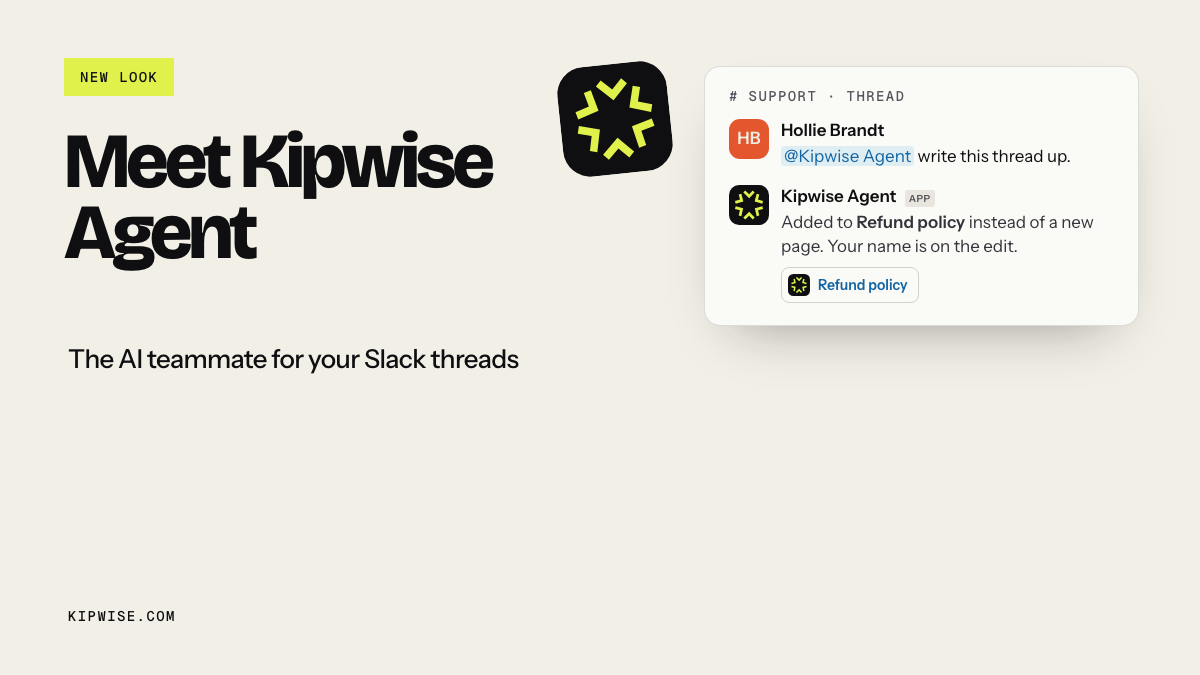
That matches Slack's agent design guidance, which asks agents to get explicit confirmation, with a preview, before actions that have real-world implications such as sending. Kipwise Agent frames scheduled requests and explicit sensitive actions in threads the same way.
What a good speed-to-lead card contains
Keep the Slack card plain and complete:
- lead name and company as stored in the source system,
- source or form name when present,
- age since create (and age since last activity if known),
- owner if assigned, or an explicit owner gap,
- last logged activity summary when the source exposes one,
- a short proposed first-touch draft,
- links or record IDs the human can open,
- an explicit approve / edit / reject path.
It should not invent a phone number or email when the CRM field is blank, mark the lead contacted because someone discussed it in Slack, auto-send the first email or SMS, reassign ownership without approval, or treat a create ping as proof the response target was met.
Slack CRM and Sales Cloud in Slack can bring alerts and conversational updates into the workspace. Collaboration helps, and teams still need a digest of untouched leads with drafts that refuse to guess and an approval gate.
Build the watch, draft, approve loop
Use a loop your ops lead can explain in one channel thread:
- Watch. On a short schedule, or when a teammate mentions the agent, read newly created or untouched leads the requester can access.
- Draft. Build one card per breached or near-breach lead with citations and a first-touch draft.
- Approve. Post in the sales or ops channel thread. A human edits tone, picks the owner, and approves the send.
- Act only after approval. Send the email, log the touch, or assign the owner only as an explicit step.
- Escalate silence. If the card ages without approval or the CRM still shows no activity, nudge the channel again with the same citations.
Slack Workflow Builder and workflow automation can cover a simple notify path. For the plumbing, Integration Atlas has step-by-step guides for pushing new HubSpot contacts into Slack with Zapier and with n8n. The Zapier guide suggests a delayed reminder in Slack if no activity is logged on the new contact within two hours of the notification, and the n8n guide replaces polling with a HubSpot webhook so the notification is instant. Those patterns are the skeleton. The agent still has to read permissioned records, refuse gaps, and keep the consequential send human. A lead that was touched but never logged is a different problem, covered in the guide to keeping your CRM clean from Slack.
A worked sales-ops example
Imagine a 22-person services firm on Slack and HubSpot. Inbound demo requests hit a pricing form at odd hours. Today the pattern is that HubSpot gets the contact, someone may or may not see a Slack ping, the assigned rep is in meetings, and the founder eventually asks, "Who took the Acme form fill?"
With a before-you-hire loop:
- Every 15 minutes during business hours, the agent lists contacts created in the last two hours with no logged sales activity the requester can see.
- For each row it posts a card: "Acme Co / demo form / 38 minutes old / owner: none / proposed first touch below / source: HubSpot contact 123."
- If the email is blank, the card flags the missing email instead of guessing one.
- A coordinator approves the draft, assigns the rep, and only then sends.
- If the card sits untouched for 30 more minutes, the same thread gets an escalation with the same citations.
The hire may still happen later for phone qualification, complex pricing judgment, or CRM cleanup. The repetitive watch-and-draft slice no longer depends on founder memory.
Native Slack AI is not the same loop
Slack AI features help people catch up on channels and summarize threads, which reduces scrolling. They do not query HubSpot for create timestamps and activity gaps, compute a breach of your response target, or draft a source-cited first touch tied to a CRM record. A create notification from Slack CRM or a Zapier or n8n ping is closer, and it usually stops at "new lead arrived." The expensive part is the next hour, when nobody owned the lead, nobody sent anything, and the channel moved on.
Failure modes to design for
- Polling delay. Some free iPaaS plans poll every few minutes. If your target is five minutes, measure real lag instead of assuming the ping is instant.
- Duplicate cards. Retries and overlapping schedules can post the same lead twice. Key cards by CRM record ID and response window.
- False "touched" status. A Slack mention is not a logged CRM activity. Only trust the source system fields the agent actually read.
Run it for one week before you hire
Pick one inbound source, such as the pricing demo form, and one Slack channel. Set a target for surfacing a lead (X minutes) and for the first human touch (Y minutes in business hours), connect only the CRM views the pilot owner can already access, and require approval for every prospect-visible send. Track leads surfaced inside the target, cards approved, false-contact blocks, and founder chase messages removed. Keep phone outreach and hard qualification with people, and on Friday list which steps still needed one.
Hire when you need a human for calls, pricing judgment, messy CRM exceptions, or relationship nuance. Automate first when the pain is "new leads land in HubSpot while first response dies in Slack memory." Put the repetitive part in Slack: permissioned reads, cited speed-to-lead cards, refuse-to-guess contact fields, human-approved first touches, and untouched escalations. A bot does not replace every sales-ops hour, and you will hire with a clearer scope.