How to Re-Onboard Returning Employees with an AI Company Brain
A returning employee should get a short plan built from what changed since their last day, not the new-hire program and not a welcome-back message. We recommend three rules: rebuild access from today's role and never from the old account, work out the changes with the people who do the job, and have the hire answer a few scenarios before you assign any reading. The risk is the approval threshold, expense tool or escalation route they remember confidently and that no longer applies.
Rebuild access from today's role
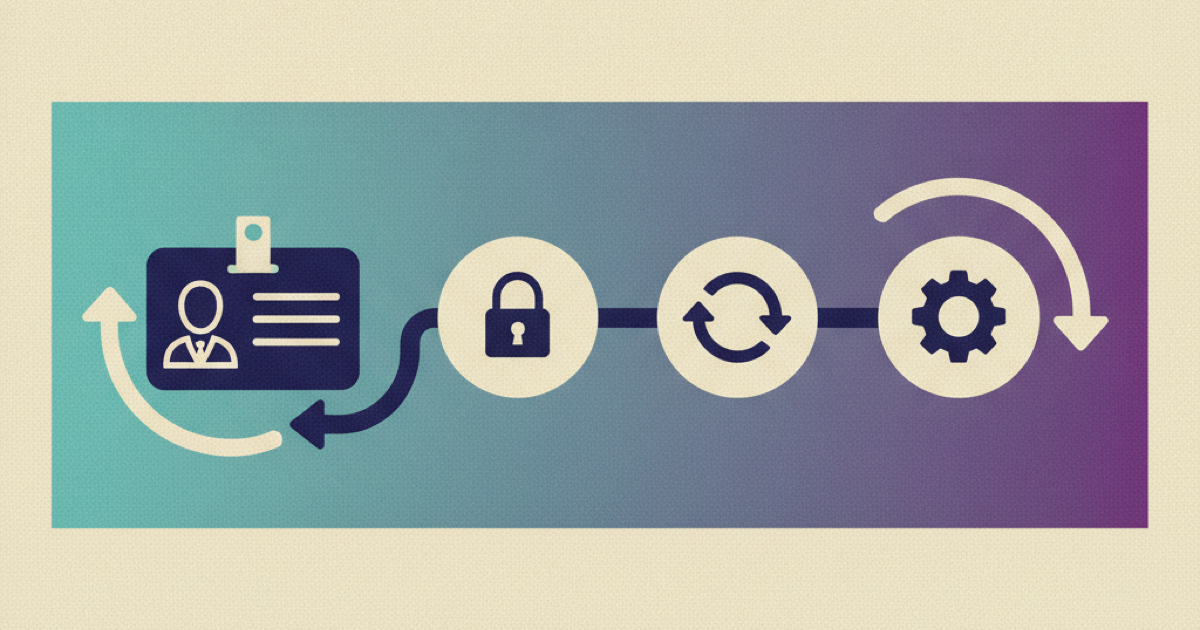
Reactivating the old account brings back every group the person held when they left, including groups the new role does not need. Check what your connector does on a rehire: Microsoft's HR-driven provisioning documentation says that when an employee is rehired in the cloud HR app, the old account can be automatically reactivated or reprovisioned. Create the re-entry as a joiner event from the current HR record instead. Microsoft Entra lifecycle workflows run tasks relative to a user attribute, and Microsoft's own example emails a manager seven days before the value of employeeHireDate. So the start date on the rehire record decides when pre-start tasks run. Check that it holds the new date and not the original one.
NIST SP 800-207 describes access policy as rules over the attributes an organization assigns to the requester (tenet 4) and asks for the least privilege needed for the task (tenet 3). For a rehire, those attributes are the new role, manager, location and employment type. Treat the old account's groups as history that someone must assign again.
Build the entitlement set from the HR record and the role rules, compare it with the old set only as a review aid, and provision from the current set. Give every old entitlement one outcome: grant because the role needs it, deny because it no longer applies, hold for a named approver, or expire after a bounded transition.
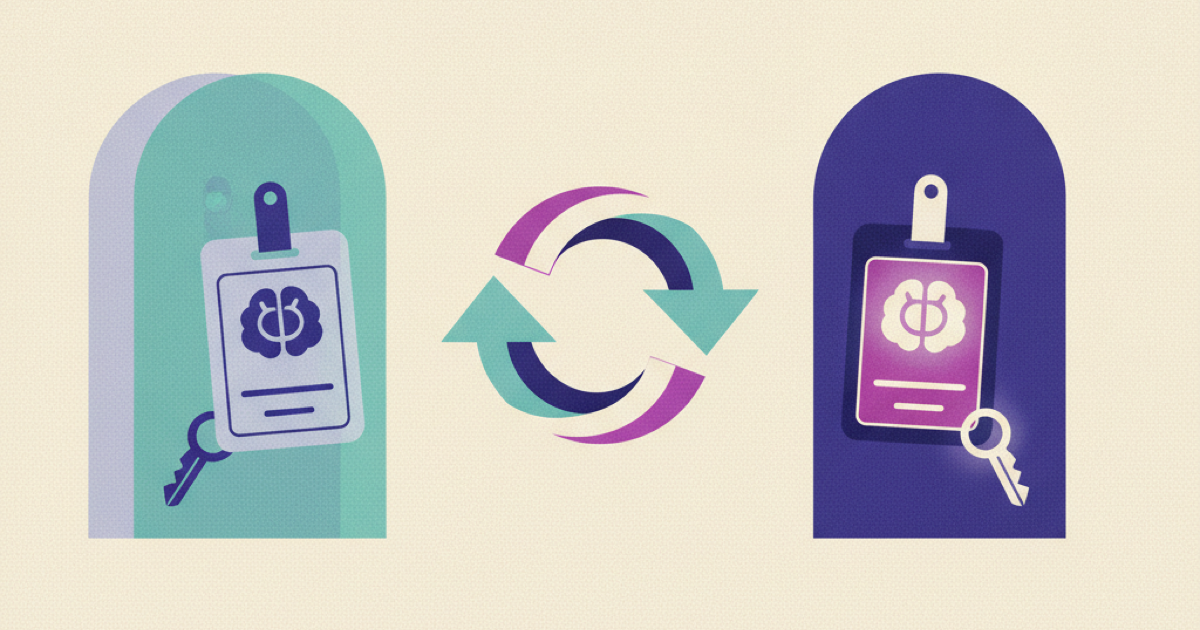
The company brain needs the same reset. Azure AI Search enforces document-level access by comparing the caller's identity with permission metadata stored in the index, and a permission change in the source system reaches results only after that metadata is synchronized. Run the negative test against the live index after the latest sync: ask something the former role could answer and the current role cannot, and expect no restricted passage and no revealing summary. Apply the filter before passages reach the model, because hiding a citation afterwards does not stop restricted text from shaping the answer. Start a fresh chat context for the new employment period. Old conversations carry old instructions and old permissions, so keep only approved evidence that still has a purpose.
Paperwork follows the form's date, not the person's tenure
Do not let the assistant tell a returning employee that their paperwork carries over, or that it does not. In the US, an employer that rehires someone within three years of the date their previous Form I-9 was completed may use a Supplement B block instead of a new form, and after three years needs a new Form I-9. The clock runs from when that form was completed, not from the day the person left, so someone whose previous form is four years old needs a new one even after a month away. Store the form's completion date on the rehire record and send the question to HR with that date attached. Other countries have their own rules.
Work out the delta with the people who do the job
Record the boundary first: the previous end date, the new start date, the current role and location, the authoritative worker identifier and the owner who approved the rehire. Keep the two employment periods as separate records, so an old acknowledgment cannot satisfy a current requirement and the system can say why an item was assigned.
If you rehire a handful of people a year, we recommend computing the delta by hand. Ask two people who do the job today what would trip up someone who left eighteen months ago, then read the page history of the pages they name. Interviews find changes that no diff can: a rule that moved to a new Slack channel, an approver who changed in conversation, a tool nobody wrote up. File timestamps are no substitute, because they flag every typo fix and bulk migration while a changed instruction may keep its page. Automate the diff after the third or fourth rehire, when you can see which signals separated real changes from edits.
Sort what you find into four groups: identity (manager, department, employment type, location, legal entity), access (applications, groups, repositories, approval scopes), knowledge (policies, procedures, product details, named owners) and evidence (acknowledgments, training and approvals that must be done again). A change does not always need a course. A renamed team needs a notice, a revised security procedure needs a source-linked explanation and an acknowledgment, and a new production permission needs training, approval and a practice task.
For each role-critical source keep the owner, effective date, last material review, intended role and location, and whether the change touches a decision, a task, an access request or an escalation route. Mark it new, materially changed, unchanged, retired or unverified. Retired sources need care: a returning employee may search for an old title or open a saved bookmark, so redirect it or add a retirement notice, and have the company brain point to the replacement instead of returning nothing. As code, the rule for assignments is:
def action(source, employee):
    if not source.applies_to(employee.role, employee.location):
        return "do not assign"
    if source.status in ("new", "materially_changed"):
        return "assign the changed section and the required action"
    if source.status == "retired":
        return "point to the replacement"
    if source.status == "unverified":
        return "route to the source owner before giving guidance"
    if source.evidence_expired(employee):
        return "assign the current source and collect fresh evidence"
    return "leave searchable, do not assign"
Each assignment is then explainable. The employee sees what changed, when it changed, who owns the source and what action is required now.
Ask before you assign
We recommend giving the returning employee five scenarios drawn from the delta, for example who approves an expense of a given size or where a security incident is reported, and letting their wrong answers choose the reading. A correct answer to a scenario that tests application, not recall, means the memory is still good, so assign nothing. A wrong one is the exact stale belief, and the correction lands on a mistake the hire just made. Tell them the check shortens their reading and is not a test of them, and record which sources were assigned, not their answers.
The GitLab onboarding handbook shows a shape worth copying: an issue template owned by People Operations, opened at least four days before the hire date, with a main section due in 30 days and department and role tasks below it. Keep that shape and its named owners for a rehire, and fill the issue from the delta instead of the default list. In order:
- Before the start date, create the new identity record, approve minimum communication and onboarding access, and name an IT contact for access failures and a People Operations contact for employment questions.
- On day one, show the changes that affect safety, security, payroll, benefits, conduct, customer commitments or production work, each with its governing source and effective date beside the summary. The assistant does not paraphrase a consequential change without both.
- Then provision access for the current role, not the role held at departure, and assign the task-specific updates. A returning engineer may need the new deployment process and repository layout, and a returning customer success manager the current escalation rules and product limits.
- Release on scenario checks, access probes and an owner review. Ask the hire to choose the approval route for a realistic case or complete a safe practice task. A failed check sends the person to the exact source or owner, not back to the start.
What the assistant says to a returning employee
An answer to a process question should carry the current instruction, the canonical source, its effective date or review state, the role and location it applies to, and a note when the process changed after the employee's previous end date. For example: "The expense approval threshold changed after your previous employment ended. The current finance policy requires manager approval at this amount. Review section 4 and confirm the new workflow before submitting." That names the difference that matters and gives a next action, which neither "welcome back" nor a generic policy summary does.
Withhold a definitive instruction when the applicable source is unverified, two current sources conflict, the employee cannot open the evidence, or the request would change access without approval. Route the question to the named owner with the context attached.
The Kipwise employee onboarding workflow separates assigned reading from searchable company knowledge. Use that distinction here. Put mandatory, changed material into the re-onboarding plan. Keep stable background material searchable instead of forcing the employee to repeat it.
Check it with a synthetic rehire
Create a test employee with a former role, a departure date and a new role. Seed one unchanged source, one materially changed policy, one retired procedure, one newly required page, one old entitlement that must not return and one current entitlement that must be granted. Then confirm that:
- the old restricted source cannot be retrieved;
- the current role's source can be retrieved and cited;
- the changed policy appears as a mandatory delta item;
- the unchanged source stays searchable but is not assigned;
- the retired procedure points to its replacement;
- a renewed acknowledgment records the current source version;
- a failed scenario routes to the exact source or owner;
- completion removes temporary access and leaves approved current access intact.
Repeat the run when role rules, identity integrations or retrieval filters change. A passing content check cannot offset a failed permission check.
Take the next rehire through it
Use your next rehire, or a realistic test profile. Interview two colleagues, write the delta, run the negative retrieval test and the scenario check, and have the role owner approve every mandatory item and every excluded old entitlement before the employee gets normal access. Anything nobody can explain comes out of the plan or goes to the source owner.