Stripe dispute at a small business: who owns each chargeback, your own deadline, and a Slack alert when one opens

A Stripe dispute needs one named owner, a decision to accept or counter, and a single complete response before the deadline, which Stripe's guide to responding to disputes puts at typically 7 to 21 days depending on the card network. Miss it and you lose the dispute automatically, with no way to recover the money.
A small business gets a dispute a few times a year, so nobody has a routine for it. The notice lands in one person's inbox, the deadline passes while they are busy, and the disputed amount and the fee are gone. Or someone answers a refund email for the same payment and pays the customer twice. A one-page dispute rule and an alert in the channel your team already reads fix both, for the cost of setting them up once.
What does a small team need to decide before the first Stripe dispute?
Write five decisions down before you need them. The usual guides to the Stripe dispute process leave each of them to "the merchant", and in a small team that word names nobody.
| Decision | What to write down | Why it matters |
|---|---|---|
| Owner | One person who handles every dispute, and a named backup for their time off | A dispute nobody owns is lost on the deadline by default |
| Your own response date | The deadline on the dispute page minus three days | The response goes in once and cannot be edited |
| Accept-below amount | A dollar figure under which you accept without countering | The fees can exceed a small disputed amount |
| Refund rule | No refund on a payment that has an open dispute | A refund plus a lost dispute pays the customer twice |
| Evidence folder | Where invoices, terms, usage logs and customer emails live, per customer | Gathering evidence under a deadline is where time goes |
The owner does not have to be the founder. In a 10 person firm it is often whoever already reconciles payouts or answers billing emails. Put one name on the rule and tell the backup that they are the backup.
Try Kipwise Agent free in Slack: mention it once in a thread and it does the repetitive work, with your permissions.
How does a Stripe dispute actually work?
When a customer disputes a charge with their bank, Stripe takes the disputed amount and a dispute fee from your balance straight away, and the bank has already given the customer their money back. Your only route to recover it is to counter with evidence.
Stripe tells you through email, the Dashboard, push notifications if you subscribe to them, and a charge.dispute.created event for teams that receive events from Stripe, as the responding page explains. Each dispute has a category, and Stripe's dispute categories page lists the evidence each category calls for, so the response depends on the category the customer's bank chose.
Three rules from Stripe shape everything a small team does:
- You have one response. Stripe forwards it to the card issuer at once, and you cannot edit it or add files afterwards.
- Accepting is final. The dispute is marked lost and you cannot submit evidence later.
- Countering costs extra. A dispute countered fee applies on top of the dispute received fee; Stripe returns the countered fee only if you win, and the received fee is not returned.
After you submit, the bank decides. Stripe's introduction to payment disputes says issuers usually take 60 to 75 days to review evidence, and the responding page says it can take up to three months. So almost everything you control happens in the first week.
Why do small businesses lose disputes they could have won?
Most of the losses a small team can prevent come from the calendar and the inbox. Three patterns repeat.
The notice goes to the wrong person. In a small team the Stripe email often reaches the founder who opened the account years ago, who now reads email twice a day and treats Stripe mail as receipts, so check which address receives Stripe's dispute emails.
The response is assembled on the last day. Because the response cannot be edited, a rushed submission with a missing invoice or a screenshot of the wrong page is final.
Set your own response date three days before the deadline on the dispute page, because Stripe takes one submission and accepts no edits, so a response rushed on the last day cannot be fixed. Three days is a recommendation, not a Stripe rule. It leaves a working day for a second person to read the response before it goes, and a day of slack for a weekend. Put that date, not Stripe's, in the alert and in the owner's calendar.
The refund and the dispute cross. Customers sometimes email for a refund and file a dispute with their bank in the same week. Devonauts' guide to Stripe refunds and disputes for small SaaS warns against refunding a payment that is already disputed.
Never refund a payment that is already disputed, because a refund on top of a dispute the bank decides for the customer returns the same money twice. Answer the dispute instead. If you want the customer to have their money back, accepting the dispute does that without a second payment. Our refund policy guide for small businesses puts the same check at the start of every refund.
Founders also describe losing disputes they felt were clear. In one Hacker News thread on fighting chargeback fraud, a small coaching service owner reports losing disputes even after customers admitted filing them by mistake. In an older Ask HN thread on how a SaaS can win a chargeback dispute, the poster reports losing both of their disputes despite receipts and email correspondence, and paying the fee on top of the refund. These are author reports, not a measured win rate, but they show why evidence matched to the dispute category matters more than a general case that you are a legitimate business.
When should you accept a dispute instead of countering it?
Accept when the customer is right, when you cannot produce the evidence the category asks for, or when the amount is below a figure you set in advance.
Decide an accept-below amount before the first dispute arrives, because the dispute received fee is never returned and countering adds a second fee, so a small dispute can cost more to fight than it is worth. Stripe itself offers a Workflows template that accepts disputes under 15 USD automatically, and suggests adjusting the amount to suit your business. Check the current dispute fees on your Stripe pricing page, add an honest estimate of the owner's time to gather evidence, and pick the number. Write it on the rule so nobody argues about it under a deadline. Accepting a small dispute you would probably win is often the cheaper choice, because the received fee is lost either way and only fighting adds the countered fee and the owner's hours on evidence.
Two cases override the amount. If the customer filed a second dispute after paying again, as a SaaS founder describes in an Ask HN thread on Stripe and chargebacks, counter and review the account, because a pattern costs more than one payment. And respond to an inquiry even when it is small: Stripe treats an inquiry as a pre-dispute stage that a response can stop before it becomes a formal dispute with fees.
How to respond to a chargeback on Stripe, step by step
Here is the sequence for a small team, from alert to outcome.
- Alert in the channel. The dispute appears in #payments with the customer, the amount and a link to the dispute in the Dashboard (the Slack setup is below).
- Owner claims it in the thread and posts their own response date, three days before Stripe's deadline.
- Check the refund history. Confirm no refund is pending or issued on that payment, and stop any refund conversation with the customer by email.
- Decide accept or counter. Apply the accept-below amount and the two overrides.
- Read the claim. Open the dispute details page, read the category and any documents the card issuer provided, and note what the customer says happened.
- Gather evidence for that category. Follow the recommendations on Stripe's dispute categories page: invoices, the terms the customer accepted, usage or login records, delivery proof, and the email thread with the customer.
- Assemble one file per evidence type. The responding page asks for one file per evidence type, combined into a multipage file where needed, under 4.5 MB in total. Do not include links, audio or video: card issuers do not review external content.
- Second read. A second person reads the response against the claim before submission, on or before your own date.
- Submit and log it. The status changes to under review. Note the dispute in the thread with the date submitted.
- Close the loop. When Stripe emails the outcome, post won or lost in the thread, and if lost, write one line on what evidence was missing.
Steps 3 to 9 happen in the Stripe Dashboard and in your own files. Slack carries steps 1, 2 and 10, so nobody misses the notice, everybody sees who owns it, and the history of every dispute sits in one channel.
How do you get a Slack alert when a Stripe dispute opens?
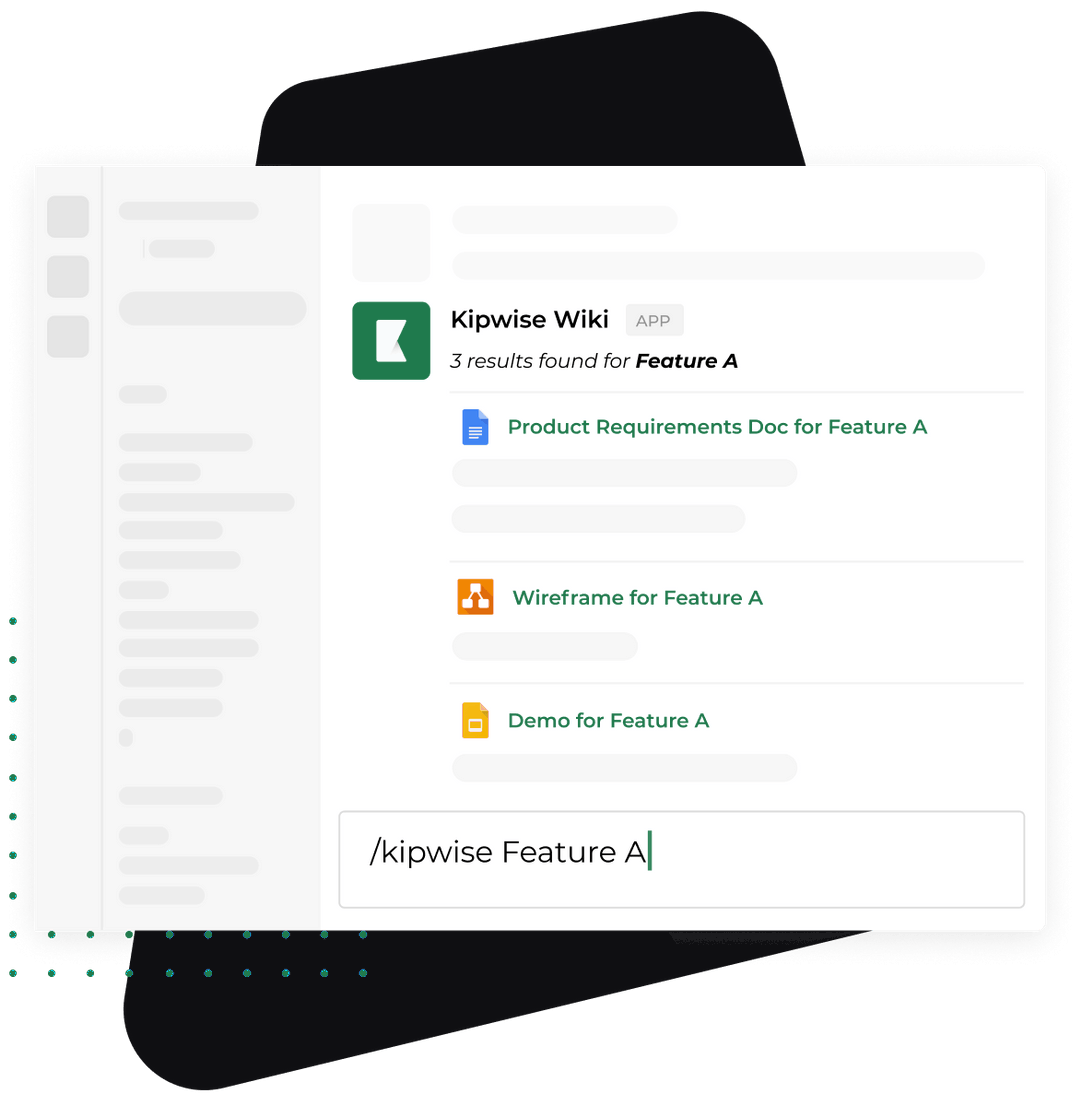
With the Kipwise agent and your Stripe account connected, you ask once in the channel and it posts each new dispute there. According to the Stripe agent page, you say it once and the agent posts when a dispute opens, as it does when a payment comes in or fails. It reads the record in Stripe before it posts, and setting up the watch waits for your Approve.
A worked example, with made-up names and amounts:
> Dana (founder) in #payments: @Kipwise when a customer disputes a charge in Stripe, post it here with the customer, the amount and the payment. > > Kipwise: Post in #payments whenever a customer disputes a charge in Stripe? (Approve / Deny card; Dana approves.) Watching. > > (Nine days later) > > Kipwise: A customer disputed a charge. Customer: Northwind Studio. Amount: $480.00, the annual plan payment from 3 October. Dashboard link to the payment. > > Sam (owner): Mine. Our date is the 4th, three days before Stripe's deadline on the dispute page. > > Sam: @Kipwise look up this customer's other payments, invoices and subscription. > > Kipwise: Northwind Studio has an active subscription on the annual plan since October 2025, two paid invoices (October 2025 and October 2026) and no refunds. Dashboard links for each.
That look-up answers the refund question in step 3 and shows the renewal history the evidence will rest on, without anyone opening three tabs. The agent works with the Stripe access of the person who connected it, and refunds happen only when someone explicitly asks for one, which matters here because a refund is exactly what you do not want on a disputed payment. Cancelling, voiding or deleting is not done in Slack; the agent gives the dashboard link instead.
A person still decides whether to accept or counter, gathers the files, writes the response and submits it in the Stripe Dashboard. The agent does not submit evidence or accept a dispute. A useful middle step is to ask it to draft a short summary of the case from the thread, which the owner then edits and pastes into the response form.
How do you know the dispute process is working?
Check three things each quarter, from the #payments channel history.
- Every dispute alert has an owner reply in the thread within one working day.
- Every countered dispute was submitted on or before the owner's own date, not on Stripe's deadline.
- No disputed payment was also refunded.
If a dispute was lost, the closing line in the thread tells you whether the gap was evidence you did not have (fix it at payment time, for example by keeping usage logs and the accepted terms per customer) or evidence you had and did not include (fix the checklist). Devonauts makes the same point about prevention: a recognisable statement descriptor, easy cancellation and renewal reminders reduce disputes before they start. For failed payments rather than reversed ones, see our guide to dunning for a small subscription business, and for the customers who cancel instead of disputing, the cancellation survey guide.
What about edge cases?
A single payment can carry more than one dispute; Stripe suggests responding to each separately. For fraud disputes on Visa, Stripe checks automatically whether the case qualifies for Visa Compelling Evidence 3.0 and pre-fills the fields if it does, and the responding page advises not to edit those pre-filled fields. If the customer says they will withdraw the dispute, still respond: the response is what tells the issuer you do not accept the claim. If you use several Stripe accounts, the disputes list can show all of them, so the alert should say which account the dispute is in.
What to do next
Write the one-page dispute rule today: the owner, the backup, your own response date three days before the deadline, the accept-below amount and the no-refund-on-dispute rule. Then connect Stripe to the Kipwise agent and post one message in #payments asking it to tell the channel whenever a customer disputes a charge, so the next Stripe dispute reaches its owner the day it opens.