Refund policy for a small business: what to write down, who approves each refund and a Slack thread that runs it
Most advice on a refund policy is written for a shop: a return window, item condition, who pays shipping. If you sell services, subscriptions or digital products through Stripe, that template leaves out the part that hurts. A customer asks for money back by email, you answer from memory, and the decision lands on the founder because nobody else knows the rule. This guide gives you a one-page refund policy skeleton for a firm like yours, a decision table with one row per type of request, and a Slack thread that takes a request from the inbox to one approved Stripe refund. It is not legal advice; laws on refunds vary by state, so have a lawyer read the final wording.
The short version
A refund policy for a services or subscription firm has two jobs. It tells the customer what they can expect, and it tells your own team who decides and what to check first. Most templates do only the first.
- Write the customer-facing rules: window, what is refundable, what is not, how to ask.
- Name one approver, and one backup, in the internal version.
- Write a rule for each request type: inside the window, outside it, partial, after a dispute, and a refund that fails.
- Run every request in one Slack thread, with the figures read from Stripe and a single approval step.
Why founders end up as the refund desk
Look at what the common guides cover. YouCanBookMe's refund policy examples include service businesses and note that service refund policies are more complicated than store ones, because you cannot return someone's time or effort the way you return a physical item. They tell you to set a firm deadline and a stated request process. Homebase's template is a store-style document that says a policy helps your team stay consistent. iubenda's return policy guide is written for online stores, with inspection of returned goods and a SaaS example that refunds in the first 7 days of a subscription. None of the three says who inside the firm approves a refund.
That gap shows up in what founders report. In one Ask HN thread, a founder with a stated zero-refund policy gets a request to refund two months for an unused account, and the replies say they made exceptions when the platform failed or when requests went unanswered. In another, a small SaaS founder with a 30 day guarantee is asked for money a year after purchase, after a PayPal dispute was decided in his favour, and the replies split between paying to end it and refusing. These are author reports, not data, and both are from 2020. They do show the pattern: the policy says one thing, and the founder decides case by case anyway.
Three things make that expensive.
- No owner. If anyone can say yes, you get inconsistent answers, and customers notice.
- Money facts that live in Stripe, not in the email. The amount, the date, the fee and whether the payment was disputed are all in the Stripe record, and nobody opens it before replying.
- Timing. A request can arrive after a dispute has already pulled the money back.
What to write down: a one-page skeleton
Write two versions. The customer version goes on your site and in your terms. The internal version lives in your wiki and names people. Adapt the wording below to your business; the structure is the point.
Customer version
- Who this covers. Services, subscriptions and digital products sold by your firm. If you also sell physical goods, put returns of those goods in a separate policy; this one does not handle them.
- Window. A fixed number of days from the payment date, for example 14 or 30 days. YouCanBookMe's guidance is to give a firm deadline and a stated request process.
- What is refundable. For a subscription, the most recent charge. For a project, the unstarted part. For a digital product, nothing after download, if that is your rule.
- What is not. Work already delivered, custom work, and charges outside the window. Say it in plain words.
- How to ask. One address or one form, with the invoice number or the email used at checkout.
- What happens next. An answer within a stated number of business days, and what the customer sees if you approve.
Internal version
- Approver. One named person, one named backup.
- Authority limit. The amount a support teammate may refund alone, if any, and the amount above which the owner decides.
- Where it runs. The Slack channel where every request is handled, so the history is in one place.
- What to check first. Payment date, amount paid, any earlier refund on the same payment, and whether the payment has been disputed.
Name one approver in the policy itself
Name one refund approver in the policy itself, because the templates describe what a customer gets but not who inside the firm is allowed to say yes. This comes from reading the three guides above, not from a study, so treat it as a recommendation. The reason it matters is practical: when the internal policy has no name in it, the founder answers every request, and when it has a name and a limit, a teammate can collect the facts and wait for one decision. The change for you is small. Add a line to your internal version such as "Refunds up to the amount of one month's fee: the ops lead. Anything larger: the owner."
What Stripe does to your numbers
Your policy has to respect what Stripe does, and Stripe's refund documentation sets the constraints.
- You can refund all or part of a payment, which might incur a fee, and Stripe's processing fees from the original transaction are not returned.
- A refund can only go back to the original payment method, never to a different card or bank account.
- You can issue several refunds against one charge, but the total cannot exceed the original amount.
- A customer sees the credit about 5 to 10 business days later, depending on the bank.
- A refund issued shortly after the original charge can appear as a reversal, where the charge drops off the statement and no separate credit is issued. A customer who looks for a credit line may think nothing happened.
- A refund can fail, for example because of a closed account. The money returns to your Stripe balance, which can take up to 30 days, and you must arrange another way to pay the customer.
Write partial refund rules around the fee you will not get back
Write partial refund rules in terms of the processing fee you will not get back, because Stripe does not return its fee on a refund, so a full refund costs you more than the customer's amount. This is arithmetic on the documentation above, and the exact fee depends on your Stripe pricing. Say a customer paid $500 and the original fee was $14.80 (a made-up figure for illustration). A full refund sends back $500 and you absorb the $14.80. That is fine for a refund that fixes your mistake. It is a real cost for a refund you grant as goodwill. Decide this once, in the policy, instead of per request. Whichever way you choose, write down the rule: "goodwill refunds exclude the processing fee" or "we absorb the fee on every approved refund".
The decision table: one row per request type
Copy this table into your internal wiki and fill in your own windows and names.
| Request type | Rule to write | Who approves | Stripe step |
|---|---|---|---|
| Inside the window | Refund the amount paid, unless the service was already delivered | Approver named in the policy | Full refund from the payment, reason selected |
| Outside the window | Default no; the approver may grant one exception per customer | Owner | Full or partial refund, with a note explaining the exception |
| Partial | Refund the unused part; state whether the fee is deducted | Approver | Refund with a custom amount, never above what was paid |
| After a dispute | Do not refund; answer the dispute instead | Owner | Accept or challenge the dispute in the Dashboard |
| Refund failed | Pay the customer another way; record it | Owner | Check the failed refund, then arrange payment outside Stripe |
For a bulk case, note that the Dashboard supports bulk refunds of full payments only; partial refunds have to be issued one at a time.
Check the dispute status before you approve anything
Check every refund request against the payment's dispute status first, because a refund issued on top of a card dispute can pay the customer twice. Stripe's documentation says that when a customer disputes a charge while a refund is pending, Stripe recommends accepting or challenging the dispute instead of refunding, to avoid duplicate reimbursement. For bank debit methods it warns of a risk of double refund if you refund while the customer's bank also starts a dispute.
Email handling hides this failure. The refund request arrives in your inbox on Tuesday, the dispute notice went to a different inbox on Monday, and nobody connects them. The fix is an ordering rule in the policy: before the approver is asked, someone looks up the payment and reads its status. In the Slack thread below, the agent does that look-up and shows the result in the thread, and a dispute watcher posts in the channel the moment a customer disputes a charge.
A Slack thread that runs the policy
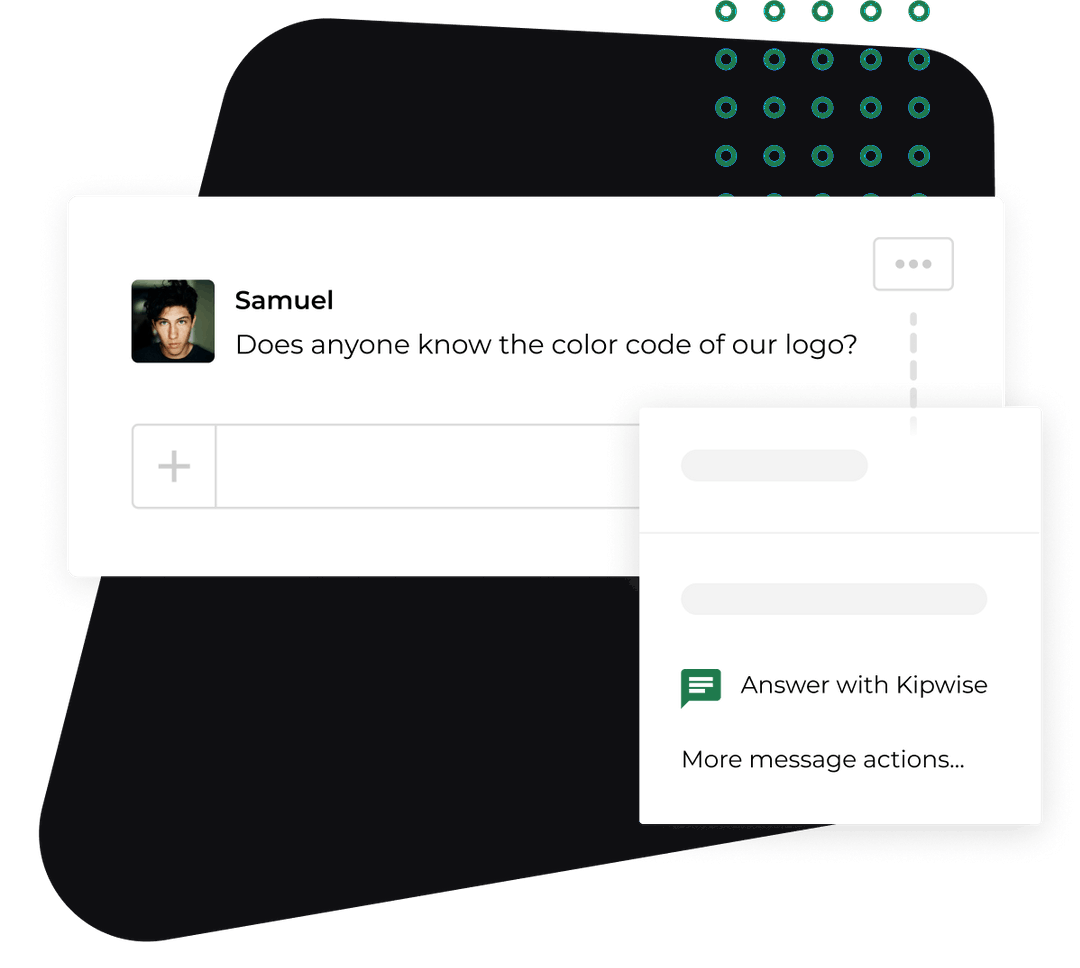
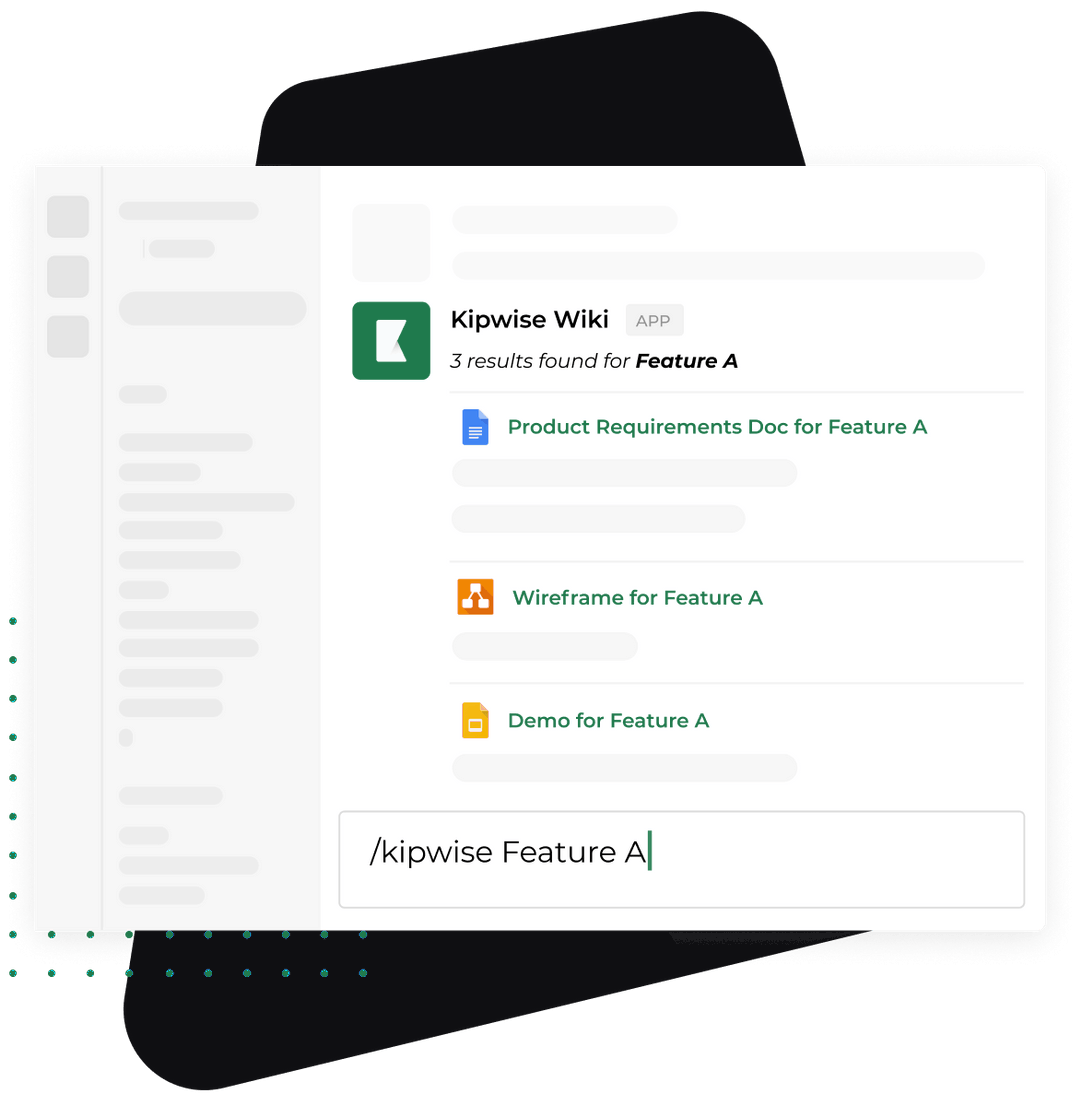
The example below is made up. It uses only what the Kipwise agent does: it connects to Stripe with the asking person's own account, looks up customers, payments, invoices and subscriptions with a link to the Dashboard, and issues refunds only when you explicitly ask, after an Approve or Deny card. It does not decide whether a refund is owed, apply your policy by itself or email the customer. Cancelling, voiding or deleting stays in the Stripe Dashboard; the agent gives you the link instead.
Set up once. The owner asks the agent to watch Stripe and post in #payments when a customer disputes a charge. Say it once and it tells the channel each time, having read the record in Stripe first.
The request.
- Sam, a teammate, posts in #payments: "Refund request from Acme Studio, paid 9 days ago, says the project was cancelled before kickoff."
- Dana, the ops lead and the named approver, replies in the thread and mentions the agent: "Look up Acme Studio's payments and any open disputes."
- The agent returns the payment amount and date, any earlier refund on it, whether it is disputed, and the link to the payment in the Dashboard.
- Dana replies with the policy rule: "Inside the 14 day window, project not started, refund in full."
- The agent shows a card with a preview of the refund. Only Dana, who asked, can approve it, and the card expires after 30 minutes. If Dana does nothing, no refund is made.
- Dana approves, the agent issues the refund, and Sam answers the customer.
Dana is the one who mentions the agent because only the person who asked can approve the card, and the agent works through that person's own Stripe connection. If Sam had asked, Sam would hold the approval. Having the named approver ask puts the decision with that person and leaves the thread as the record.
What stays with people: reading the request, judging whether the rule applies, writing to the customer, and any cancel, void or delete. The agent does the look-ups and the approval step. Dana still makes the call.
Handle the cases that go wrong
- The refund request is outside the window. Apply the table. If the approver grants an exception, write the reason in the thread so the next exception has a precedent.
- The payment is disputed. Stop. Do not refund. The owner answers the dispute in the Dashboard.
- The amount is more than was paid. Stripe will not allow a total above the original charge, so check for earlier partial refunds before you type an amount.
- The refund fails. Stripe returns the money to your balance, and you must pay the customer another way. Put the failed refund in the same thread so the follow-up is not lost.
- The customer cannot see the credit. Allow for the 5 to 10 business days, and check whether it went through as a reversal before you promise anything.
- Stripe's email setting. Stripe emails the customer about a refund only if the customer has a stored address and you switched on email for refunds in the Dashboard. If you prefer your own message, leave it off and write the reply yourself.
Verify it works
Run the process for a month and check four numbers.
- Requests with a named decision. Every request in the channel should end with an approved or denied line from the approver. Count the ones that do not.
- Time to answer. The number of business days from request to reply, compared with the number you promise on the customer page.
- Refunds with a dispute check. Every approved refund should have a status line in its thread. A refund with no such line is a miss.
- Founder involvement. How many requests the owner decided because the approver was out. If it is more than a few, name a better backup.
Also read the thread history once a quarter. If the same exception keeps being granted, change the policy instead of repeating the exception.
What to do next
Open your Stripe Dashboard today, pick the last refund you issued, and write the rule you used on a sticky note: window, amount, who decided. That note is the first row of your decision table. Then draft the internal version of the policy with one approver's name in it. If you want the look-ups and the approval card in Slack, install the Kipwise agent, connect Stripe and ask it to list the last five payments for one customer. The agent costs $10 per user per month with a minimum of 3 users, and its Stripe integration covers look-ups, refunds only when asked and approved, and dispute watchers.