Scope creep for a small firm: a request check sheet for the moment a client asks for more
A client writes "can you also add one more page?" in a shared channel. Someone on your team answers "sure, no problem" because it feels small and the relationship matters. Nobody opens the signed SOW, nobody prices it, and three weeks later the project has absorbed forty unbilled hours. That is scope creep for a small firm: a string of friendly yeses, each given in the minute a request lands.
Most advice on scope creep covers what to write before the project starts. This guide covers the minute after a request arrives. It gives you a check sheet that sorts every ask into one of five kinds, names who decides each kind, supplies the reply wording and the six fields to log, and then shows the Slack thread that runs the check against your SOW. The payoff is a priced, same-day answer to every request instead of a quiet gift of hours.
The short version: five kinds of request, one rule each
Run every incoming ask through this table before anyone replies to the client. The table is this guide's recommendation, not a standard. Each kind has a fixed outcome and a named decider, so nobody improvises in the thread.
| Kind of request | Outcome | Who decides | Log it as |
|---|---|---|---|
| Already in the deliverable list | In scope. Do it, no new paperwork | Account lead | In scope |
| A revision inside the revision cap | In scope. Count it against the cap | Account lead | In scope, with the round number |
| A new deliverable | Change order with a price | Owner or account lead prices it, client approves in writing | Out, with estimate |
| A faster deadline or a bigger quantity | Change order covering the extra hours | Owner or account lead | Out, with estimate |
| A vague "small tweak" | Ask one question, then treat it as one of the four above | Account lead | Held until sorted |
The reply wording stays short and the same for every out-of-scope row. One agency guide suggests starting with "Happy to do that" and then saying it sits outside the current scope and you will send a quick change order with the added hours and new timeline. That is a "yes, with a price" instead of a flat no, and a person sends it.
Try Kipwise Agent free in Slack: mention it once in a thread and it does the repetitive work, with your permissions.
Why the minute after the request is where scope leaks
The document that should settle the question, the signed SOW, lives in a folder. The request lives in a thread. Answering from the thread means answering from memory, and one practitioner writing about this describes it as negotiating from memory and goodwill. That is an author's report from someone with a product to sell, not a measurement.
A billing vendor makes the same point about the aftermath: work agreed in a thread and never written down is unlikely to be billed. It also advises sending the priced note the same day, because a quick priced reply reads as normal project management while a late one reads like a complaint. That is a vendor's view. The cost of the check is the delay, and a check that takes a day will be skipped.
Generic guides cover the rest. Asana describes change control as submission, review and decision, with each request accepted, denied or deferred. That fits a large project team with a project manager. A 20-person firm usually has none, so the three steps collapse into one person on one thread, and the discipline has to be lighter or it will not happen.
What your SOW has to contain for the check to work
A check against the SOW only works if the SOW can answer. Before you automate or standardise anything, confirm each signed SOW says these things, the same items agency guides put in their prevention checklists:
- Deliverables with quantities, so "five page designs" can be counted, not "the website."
- Explicit exclusions, such as copywriting, photography or ongoing maintenance.
- A revision cap, with a rate for rounds beyond it.
- One named client approver.
- A change order rule agreed before signing.
The Agiled checklist covers these items. For the clause wording, Ahsuite's sample clauses limit the scope to the deliverables listed in the SOW, treat any service not listed as out of scope, and bar out-of-scope work until a change order is signed. They are samples, not legal advice, and the source itself recommends a lawyer review any template.
Those clauses set no response window, and the sample says nothing about how fast you must answer a change request. Set your own. The check sheet below assumes the same business day.
The request check, step by step
Do these in order, in your own channel, the moment a client request arrives.
- Copy the exact ask. Paste the client's words, not your paraphrase, into an internal thread. A paraphrase quietly narrows or widens the request.
- Find the clause. Open the SOW and look for the deliverable, the exclusion or the revision cap that covers it. If you cannot find one, that is itself the answer: nothing in the SOW covers this.
- Pick the kind. Use the table above. If you cannot pick one, the request is a vague tweak: send the client one clarifying question, not a quote.
- Pick the outcome. In scope, inside a small free allowance, or change order. The allowance is covered next.
- Log it. Add the row before you reply, so the record exists even if the reply goes out in a hurry.
- Reply. A person sends the client message. The change order work starts only after the client says yes in writing.
The free allowance is a change order priced at zero
Most firms keep some tolerance for tiny asks, and that is reasonable. The risk is giving the favor silently. The DEV Community author's approach is to send the same short email with a fee of zero and label it goodwill, so the approval habit stays intact even when you waive the money.
A free favor should be logged as a change order with a price of zero, because a goodwill exception that leaves no record trains the client to expect it and leaves you nothing to point to later. In practice it means three things. The row in your log says "free allowance." The reply says what it would normally cost. The client's "approved" arrives anyway. When the same client asks a fourth time, you have three zero rows to show them, and the pricing conversation rests on records. This is a recommendation from reasoning, not a finding from the sources.
The six fields to log
The log can be a single Google Sheet. The DEV Community author lists the columns as date, ask, in or out, estimate, approved and billed. They work because billing then does not depend on digging through Slack weeks later. Add two small things of your own: the project name and a column for the SOW clause you matched. The clause column is what makes a later dispute short.
The Slack thread that runs the check
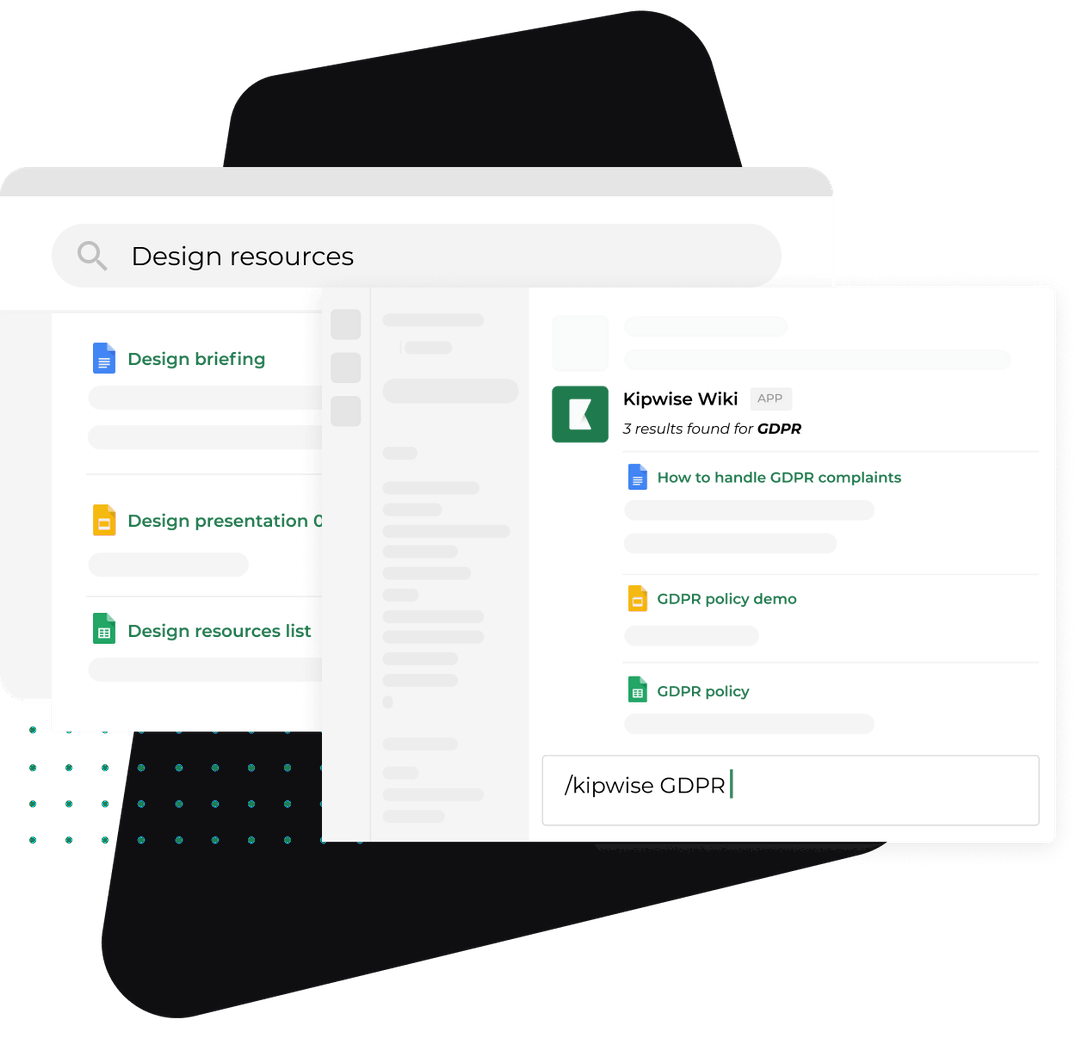
Here is the workflow for a firm that already lives in Slack and keeps its SOWs and a scope change log sheet in Google Drive. The Kipwise agent can do the lookup and the logging; a person keeps every judgment and every client message.
- A client asks for an addition in a shared channel or the team's client thread.
- The account lead copies the ask into the team's own internal thread and mentions the agent once: "Is this in scope for the Harbor Studio project? Here is the ask." (Harbor Studio is a made-up client for this example.) Plain replies in the same thread then continue the conversation.
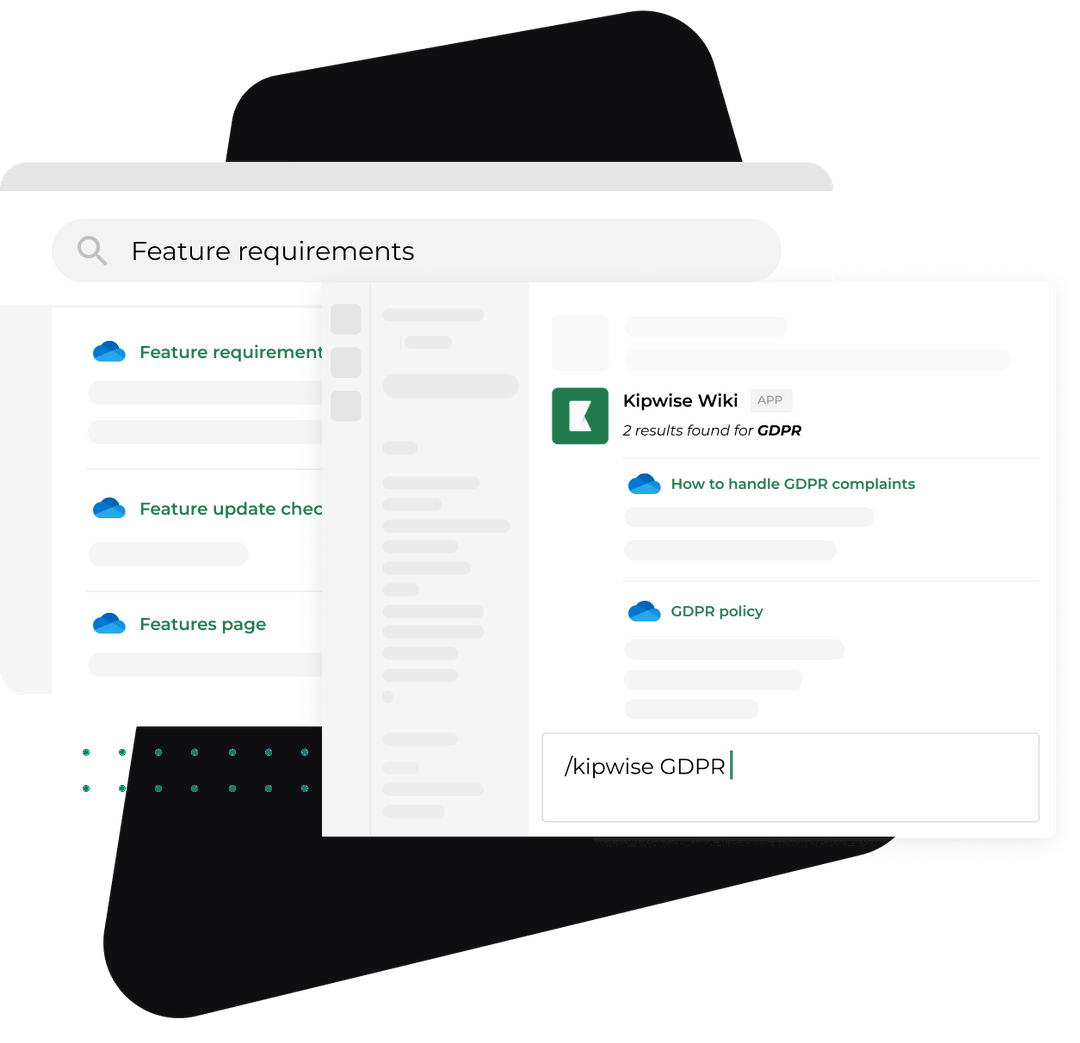
- The agent opens the SOW from Google Drive using the asker's own Drive access. Per the product description it reads Docs, PDF and Word files. It answers with the matching clause, or says it found none, and proposes one of three outcomes: in scope, inside the small allowance, or change order.
- For a change order, a teammate asks the agent to add a row to the scope change log sheet. The agent shows an Approve card first, and only the person who asked can use it. The row holds the six fields.
- A person estimates the hours, sends the change order to the client, and the work starts only after the client's written yes.
What stays with a person: the in or out judgment on a gray request, the price, every message to the client, and the decision to absorb a request as a goodwill exception. The agent finds the clause and writes the row; it does not decide whether "a quick refresh of the homepage" counts as the new deliverable.
Why the check runs in your own thread, not the client's channel
Run the SOW check in your own internal thread, not in the client's channel, because an answer the agent draws from your Drive is posted where everyone in that conversation can read it. The product description is explicit that in a channel where outside people can read the conversation, an answer drawn from a personal account is posted into the channel, and the connect step warns about it before it is pressed.
For a scope check that matters twice over. The SOW may hold your internal rates and your own assessment of the project's margin, and your thinking out loud about whether a request is "really" in scope is not something the client should read. Control is a second reason. In a Slack Connect channel, the organisation that owns the channel controls who can post, and some workflows can never be used there. Guests also cannot reach the agent's posting as the bot or the team's settings. Send the human reply in the client channel and run the agent in your internal thread.
An optional nudge when the log changes
A row edit in a Google Sheet can start an automation, so a note can post when a row changes. You can use that to ping the account lead in your internal channel when a row is marked "out" but "approved" is still empty after two days. Google reports the edit within seconds to about a minute and a half, and a sheet with more than 2,000 rows cannot be followed, which is far above what a scope log needs.
Handle the failures and edge cases
The SOW says nothing. The agent reports that it found no clause. Treat silence as out of scope, tell the client it is a gap on your side, and fix the SOW template so the next project covers it.
The SOW is ambiguous. "Up to three concepts" can mean three in total or three per round. Do not let the agent pick. This is a gray request and the account lead decides, then writes the interpretation into the log's clause column.
The client already got a yes. Someone said "sure" in the shared channel before the check ran. Log it honestly as an unpriced commitment, decide whether to honour it as a goodwill exception, and tell the client the process now applies to the next request. Do not retroactively bill a favor you already granted without saying so.
The agent cannot open the SOW. It works with the asker's own Drive access, so if the asker cannot open the file, neither can the agent. Fix the folder permission once, not per request. A workspace admin can also turn Drive lookups off, so confirm they are on.
The client pushes back. Point to the deliverable list and offer one of three paths: a quote, a swap for something already in scope, or deferral to a later phase. The DEV Community author lists the same three and says to restate the original deliverables in one line, then re-offer them.
Automated watchers over-flag. One vendor describes an agent that watches client messages for phrases like "one more thing" and routes them to a project lead. It is vendor marketing and its figures are unsourced, so do not lean on its numbers. Its stated rule is that the system creates visibility and a person decides. Keep that boundary. A phrase-matcher will flag friendly chat and miss a polite request that has no trigger words, so the human check in this guide stays the primary control.
Verify that it works
Run the process on one live project for a month, then look at the log.
- Reply time. The check is worth most when the client gets a priced answer the same day, so measure the hours between the request and the reply rather than only the number of change orders. A log full of change orders that were each priced three days late is a slower version of the old problem. Add a "replied at" time if you want the number.
- Unlogged requests. Skim the client channel for asks that have no row. Each is a leak, and the count shows how often the check is skipped.
- Free allowance rows. If the same client has many zero-price rows, the allowance is too generous or the scope was set too tight. Either way, have the pricing conversation and keep logging.
- Billed against approved. Every approved out row should reach "billed" within your normal invoice cycle. An approved row that never turns billed is the unbilled-hours problem moving to a different column.
- Clause hit rate. Count how often the agent found a clause versus none. A high "none" rate means your SOW template has holes.
Use the month to learn which of the five kinds you meet most, then tighten the SOW for that kind.
What to do next
Take one signed SOW and one real request from this week. Paste the request into an internal thread, find the clause by hand using the five-kind table, and write the six-field row in a sheet before you reply to the client. If you want the lookup and the row written for you, add the Kipwise agent to your Slack workspace and ask "is this request in scope?" against that one SOW. Pricing is $10 per user per month with a minimum of three users, and the install has a short trial before you pay.