Deal desk for a small sales team: who approves each discount, and how to log it in Slack
A rep posts in a direct message: "Can I give them 15 percent to close this week?" The founder answers "looks good" from a phone. The number never reaches the CRM, the next rep quotes the same 15 percent because "we did it for Northwind", and the approval takes two days while the prospect waits. That informal chain is the deal desk you already have, and at a firm with a handful of reps it costs margin and speed at the same time.
This guide shows how to replace it without hiring anyone. You get a three-tier rule for who decides what, a six-field request that fits in one Slack thread, a worked thread, and a final step: writing the decision onto the CRM deal so it is still there next quarter.
The short answer
A small firm can run a deal desk with a rule, an intake and a record:
- Write the rule. Three tiers: what a rep grants alone, what the founder or sales lead decides, and what also needs finance. Name one approver per tier and a backup.
- Ask in one place. Every request is a thread in one channel, such as #deals, with six fields. No direct messages.
- Decide in the thread. The approver reads the deal record, answers in plain words and states the terms.
- Log it on the deal. The approver has the decision written as a note on the CRM deal: terms, approver, reason, conditions.
- Check weekly. Compare closed deals with the notes. Any discount without a note is a gap.
The sections below cover why each step exists and how to run it in Slack.
Why discount approvals go wrong at a small firm
Most deal desk guides are written for bigger teams. Rework's deal desk guide targets teams of roughly 10 to 30 and gives a discount matrix, a 24 hour turnaround target and an eight-field submission form. Pulse RevOps places the point where a deal desk pays off around the fifteenth to twentieth rep. Both describe Slack as the informal chain to replace.
The problem they describe is real, and it is the one you have. Salesbricks, a vendor of quoting software, says a quick Slack message or an email approval turns into inconsistent pricing, slow approvals and no clear record of what was approved. Zyfoo, another vendor, describes the opposite failure: if every discount needs founder sign-off, a two minute negotiation becomes a two day delay. Both are vendor writing, so treat them as author reports, not measurements.
For a firm with four reps, the guides assume a RevOps person to run the desk, a CPQ tool to route approvals, or a CRM plan that enforces them. HubSpot's documentation on deal approvals lists the feature for Sales Hub Enterprise, set up by a Super Admin, with an approve permission granted to each approver. If you are on a cheaper plan, or on another CRM, that route is closed.
You may also not need a desk at all. Tomba says a five-person startup with one price needs customers more than a desk, and lists discount approvals over Slack DMs and hallway chats as one of several signs that you have outgrown ad-hoc dealmaking. Pulse RevOps says that with eight reps and a flat price you need a discount policy, not a desk. This article agrees: what follows is a policy, an intake and a record. If you sell at one fixed price and never discount, skip it.
The three-tier rule
Write the rule before the first request arrives. Rework's advice is to keep it to three tiers and one approver per tier, with others informed, not consulted. The table below is an example for a firm that sells annual subscriptions. Every number in it is made up for illustration. Set your own from your margins and your last quarter of deals.
| Tier | Who decides | Example scope | Target answer |
|---|---|---|---|
| 1 | The rep, alone | Up to 7 percent off list, standard payment terms | No wait; post it in the thread |
| 2 | Founder or sales lead | 8 to 15 percent off, or payment on net 45 | Same business day |
| 3 | Founder plus finance | Above 15 percent, multi-year, custom payment schedule, or changed contract terms | Within 24 hours |
The rep limit is 7 percent instead of 10. Salesbricks points out that reps anchor to a round threshold and treat it as the default discount, and it suggests a lower visibility threshold where discounts are tracked but not blocked. Its claim that non-round limits improve price realization without hurting win rates is a vendor claim, and you should test it on your own deals. Our recommendation: a rep limit set at a round number such as 10 percent becomes the default ask, so set the rep limit at a number like 7 percent and have reps post anything above a lower visibility floor without waiting for a reply. In this example the floor is 3 percent: any discount above it gets a one-line post in #deals, and nobody has to answer.
Each tier names a person and a backup. Zyfoo's list of practices includes a backup approver per level so one unavailable person does not block every deal. At a small firm the tier 2 approver is often the founder, who is also the tier 3 approver, and who is on a flight on the day the biggest deal needs an answer.
Tiers follow people, not percentage bands. Rework recommends three tiers, while Salesbricks argues that two usually beat three because each extra layer adds a handoff. Both can be right for different firms. In a firm with a founder, one sales lead and one part-time finance person, three tiers have three real people. In a firm where the founder is also the sales lead and there is no finance person, a middle tier is the same person approving twice. Count approval tiers by the people you actually have, because a tier with no separate person behind it only adds a day of delay. If that is you, collapse to two tiers and write the second as "founder, with the bookkeeper copied for payment terms".
Non-discount asks belong in the rule too. Rework and Pulse RevOps both list longer payment terms, multi-year commitments and changed legal terms as triggers alongside discounts. Custom legal wording stays with a lawyer, not with the approver in the thread. The thread can record that legal review was requested, nothing more.
The six-field request
Rework's submission form has eight fields. The version below drops deal size, close date and relevant context, because the CRM record and its notes already hold them, and adds a field for what the firm gets in return. Paste this into the #deals channel as a saved snippet or pinned message:
- Deal: the prospect and a link to the CRM record.
- List price and the ask: the price, the discount in percent and in dollars, or the other term requested.
- Why: the reason the prospect gave, not "they asked for it". A competing quote, a budget cycle, a pilot that turned into a rollout.
- If we say no: lose the deal, shrink it, or delay it, in the rep's honest words.
- What we get in return: annual prepayment, a longer term, a reference, a faster signature.
- Answer needed by: a date, and the date the offer lapses.
Rework's form has no field for what the firm gets in return (field 5 here). An approver who sees a trade can say yes to 10 percent for annual prepayment instead of yes or no to 15 percent for nothing.
Pulse RevOps says the intake should be one form or quoting workflow, not Slack direct messages. Its objection is to direct messages, where requests and decisions are not logged. A thread in one shared channel with fixed fields is a single place where every request is logged and everyone can see precedent. That is our reading, and it is a recommendation for small teams, not a claim that a thread scales to a large sales organisation.
A worked thread
This example is made up. The names, prices and discounts are illustrative.
Maya, a rep, posts in #deals:
> Deal: Northwind Supply, CRM link attached. List price $24,000 a year. Ask: 12 percent off, $2,880. Why: they hold a competing quote at a lower price. If we say no: probably lose it. In return: annual prepayment and a signature this week. Need an answer by Thursday.
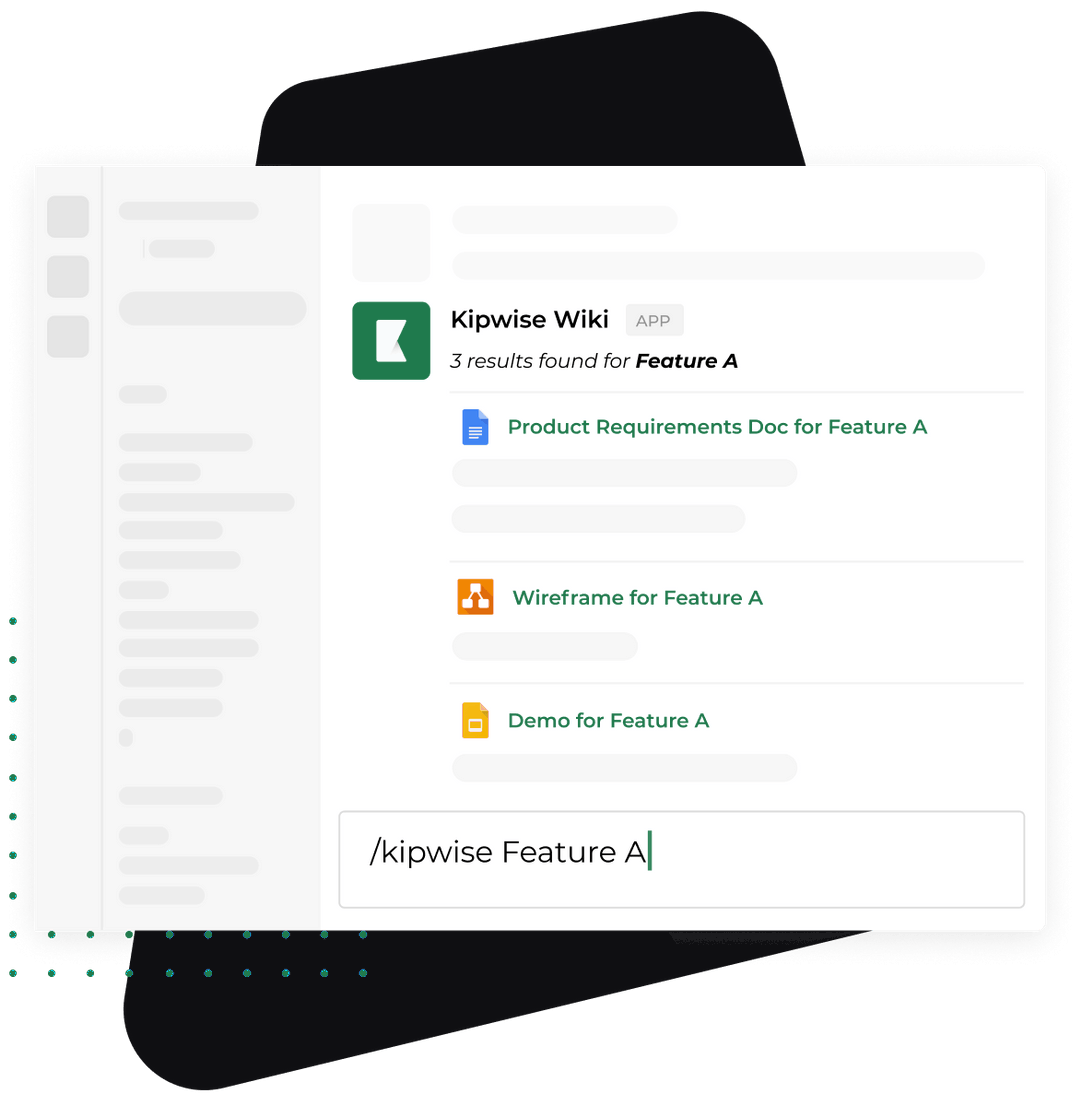
Twelve percent is above the 7 percent rep limit and inside the 8 to 15 percent band, so this is a tier 2 decision. Dana, the founder, is the tier 2 approver. She replies in the thread and mentions the Kipwise agent once, asking it to show the Northwind deal. The agent looks the deal up in the connected HubSpot or Pipedrive using Dana's own CRM access, so it shows only what Dana is allowed to see: the deal's amount, stage, owner and notes. Dana notices a note from the spring: the account asked for a discount last year, and nobody recorded the answer.
She decides in plain words in the thread: ten percent off list for annual prepayment, no other concessions, valid until Thursday. Then she asks the agent to log that on the deal as a note. The agent shows one Approve card. Only the person who asked can use it, and the card expires after 30 minutes, so Dana presses Approve. The note on the deal reads: 10 percent off list for annual prepayment, requested 12 percent, approved by Dana in the #deals thread, reason: competing quote, no other concessions, valid until Thursday.
Next quarter, when another rep asks for 12 percent on a similar account, the precedent is in the CRM with its conditions.
What the agent does and what stays with people
The Kipwise agent for HubSpot and the Kipwise agent for Pipedrive each work through the asking person's own CRM account. In this workflow the agent does three things: it looks up the deal, it answers questions about it in the thread, and when explicitly asked it logs a note after the Approve card. In Pipedrive it can also schedule an activity, such as a follow-up call.
It does not decide whether a discount is allowed. It does not enforce a threshold, route a request by percentage, build or send a quote, edit quote line items, or replace HubSpot's approval feature or a quoting tool. It gives no legal advice. Nothing stops a rep from emailing a quote that skips the thread. The rule works because the team follows it and because the weekly check, described below, catches the gaps.
People keep setting the rule, deciding each request, talking to the prospect, drafting the quote and handling legal terms. If you want a request to wait for an approver's yes inside the product itself, Kipwise also has an internal request desk where a request type can need an approver's approval; Kipwise sets it up with the team. That is an option, and this workflow does not depend on it.
The Slack approval is not the record, so a deal is not decided until a note on the CRM deal names the terms, the approver and the reason. Rework's post-approval step makes the same point: log the approval on the deal with the specific terms approved, the approver and the date, not just "approved by VP". Salesbricks adds that the record has to live with the quote and not in email threads or spreadsheets. For a Slack-first firm this step gets skipped because the thread feels like a record. Two months later nobody searches Slack for the discount that the next rep wants to copy. They look at the deal.
When it goes wrong
- The approver is away. Name a backup per tier and set a timeout: if there is no answer in the target time, the rep posts a reminder tagging the backup. Salesbricks lists delegation and timeout escalation as the fixes for stalled approvals.
- The rep promised before asking. The thread should say so in the "why" field. Treat a verbal commitment as a process failure to discuss, and do not approve it automatically.
- The same ask is split. A rep who gets 10 percent on one deal asks for 10 percent on a second contract with the same customer. The approver should check the deal's notes and previous requests for that account before saying yes.
- The approved terms change. Any change to price, term or payment schedule after approval is a new request in the same thread, with the new numbers.
- The Approve card expires or is denied. Nothing is logged. Ask again, and do not tell the rep the deal is approved until the note exists.
- The approver cannot see the deal. The agent works with the asking person's CRM permissions, so it will not show a record that person cannot see. Fix the CRM access.
- Tier drift. If most requests land in tier 2 and get approved at the full ask, the rep limit is too low or the approver is not negotiating. Review the thresholds every quarter against what was actually granted.
Verify it works
Run a pilot for one month with every rep, then check five numbers by hand.
- Coverage. For each closed deal with a discount above the rep limit, is there a note on the deal with terms, approver and reason? The target is every one.
- Time to answer. From the request post to the approver's decision. Compare it with the target in your table.
- Average discount granted against the average asked. If they are close, approvers are not trading.
- Direct messages. Ask reps whether any discount was approved outside the thread. One is enough to find out why.
- Repeat precedents. Count requests that cite an earlier deal. If they cite deals with no note, the record is not doing its job.
Open each deal and read its notes, or ask the agent in the thread to show them. Review your thresholds with these numbers at the end of the month. If reps consistently ask for the maximum, lower the limit or add a visibility floor. Zyfoo recommends reviewing discount data monthly, and Salesbricks recommends a quarterly review of the thresholds. At a small firm, monthly for the first quarter and quarterly after that is enough.
If you also need approval for spending, not selling, the same pattern applies to purchase orders in a small team. For the generic Approve card that sits behind the note step, see human approval for AI agent workflows in Slack. And if the CRM itself is untidy, start with keeping your CRM clean from Slack.
What to do next
Today, write the three-tier table for your own firm with your own numbers, name one approver and one backup per tier, and pin the six-field request in #deals. Then run one real request through it.
To try the note step, connect your CRM to the Kipwise agent and, in a thread, ask it to show one open deal and log a note. The agent costs $10 per user per month, with a minimum of 3 users. Start with the one open deal you are about to discount.