Client Document Collection for a Small Firm: A Request Sheet, a Morning Check and a Stop Rule
To collect documents from clients without chasing them, send one itemized request sheet with a date and a reason on every line, give each client one owner and one named backup at your firm, and check what actually arrived every morning so each reminder names only what is still missing. Financial Cents suggests reminders on days 3, 7 and 10, followed by a personal call if the request is still incomplete.
The usual failure is quiet. The request goes out as one email, the replies come back in pieces through email and chat, and nobody can say which statements are still missing, so the person who chases is whoever remembers. That costs you hours that never appear on an invoice and work that stalls or gets reopened.
What goes on a client document request sheet?
One row per document, with six columns: the exact item and period, why you need it, the due date, your owner, where it should land and a status. A row that names the bank, the account and the month gets answered. A row that says "bank statements" gets a reply asking which ones.
Internoodle makes two points that belong on the sheet itself. A generic list invites a client to opt out, so build each request from what you already know about them. And a deadline works when it is a date plus a reason, not a polite "when you get a chance". RunSensible's workflow guide for law firms adds the tracking side: record the request date, target date, owner, current status, latest contact and next action for each item. A law firm wrote that list, but the fields fit any firm that collects on a cycle.
Here is a made-up row, not a real client:
| Item and period | Why we need it | Due | Our owner | Lands in | Status |
|---|---|---|---|---|---|
| Example Co business checking, December statement (PDF) | To reconcile December before the January close | 8 Jan | Dana | Example Co / 2026 Q4 / Incoming | Requested |
Use five statuses and write them in the sheet's header so nobody invents a sixth: requested, arrived, accepted, not needed, late.
Put the sheet in a Google Sheet in your own Drive, one per client and cycle, and link it in that client's Slack channel. The agent reads Google Sheets with the asker's own Drive access, so the same sheet the team edits is the sheet the check compares against.
Who owns each client's collection?
One person per client, plus a named backup. RunSensible's guidance is to assign one staff member to coordinate collection and name a backup who can see past requests and act when the owner is away, so the client never has to repeat what they already sent.
For a firm of 5 to 100 people, that is a column on the sheet and a line in the client's channel, not a role you hire for. If the cycle starts at onboarding, the first weeks of a new account are where the first missing-documents reminder usually sits. The owner keeps the list, checks what comes in and decides when to call. The backup uses the same sheet and the same channel. If a client has three contacts on their side, give the sheet one contact for you to write to and note the others; reminders sent to three people about the same item produce three replies.
Which reminder schedule should you use, and when do you call?
Pick the schedule that matches what is driving your deadline, then end every schedule the same way: a person calls. Three guides give three different clocks, and each fits a different kind of work.
| Source | Reminder clock | Fits best when |
|---|---|---|
| Financial Cents | Days 3, 7 and 10 after the request, then a personal call | You set the due date yourself and the client has a few weeks, such as a quarter of statements |
| Internoodle | Three days before the deadline, on the day, and three days after | A third party sets the date, such as a filing deadline, so the reminders cluster around it |
| Scribeos | A missing-receipt list 5 business days before close and a final cutoff reminder 2 business days before | The cycle is a monthly close and everything hangs off the close date |
The "fits best" column is my recommendation, not something the sources claim. Their authors write for their own products and a single kind of client, so treat the timings as starting points and adjust them after one cycle.
Two rules from those guides belong on the sheet whatever clock you pick. Financial Cents says to stop reminders as soon as the client completes the request, and to keep your internal collection cutoff separate from the statutory filing deadline, because the cutoff is the date that gives your team a fair chance of finishing on time. Write the cutoff on the sheet as its own line.
After the final reminder the agent posts "call the client" with the owner's name, and then it stops. Internoodle treats what comes next as a commercial question: for a client who is always late, the hours you spend chasing are hours you are not billing, and pricing that in, or deciding the relationship is not worth it, is legitimate. A late-records clause in the engagement letter is one tool for this. Internoodle's sample says late records mean deadlines cannot be guaranteed and extra work may be billed. A firm owner on the Practice Owners Podcast says her firm fines clients who do not send records, though the template is for paid subscribers, so treat that as one firm's report. Whether to pause the work or charge is the owner's call, and the sheet should say so.
Try Kipwise Agent free in Slack: mention it once in a thread and it does the repetitive work, with your permissions.
How do you run client document collection in Slack?
Add the Kipwise agent to the client's channel, mention it once, and ask it to run the same check every morning. Mention it once in a channel thread and plain replies in that thread continue the work; a scheduled task is created with one approval, and later runs do not ask again.
A request along these lines is enough. The names are made up:
Every weekday at 8:00, list the Google Drive folder "Example Co / 2026 Q4 / Incoming".
Search my Gmail for attachments from billing@exampleco.test since 3 January.
Compare both with the sheet "Example Co Q4 request sheet" and post two lists in this
channel: arrived and still missing. Do not email anyone.
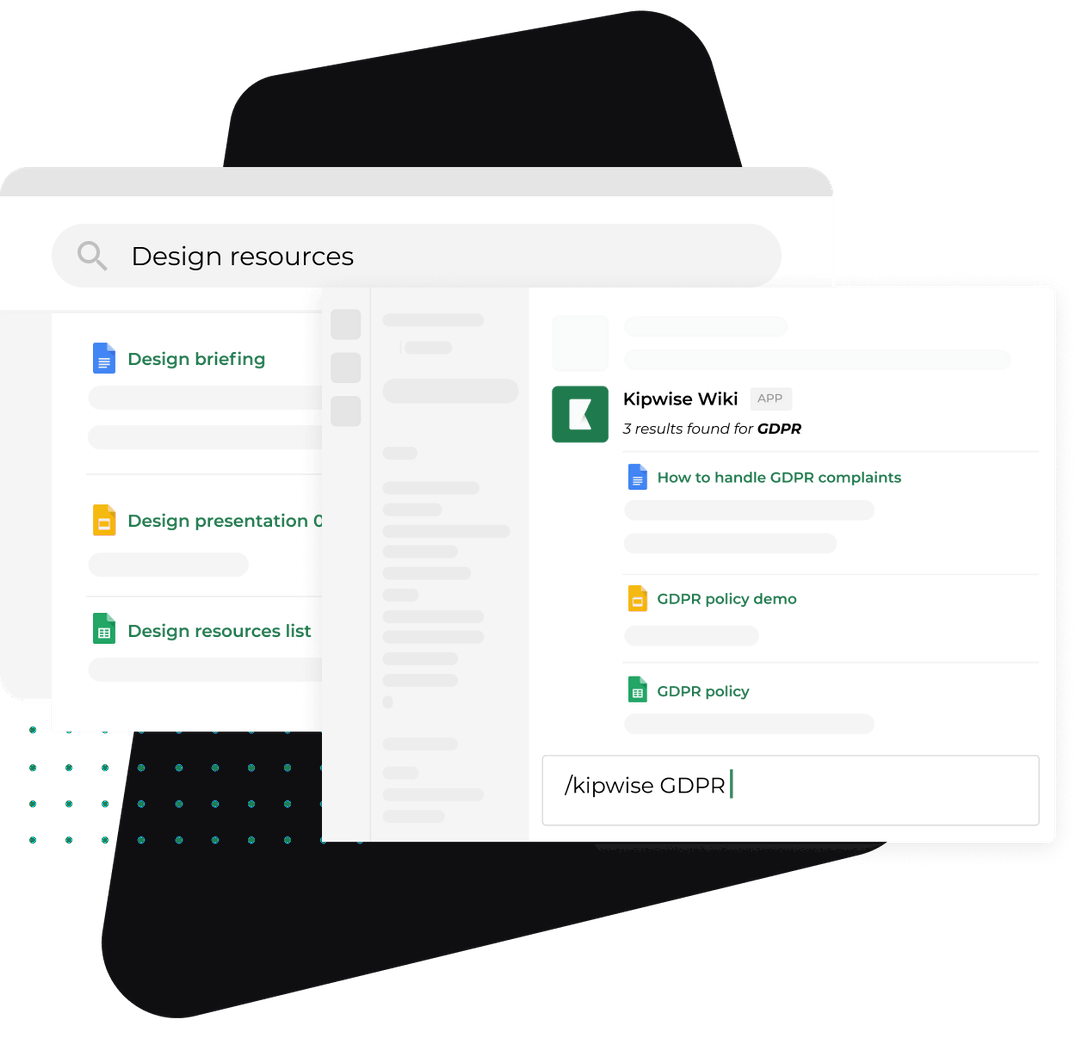
Here is what each part uses, according to the agent's documentation. It searches Google Drive, lists a folder, and reads Docs, Sheets, PDF, Word, Excel and text files with your own Drive access. It searches and reads your Gmail and can read the text of PDF, Word, Excel and text attachments. Drive and Gmail are separate connections, so connect both. The scheduled run posts its result in the channel with the same tools and permissions as a live request from you.
You can also start a check when something arrives. A matching email, for example from the client's address with a subject word you choose, can start a job; it gets the sender, the subject and the start of the text, and reads the whole email only when it needs to. Use that for clients who send things in bursts, and keep the morning run as the safety net.
Two limits apply. The agent does not fetch files that people upload in Slack, so if a teammate drops a client's PDF into the channel, move it to the Drive folder first. And Kipwise does not claim it reads scanned images or photographed pages, so a statement the client photographed on a phone is a human check, not an automated one. Internoodle notes that most clients photograph documents on their phone, so this is not a rare case.
Why test the check on one real upload first?
Test the morning check with one real client upload before you trust it, because the agent reads the folder with the Google access of the person who set the job up, and a file owned outside your Google Workspace domain may not be visible to it.
The documentation says Workspace accounts reach files owned in the confirmed domains, subject to what the account can open, and personal accounts reach only files owned by that exact email. It does not say how ownership works for a file a client uploads into a folder you shared, and that depends on how your Drive and the client's account are set up. So I would not guess. Ask one client to upload one dummy file, run the check, and see whether it shows up under "arrived". If it does not, change where clients upload, or have a person tick items by hand for that client, before the first real cycle. A check that silently reports "still missing" for a file that arrived is worse than no check, because your reminder will tell a client they have not sent something they have.
Scribeos lists a shared folder with clear month folders as one acceptable intake channel, among several. If you use one, make the folder path in the job request match the month, so the job lists the right place every cycle.
How should reminders be written and approved?
Ask for a Gmail draft that names only the missing items, check it, and approve it. On a reminder day set by the sheet, the owner replies to that morning's post and asks the agent to draft the reminder for the items still missing. The agent writes the draft in Gmail, and sending shows an Approve or Deny card with the recipient, subject and message preview. Nothing goes out unless you approve.
Drafting each reminder from the same morning's comparison keeps it honest. RunSensible says to check whether files have arrived through another channel before a reminder goes out and to remove completed items from the message. A reminder queued days ago cannot do that. A reminder drafted this morning from this morning's lists can. Naming what you already have also changes the tone. Internoodle's point is that a message saying you have the first two quarters of statements and the payroll summaries and still need the third quarter and the vehicle log reads as competence, while a bare request for an update reads as a complaint.
Who sends the reminder when the owner is away?
Name a backup who can run the check under their own name, because the Approve card for a reminder belongs to the person who asked and lapses after 30 minutes, so an absent owner leaves every reminder unsent.
The agent's documentation says only the person who asked can use the card and that it expires after 30 minutes; a denied or expired card means the action does not run. RunSensible's backup can see past requests, but seeing the sheet is not enough here. The backup needs their own Drive and Gmail connections, access to the client's folder and the sheet, and the habit of asking in the same channel. Test it once while the owner is on a normal day: have the backup run the morning request and draft a reminder. If it fails, you found out on a quiet Tuesday and not in the week the owner was on leave.
Arrived is not accepted
Count a document as received only when a person marks it accepted, because a file in the client's folder proves that something arrived and says nothing about whether it is the right one.
Financial Cents describes the case: a client uploads last year's W-2 when this year's is needed. The file is in the folder and the checklist would tick it. The fix it suggests is to tell the client what they submitted, why it does not meet the requirement and what you need instead. For the sheet, that means two statuses, not one. The morning check moves an item to arrived when it sees a matching file. The owner moves it to accepted after a look at the period, the account and the legibility. Only accepted items drop out of the reminder.
The agent can help with the look, within its limits. It can read the text of a PDF, Word or Excel file, so you can ask it to flag a statement whose period does not match the row. It will not be right about every file, and it cannot read scanned pages, so the final tick stays with a person. That keeps the one judgment that carries risk where a human is accountable for it.
What goes wrong, and what stays with a person
Plan for these before the first cycle:
- A partial upload. The client sends nine of twelve statements. The check lists the three that are missing; the reminder names only those three. RunSensible recommends testing a partial upload, a failed delivery and a request referred upward before you rely on automation.
- The item arrived somewhere else. A client texts a photo or replies to a different thread. Teammates mention the agent in the morning post and say it arrived elsewhere; the owner moves the file to the folder and updates the sheet.
- "I do not have that." Internoodle suggests asking clients to reply and say so when an item does not apply, which turns a stalled item into a short answer. Mark the row not needed and note who confirmed it.
- The approval card lapses. If nobody approves within 30 minutes the reminder is not sent. The backup asks again under their own name.
- The folder changed. If you rename a client's folder, the job still points at the old name. Update the request when you change the path.
- Keeping the files. The IRS recordkeeping page says how long to keep a document depends on what it records, and that employment tax records should be kept for at least four years. Do not clear a client's folder the day the work is filed; check the retention rule for the document type first.
What stays with a person: the call after the last reminder, any fee or late-records clause, the decision to pause the work, and whether a received file is the right one. The agent compares and drafts. It does not decide.
How do you know it works?
Run one client for one full cycle, then compare it with the same client's last cycle. The author reports behind this problem are launch posts by tool builders, such as the FolioDoc post on Hacker News and a second builder's comment saying reminders and follow-up were the biggest value for their early users. They show the problem as vendors see it, not a measured cost, so measure your own.
Track four numbers per client per cycle:
- How many reminders you sent before the last item was accepted.
- How many days passed between the due date and the last accepted item.
- How many times the check said "missing" for something that had arrived. This should be zero after your one-upload test; any other number means a visibility problem, not a slow client.
- How many minutes the owner spent on the cycle.
If reminders drop and the false-missing count is zero, extend to the next client. If the false-missing count is not zero, fix where files land before adding clients.
On cost, the agent is $10 per user per month with a minimum of 3 users, and the install-only trial is $2 for 7 days on the fast model only. Each user's $5 personal credit covers their own asks and automations, so a daily check draws on the credit of the person who created it. Watch that if one person owns many client jobs.
What to do next
Pick one client with a cycle starting in the next two weeks. Build the request sheet with the six columns and five statuses, link it in that client's channel, ask one client to upload a dummy file to the Drive folder, and set the morning check. If the dummy file shows up under arrived, run the real cycle and track the four numbers. Start the trial when you are ready to try the check on that one client.