Reorder point for a small Shopify store: one number per product, one owner per supplier, and a Monday check in Slack
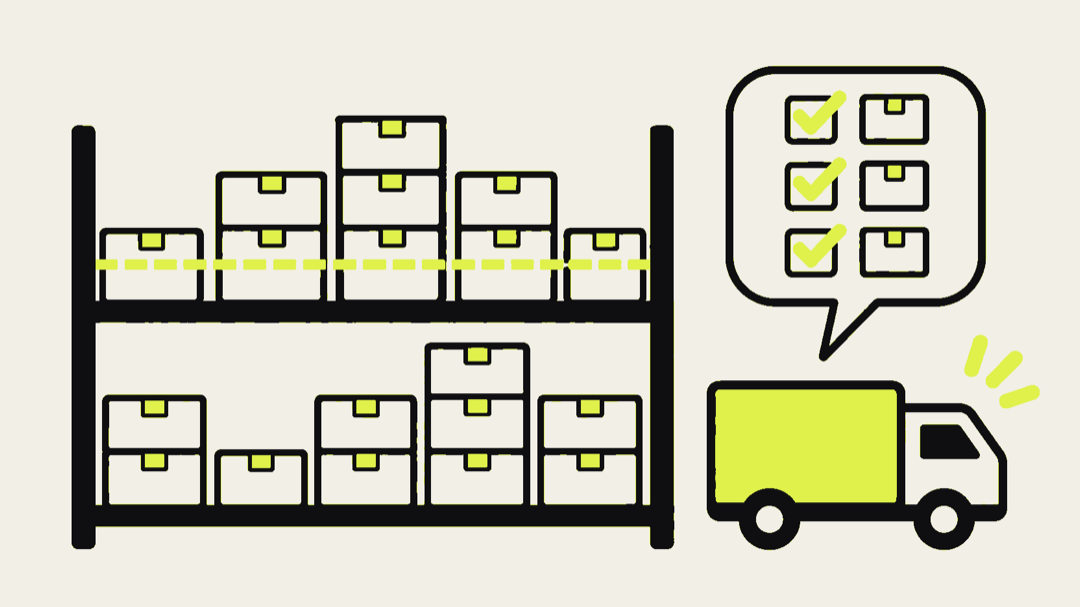
A reorder point is the stock level at which you place the next order: average daily sales times the supplier's lead time in days, plus a safety buffer. The Shopify blog's min-max guide gives that formula and advises updating the levels every quarter. A small store also needs one person to own each reorder and someone to look at the numbers every week, and that is where most stores slip.
Most small Shopify stores fail in one of two ways. They set one low-stock number for the whole catalog, or they check the inventory page when someone remembers. A guide from Useful Tools on Shopify's low stock options puts the first problem plainly: one threshold such as 10 units is too early for slow sellers and too late for fast ones. The cost is a best seller out of stock for the two or three weeks your supplier needs, or cash tied up in boxes that will not sell this season. One page fixes both: a reorder point per product, one owner per supplier, a recompute date, and a Monday check in Slack that lists what is below its point.
What is the reorder point formula?
The reorder point formula is reorder point = average daily sales x lead time in days + safety stock. Wikipedia's reorder point entry describes the same idea as normal consumption during the lead time plus safety stock, and defines the reorder point as the inventory level that triggers an action to replenish that item.
Each of the three inputs comes from a place you already have:
- Average daily sales. Take units sold of the product over the last 90 days from your Shopify reports and divide by 90. Ninety days smooths out one good weekend. If the product was out of stock for part of that window, divide by the days it was actually on sale, or the number comes out too low.
- Lead time in days. The Shopify blog defines it as the number of days a supplier takes to deliver after you place the order. Use the time your last two or three orders actually took, door to door, not the time the supplier quotes.
- Safety stock. This is the buffer for a slow delivery or a busy week. The Shopify blog gives a formula for it: maximum daily sales x maximum lead time, minus average daily sales x average lead time. That uses your worst recent week and your slowest recent delivery, both of which you can read off past orders.
A worked example, made up for illustration: a candle store sells about 4 units a day of its best scent. The supplier took 12, 14 and 16 days on the last three orders, so the average lead time is 14 days. The best week ran at 7 a day. Safety stock is 7 x 16 minus 4 x 14, which is 112 minus 56, so 56 units. The reorder point is 4 x 14 + 56 = 112 units. When that scent drops to 112 on hand, the order goes out.
A slow seller at the same store, selling one unit every two days from a supplier whose lead time averages 7 days (slowest 9) and whose worst week ran at 1 a day, gets a reorder point of 0.5 x 7 + (1 x 9 minus 0.5 x 7) = 3.5 + 5.5 = 9 units. That gap between 112 and 9 is why one threshold for the whole store does not work.
Try Kipwise Agent free in Slack: mention it once in a thread and it does the repetitive work, with your permissions.
Why does a single low stock number fail?
A single number fails because products sell at different speeds and come from suppliers with different lead times. Ten units of the candle above is less than three days of sales. Ten units of the slow seller is nearly three weeks.
Merchants run into this when they look for an alert. In a Shopify Community thread asking for a light low stock alert app, a merchant asks for a way to be alerted about low stock for some SKUs. The replies, several from people who build inventory apps, point to the free Flow template for a fixed threshold and then argue that a fixed number cannot tell you whether stock lasts two days or two months. Those are author reports, not a study, but they match the arithmetic.
Shopify shows you stock levels and sends no alert of its own. The Useful Tools guide describes the admin as low-stock visibility, not alerts: you filter the inventory list yourself, and nothing tells you when a variant crosses a line. Shopify Flow is free and lists inventory levels and stock replenishment among the jobs it automates, which is how most stores add an email.
What should the reorder sheet hold?
The reorder sheet holds one row per product and seven columns, and nothing else. Keep it in a spreadsheet the whole team can open.
| Column | What goes in it | Where it comes from |
|---|---|---|
| Product and variant | The name as it appears in Shopify | Shopify admin |
| Average daily sales | Units sold in the last 90 days, divided by days on sale | Shopify reports |
| Lead time | Average days from order to delivery, last three orders | Your past purchase orders |
| Safety stock | Worst week's daily sales x slowest lead time, minus average x average | Same two sources |
| Reorder point | Daily sales x lead time + safety stock | Calculated in the sheet |
| Supplier owner | The one person who places the order with this supplier | Your decision |
| Last recomputed | The date the row's numbers were last updated | Your calendar |
The owner and the last recomputed date matter more than the formula.
Why does each supplier need one owner?
Give each supplier one owner rather than each product, because the purchase order goes to the supplier and one order covers every product that supplier makes. If three people each own three of the supplier's products, the supplier gets three small orders, or none, because each person assumes another one is about to order. One owner per supplier also gives you one person to ask when a delivery is late.
This is a recommendation, not a Shopify rule. The Shopify blog mentions only an inventory management team, which a five person store does not have. Write the owner's name in the sheet, not a role, and add a named backup for the weeks the owner is away.
How often should you recompute the reorder point?
Recompute every product's reorder point once a quarter, and sooner for seasonal products, which is the cadence the Shopify blog gives for min-max levels. Put the quarter dates in the calendar of the person who owns the sheet.
A reorder point that nobody recomputes is worse than having none, because it still looks like a rule after sales and lead times have moved. A store with no number at least knows it has to look. A store with last spring's number trusts it, and a product that doubled its sales in the autumn sits above a point that is now far too low until it runs out. The last recomputed column is how you catch that: any row older than a quarter is a row nobody should trust.
How do you run the weekly check?
Run one check a week, on the same morning, that lists every product at or below its reorder point and puts the list in front of the supplier owners. Monday suits a store that places supplier orders at the start of the week; pick whichever morning your owners can keep.
Shopify gives you three ways to run that check. They differ in who sees the result and what happens next.
| Method | What it does | Cost | Where it falls short |
|---|---|---|---|
| Inventory view in the admin | You filter products below a number and save the view | Included | Someone has to remember to open it, and it holds one number per filter |
| Shopify Flow email | Emails when inventory crosses a threshold, or on a schedule | Free app | One threshold per condition, and the email lands in the inbox you set rather than in front of every supplier owner |
| Check posted in Slack | A scheduled message in a team channel lists the low products | Depends on the tool | It is only as good as the threshold it reads, so it still needs the sheet |
On the Shopify developer forum, a merchant asked for a daily or weekly low stock email for one collection, and a reply shared two Flow workflows: one scheduled at 8 every morning that lists variants under 10 units, and one that sends an email each time a single product drops below 10. A Flow email sent each time one product drops below its threshold is a worse alert for a small team than one Monday list, because one message per product per change trains the owner to filter them.
Whichever method you use, compare the reorder point with stock you actually have, not stock on an open purchase order, or an order that has not shipped hides a real shortage. One reply in the Shopify Community thread makes the same warning about alerts that count incoming purchase orders. If your supplier is a week late, the stock on the purchase order is not on the shelf, and the shelf is what customers buy from. When a product is below its point but has an order open, the owner's job is to chase the supplier, not to wait.
What does the check look like in Slack?
With the Kipwise Agent, the founder asks once in the store's ops channel and the check runs every week after that. A thread could look like this (the store, products and numbers are made up):
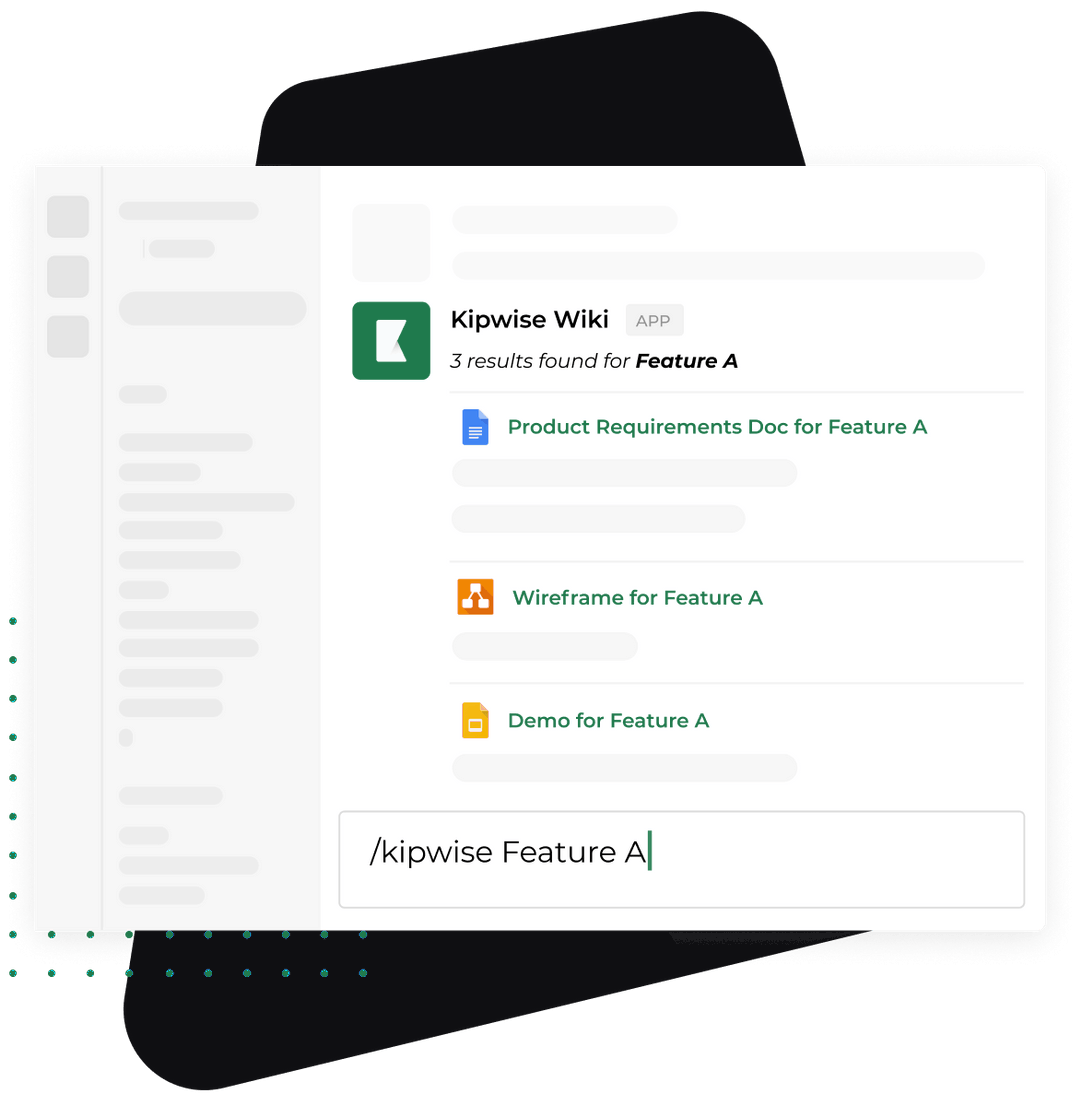
> Founder: @Kipwise every Monday at 9, check Shopify for products with 10 or fewer left and post them here with the stock and the admin link.
The agent shows an Approve card for the scheduled task once; later runs do not ask again. On Monday the list arrives in the channel: each product and variant below the number, its stock, and a link to it in the Shopify admin. The supplier owner replies in the same thread:
> Owner: Open Fig and Cedar, 8 oz.
The agent opens that product with its variants, price and stock, so the owner can compare it with the sheet before writing to the supplier. Asking "how did the store do last week?" in the thread gets the week's sales total, with cancelled orders left out, which helps when deciding whether this week is normal.
The check asks one threshold at a time. A store whose reorder points run from 9 to 112 has two choices: set a few scheduled checks by tier (fast sellers at a higher number, slow sellers at a lower one), or set one generous number and let the owner compare the list with the sheet. The second is simpler and works for a catalog of a few dozen products.
The agent does not calculate the reorder point; the sheet does. It does not place the purchase order with your supplier; the owner does. If someone explicitly asks it to change stock in Shopify, for example after a delivery, that change waits on an Approve card in the thread. The Shopify agent page lists what it reads in your store, including low stock, orders, products and customers.
How do you know the reorder point is working?
The reorder point is working when no product goes out of stock while its order is late, and when the Monday list is short. Check three things at the end of each quarter, before you recompute:
- Stockouts. List every product that hit zero in the quarter. For each, check whether it was on a Monday list in time and whether the owner ordered. If it was never on a list, the reorder point was too low; raise the safety stock. If it was on the list and nobody ordered, the problem is ownership, not the number.
- Overstock. List products that have more than three months of sales on hand. Their reorder point or their order size is too high.
- Stale rows. Any row whose last recomputed date is older than the quarter gets recomputed first.
In the first quarter, some lead times will likely turn out longer than you assumed, and a product you treated as steady may sell mostly in one month. Recompute those rows first.
Common mistakes when setting a reorder point
- Using the supplier's quoted lead time instead of the delivered one. Quotes are optimistic; your past orders are not.
- Counting a stockout period as zero sales, which lowers the average daily sales and the reorder point with it.
- Setting safety stock by gut feel for every product. Use the formula for your best sellers and a simple buffer of a few days of sales for the rest.
- Letting the Monday list go to a channel nobody owns. The supplier owners must be in it, and the founder should see an owner reply on each line by Tuesday.
- Treating a seasonal product like a steady one. Recompute it before the season, not after.
The same weekly pattern of a dated list, a named owner and a check in a channel works for other recurring jobs. Our guide to a compliance tracker for a small firm uses it for licence renewals, and vendor onboarding for a small team covers collecting a new supplier's details before the first payment.
What to do next
Open a spreadsheet today and fill in the reorder sheet for your ten best-selling products: 90 day sales, the lead time of the last three orders, safety stock, the reorder point, and one supplier owner each. Then set one Monday check, in Flow or in Slack, at the highest reorder point on that list, compare each Monday's list with the sheet, and put the next recompute date in the owner's calendar.