Best AI Tools for Small Business and Startups: 16 Picks

A startup or small business runs on a small team, so every hour a tool saves goes back into building the product or talking to customers. The AI for business tools below take routine work off that team in five areas: marketing, sales, support, knowledge management, and task tracking.
Below are 16 AI software picks for startups and small businesses, each with its standout AI feature and why it fits a small team. A short section after the list covers AI agents for small business, and what an agent does that a tool list does not.
Factors to consider when choosing AI tools for your small business
Run through these ten checks, in order, before you pay for an AI tool for your startup or small business:
1. Identify Your Needs
- Name the task: Pick one job that someone on your team repeats every week and note how long it takes. “Marketing” is too broad to test a tool on; “turn each blog post into five social captions” is not.
2. Research Available Tools
- Check the plan table before you trust a review: AI features move between plans and are often metered, so what a review or demo shows may sit on a higher plan than the one you would buy. Notion puts its AI on the Business plan, and Trello’s AI features are not on the Free plan.
3. Consider Budget
- Count seats, then usage: Most of these tools charge per seat, so license only the people who do the job. A few bill by usage instead: Intercom’s Fin AI agent charges per outcome, so its cost follows your ticket volume.
4. Evaluate Usability
- Test it with your least technical user: Give the tool to the person who will use it most and has the least patience for settings. If they cannot finish a real task without help, adoption will stall.
5. Assess Integration Capabilities
- Connect it to where the work lives: An AI feature can only use data it can reach. Check that the tool connects to your CRM, help desk or chat app, and which plan includes that connection.
6. Check Scalability
- Price the next plan up: For a small team, scaling is mostly a pricing question. Find the feature that pushes you onto the next plan; if it is the AI feature you came for, budget for that plan, not the entry one.
7. Read Reviews and Testimonials
- Read the three-star reviews: Filter to companies of your size and look for the limit you would hit, such as a missing integration or a slow support queue. Vendor case studies only show the customers it worked for.
8. Trial Period
- Trial it on real work: Use this week’s actual task and real data, and name one person responsible for the result. A trial on demo data tells you little about how your team will use it.
9. Make an Informed Decision
- Compare finalists on the same task: Use the task from check 1 and compare time spent, edits needed before the output is usable, and price per seat.
10. Review and Iterate
- Set the review date when you buy: Put a check in the calendar for a month out. If the person who owns the tool has not used it by then, cancel it.
If a tool fails the first check, because you cannot name a task it will take over, stop there: good reviews and a free trial will not make it useful.
Before you add any of these, check what you already pay for. Google Workspace Business plans include Gemini without an add-on, and an eligible Microsoft 365 business subscription includes Copilot Chat at no extra cost, so a first draft or a summary of a long document may not need a new subscription. We recommend making any standalone tool, Jasper included, beat that built-in assistant on a task you named in check 1, and skipping it if it cannot.
Best AI Tools for Startups: Marketing
1. HubSpot
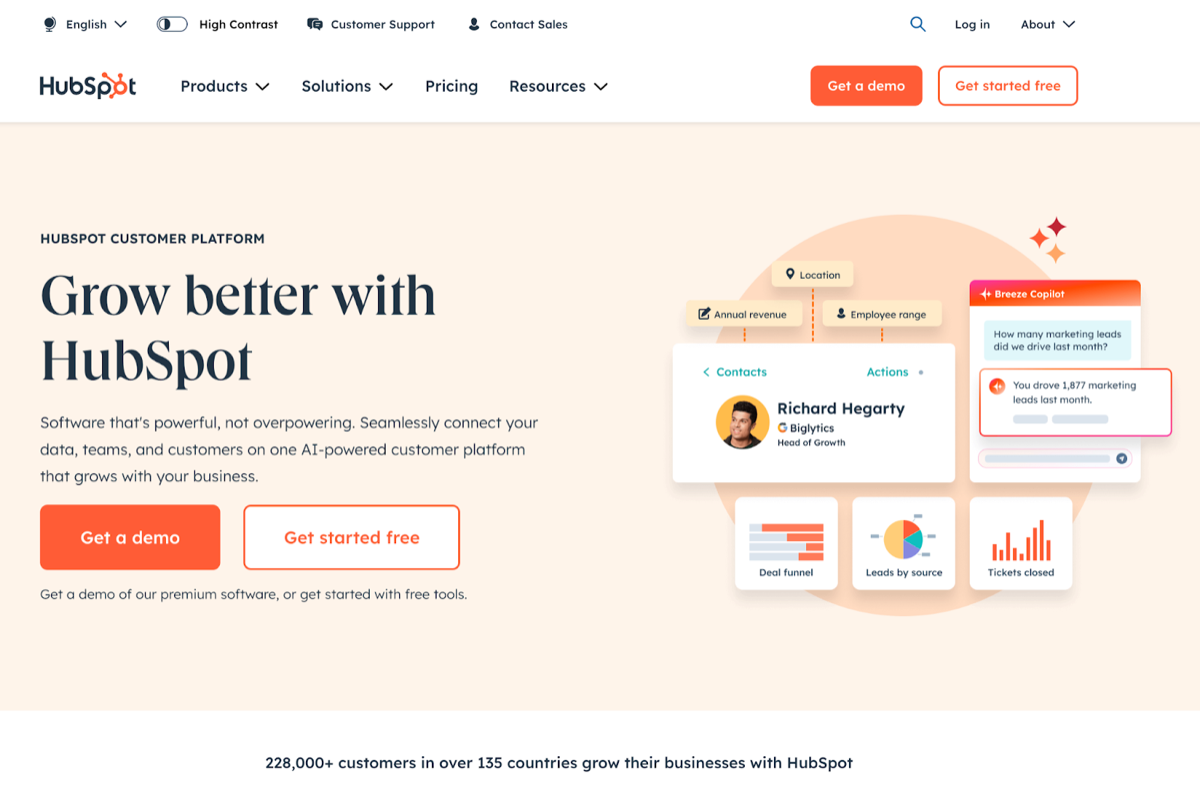
HubSpot is an inbound marketing platform that puts marketing automation, a CRM, and analytics in one place.
Top AI-Powered Features:
- Lead Scoring: Uses AI to analyze customer data and predict which leads are most likely to convert (Enterprise plans).
- Content Strategy: Recommendations for content topics based on relevance, competition, and popularity.
- Email Personalization: Automatically tailors email content based on user behavior and preferences.
Why It’s Suitable for Startups
HubSpot offers a free tier, so a startup can begin without a marketing software budget. The free tier does not include the AI lead scoring, which HubSpot lists under its Enterprise subscriptions. The interface is easy to pick up, and its educational resources let a small team run its own marketing without hiring a specialist.
2. Canva
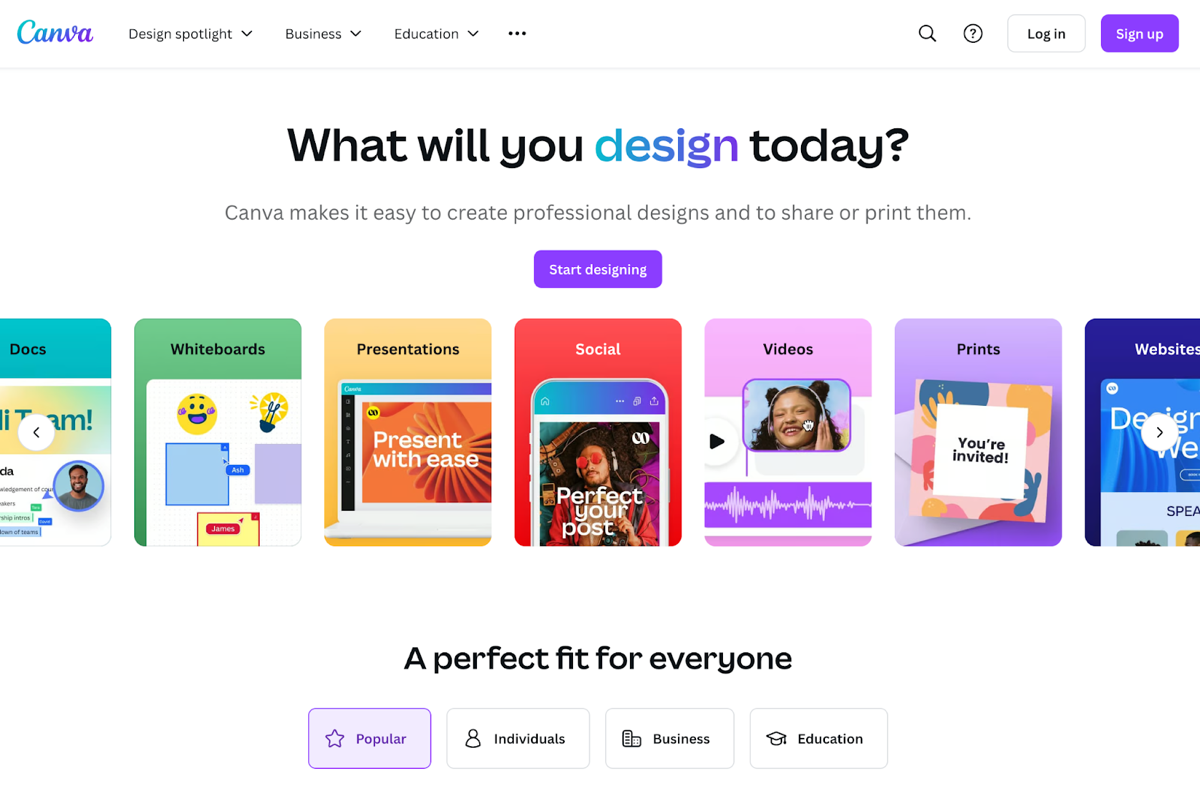
Canva is a graphic design tool that uses AI to help people who are not designers make good-looking marketing materials quickly.
Top AI-Powered Features:
- Magic Switch (formerly Magic Resize): Automatically adjusts design dimensions for different platforms.
- Design Suggestions: Magic Design recommends layouts that match your theme and style, based on the images, text, or ideas you provide.
- Text-to-Image Generation: Create visuals directly from text prompts.
Why It’s Suitable for Startups
Canva’s simple interface and large template library let a startup produce polished marketing materials without a dedicated design team. It is also cheap to start with: the free version covers the basic design tools.
3. PosterMyWall
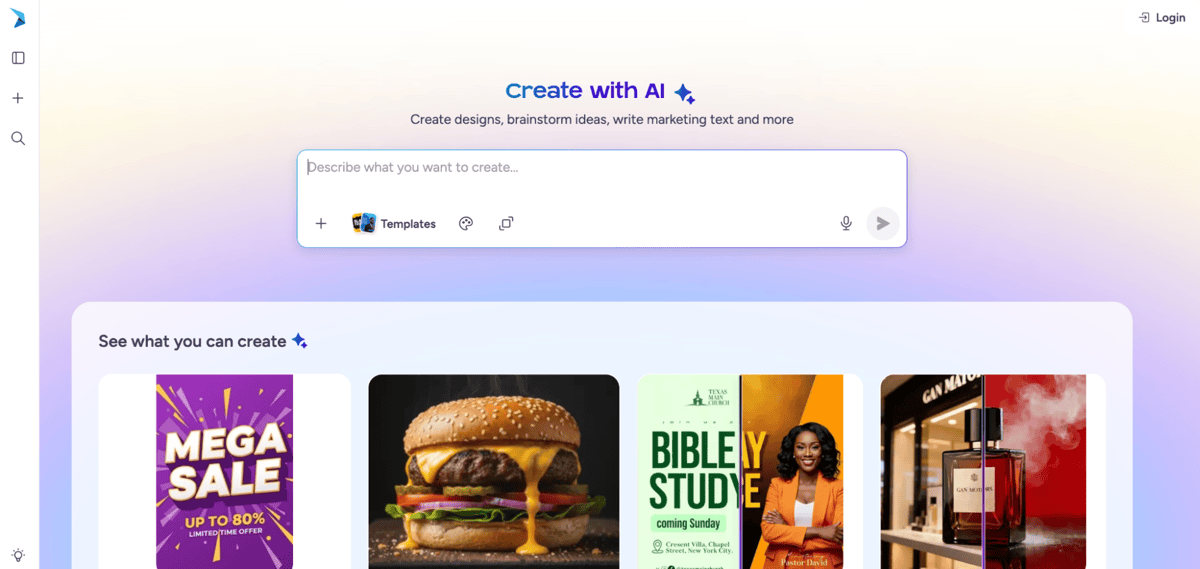
PosterMyWall is an AI-powered marketing platform that helps startups design visuals, publish to social media, send emails, and promote events from one place.
Top AI-Powered Features:
- AI Chat and Design Tools: Turns a short prompt into designs, images, and marketing copy, or lets you start from millions of customizable templates.
- Social Media and Email Marketing: Schedules posts to major social platforms and sends email campaigns from the same workspace as your designs.
- Events and Ticketing: Builds event pages and sells tickets, with promotion across social posts and email invites.
Why It’s Suitable for Startups
PosterMyWall lets a startup handle design, social publishing, email, and event promotion without separate tools or a marketing team. It is also cheap to start with: the free plan covers templates and design, and paid plans start at $13/month.
4. Jasper
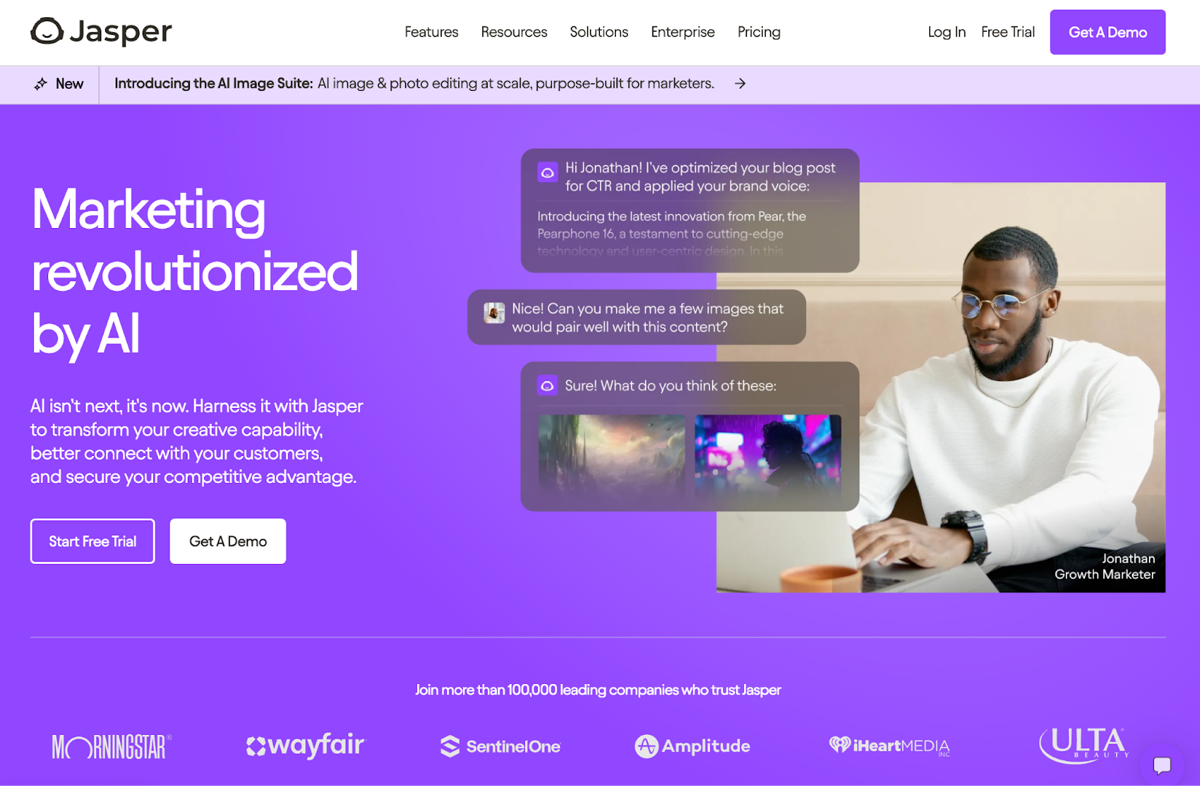
Jasper is an AI-powered copywriting assistant that helps startups write content quickly, from blog posts to social media updates.
Top AI-Powered Features:
- Content Generation: Produces articles, marketing copy, and ad content based on user inputs and preferences.
- SEO Optimization: Suggests keywords and structures content to enhance search engine visibility.
- Tone and Style Adjustments: Adapts writing style to match brand voice and target audience needs.
Why It’s Suitable for Startups
Jasper lets a startup publish more content without hiring a content team to write it. Its tone and style settings keep that content in one brand voice, which matters while the brand is still taking shape.
Best AI Tools for Startups: Sales
5. Salesforce Einstein
Salesforce Einstein is the AI layer of the Salesforce CRM platform: it scores leads, logs customer interactions, and suggests next steps on deals. Salesforce sells its newer AI agents as Agentforce and keeps Einstein as the name of individual scoring and insight features.
Top AI-Powered Features:
- Predictive Lead Scoring: Uses AI to analyze past interactions and predict which leads are most likely to convert.
- Automated Data Entry: Automatically captures and logs customer interactions, so reps enter less by hand.
- Deal Insights: Provides recommendations on the best actions to take for closing deals based on historical data.
Why It’s Suitable for Startups
Einstein only helps if your pipeline lives in Salesforce, so it suits a startup that already uses Salesforce or expects to grow into it. There, its automation lets a small sales team handle more deals without extra hires.
6. HubSpot Sales Hub
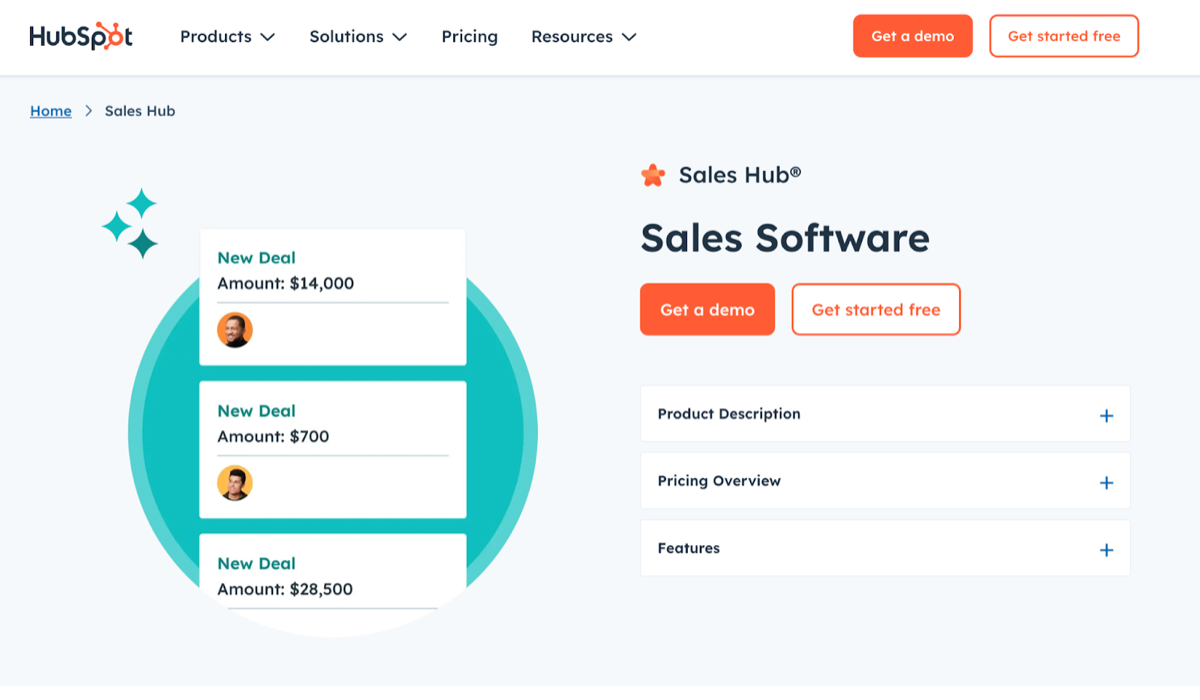
HubSpot Sales Hub is HubSpot’s sales automation tool. It works with HubSpot’s CRM and cuts manual steps out of the sales process.
Top AI-Powered Features:
- Email Tracking and Notifications: Notifies sales reps when prospects open emails, so they can follow up quickly.
- Sales Automation: Automates repetitive tasks such as follow-up emails and meeting scheduling.
- Chatbots: Engages website visitors in real-time, qualifying leads and booking meetings automatically.
Why It’s Suitable for Startups
HubSpot Sales Hub is easy to use and has a free tier. If you already run marketing in HubSpot, your leads are already in the same CRM. Its automation takes follow-up emails and meeting booking off your reps.
7. ZoomInfo Chorus
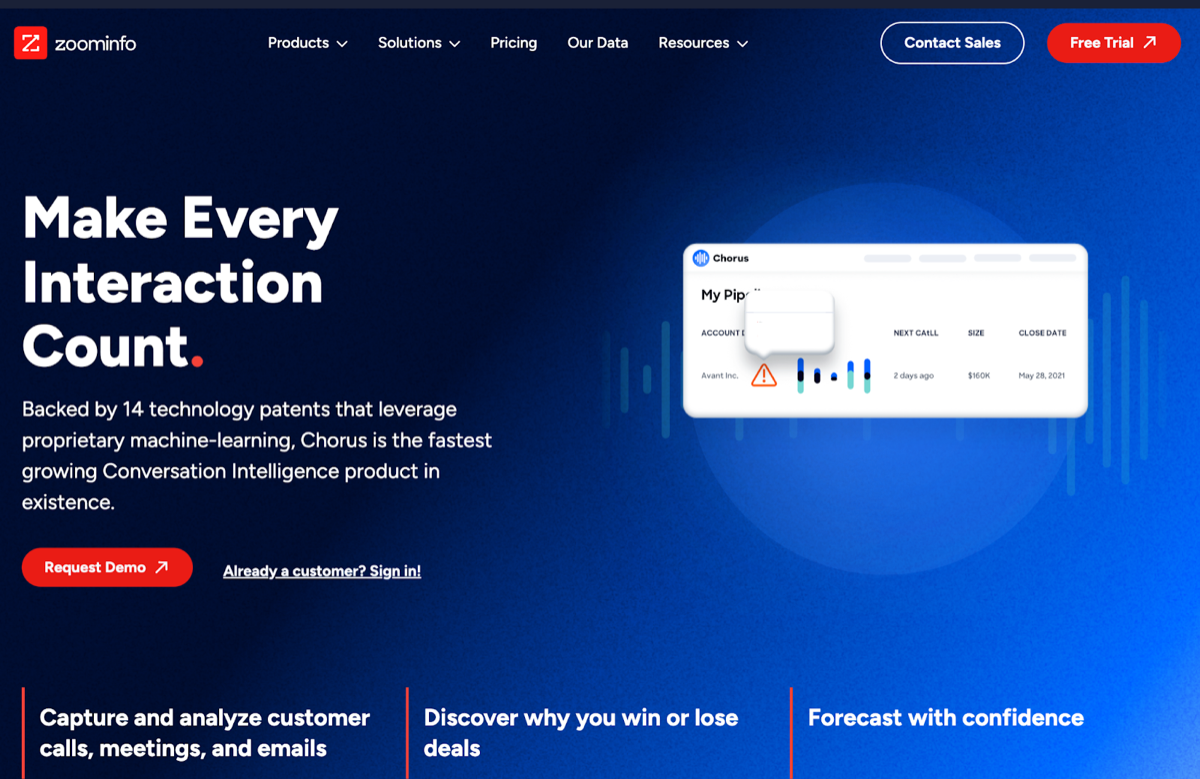
ZoomInfo Chorus (formerly Chorus.ai) is a conversation intelligence tool that records and analyzes sales calls and meetings, so managers can coach reps and see why deals are won or lost.
Top AI-Powered Features:
- Call Transcription: Automatically transcribes sales calls so you can search and review them.
- Sentiment Analysis: Analyzes customer reactions during calls to gauge interest and engagement levels.
- Coaching Insights: Gives each rep feedback based on how their calls went.
Why It’s Suitable for Startups
Chorus turns sales calls into coaching: transcripts to review, a read on how engaged the prospect was, and feedback for each rep. That helps a small team with no training budget improve its close rate.
Best AI Tools for Startups: Customer Success & Support
Adopt the customer-facing tools last. A support agent that replies to customers before anyone reads the reply puts every gap in your help center in front of a customer. Start with tools whose output you review first, such as drafts, call notes and search answers, and add a customer-facing bot once your articles can carry it. Intercom’s own guidance for Fin says an article that confuses a person will confuse the agent too, and a limit you never wrote down is one it cannot flag. Fin itself is billed per outcome, from $0.99 each, so that part of the bill follows ticket volume, not seats.
8. Zendesk
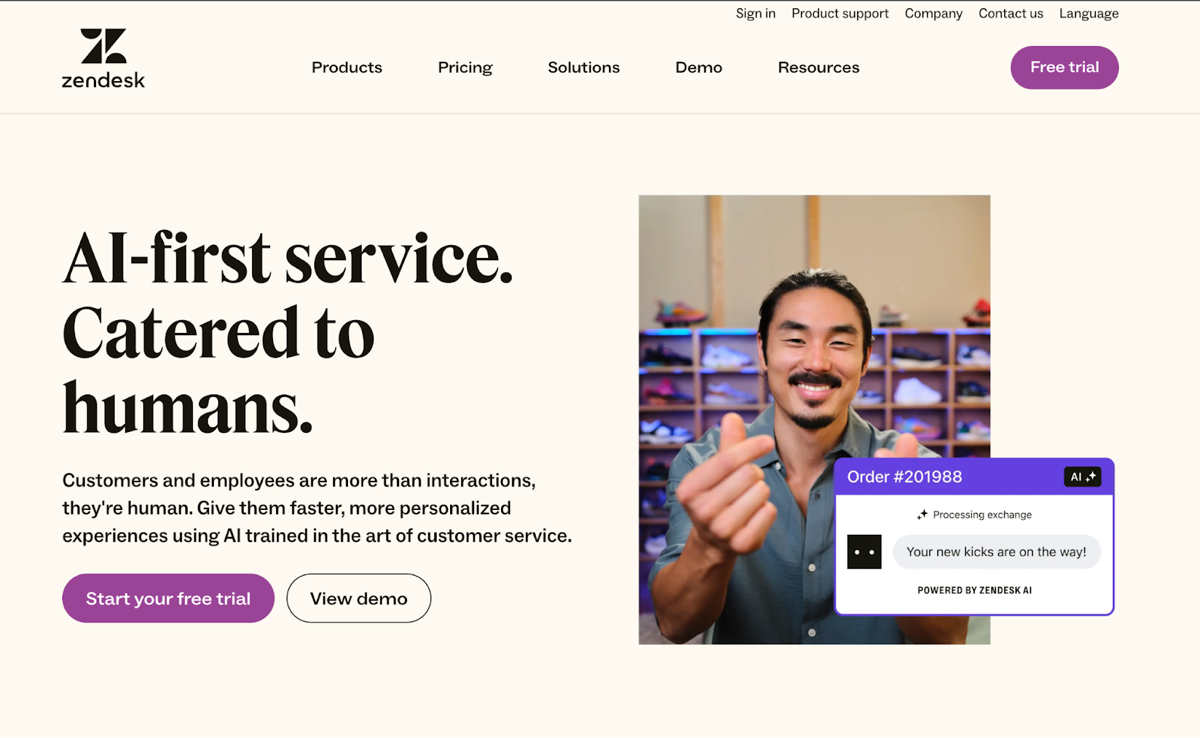
Zendesk is a customer service platform that helps businesses manage customer interactions across multiple channels.
Top AI-Powered Features:
- AI Agents: Automate responses to common queries.
- Automated Ticketing: Uses AI to categorize and prioritize support tickets.
- Customer Insights: Analyzes customer interactions to identify trends and improve service quality.
Why It’s Suitable for Startups
Zendesk grows with the business, so a startup does not have to switch support tools later. It is easy to use, and its AI agents answer common questions for a small team.
If your tickets are in Zendesk, Kipwise Agent can search them and your Help Center articles from Slack, under your own Zendesk account, and a public reply waits for your approval before it goes out.
9. Intercom

Intercom is a customer messaging platform for talking to customers in real time, through chatbots and targeted messages.
Top AI-Powered Features:
- Fin AI Agent: Engage customers 24/7, answering queries and guiding them through processes.
- Customer Segmentation: Segments users based on behavior, so you can personalize outreach.
- Automated Workflows: Automates common support tasks to cut response times.
Why It’s Suitable for Startups
Intercom is intuitive. The Fin AI agent answers customers 24/7, and segmentation lets a small team send personalized messages without writing each one by hand.
10. Freshdesk
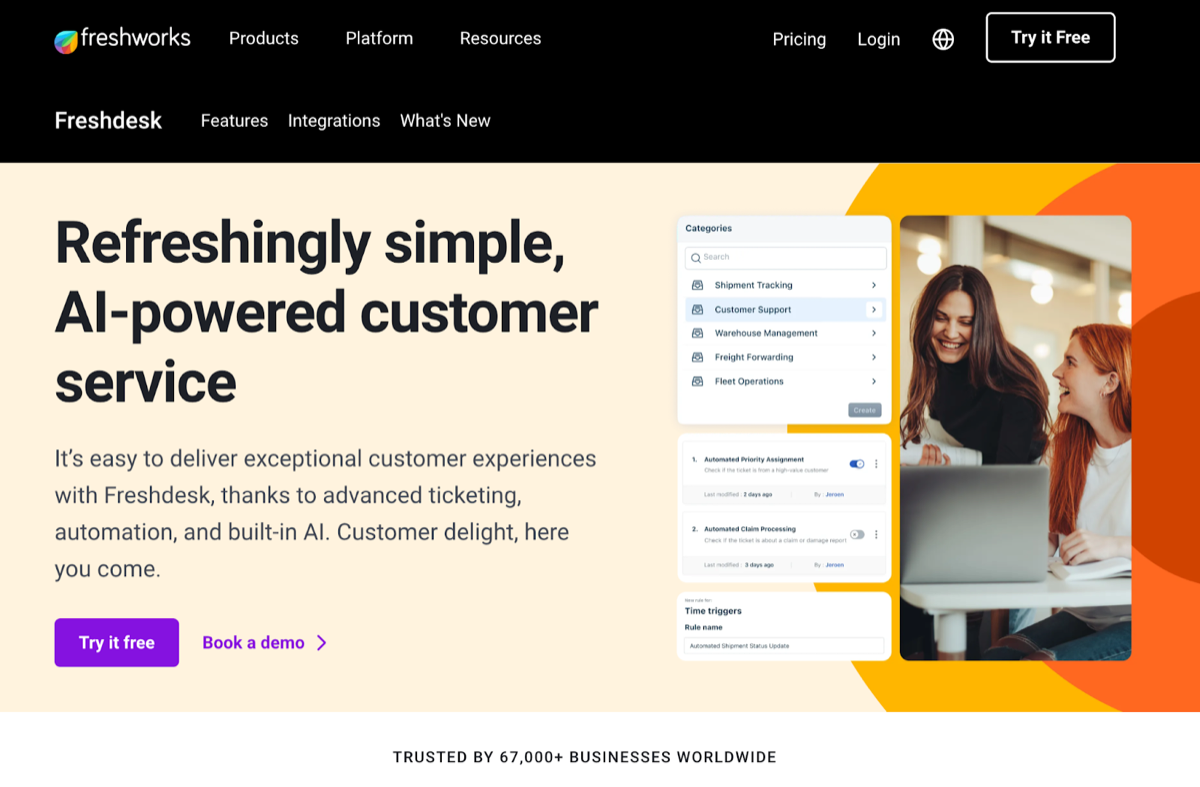
Freshdesk is cloud-based customer support software for handling customer questions from email, chat, phone and social media in one place.
Top AI-Powered Features:
- Freddy AI: Provides AI-driven support suggestions, automating ticket resolutions and responses.
- Multi-Channel Support (Freshdesk Omni): Brings support from email, chat, phone, and social media into one place.
- Performance Analytics: Uses AI to generate insights on support team performance and customer satisfaction metrics.
Why It’s Suitable for Startups
Freshdesk offers a free program for startups and small businesses (free for 6 months, up to two agents), and paid plans start at $19 per agent per month on annual billing. Two free agents for six months can cover support for a new product before you pay anything.
For more recommendations on AI tools for customer support, check out our blog post AI Customer Service Software - Best 10 Picks for Customer Support.
Best AI Tools for Startups: Knowledge Management
11. Kipwise Agent
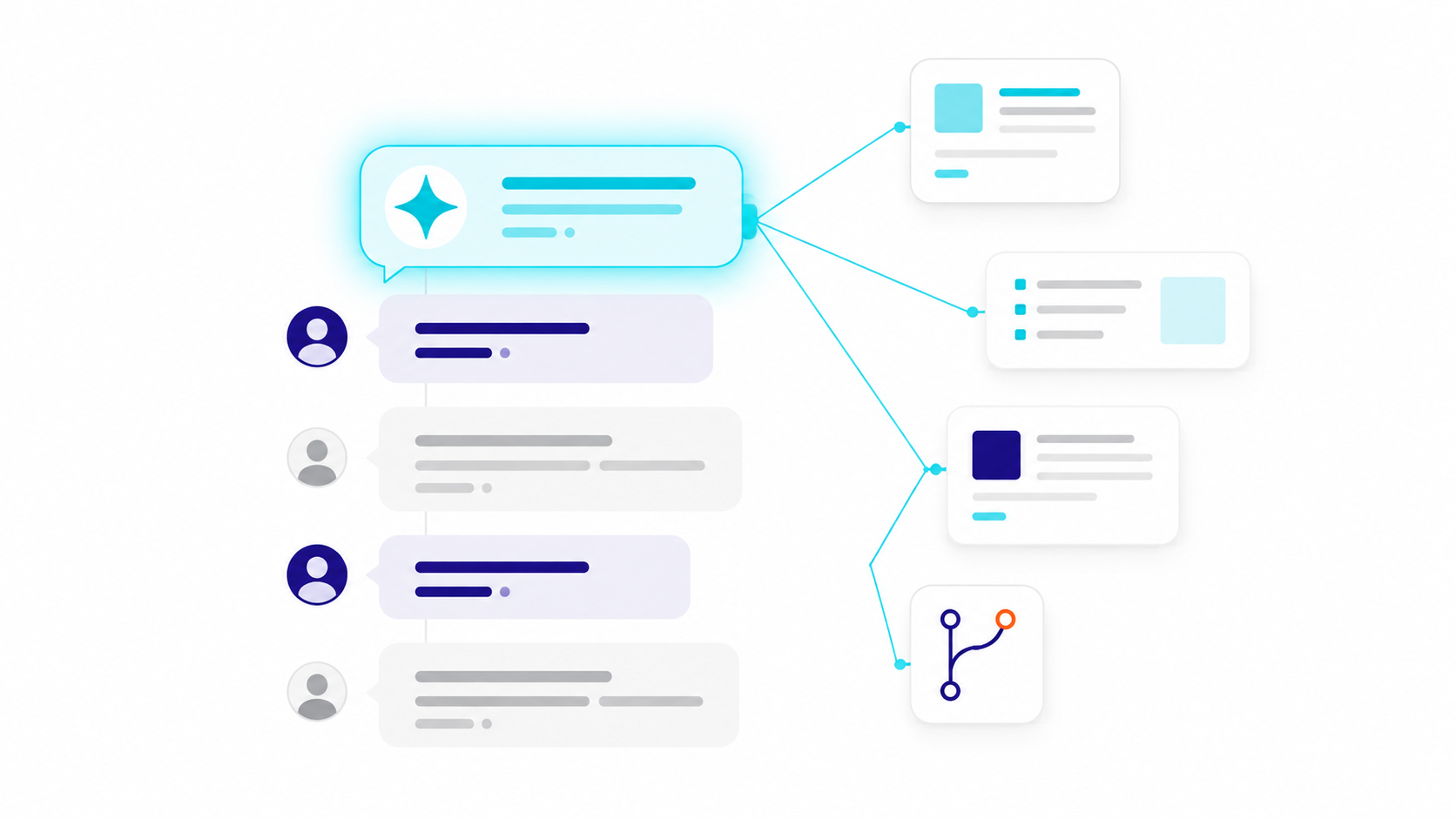
Kipwise Agent is an AI agent that works in Slack and Microsoft Teams. It does the work a team keeps asking each other to do (find the doc, write up a thread, check a task, update a deal), and it acts as the person who asks: it uses that person’s own account and permissions in each connected tool, and every change to a connected tool waits behind an Approve card.
Top AI-Powered Features:
- Answers from your knowledge base: Ask “Do we have a doc about this?” in a thread and it searches your Kipwise pages, reads the page, and answers with the relevant part and a link to the source. It only sees the pages you can see.
- Works across your other tools, as you: With your own accounts connected, it can find and update tasks in Asana, monday.com and ClickUp, search Zendesk tickets, update a HubSpot deal, or read your Gmail and calendar.
- An Approve card before any change: When a request would change something in a connected tool or post a message, it shows an Approve or Deny card that only the person who asked can use.
- Scheduled tasks and automations: Ask it to run a request later or every week, or to tell the channel when something happens in a connected tool.
Why It’s Suitable for Startups
A small team has nobody whose job is chasing answers across tools. The agent works in the thread where the question was asked, so nobody has to change where they work, and because it uses each person’s own permissions it never shows anyone something they could not open themselves.
12. Confluence by Atlassian
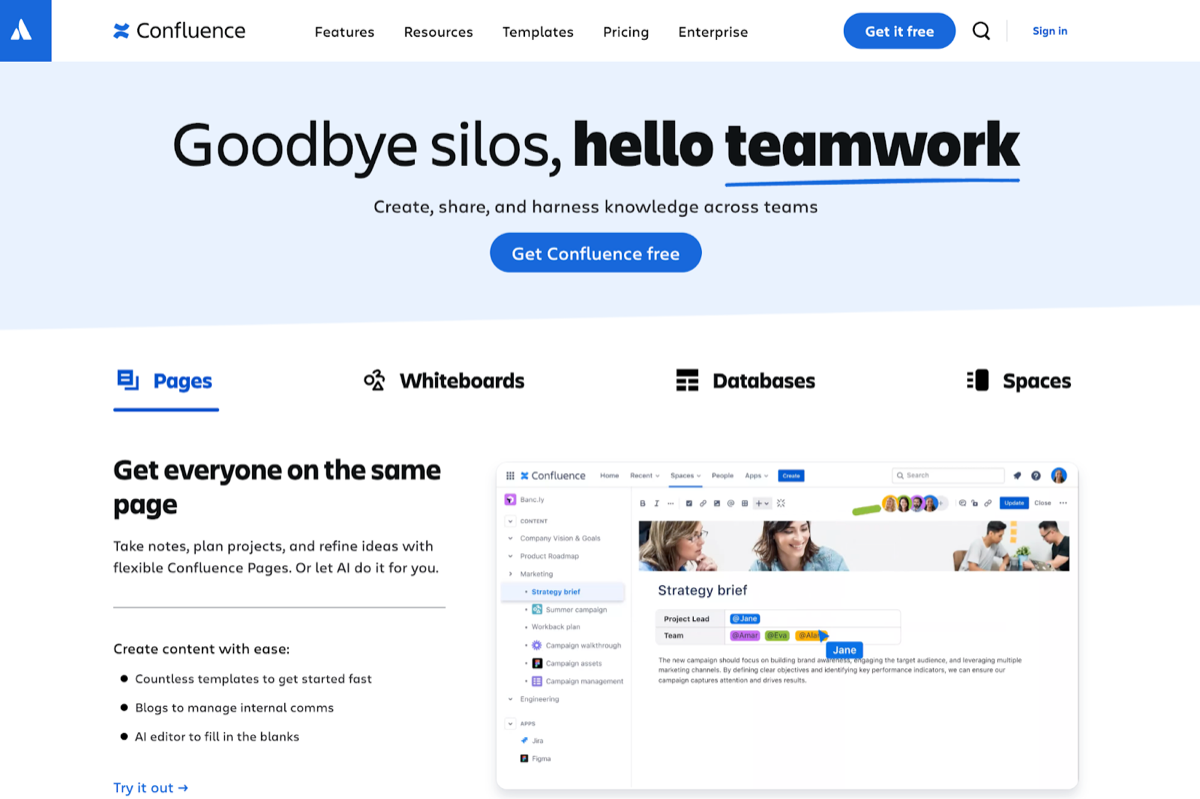
Confluence is a collaboration tool that helps teams create, share, and manage project documentation and internal knowledge.
Top AI-Powered Features:
- Smart Search (Rovo Search): Uses AI to enhance search functionality, providing personalized answers across Confluence and your connected tools.
- Templates and Macros: Offers customizable templates and macros to speed up documentation and keep it consistent.
- Integration with Jira: Integrates directly with Jira, so teams can link documentation to tasks.
Why It’s Suitable for Startups
It fits best if your team already runs projects in Jira, since pages and tickets link to each other. It is free for up to 10 users, but the full Rovo feature set needs the Standard plan or above.
13. Notion
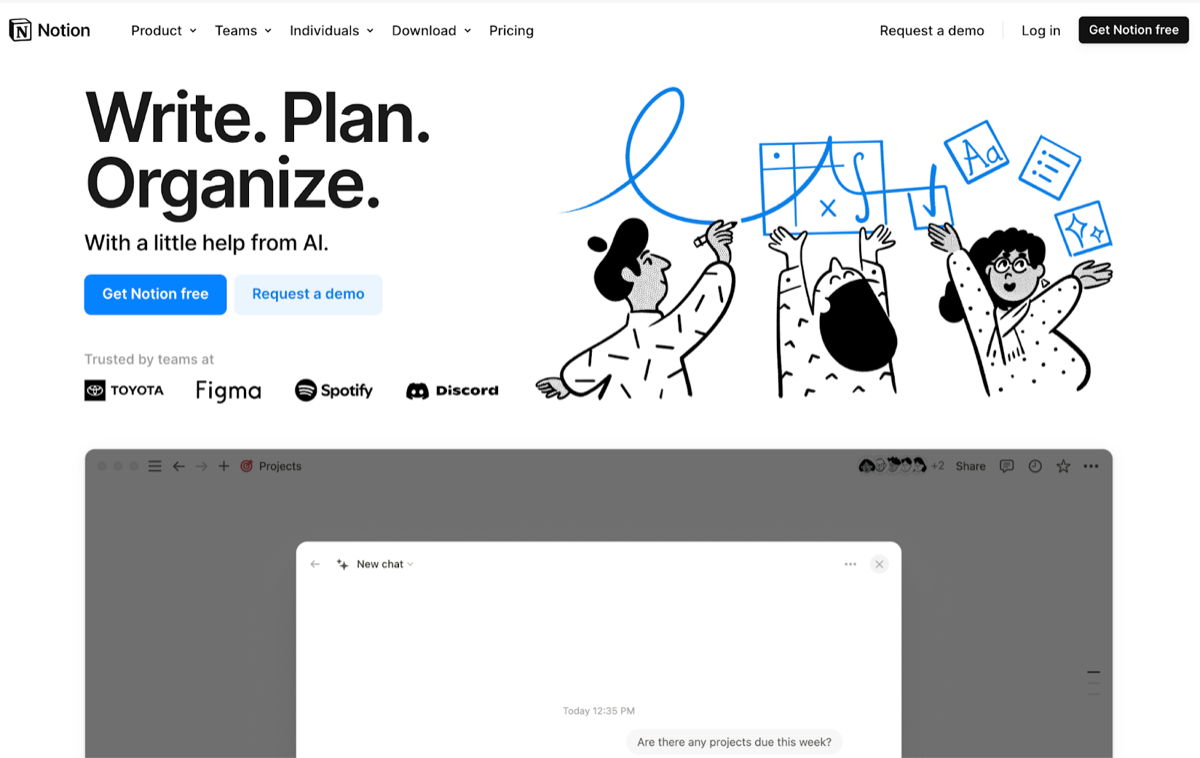
Notion is an all-in-one workspace where teams can write, plan, collaborate, and organize their knowledge. It combines notes, tasks, databases, and wikis in a single platform.
Top AI-Powered Features:
- AI Writing Assistant: Helps generate content and ideas from prompts. Notion AI is part of the Business and Enterprise plans, with a monthly allowance of AI credits per seat; Business costs $20 per seat per month on annual billing, twice the Plus price. Free and Plus get a limited number of complimentary AI responses.
- Database Organization: Lets you link databases to each other to organize information.
- Customizable Templates: Provides templates for different use cases, so setup is quick and documentation stays consistent.
Why It’s Suitable for Startups
Notion is flexible and easy to pick up. Its databases and templates let a team shape it around the way it already works; the trade-off is that someone has to own that structure, or pages sprawl.
Best AI Tools for Startups: Task Management
14. Trello
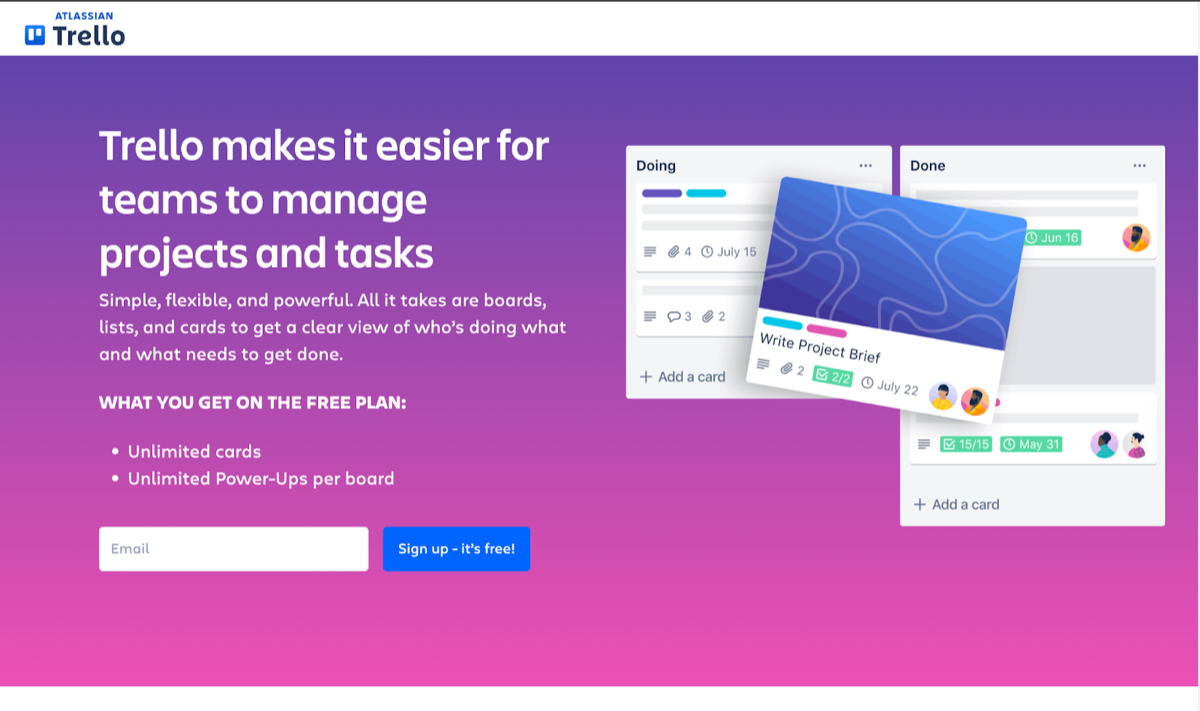
Trello is a visual project management tool that helps teams organize tasks using boards, lists, and cards.
Top AI-Powered Features:
- Create boards with AI: Generates a board with lists and cards from a goal you describe.
- Writing and summaries: Drafts card descriptions and comments, and summarizes or rewrites existing text.
- AI-generated checklists: Suggests a checklist of subtasks for a card.
Why It’s Suitable for Startups
Trello’s drag-and-drop boards are easy for a small team to learn, so new teammates pick it up quickly. The AI features above need a paid plan, starting with Standard at $5 per user per month on annual billing. Trello’s Butler automation, which moves cards and sends notifications on rules you set, is not AI, but it is what keeps the board tidy without anyone doing it by hand.
15. Asana
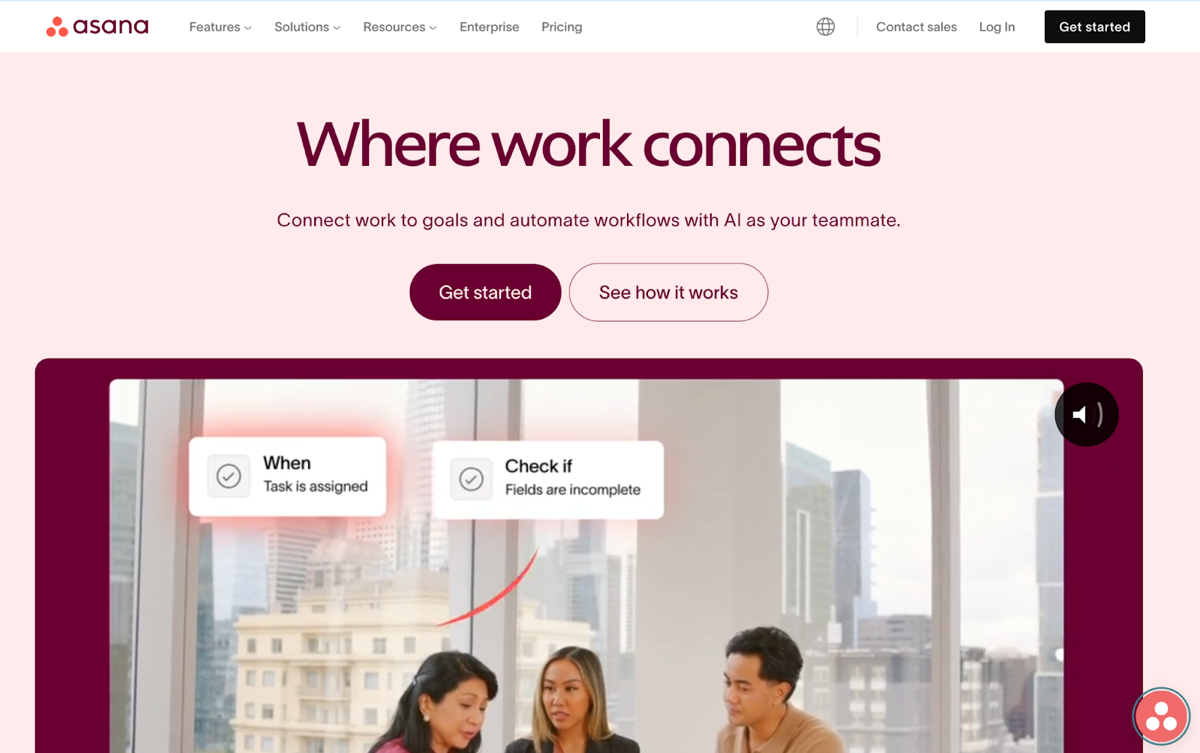
Asana is a task and project management tool for coordinating work, setting priorities and tracking progress.
Top AI-Powered Features:
- Workload Management: Shows how busy your team is, so you can rebalance and reassign work quickly.
- Smart Projects: Provides AI-generated project setups tailored to specific projects, cutting setup time.
- Automated Reporting: Smart status uses AI to draft status updates on project progress.
Why It’s Suitable for Startups
Asana is easy for a startup to adopt. Smart status drafts project updates for you, and the workload view shows who is overloaded, which helps a small team stay on its high-priority tasks.
Already on Asana? Kipwise Agent can find, create and update Asana tasks from Slack, under your own Asana account, and every change waits for your approval.
16. Monday.com
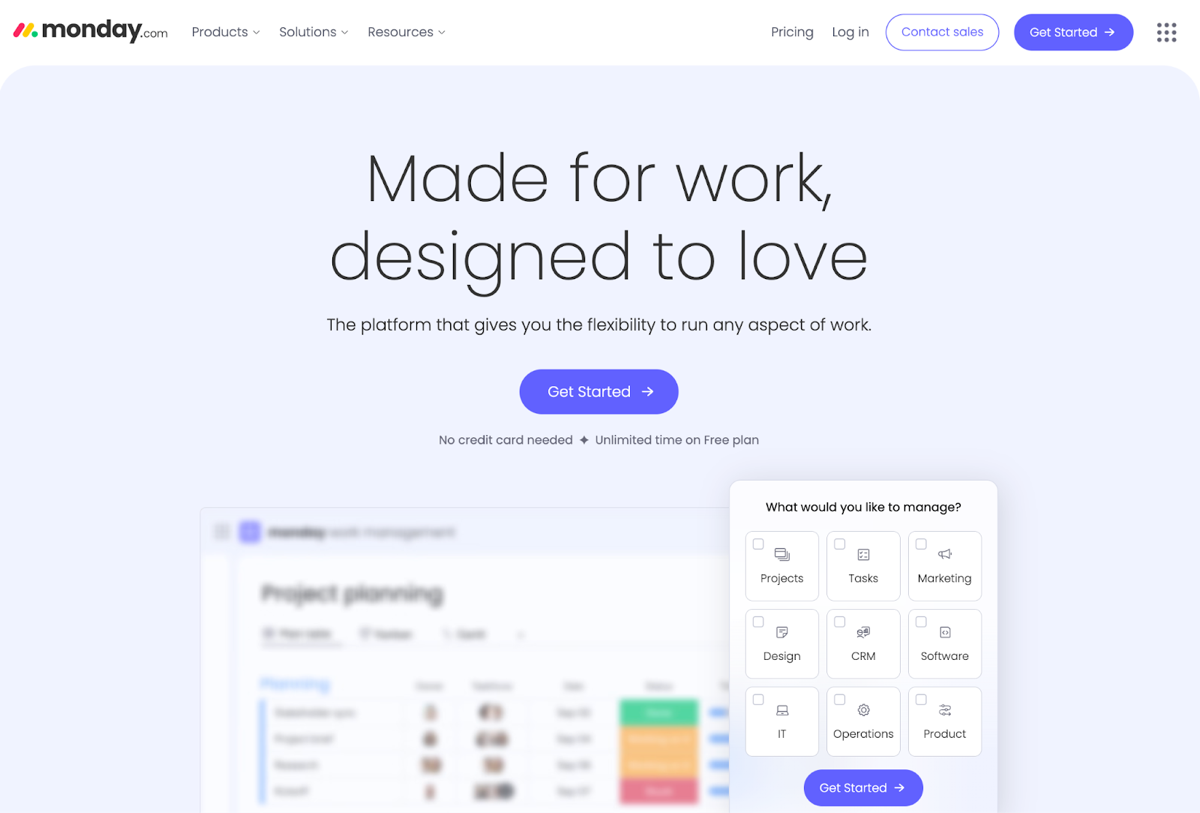
Monday.com is a work operating system that lets teams manage projects, workflows, and everyday tasks in a customizable, visual format.
Top AI-Powered Features:
- Automations: Allows users to set up automated workflows to reduce manual tasks, such as status updates and notifications.
- AI Insights: Analyzes project data to surface insights on how work is going.
- Custom Dashboards: Offers live, customizable visualizations of project metrics with AI-generated summaries.
Why It’s Suitable for Startups
Monday.com adapts to most workflows, which suits a startup whose processes are still changing as it grows. Its visual boards and dashboards let the whole team see where work stands.
On monday.com, Kipwise Agent can find, create and update items and boards from Slack, under your own monday.com account, and every change waits for your approval.
AI Agents for Small Business: What They Do That a Tool List Does Not
Every tool above does its job inside its own app, and a person still has to open it, ask it, and carry the answer to the next tool. An AI agent works across tools. You ask in plain English in the chat app your team already uses, and the agent goes to the tools for you.
Four things set an agent apart:
- One request, several tools: In one Slack thread you can ask what is due this week in Asana, what is on your plate on monday.com or what is due in ClickUp, and search your Zendesk tickets, without opening any of those apps.
- It acts as the person who asks: The agent uses that person’s own account in each tool, so it can only see and change what that person could.
- It asks before it changes anything: When you ask for a change in a connected tool, an Approve or Deny card appears first, and only the person who asked can use it.
- It can run later: You can ask it to run a request on a schedule, such as a weekly summary, or to tell the channel when something happens in a connected tool.
Kipwise Agent works this way in Slack and Microsoft Teams. Each person connects their own account to each tool once, and the agent offers the link when a request needs it.
AI tools for a small agency
An agency runs the same jobs for many clients, so the AI that helps most repeats one job per client: pulling each client’s numbers, drafting the report note for a person to finish, turning client messages into tasks and writing up calls. Agency owners describe building this themselves with ChatGPT or Claude and each client’s documents, such as one chat per client for the monthly report, and say the time saved is in admin.
- Reports: pull the numbers on a schedule and draft the note, then let the account lead finish it. See how to automate client reports.
- Client requests: turn messages from a client’s channel into tasks with an owner, after an approval. See marketing agency automation in Slack.
- Before you hire: sort a marketing virtual assistant job post into what software runs and what needs a person.
For an agency, the first test of an AI tool is whether it keeps clients apart, with each client’s accounts, numbers and date ranges in its own thread or channel. One answer that mixes two clients’ figures costs more trust than a month of saved reporting time.
Frequently Asked Questions About AI Tools for Startups
How much should a startup budget for AI tools?
Start with free tiers: HubSpot, Trello and Canva all have one. Move a tool to a paid plan only when the free plan blocks the task you named in check 1, and buy seats for the people who do that task, not the whole team.
Can small teams effectively use multiple AI tools without getting overwhelmed?
Yes, if each tool has one job and one owner. Start small: pick two or three tools that cover your biggest time sinks, and add the next one only when the first is in daily use. Favor tools that connect to each other (HubSpot, Slack, and Kipwise, for example) and drop any tool that duplicates another.
Do AI tools require technical expertise to implement?
Not the ones in this list: Canva, Trello and HubSpot work out of the box with little training. The exception is a customer-facing bot, which needs someone to keep the help articles it answers from accurate. For every tool, name one team member as the owner who handles setup and troubleshooting.
Which AI tools should a startup implement first?
Start with the tools whose output a person reviews before anyone outside the company sees it. For most startups that means 1) a project management tool (Trello, Asana, or Monday.com), 2) a place where answers are written down and searched (Kipwise or Notion), and 3) a marketing tool (HubSpot or Canva), where a person edits every draft before it goes out. Put tools that talk to customers on their own, such as a support bot, after those three.
What are the best AI tools for a small agency?
Pick by the job you repeat for every client. For reports, a tool that pulls Google Ads, GA4 and Search Console numbers on a schedule and drafts the note; for client requests, an agent in Slack that turns messages into tasks after an approval; for calls, a meeting notes tool. Keep each client’s data in its own channel or folder, and keep anything sent to a client with a person. Marketing agency automation covers which chores to start with.
How long does it take to see results from implementing AI tools?
It depends on how quickly the tool gets real work. A simple tool like Canva or Trello shows within a week of real use whether it helps. A CRM or help desk (HubSpot, Salesforce, Zendesk) takes longer, because it is only as useful as the contacts and articles loaded into it, so plan the import before you start counting days. Judge every tool against the task from check 1: how long it took before, and how long it takes now.
Are AI tools secure enough for startup data?
It depends on the plan, not the brand. Free and personal plans often have different data terms from business plans: OpenAI, for example, may use content from ChatGPT Free, Plus and Pro to train its models unless you opt out, while ChatGPT Business and Enterprise content is not used for training by default. Check the data-use page for the plan you would actually buy, and ask for the vendor's SOC 2 report before customer records go in.
Can AI tools integrate with existing software we already use?
Usually, but check which plan includes the connection. HubSpot has an app marketplace, and tools like Kipwise work directly with Slack and other daily-use platforms. Before you buy, look at the tool's integrations page for your CRM, help desk and chat app, and note whether those connections come with the plan you would buy.
What's the difference between free and paid versions of these AI tools?
The AI is often the first thing a free plan leaves out. Notion's Free and Plus plans get only a limited number of complimentary AI responses, and Trello's AI features start on the Standard plan. Canva's free version has basic design tools, while the paid versions add more brand kits, advanced templates, and team features.
How do we measure the ROI of AI tools for our startup?
Pick one number per tool and record it before you start: minutes per task, replies sent per day, or leads handled per week. Check it again after a month. For example, if a tool saves 5 hours per week per employee and your average hourly cost is $30, that's $150 in weekly savings to set against the seat price.
Should startups build custom AI solutions or use existing tools?
Use existing tools unless the AI is your product. Building custom AI means paying engineers to maintain it as models change, and every job in this article is already covered by a ready-made tool. Spend your development time on the core product instead.
Avoid overlap between your tools
Check for overlap before you add a second tool. HubSpot Sales Hub, Zendesk and Intercom all come with an AI chatbot or agent, and two of them on one website means customers get answers from two bots that do not know about each other. CRMs are the same: HubSpot and Salesforce both hold your customer records, and running both means two versions of every lead, so pick one.
An AI agent that works inside your Slack threads
Kipwise Agent answers in the thread, as you, so the answer stays where the question was.
- “Do we have a doc about this?”: it searches your knowledge base, reads the page, and answers with the relevant part and a link to the source
- “Can someone write this up?”: it drafts a page from the thread, files it in the folder you name, publishes it and posts the link
- “Post this to the channel”: it shares a page into a Slack channel you name
- “Every week, summarise…”: it runs a request on a schedule and posts the result where the team will see it
It only ever sees the pages you can see, and everything it writes in Kipwise is attributed to you.