8 HR Tools For Remote Teams: Shaping The Future Of Work

Choose HR software for a remote team by where your people live and who has to pay them, and compare features only after that. Employee records, onboarding and time off work almost anywhere. Payroll, benefits and employment contracts are country-specific, and that is where remote teams end up running two tools. The eight tools below are grouped by the job they do, with each vendor’s listed starting prices (most are per employee per month and rise with add-ons).
Image Source: MarketSplash
Which countries does each tool cover?
Write down every country you have people in, and for each one whether the person is an employee, a contractor or hired through an employer of record. Then check each shortlisted tool for payroll and contract support in those countries. BambooHR, for example, runs payroll and benefits administration for US employees only and sells global hiring through its partner Remote, while Rippling sells global payroll, employer of record and a global HRIS as separate products. When a tool lacks a country you need, you need a second platform, so put its price in the comparison.
Eight HR tools for remote teams
1. Breezy HR
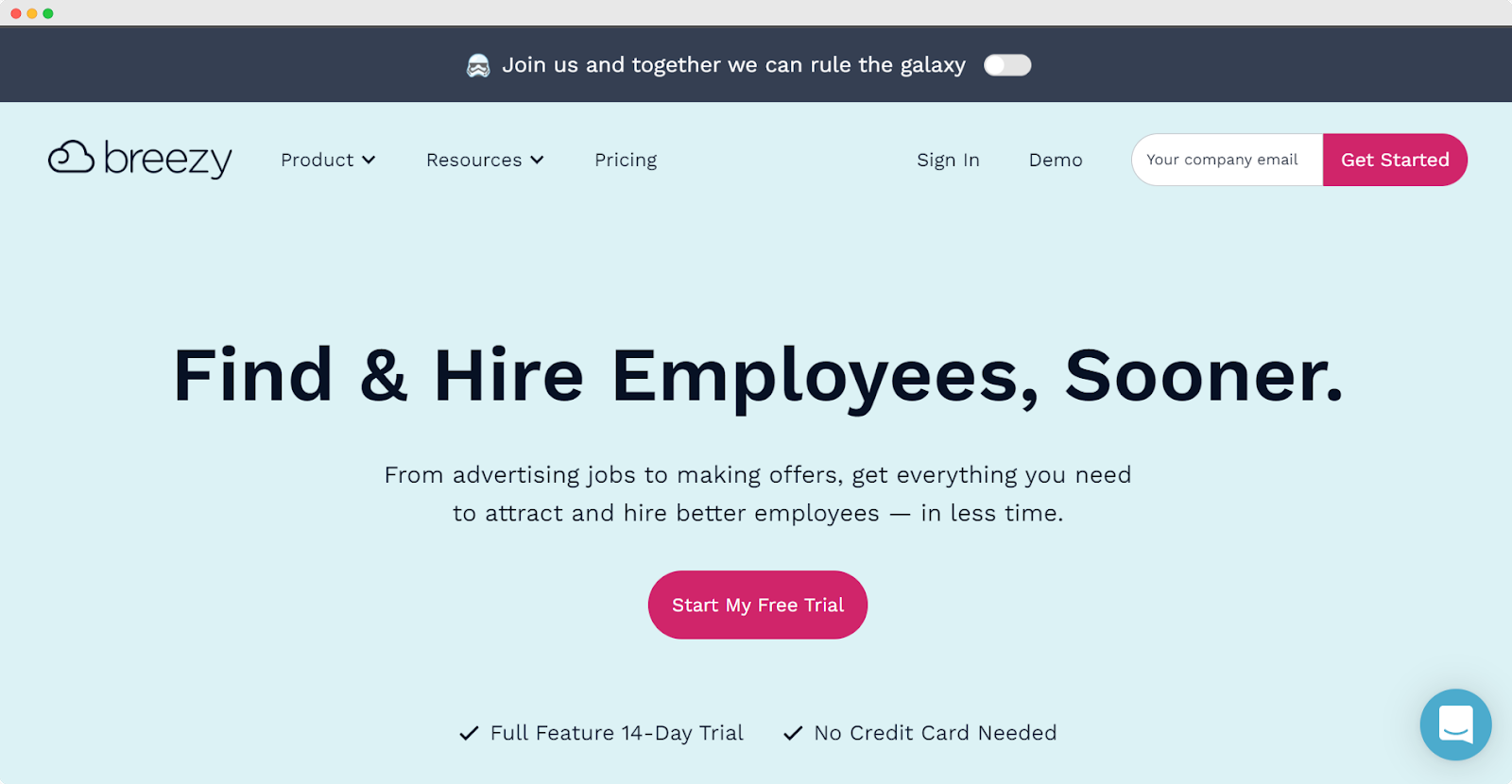
Image Source: Breezy HR
Breezy HR is an applicant tracking system that covers the path from advertising a job to making an offer. Onboarding and performance are sold as paid add-ons. The free Bootstrap plan allows one open job or candidate pool at a time with unlimited users, which is enough to run one real hire through it. Paid plans start at $157 a month on annual billing, and there is a 14-day full-feature trial with no credit card. Choose it if hiring is your bottleneck. Skip it if you want employee records or payroll.
2. BambooHR
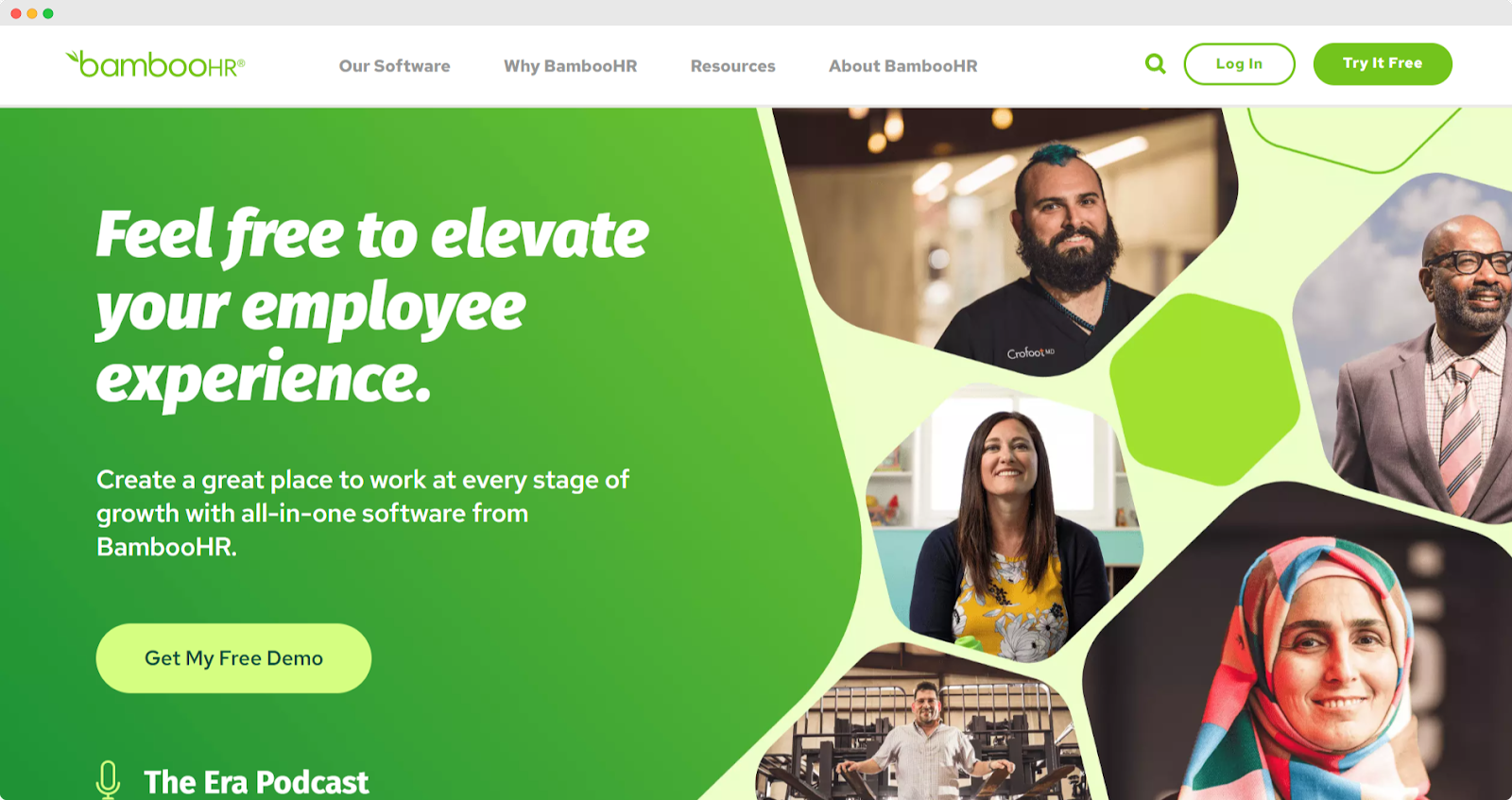
Image Source: BambooHR
BambooHR is a system of record for employee data, hiring, onboarding and time off, with performance management on its higher plans. Core costs $10 per employee per month, Pro $17 and Elite $25, and teams of 25 or fewer pay a flat monthly rate instead ($250, $425 or $650). Payroll and benefits administration are for US employees only. Choose it if most of your people are in the US, or if you want records now and plan to buy global employment separately.
3. Rippling
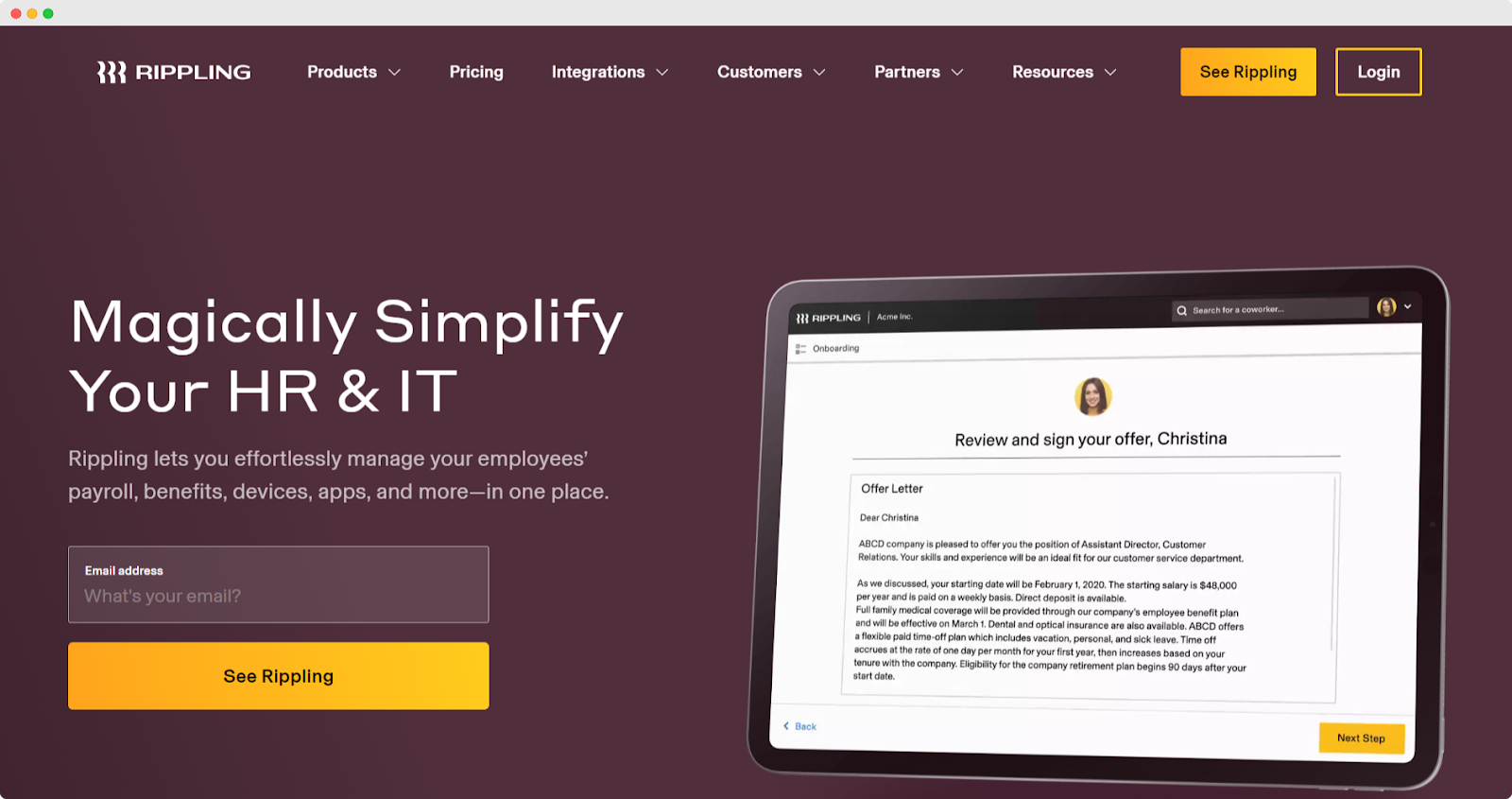
Image Source: Rippling
Rippling sells HR, payroll and IT (identity, access and device management) as separate modules. Its pricing page says plans start at $8 per employee per month plus a monthly base fee, with the total depending on the modules you pick. For a remote team the modules that matter are Global Payroll, Employer of Record and the global HRIS. Choose it if people in several countries are the main reason you need software. Skip it if you only need records, because the base fee and per-module pricing add up.
4. flair
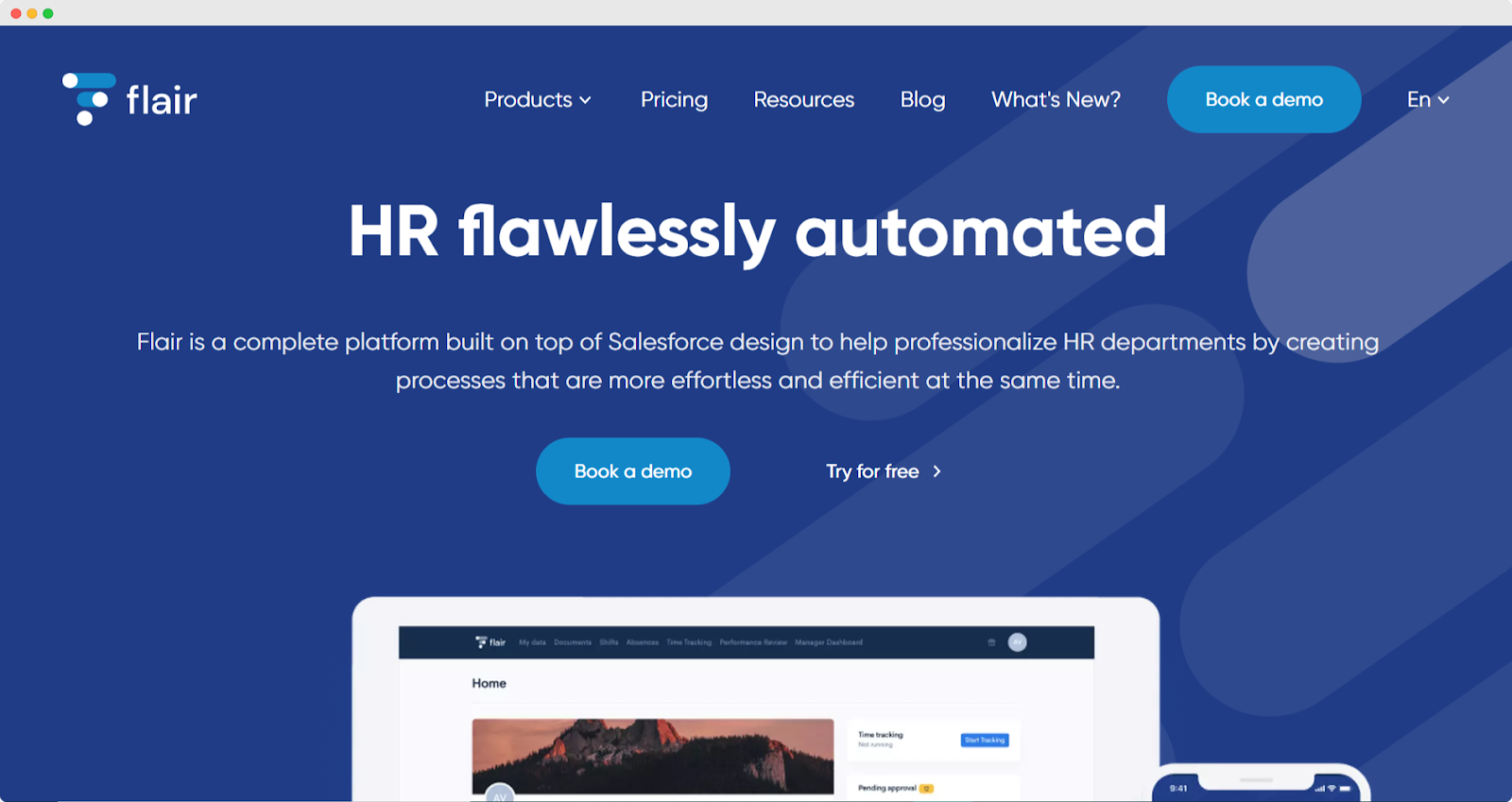
Image Source: Flair
flair is a modular HR platform built on Salesforce, with separate modules for time and attendance, HR administration, performance, recruiting, payroll and shift planning. Prices start at €2.50 per employee per month and depend on the modules and add-ons you combine. The pricing page points to a demo, not a trial. It is not limited to Europe: flair has country pages for Australia, Nigeria and Switzerland, among others. Choose it if you want to buy only the modules you use. flair also publishes an HR lexicon, including what a remuneration package includes.
5. WorkTango
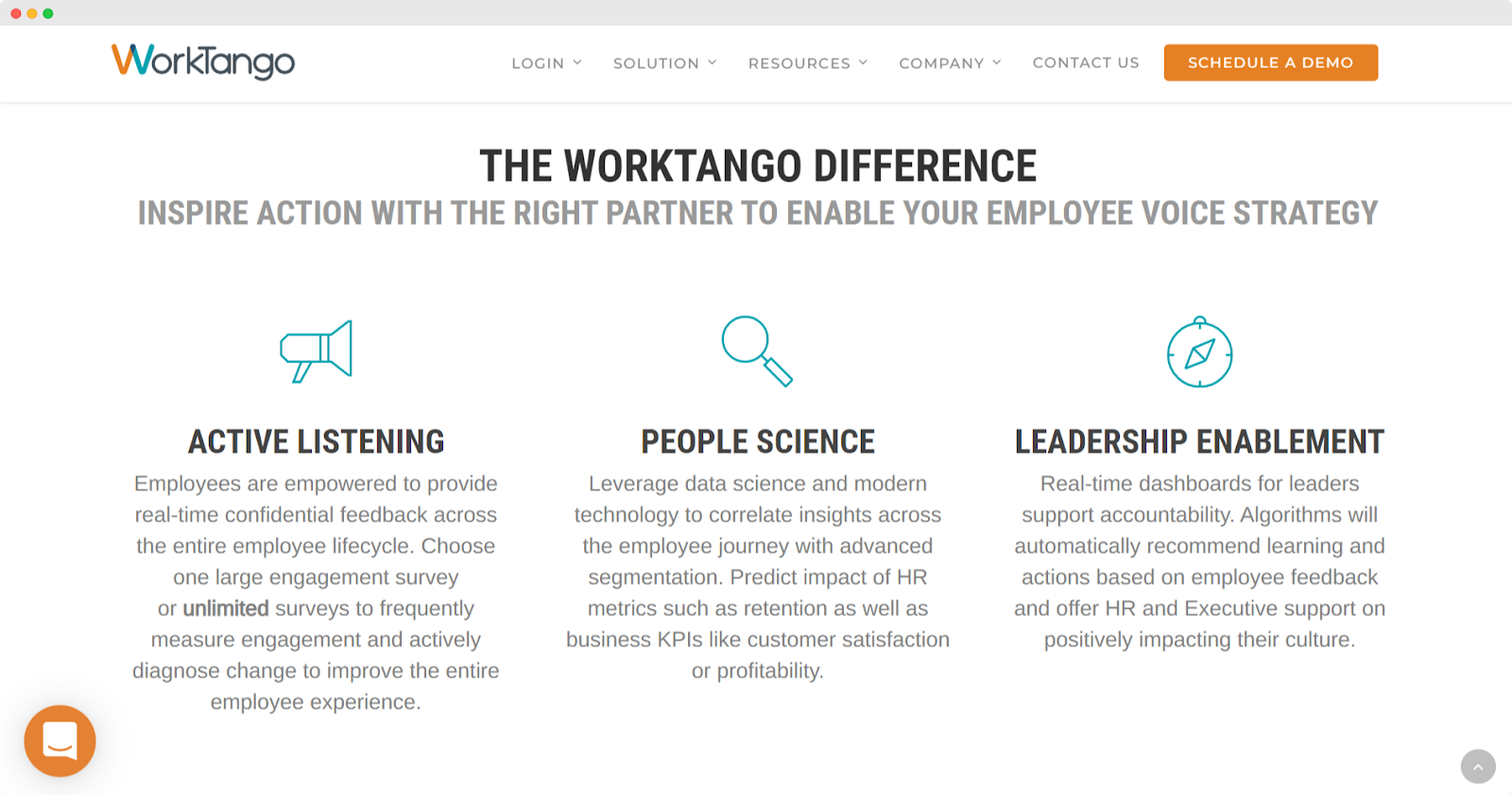
Image Source: Work Tango
WorkTango is not an HR system. It sells an employee experience platform with two products: surveys and insights (engagement surveys and dashboards) and recognition and rewards. No prices are listed, and you book a demo. Choose it if you already have HR records and want to measure engagement and run recognition for people who never share an office. Ask your people first: in a Willis Towers Watson survey cited by the World Economic Forum, 56 percent of employers said their wellbeing programs encouraged healthier lifestyles, while 32 percent of employees agreed.
6. Pipefy
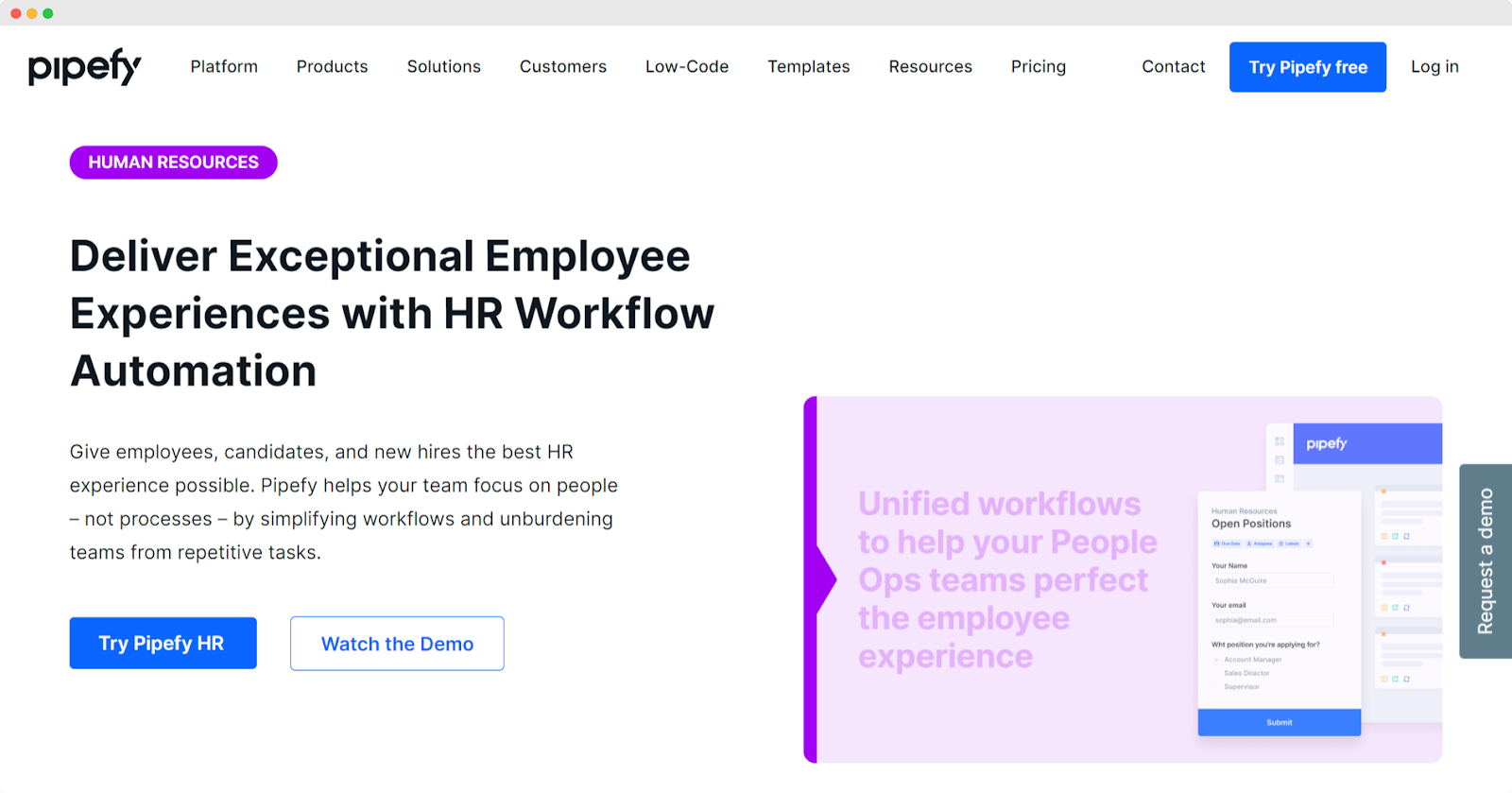
Image Source: Pipefy
Pipefy is process automation software, not an HR system, though it markets an HR use case with AI agents for recruitment and employee services. The Starter plan is free for up to 5 processes and 10 users, and Business and Enterprise are quoted by sales. Choose it if your HR pain is request-and-approval flows, such as equipment requests, leave approvals and onboarding steps, and you are willing to build them. Skip it if you want ready-made records and payroll.
7. Kissflow
Image Source: Kissflow HR Cloud
Kissflow sells a low-code platform and a workflow automation platform, and its site lists an Employee Hire to Retire use case. It publishes no prices and sells by quote. Choose it if HR is one of several processes, such as procurement or vendor onboarding, that you want off spreadsheets and you have the budget for an enterprise tool. Skip it if you want published prices or an HR system that works out of the box.
8. Wrike
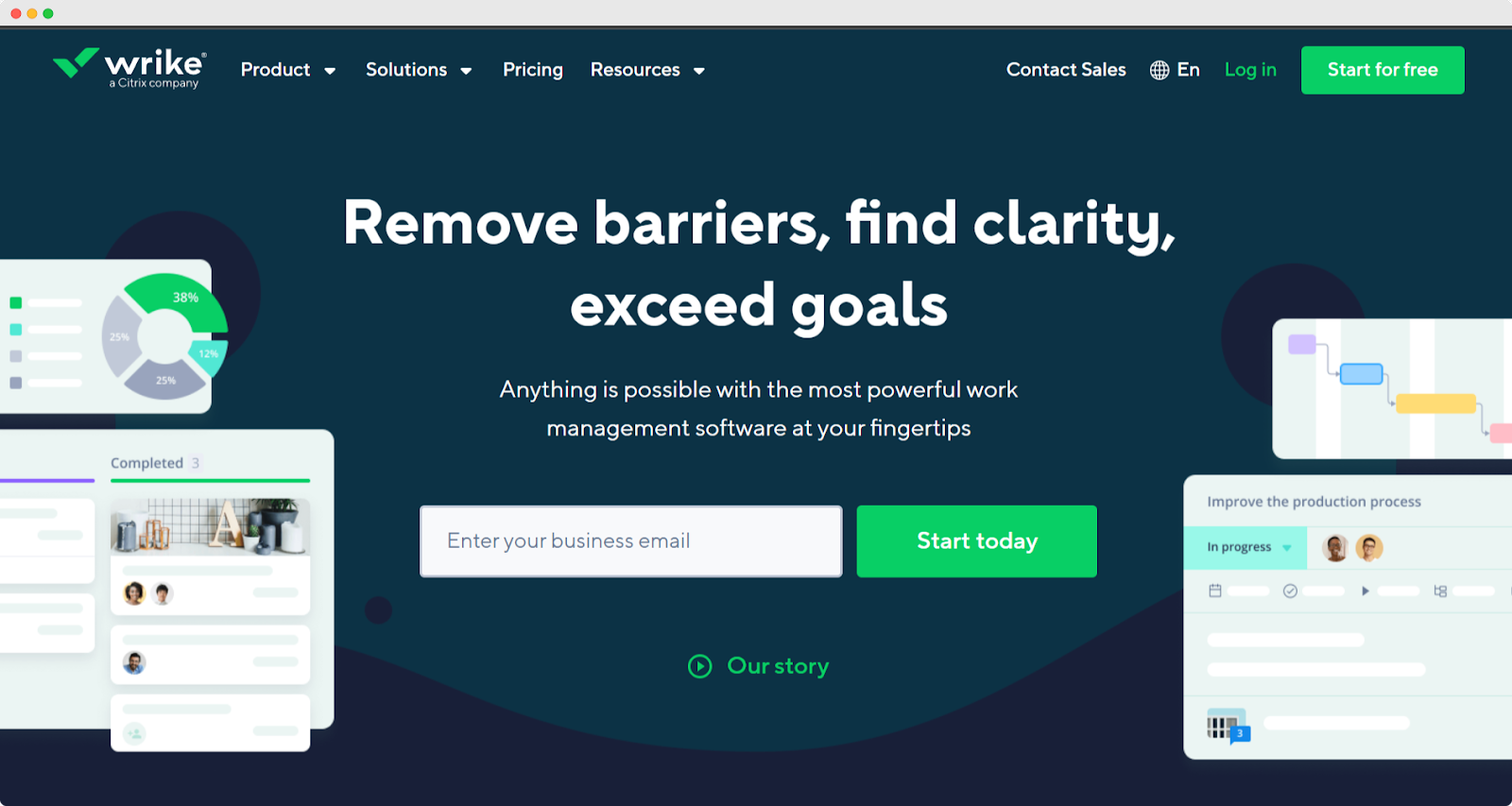
Image Source: Wrike
Wrike is project management software, not an HR system. It has a free plan, Team at $10 per user per month (2 to 15 users) and Business at $25 per user per month (5 to 200 users), billed annually, with a 14-day free trial. Choose it if the HR team already runs its projects in Wrike or needs task tracking for onboarding plans and hiring projects. Skip it if you want employee records.
Choosing HR tools for remote teams

Image Source: MarketSplash
Match the tool to what is breaking. If hiring is the bottleneck, start with an applicant tracking system. If records and onboarding paperwork are scattered, start with an HR system and check its payroll countries before you sign. If HR is one of several processes you want off spreadsheets, a workflow platform covers more ground, at the cost of being less HR-specific.
Keep employee records in one system whatever else you add. The workflow and project tools above should handle approvals and tasks, not hold the people data, because a second copy of an address or a salary goes stale the first time someone moves.
Judge every trial on one real task: hire, onboard or pay one real person in the country where they work. If your people mostly use phones, run that task on a phone as well: request time off, check a payslip, approve a request.