5 Best Knowledge Management Software

Choose a knowledge management tool on two things its feature list rarely settles: what you pay once everyone who only reads needs a seat, and what the tool does with a page that has gone out of date. We recommend testing your shortlist on ten questions your team really asked in the past month. Five tools follow (Kipwise, Slite, Nuclino, Slab and Guru), the last four with the plan limits that matter to a small team.
Three things to check before you compare features
Price the people who only read. If five people write pages and 35 only look things up, you are buying 40 seats unless the vendor sells a cheaper way to read. Nuclino counts anyone who joins, guests and read-only members included, and upgrading moves the whole team to the paid plan. Slab has no read-only user. Slite’s reader-only seats start on Enterprise; below that, 40 seats at Basic’s $10 per user per month billed yearly come to $4,800 a year. Ask each vendor how it bills a person who only reads.
We recommend ranking the tools that expose stale pages above the tools with the best AI answers. Slite Ask, Slab Ask and Guru’s Knowledge Agents all answer from your pages, so a page nobody has reviewed turns into a confident wrong answer. Slite, Slab and Guru each include page verification, and Kipwise lets you set designated reviewers for your collections. Switch AI answers on once someone owns the pages they read from. Otherwise the team stops trusting search and goes back to asking in Slack.
Run the trial on real questions. Pull ten questions from your team chat, preferring ones that took more than one reply to answer. Write the answers into each trial workspace, then ask a colleague who did not write them to find each one by search, and count how many they find on the first try. Trials are short (14 days at Slite and at Nuclino Starter), so have the ten answers drafted before you start one.
List of the best knowledge management software
Kipwise
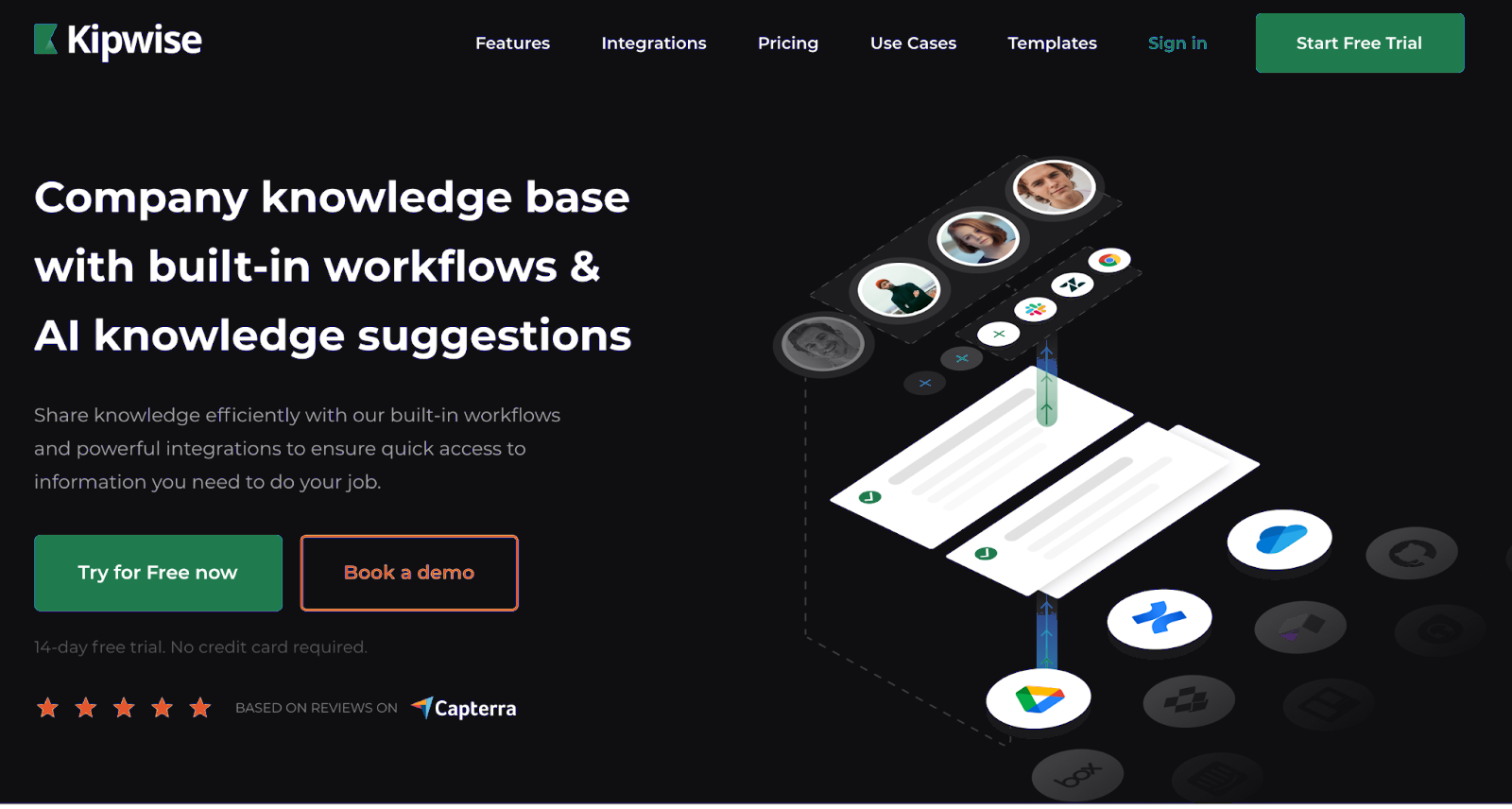
Kipwise is a modern knowledge management software for companies that makes it easy for teams to create a company knowledge hub collaboratively. Kipwise integrates directly with Slack and also offers browser extensions, so you can access your team knowledge from any web app you use.
Some key features that help teams enable better internal knowledge flow:
- Powerful Slack integration - Handy slash command and Slack Actions to create and search for team knowledge. You simply don’t have to leave Slack to build up your knowledge base.
- Real-time collaborative editor - With rich embedding options, your team can edit the same doc at the same time and create visually appealing documentation easily.
- Content review process - Set designated reviewers for your collections to ensure content is always up-to-date and accurate.
- Smart AI suggestions - deliver knowledge to your teammates when they need it, without needing them to search
- Integrations - Kipwise is integrated with Google Drive, OneDrive, Figma and more.
Slite

Slite is a lightweight docs editor with comments, mentions and custom templates, which makes it a quick start for a first team wiki. There is no free plan. After a 14-day trial that needs no card, Basic costs $10 and Pro $20 per user per month billed yearly. Basic already includes doc verification, a Knowledge Management Panel and Ask, which answers questions from your Slite docs (30 questions per seat per month).
Nuclino

Nuclino is a simple real-time editor for team documents such as meeting notes and product requirements, with list, board, table and graph views and canvases for diagrams. Its free plan lists content caps, not a user cap: 50 items across all workspaces, 3 canvases and 2 GB of storage. Starter removes the item and canvas caps and adds 30-day version history, after a 14-day trial with no card. The AI assistant, Sidekick, is on Business only.
Slab

Slab is free for up to 10 users plus guests, with unlimited posts and topics, 90 days of version history and 10 standard integrations. Paid plans are Startup at $6.67 and Business at $12.50 per user per month billed annually, and AI Ask starts on Business. It connects to Slack, Google Workspace and GitHub, among others. Free plans run out in different places, Slab’s at ten users and Nuclino’s at 50 documents. A team of ten or fewer with a lot to write fits Slab, and a larger team with fewer than 50 documents fits Nuclino.
Guru

Guru’s pricing page shows no plans or per-seat prices, only packages scoped in a first call around your size, how complex your knowledge is and your AI plans, with a team of solution engineers included. The product offers verification workflows, AI search, Knowledge Agents that answer with citations and respect permissions, a browser extension and more than 100 integrations, including Slack, Microsoft Teams, Salesforce, Zendesk, Confluence and SharePoint. If you need a price before you talk to sales, Guru’s site does not give you one.