Best AI Chatbots - Top 12 Picks

AI chatbots have moved past scripted replies: the good ones handle customer support around the clock, speed up day-to-day work and give people a more natural way to use a product. The list of contenders changes every few months as new models ship.
This guide covers 12 chatbots picked for different jobs: general-purpose assistants, writing and content tools, sales and support bots, and search-focused chat.
What is an AI Chatbot?
An AI chatbot is software that uses natural language processing and machine learning to hold human-like conversations. It understands text or voice input and responds with information, answers or help with a task, and companies use chatbots in customer service, personal assistance and other business workflows.
What to look for in an AI chatbot
1. Purpose and Use Case
Define what you need the chatbot for: customer service, lead generation or personal assistance. Different chatbots are best at different jobs, so the job decides which features matter.
2. Natural Language Processing (NLP) Capabilities
Check how well the chatbot understands the user's intent and the context behind a message, beyond the literal words, and how it handles misspellings, abbreviations and different communication styles.
3. Integration
Check if the chatbot can integrate with your existing systems (e.g. CRM, messaging tools, knowledge base, etc.).
4. Customization
Look for options to customize the chatbot’s tone and style to fit your brand voice, and for ways to add or update its knowledge base, such as content, FAQs and product information.
5. User Experience
Evaluate the interface and ease of use for both users and administrators, and check whether the chatbot takes user feedback into account.
6. Analytics and Reporting
Check that the chatbot reports on performance and user interactions, for example resolution rate, drop-off points and user satisfaction.
7. Security and Compliance
Verify that the chatbot complies with relevant data protection regulations (e.g., GDPR).
Also check whether your conversations can be used for training. On ChatGPT Free, Plus and Pro, OpenAI may use your content to train its models unless you opt out, while ChatGPT Business and Enterprise are not used for training by default. That gap is a practical reason to put a team on a business plan instead of letting everyone paste company documents into personal accounts.
Whether a chatbot can answer from your team's own documents, or only from what it learned in training, decides more selections than any feature on this list. Without access to your documents, a general chatbot such as ChatGPT or Gemini answers a company-specific question fluently and often wrongly. Before comparing tone or templates, test each candidate on five real questions from your own wiki or support tickets, with its connections to your tools switched on. If it cannot cite the source document, it is the wrong tool for internal knowledge, whatever else it does well.
We recommend choosing by the suite your team already pays for, not by feature lists. At the personal tier the big assistants cost about the same: ChatGPT Plus is $20 a month, Google AI Pro $19.99 and Claude Pro $20 ($17 on annual billing). For teams the difference is in what comes bundled: Copilot Chat is included with an eligible Microsoft 365 business subscription, Gemini is included in most Google Workspace Business and Enterprise plans, and ChatGPT Business starts at $20 per seat per month billed annually. If you already pay for Microsoft or Google, try the bundled assistant first and add a second one only for a job it fails at.
The best AI chatbots
- General: ChatGPT, Microsoft Copilot, Gemini
- For content writing: Jasper Chat, Chatsonic
- For sales and marketing: Breeze Assistant (formerly ChatSpot) by HubSpot
- For customer service: Intercom, Drift (now part of Salesloft)
- For personal use: Pi, Poe
- For searching the web: KoalaChat, YouChat
1. ChatGPT
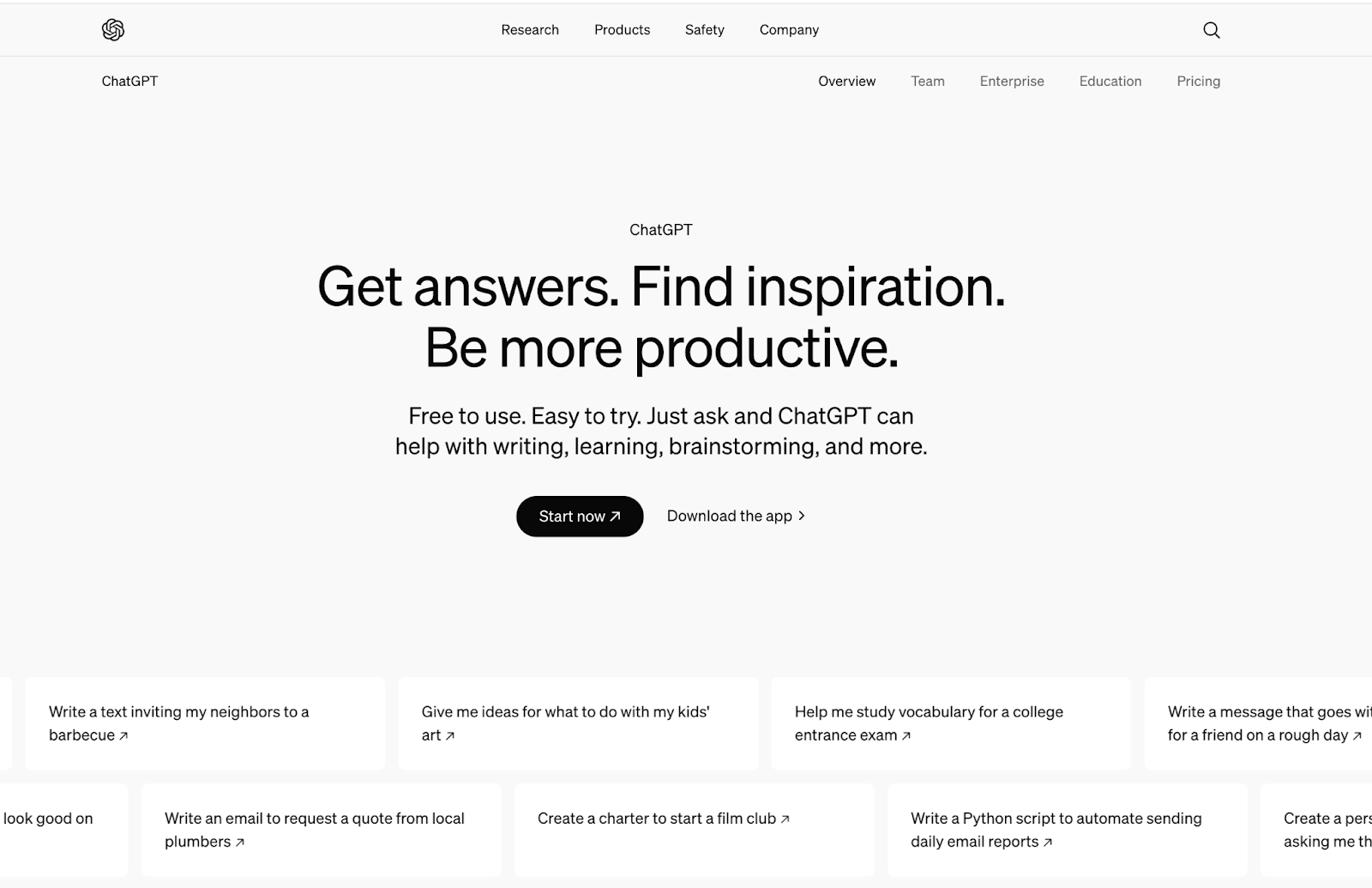
ChatGPT, built by OpenAI, is the AI chatbot most people think of first. It generates human-like text from natural-language prompts using large language model techniques, which lets it hold a conversation, answer questions, and help with tasks across writing, research, coding, and more.
Top Features
- Context Awareness: It keeps track of what was said earlier in the conversation, so follow-up questions get coherent answers.
- Personalization: It can adapt its tone and style to your preferences.
- Multilingual Support: It understands and writes in many languages, so it works for global audiences.
- Versatile Applications: It handles customer support, content generation, education and creative writing across industries.
Best Uses
- Customer Support: Answering frequently asked questions around the clock.
- Content Creation: Helping writers generate ideas, draft blog articles and social media posts, or create marketing copy.
- Brainstorming: Assisting in generating ideas for creative projects, presentations, or business strategies.
- Education: Acting as a tutor that explains concepts, answers questions and runs quizzes.
Wondering if you can use ChatGPT for your company internal knowledge base? Check out Kipwise! It’s integrated with ChatGPT and Slack. So whenever you have a question, just ask in Slack and Kipwise can answer you with information stored in your knowledge base!
2. Microsoft Copilot
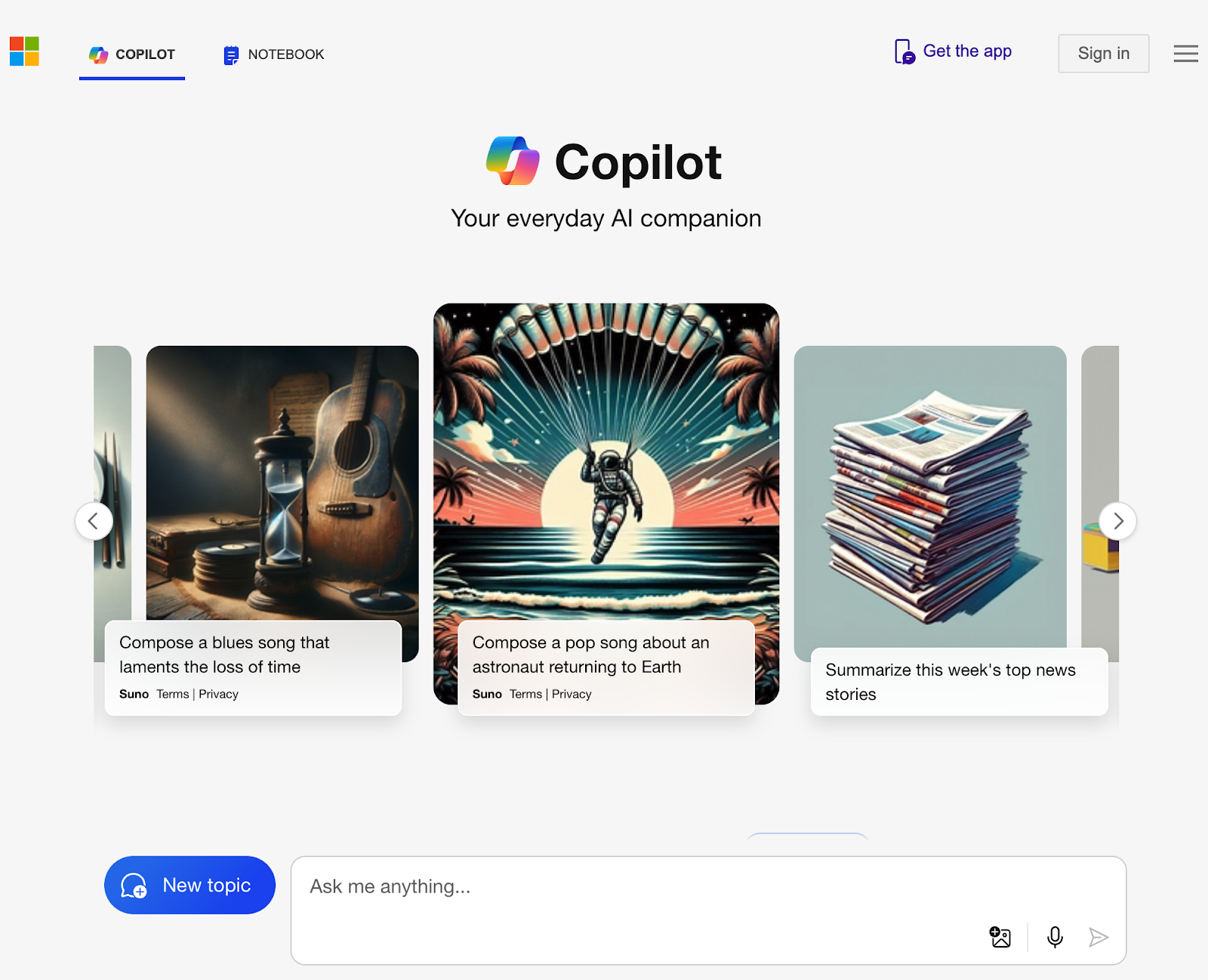
Microsoft Copilot is Microsoft's AI assistant, and it comes in two forms. Copilot Chat is included at no additional cost with an eligible Microsoft 365 business subscription. The Microsoft 365 Copilot add-on, $30 per user per month paid yearly, builds Copilot into Word, Excel, PowerPoint and Outlook, from drafting a document to summarizing an inbox.
Top Features
- Content Generation: It can create drafts, summarize documents, and generate presentations, saving time and effort in content creation.
- Data Insights: In Excel, Copilot can analyze data patterns, create visualizations, and provide insights, making data-driven decision-making easier.
- Email Drafting: In Outlook, it can help draft responses, summarize threads, and prioritize messages based on relevance.
- Integration Across Apps: Copilot works the same way across Word, Excel, PowerPoint, and Outlook, so the interface stays familiar.
Best Uses
- Document Creation: Speeds up writing in Word with content generation and formatting suggestions.
- Data Analysis: Enhancing productivity in Excel through advanced data manipulation and insights.
- Presentation Design: Assisting in creating visually appealing presentations in PowerPoint with design suggestions and content generation.
- Email Management: Improving efficiency in Outlook by automating responses and summarizing emails.
Microsoft Copilot fits companies that already run on Microsoft 365, where Copilot Chat costs nothing extra.
3. Gemini
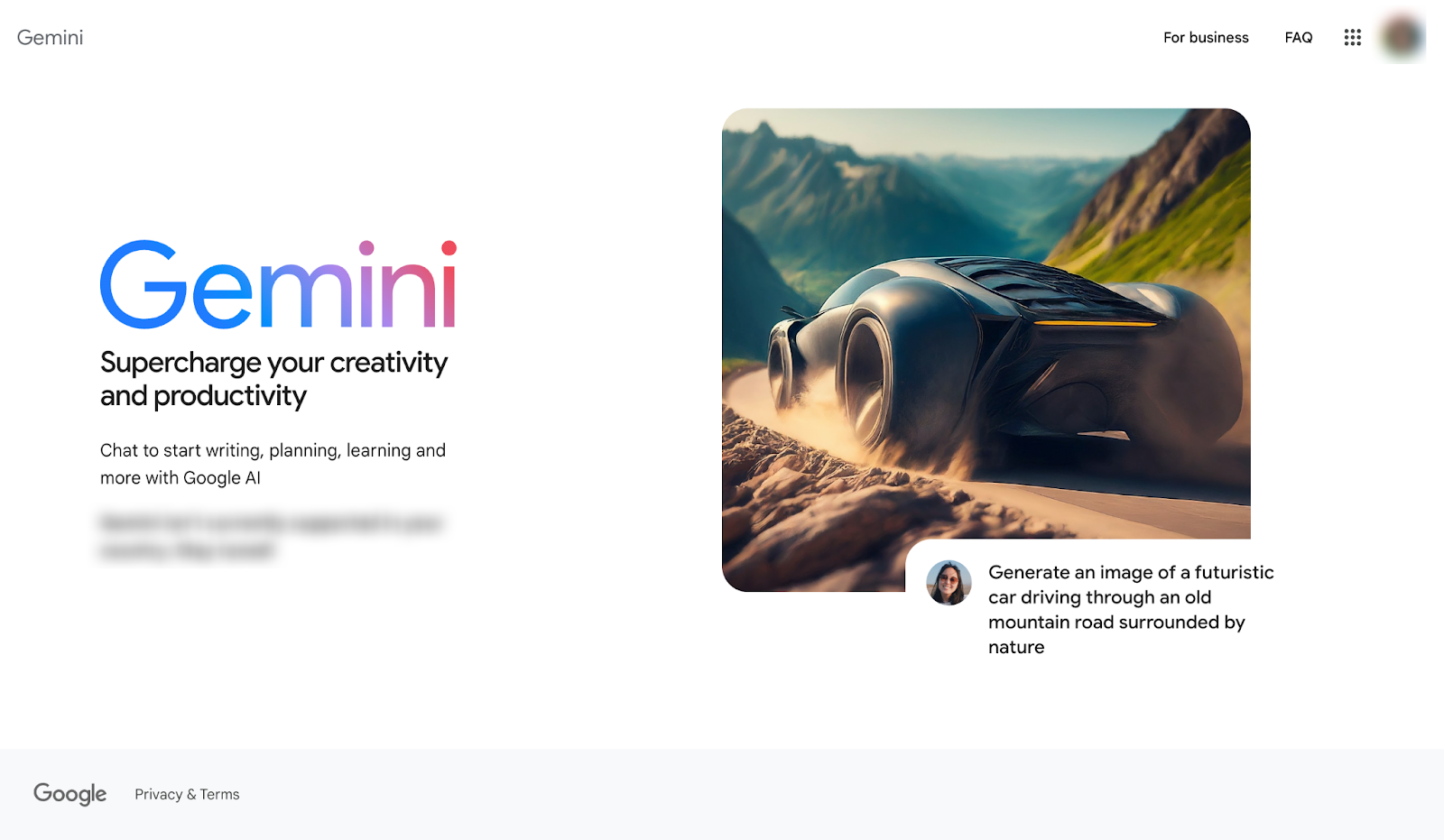
Gemini, built by Google DeepMind, is designed to work well both inside Google's own products and as a standalone assistant, with natural language processing tuned to track context across a conversation.
Top Features
- Multimodal Capabilities: Gemini can process and generate text, images, and other data types, enabling richer interactions.
- Integration with Google Services: Integrates with various Google applications to support existing workflows.
- Personalization: Learns user preferences over time, providing tailored suggestions and interactions.
Best Uses
- Information Retrieval: Quickly finding accurate answers to questions across various topics.
- Image Generation: Gemini can create and manipulate images based on text prompts, making it a useful tool for creative projects, design tasks, and visual content creation. Its ability to understand context and nuances also helps in generating images that align closely with user expectations.
- Creative Assistance: Helping users brainstorm ideas, write content, or generate creative works.
- Data Analysis: Assisting in interpreting data and providing insights for decision-making.
- Enhanced Communication: Smoothing interactions in messaging and collaboration tools.
Gemini fits teams that already work in Google Workspace, where it is included in most Business and Enterprise plans.
4. Jasper Chat
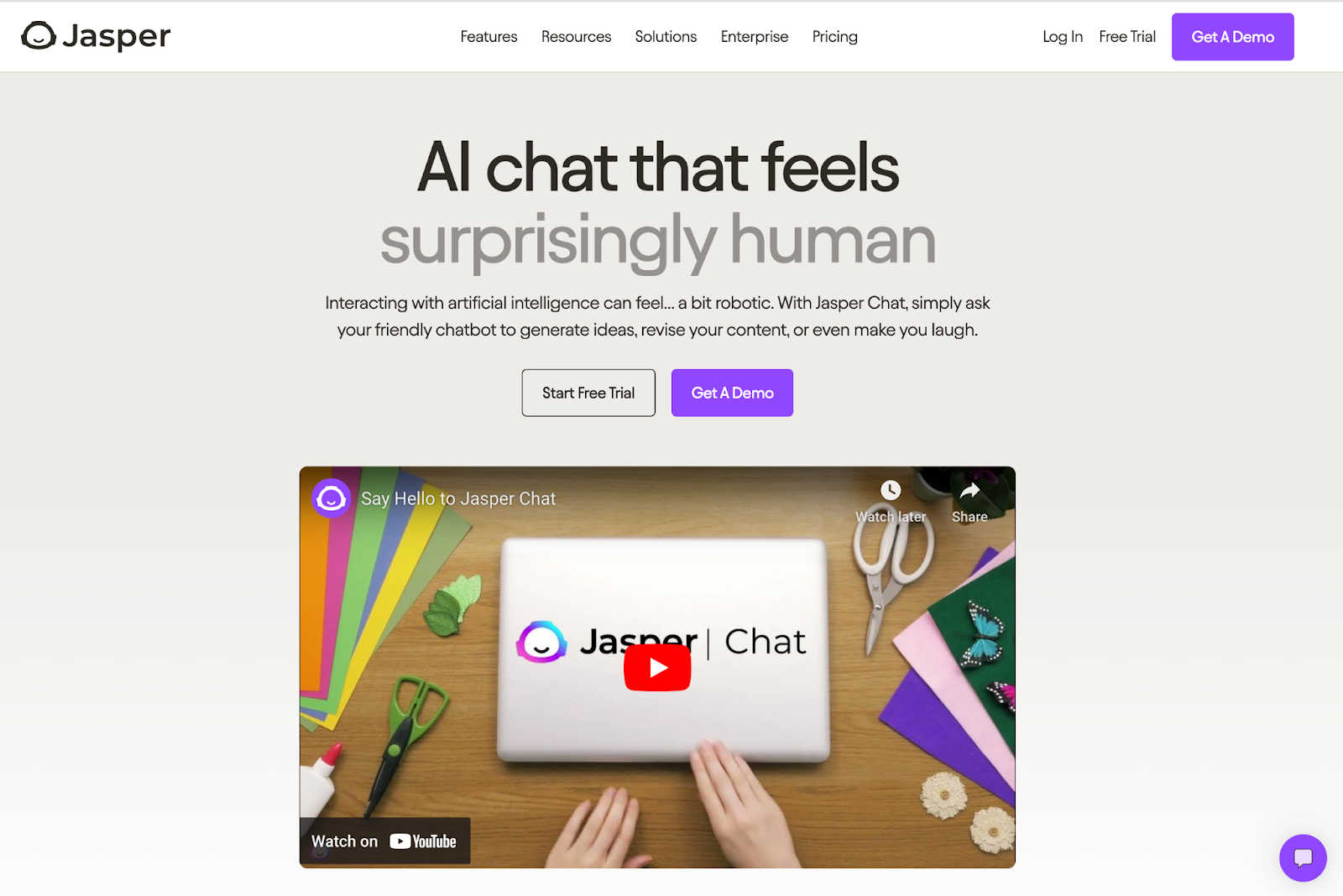
Jasper Chat, from Jasper AI, focuses on creative writing and content generation rather than general-purpose chat. It helps users draft high-quality text across formats, from marketing copy to blog posts.
Top Features
- Content Generation: Quickly creates engaging text for different purposes, including articles, social media posts, and emails.
- Agents: Purpose-built agents run end-to-end marketing workflows, including research and translation.
- Brand Voice: Jasper IQ stores your brand voice, style guides and audience profiles and applies them to outputs.
- SEO Optimization: Provides suggestions that help enhance content visibility and effectiveness in search engines.
- Collaborative Editing: Supports real-time collaboration, so teams can edit the same project together.
- Idea Brainstorming: Assists users in generating creative ideas and overcoming writer's block.
Best Uses
- Marketing and Copywriting: Crafting persuasive marketing materials and advertisements.
- Blog and Article Writing: Generating in-depth articles and blog posts efficiently.
- Social Media Management: Creating engaging posts and captions for various platforms.
- Content Planning: Helping teams brainstorm and plan content strategies.
Jasper Chat fits marketers, writers, and content creators who want to speed up drafting without losing control over tone and quality.
5. Chatsonic
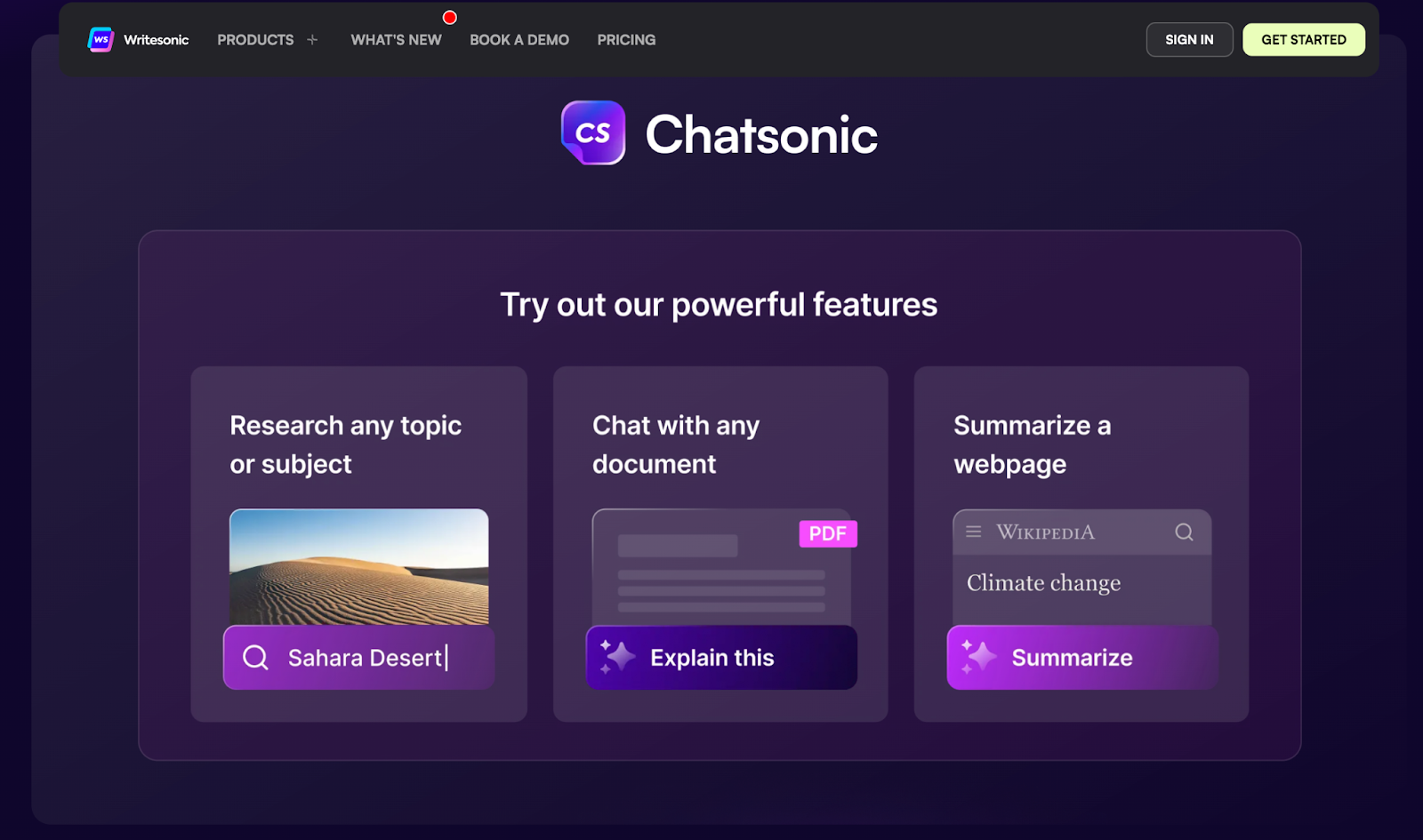
Chatsonic, from Writesonic, pairs chat with content generation: users can write, ask questions, and generate images from the same conversation instead of switching between separate tools.
Top Features
- Multimodal Capabilities: Supports text and image generation, allowing for richer content creation.
- Templates and Prompts: Offers pre-built templates for various writing tasks, cutting setup time for content creation.
- SEO Optimization: Provides keyword suggestions and on-page guidance to improve content visibility.
- A/B Testing Support: Assists in creating variations of content for testing effectiveness.
Best Uses
- Content Creation: Generating articles, blog posts, and social media content.
- SEO Optimization: Develop keyword-rich content and meta descriptions to improve search rankings.
- Ad Copy Generation: Create compelling advertisements for online and offline campaigns.
- Creative Writing: Assisting in brainstorming ideas and generating story plots.
Chatsonic fits marketers who want chat and content generation in one place.
6. Breeze Assistant (formerly ChatSpot)
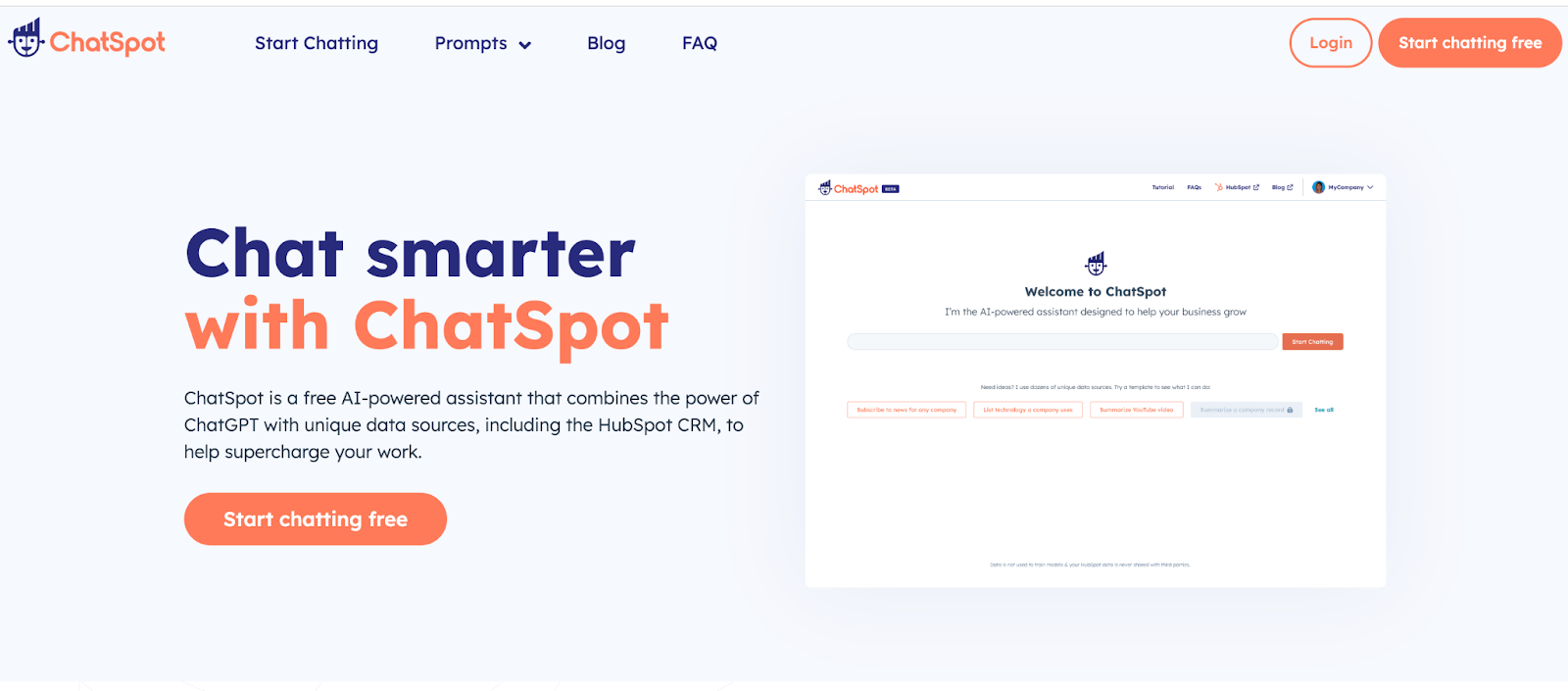
Breeze Assistant, formerly ChatSpot, is HubSpot's AI assistant for sales and marketing teams. VELUX's sales reps use it to draft emails, look up customer information and produce sales reports.
Top Features
- Agents in One Place: HubSpot's agents, such as the Content, Prospecting and Customer agents, are accessible directly from Breeze Assistant.
- Credit-Based Usage: Many AI features and agents run on HubSpot Credits, which you can buy in advance in packs or pay for as you go.
Best Uses
- Sales Outreach: Drafting emails and looking up customer information.
- Reporting: Producing sales reports.
Breeze Assistant fits teams that already run their CRM in HubSpot.
7. Intercom
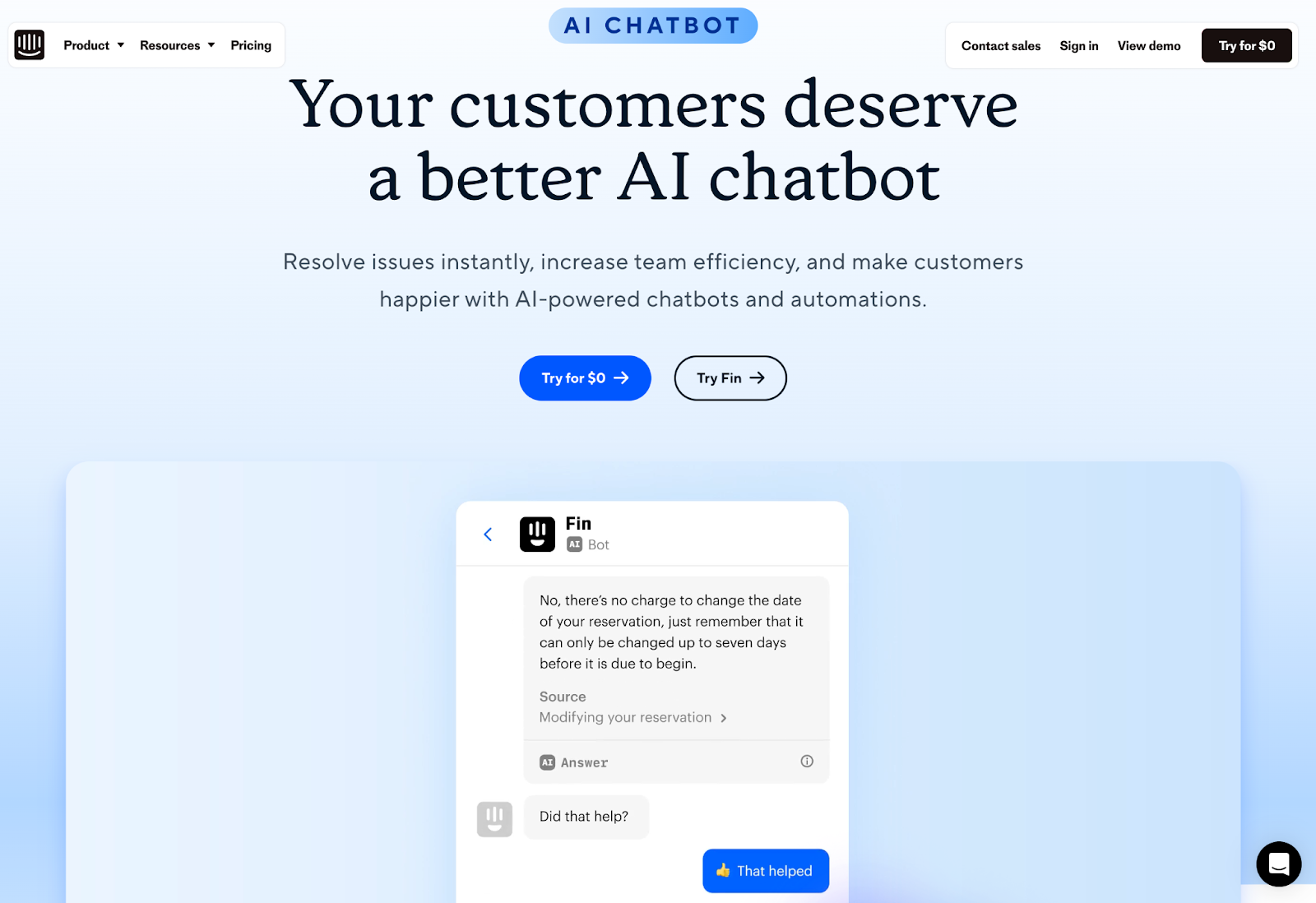
Intercom's AI agent is called Fin. It is built into Intercom's helpdesk for businesses handling support through their websites and apps, and it also works with other helpdesks such as Salesforce, Zendesk, HubSpot and Freshdesk. It answers common questions instantly, which cuts response times and reduces repetitive tickets for the support team.
Top Features
- Automated Responses: Delivers instant answers to common customer queries, reducing response times.
- Lead Generation: Engages visitors to capture leads and qualify them based on their interactions.
- User Onboarding: Guides new users through product features and functionalities.
- Multilingual Support: Fin speaks dozens of languages.
- Multi-Channel Support: Operates across chat, email, voice, Slack and social channels.
Best Uses
- Customer Support: Providing immediate assistance and resolving issues efficiently.
- Sales Assistance: Engaging potential customers and guiding them through the sales funnel.
- User Onboarding: Helping new users navigate products and features effectively.
- Feedback Collection: Gathering user feedback to improve products and services.
Fin fits support teams that want an AI agent working inside their helpdesk.
8. Drift (now part of Salesloft)
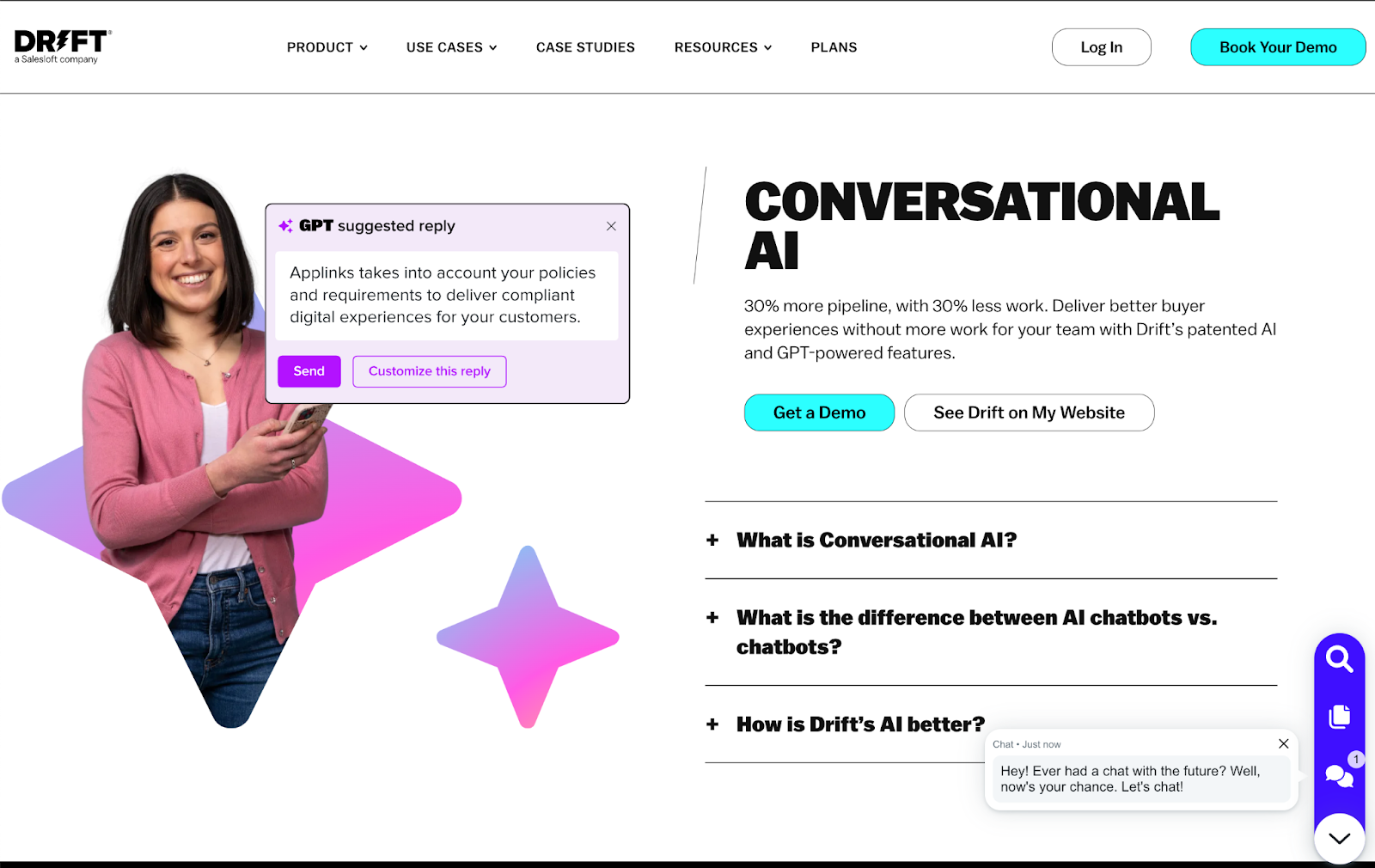
Drift began as a conversational marketing tool built for real-time chat between businesses and customers, and it is now part of Salesloft. Salesloft has transitioned from Drift to 1mind, so a new buyer should look at Salesloft's current chat agents rather than Drift.
Top Features
- Real-Time Conversations: Chat agents engage visitors the moment they arrive and answer their questions.
- Lead Qualification: They ask preset questions to qualify leads and route high-intent visitors to reps.
Best Uses
- Lead Generation: Capturing and qualifying leads through conversations.
- Sales Engagement: Guiding potential customers to the right rep.
Salesloft's chat agents fit B2B sales teams that want website chat to qualify leads and hand them to reps.
9. Pi
Pi leans into a different design goal than most chatbots on this list: conversation that feels supportive rather than purely functional. It tracks context across a conversation and responds to emotional cues, which suits casual or personal use more than technical tasks.
Top Features
- Conversational Depth: Pi can engage in multi-turn conversations, maintaining context and coherence over longer interactions.
- Personalization: It learns user preferences and adapts responses accordingly, enhancing the overall experience.
- Emotional Understanding: The chatbot is designed to recognize and respond to emotional cues, aiming for interactions that feel more empathetic than transactional.
Best Uses
- Personal Assistance: Helping users manage tasks, set reminders, and find information quickly.
- Companionship: Engaging users in friendly conversation, offering emotional support and companionship.
- Learning Tool: Assisting users in educational contexts by providing explanations and resources.
Pi fits users who want a conversational partner that responds with some warmth, not just factual answers.
10. Poe
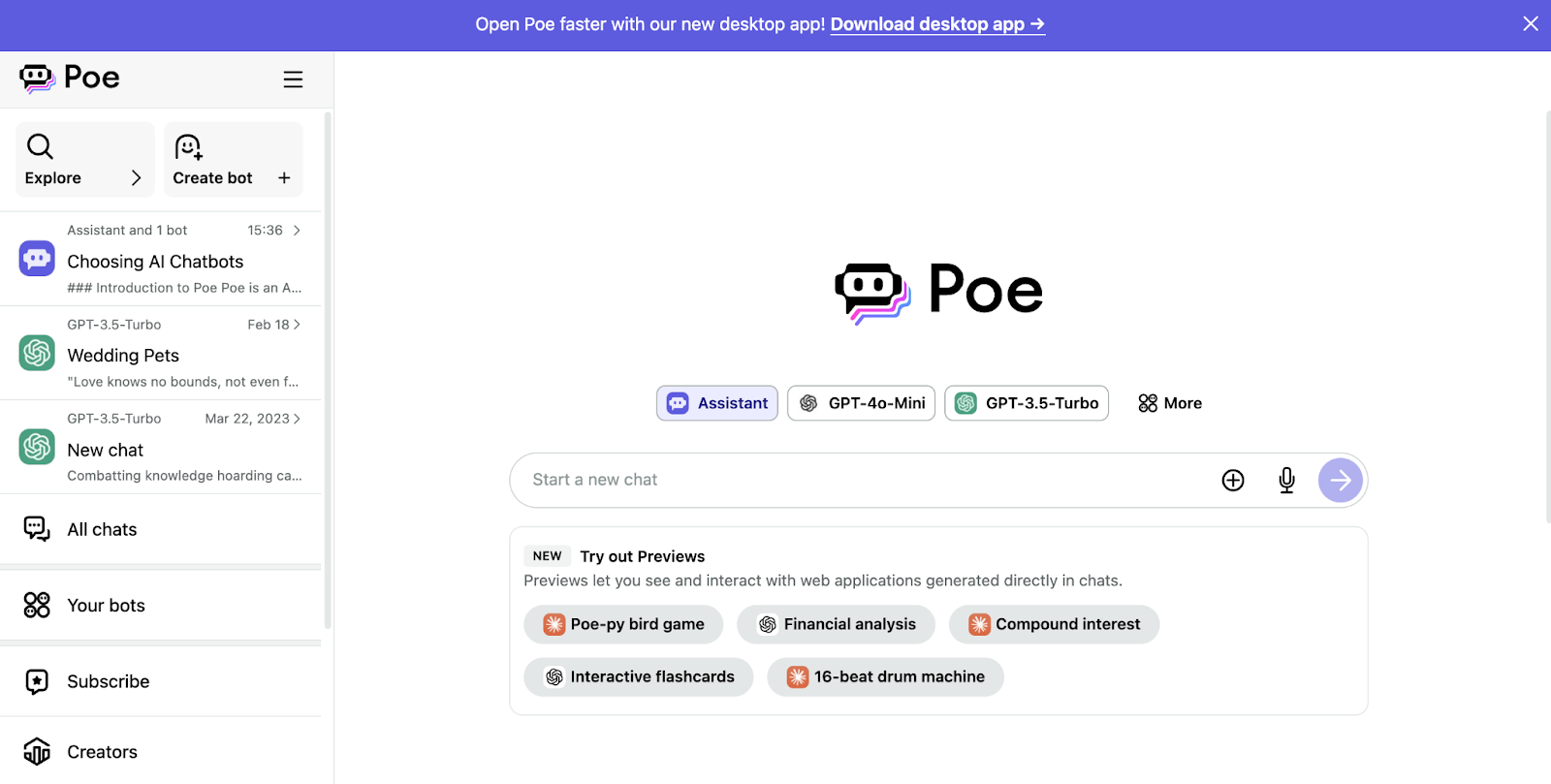
Poe, from Quora, is a platform for reaching several different AI models from one interface. That makes it useful for comparing how different models answer the same question, instead of juggling several separate chatbot accounts.
Top Features
- Multiple AI Models: Users can interact with different AI models, each specializing in various types of responses and tasks.
- User-Friendly Interface: Designed for easy navigation, so starting a conversation takes no setup.
- Community Interaction: Users can share their experiences and insights with others exploring the same topics.
Best Uses
- Information Gathering: Quickly obtaining answers to questions across various fields.
- Learning and Exploration: Engaging in discussions that help you understand and explore new ideas.
- Creative Brainstorming: Assisting in generating ideas for projects, writing, or problem-solving.
- Casual Chat: Providing a platform for friendly conversations and engagement.
Poe fits people who want to compare how several models answer the same question from one place.
11. KoalaChat
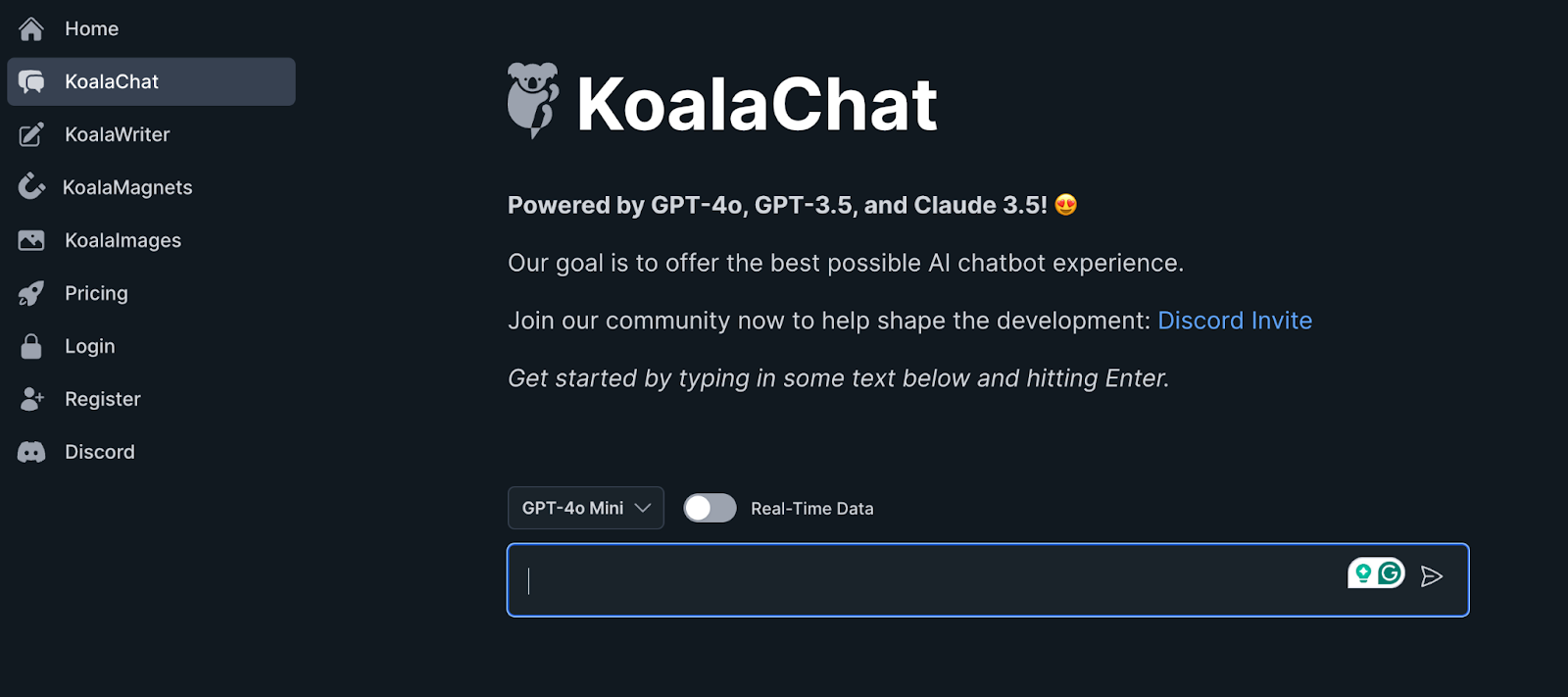
KoalaChat, from Koala, is a day-to-day AI assistant with real-time web data and a prompt library, running on GPT, Claude and Gemini models.
Top Features
- Real-Time Web Data: Answers can draw on live information from the web.
- Prompt Library: Ready-made prompts help you start common tasks.
- Multiple Models: It runs on GPT, Claude and Gemini models.
Best Uses
- Research: Looking things up with real-time web data.
- Learning Tool: Offering explanations and resources for educational topics.
KoalaChat fits people who want a general assistant with live web access that runs on several frontier models.
12. YouChat
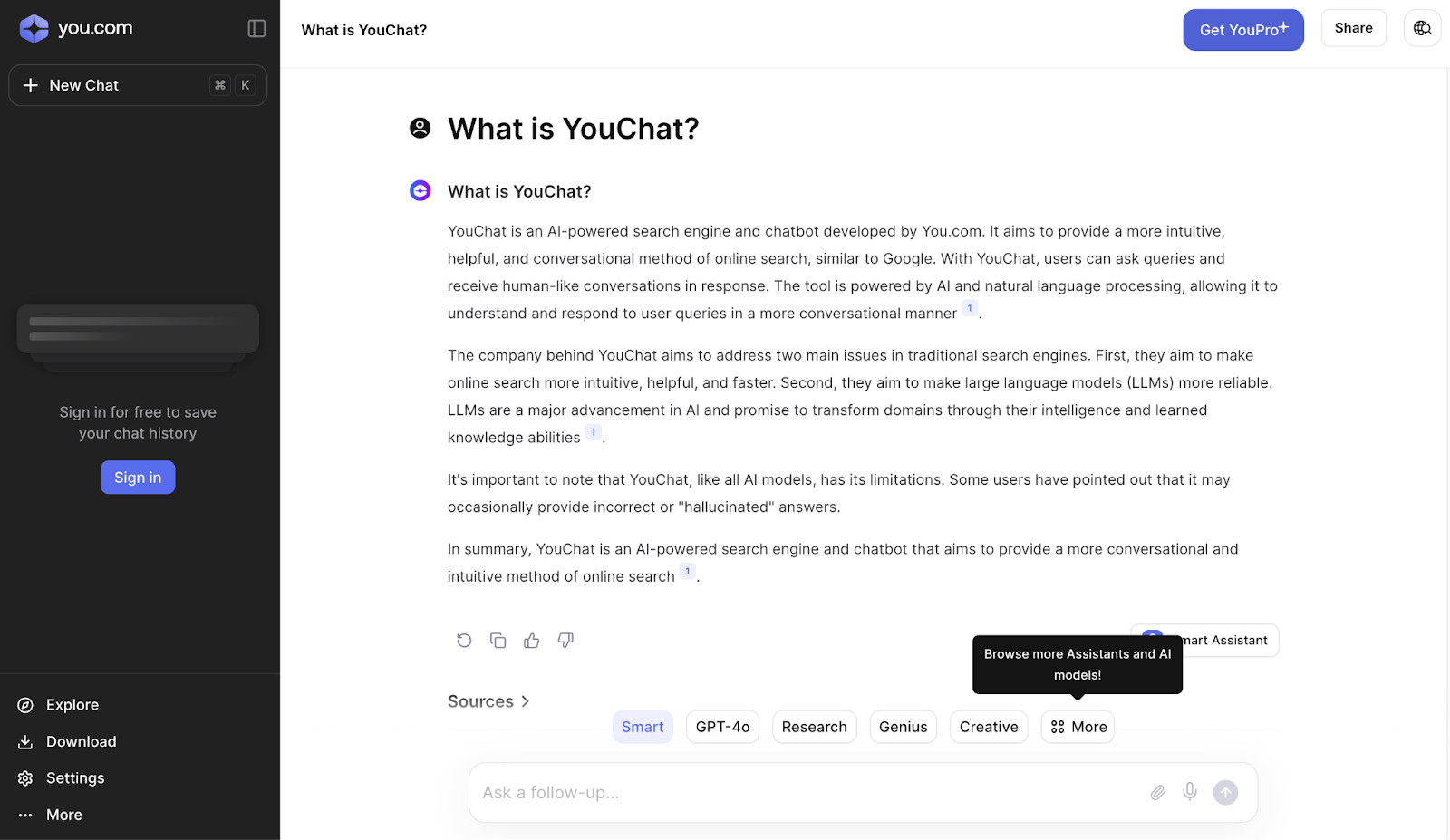
YouChat is the chat assistant from You.com. You.com's own site now pitches web search and inference APIs for AI builders and enterprises and does not mention YouChat, so check that the consumer app still fits your needs before relying on it. It aims to help users find information and complete tasks in the same place they search.
Top Features
- Integrated Search Capabilities: Combines chat functionality with powerful search tools to provide relevant information quickly.
- Personalization: Learns user preferences over time to tailor responses and suggestions.
Best Uses
- Information Retrieval: Quickly obtaining answers to a wide array of questions.
- Research Assistance: Helping users gather information for projects or studies.
- Creative Brainstorming: Assisting users in generating ideas and content.
YouChat suits people who prefer to search and chat in the same place.