Top Slack Apps for Productivity: 14 Picks by Use Case
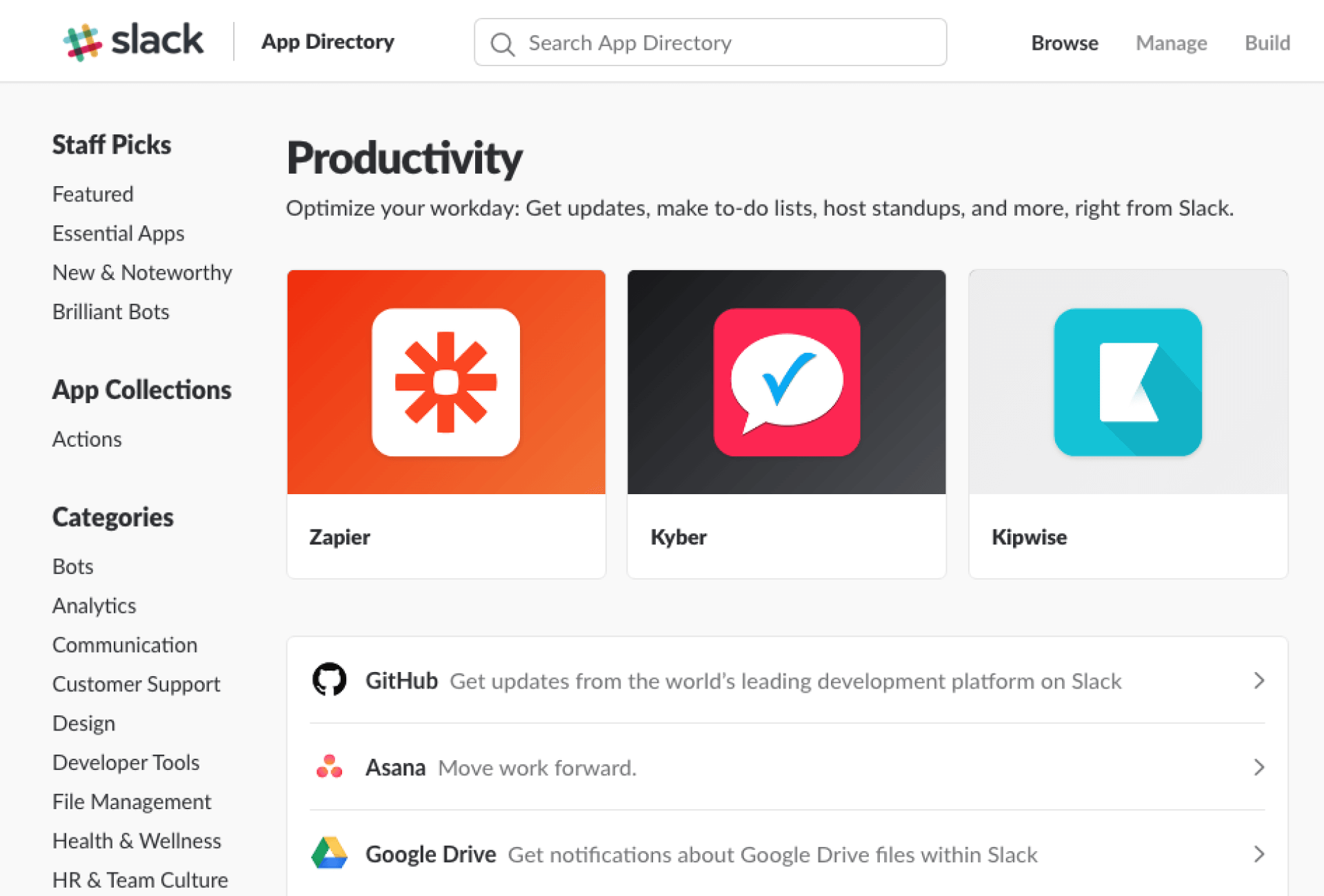
Slack handles chat well, but it doesn’t cover every job a team needs done. Here are 14 top Slack apps that fill the gaps, from standups and holiday tracking to surveys, project management and video calls, with what each one is for and what it costs.
Slack apps for automatic daily standup / team status reports
Geekbot makes it easier to have daily standup meetings without breaking anyone’s workflow. It asks the teammates a few key questions on progress, and asynchronously delivers it to others when they need it. It’s a non-disruptive way to manage standups & handoffs.
Perfect for: Distributed teams.
Cost: Starts at $2.50 per user per month.
2. Status Hero
Status Hero is similar to Geekbot, and it makes checking in within a team and collecting daily goals easier. Each participant can check in and give a brief update on their progress to the rest of the team. If they fail to do so, the Status Hero integration for Slack will prompt them to share the info. A check-in summary is then delivered to the selected channel so everyone can be on the same page.
Perfect for: Distributed teams.
Cost: Simple status check-ins start at $3 per user per month.
Slack apps for holiday management
Absence integration digitalizes HR to keep track of employee absences, vacation, and employee records. It also takes care of time tracking, and minimizes the paperwork necessary to successfully run a team, so it’s a win-win.
Perfect for: Teams who are drowning in HR paperwork.
Cost: Employee vacation tracker & absence management starts at €1.50 per user per month.
Slack apps for surveys and polls
4. Polly
Polly is a survey software made for Slack teams. It makes sending surveys and polls with the goal of getting feedback a lot simpler. It also encourages knowledge sharing by gathering that same feedback, and turning it to data your team can use.
Perfect for: Teams that require feedback from a lot of teammates to operate successfully.
Cost: Three pricing plans, starting at $50/month for individuals and $200/month for teams.
Slack apps for knowledge or file management
Kipwise is a team wiki solution that integrates with Slack to help you organize the information teammates share & collaborate on. It also automatically saves useful content so people can find the information they need, when they need it.
Kipwise is meant to centralize your knowledge sharing & facilitate discussion. Its features make knowledge sharing easier and prevents knowledge hoarding in your organization.
Perfect for: Teams who struggle to centralize knowledge & information across their org, and need more efficient knowledge management systems.
Cost: Starting at $19/month for 10 users.
6. Google Drive
Google Drive is a staple in most teams and with the Google Drive bot for Slack, teammates can access, share and create Google Drive files directly from Slack workspaces. It’s a useful solution made even simpler.
Perfect for: Teams who use Google Drive and Slack.
Cost: Free.
Slack apps for project management
7. Trello
Most teams use both Trello and Slack, but switching tabs and finding the right cards takes a lot of time. This integration makes it easier to add Trello cards to boards directly from Slack, and it also automatically displays insights (comments, new cards, etc.).
Perfect for: Teams who use Trello and Slack for task management.
Cost: Three pricing plans, starting at free with unlimited boards.
8. Asana
Slack works great for instant communication, and Asana is a champion in project management. With this integration, you can have the best of both worlds. Teams can create new tasks and see the details of open tasks without leaving Slack. Check out more Asana integrations to save steps in your workflow.
Perfect for: Teams who use both Asana and Slack for task management.
Cost: Three pricing plans, starting at free.
Slack apps for marketing
Notify tracks mentions of your company, startup or brand across social media and sends the alerts to Slack: set up notifications, pick sources like Twitter, and you get a message when your topic is mentioned.
Perfect for: Teams who want to stay in the loop without leaving Slack.
Cost: Starts at free.
Slack apps for sales / customer support
10. Intercom
Intercom is a messaging tool for talking to your leads and customers. Using Intercom, you can talk to your leads and customers almost anywhere: on your website, in your app, on mobile and via email.
This integration of Intercom with Slack makes it easy to chat to customers and convert your hottest leads, right from Slack.
Perfect for: Teams who use Intercom for customer communication.
Cost: Free
Slack apps for video conferencing
11. Zoom
Zoom is one of the best video conferencing solutions on the market. Once integrated, the Zoom bot allows users to start calls directly from Slack by typing the command.
Perfect for: Teams who use Zoom for calls and Slack for instant communication.
Cost: Plans start at €13.99 per month.
12. Appear.in
If the paid plans for Zoom is too expensive for you and you don’t want the time limit for group calls for its free plan, you can try out Appear.in. It allows group calls with unlimited duration if you have no more than 4 participants . By integrating Appear.in bot to Slack, teammates can start video conferences with just one click. You just have to type /appear to create a room and start broadcasting.
Perfect for: Teams who use Appear.in for video conferences and Slack for instant communication.
Cost: Free.
Slack apps for building your own automations
13. Zapier
Zapier automatizes processes between 1,000+ different apps, and this Slack integration makes your team’s Slack the headquarters for all operations. You can turn Slack into your command center for almost everything: build commands that control all your other tools without ever leaving Slack.
Perfect for: Teams who handle different tasks and want to save time.
Cost: Starts at free.
14. IFTTT
While the free plan for Zapier only allows to create 5 zaps per account, IFTTT is free to use. Also, while it’s possible to build more complex zaps on Zapier, IFTTT generally only link one application to another (i.e. no multi-step recipes), but this also makes IFTTT easier to use for beginners.
Perfect for: Teams who handle different tasks and want to save time.
Cost: Free.
Adding top Slack apps without adding noise
Install one app at a time and give it a week before adding the next, so you can tell which ones people actually use. Apps that post on a schedule, like Geekbot or Status Hero, belong in their own channel (a #standup channel, say) rather than #general, where their posts bury the conversation. And read the permissions screen before you approve an app: one that only posts reminders has no reason to read every public channel.