Introducing Kipwise’s real-time collaborative rich-text page editor
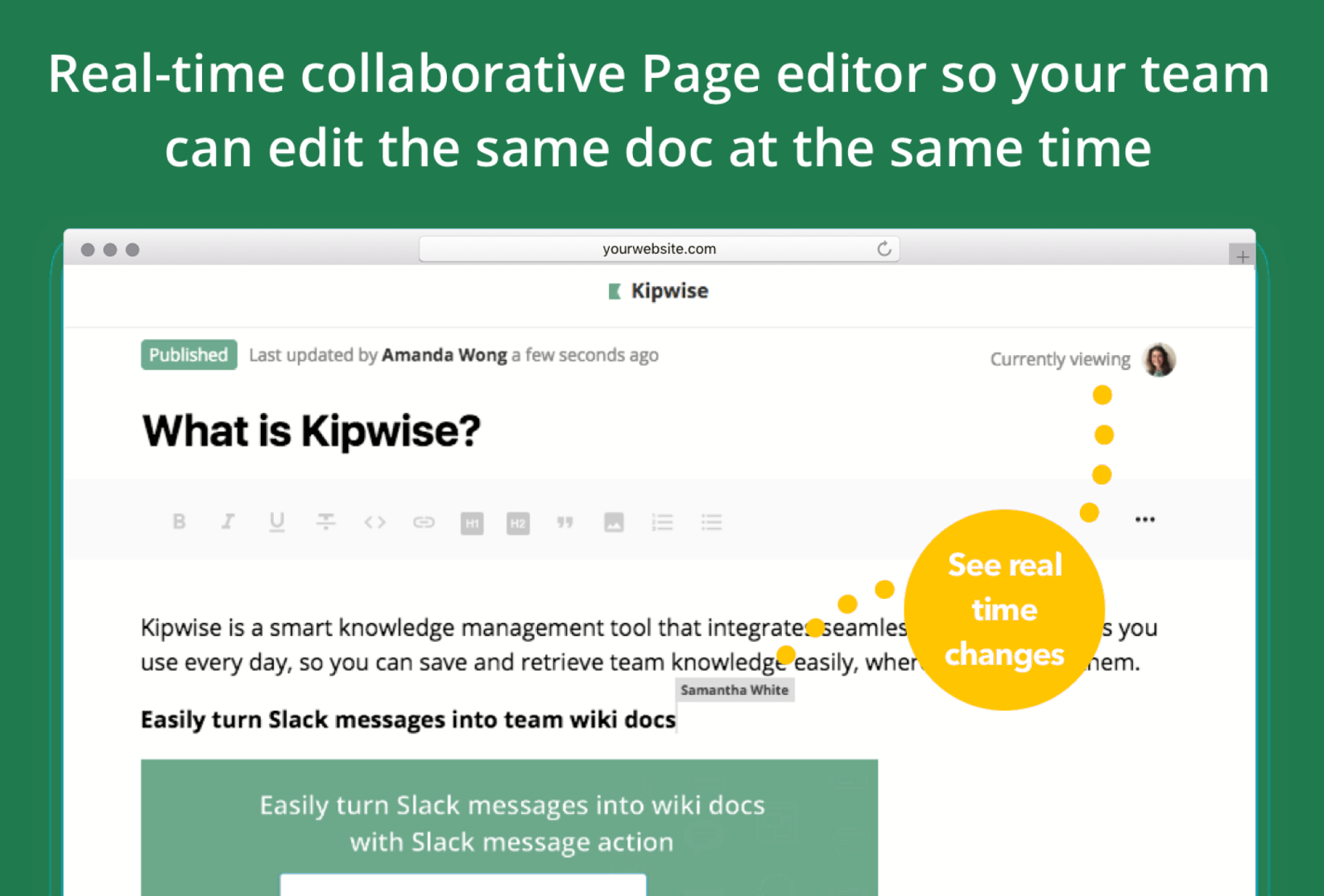
Kipwise pages are edited live: teammates open the same page, see each other’s changes as they happen, and every change saves automatically. We recommend live editing for living documents such as onboarding checklists, standard procedures and internal FAQs, and View Mode for pages people rely on, so nobody changes them by accident.
The Kipwise page editor lets you create free-style wiki articles for any knowledge you want to keep as your team’s long-term memory: onboarding checklists for new hires, best practices and standard procedures for employees, internal FAQs about your products, and more.
Real-time collaborative editor, like Google Docs
Our Page editor allows real-time collaboration, so your team can edit the same wiki doc at the same time and see the changes immediately. Changes are saved automatically, with an undo function, so nothing is lost if you leave the browser without hitting “save”.
Because changes save and appear instantly, anyone with access to the page sees edits as they happen, the same way Google Docs works, and every edit is recorded and can be restored. That suits fast-moving notes. For a policy page or anything people rely on, set the Page Editor to View Mode by default, so teammates must click Edit before they can change a page, and choose who has the right to review in the folder’s permission settings.
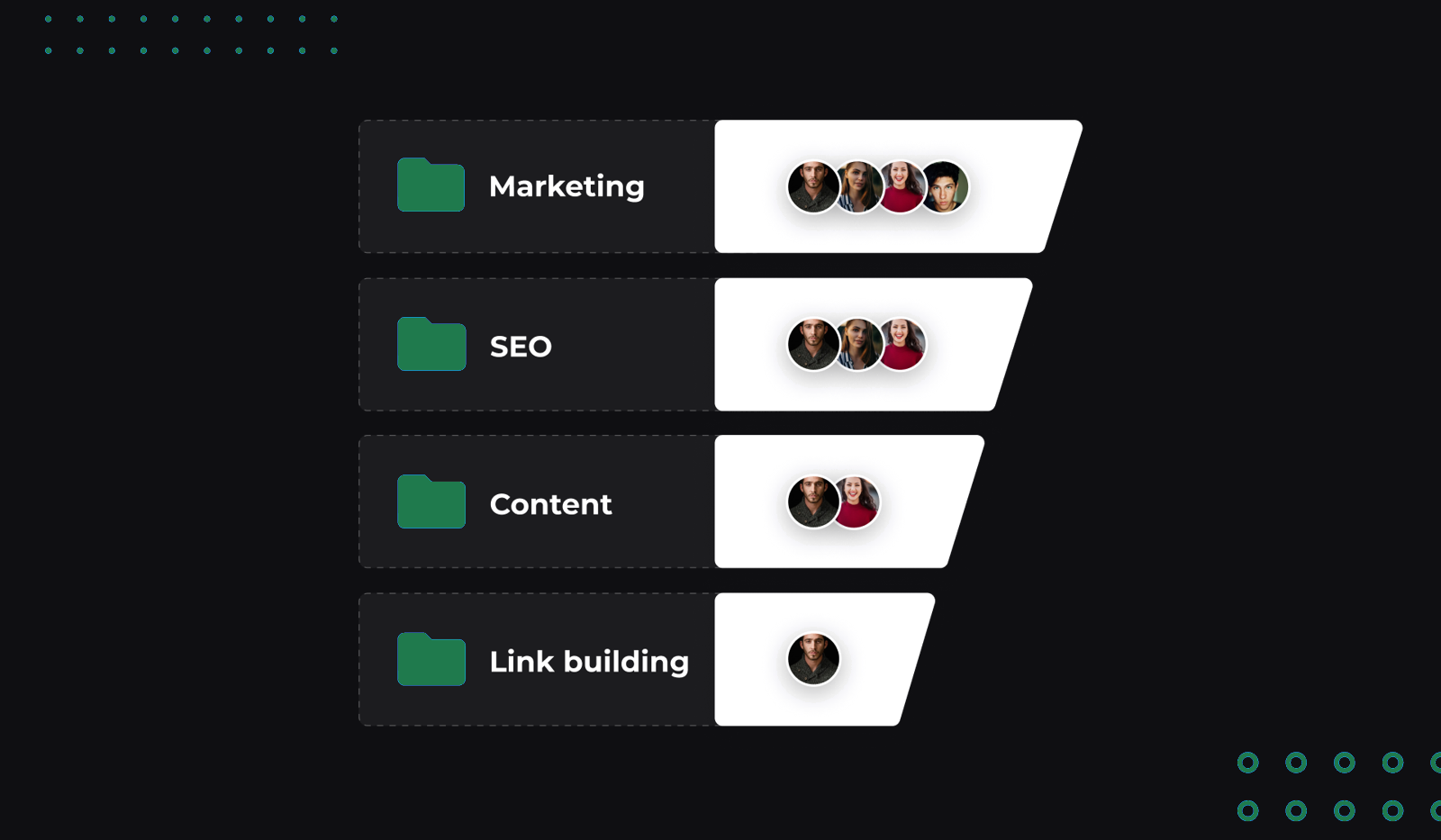
To keep your knowledge base organized, you can create folders and subfolders to categorize your Pages.
Slack integration: create and search for wiki docs directly in Slack
You can create a Kipwise Page directly in Slack with the slash command /kipwise create, or use a Slack action to save a Slack message to Kipwise in a few clicks.

Everything saved in Kipwise is accessible in Slack with a simple search command.

If you have ideas on how we can make Kipwise better, drop us a message at support@kipwise.com.