How to Safely Run an AI Release Notes Generator for GitHub and Slack
An AI release notes generator can save a release owner from reading the same pull requests twice, then rewriting them for Slack. It can also publish internal details, omit a breaking change, or create a fresh draft every time a scheduled job runs. Product operations teams need more than generated prose. They need a controlled path from a specific GitHub change set to a cited draft, a human decision, and one durable release record.
This guide defines that path. It shows how to classify changes, preserve source evidence, keep GitHub access narrow, prevent duplicate drafts, handle partial failures, and require explicit approval before a Slack announcement becomes final.
Why release-note automation fails
Most release-note tools begin with the visible writing task. The harder work happens before and after the draft.
A merged pull request is not automatically a customer update. It may contain an internal refactor, observability change, dependency bump, feature flag, documentation correction, or a customer-visible behavior change. Even a correct technical summary can be wrong for the intended audience. Product operations owns the translation from shipped code to a useful announcement, including what should be excluded.
GitHub can generate notes from merged pull requests, contributors, and a changelog. Its configuration also supports label and author exclusions. GitHub tells maintainers to check the generated notes before finishing the release. Generation produces input for a decision, not proof that the result is ready to publish.
Automation also fails when it has no stable release identity. A scheduled run sees new commits and opens a new document even though an earlier draft already covers the same version. One current practitioner report describes about 13 automated release-note pull requests accumulating instead of being consolidated. Treat that as an author-reported incident, not a universal rate. The failure itself is reproducible: if the workflow keys drafts by run time instead of release identity, retries create copies.
Coupling release-note generation to the deployment's critical path means a missing permission or unavailable documentation service can block a software release. Elastic documents a different boundary in a current implementation: its release-note trigger is asynchronous and soft-failing, while the existing human notification remains until the automated route has been validated. That is one team's design. Code deployment and communications preparation should report each other's state without sharing a failure domain.
Define a release-evidence contract first
Before connecting GitHub and Slack, define the data that every run must produce. This contract stops the model from filling gaps with plausible prose.
Use these required fields:
release_id: product-api-v4.8.0
audience: customer
repository: acme/product-api
base_ref: v4.7.1
head_ref: v4.8.0
included_changes:
 - pull_request: "acme/product-api#4812"
 category: changed-behavior
 customer_summary: "Exports now retain the selected date range."
excluded_changes:
 - pull_request: 4807
 reason: internal-observability
open_questions:
 - pull_request: 4819
 owner: product-manager
 question: "Is the new limit active for all plans?"
draft_page_id: null
approval_state: pending
approved_by: null
published_message_id: null
release_id is the idempotency key. A rerun with the same key must update the existing draft, not create another page. base_ref and head_ref make the inspected range reproducible. Every included item needs an evidence URL and a classification. Every exclusion needs a reason. An unresolved question blocks publication rather than inviting the generator to guess.
Keep audience explicit. Internal engineering notes can include migration details that would confuse customers. Customer notes may need links to help content and plan availability. Support enablement may need troubleshooting guidance that does not belong in a public announcement. One release can produce several audience views, but each view needs its own approval state.
Keep GitHub access as narrow as the job
The workflow should read only the repositories and objects required to prepare the named release. GitHub Apps start without permissions, and GitHub recommends selecting the minimum required permissions. When an app acts for a user, the request is constrained by both the app's permissions and that user's permissions.
For a read-first release workflow, separate capabilities:
- Read pull requests, commits, labels, and release metadata for the named repository.
- Draft or update the release page in the knowledge system.
- Post an internal review message in the designated Slack thread.
- Publish a customer-visible message only after an authorized person approves that exact draft.
Do not give a text generator repository write access merely because a later step may create a tag or merge code. Those are different jobs. If the process eventually needs to modify a GitHub release, expose that as a separate, explicit action with its own permission check and audit event.
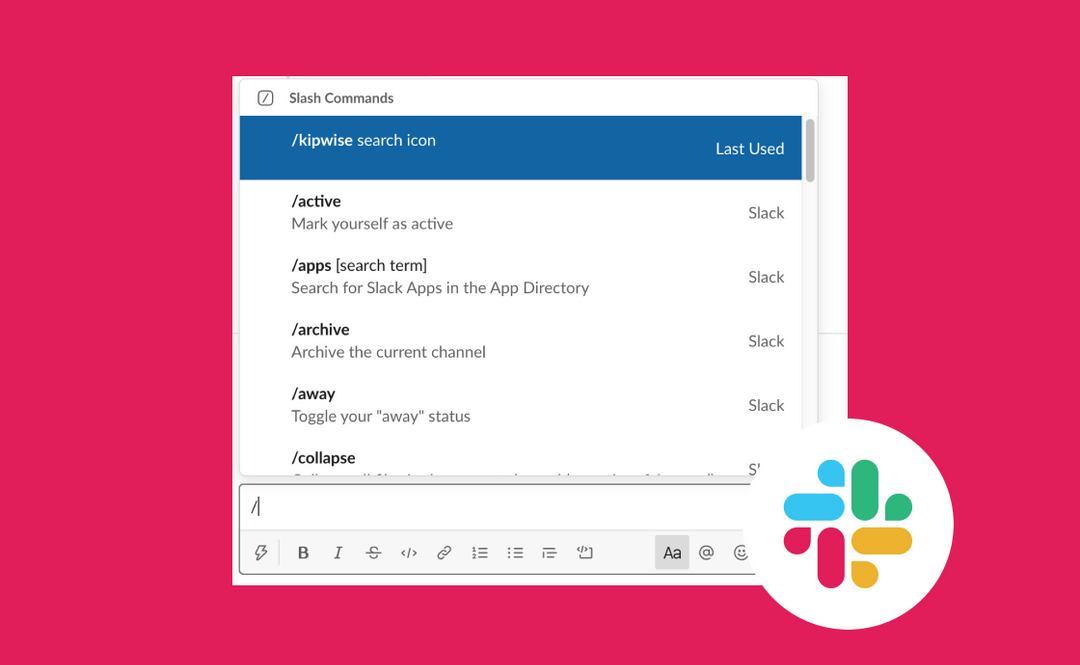
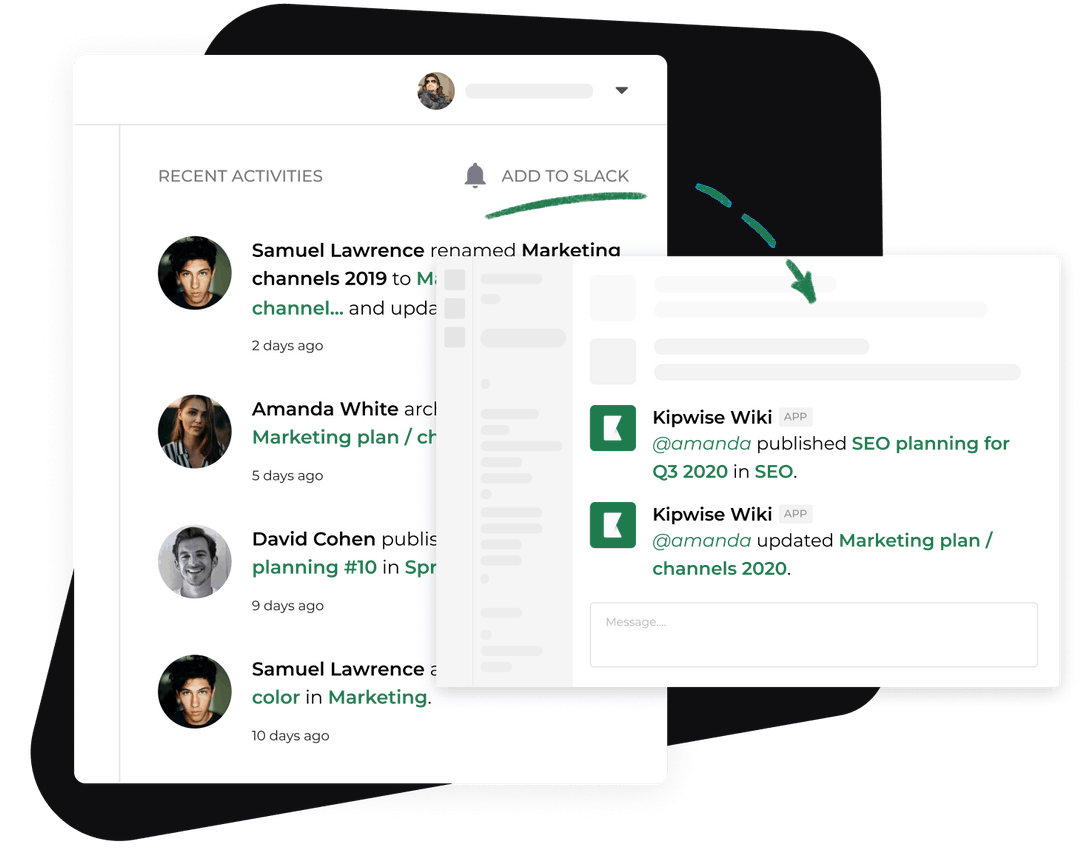
A thread-native agent is useful here because the release owner can refine the same draft without restating the context. Kipwise Agent works inside a continuing Slack thread, reads GitHub with the requesting user's connected access, links the code it inspected, and keeps consequential writes explicit. The workflow still needs the release-evidence contract. Conversational continuity does not replace deterministic identity or approval state.
Run the AI release notes generator in seven controlled steps
1. Start from an exact range
The release owner supplies the repository, base reference, head reference, audience, and release ID in Slack. Reject vague requests such as "write this week's release notes" unless the system can resolve the time window to immutable commits and show the resolved range for confirmation.
Record the requester and retrieval time. If the base or head reference cannot be read, stop. Never substitute the default branch or an earlier successful range without saying so.
2. Collect candidate changes
Read merged pull requests and commits in the range. Preserve pull-request URLs, labels, authors, merge commits, and linked issue references. Do not write the release note yet.
GitHub's generated-note feature is a useful first pass because it already groups merged work and supports configured exclusions. Use it as one input. Pull-request descriptions, linked product decisions, and help-center pages can supply audience context that a commit title lacks.
3. Classify each change
Assign every candidate one of these states:
- customer-visible feature
- changed behavior
- bug fix with customer impact
- breaking change or migration
- documentation-only
- internal operations
- dependency or maintenance
- uncertain
Classification should follow team rules before model judgment. Labels such as customer-visible, breaking, and internal-only are stronger than a guess from prose. The uncertain state is required. Route uncertain items to the release owner with the source attached.
Use a simple publication rule:
publishable(change) =
 evidence_opened
 and classification in approved_customer_categories
 and audience_claims_confirmed
 and no_open_question
A change that fails the rule remains visible in the review manifest. It does not silently disappear.
4. Draft from evidence
Generate one concise item per included change. Each item should state what changed, who is affected, and what action is required. Attach the pull request and any approved help article beside the claim.
Do not infer plan availability, rollout percentage, dates, performance gains, or security impact from code alone. Ask the named owner when that information is absent. The draft should say "confirmation required" rather than converting an open question into polished copy.
The existing Kipwise release notes template provides a useful customer-facing structure for new features, fixes, and upcoming work. The automation described here adds the missing operational layer: a bounded GitHub range, classifications, source evidence, duplicate control, failure state, and approval record.
5. Update one durable draft
Look up release_id before writing. If a matching page exists, compare its stored range and revision. Update it only when the incoming base and head references are compatible. If the same release ID points to a different range, stop and ask the owner to resolve the collision.
Use optimistic concurrency when the knowledge system supports it. Store the page version read by the agent and reject an update if a person edited the page after that read. This prevents a retry from overwriting editorial changes.
Post the draft link, included and excluded counts, unresolved questions, and source range in the Slack review thread. The message is a review request, not a publication event.
6. Require approval for the exact revision
Approval must bind to the release ID and draft revision. A generic "looks good" from an earlier version is not valid after the source range or wording changes.
Ask the reviewer to confirm:
- the range represents the intended release
- customer-visible changes are included
- internal-only work is excluded
- breaking changes and required actions are explicit
- claims about plans, rollout, and availability have evidence
- every unresolved item has an owner or has been removed intentionally
- the destination channel and audience are correct
Slack's chat.postMessage method supports thread replies through thread_ts, and apps need access to the target conversation. Preserve the returned channel and message identifier after posting. That record enables correction without guessing which announcement was published.
7. Publish and record the result
Only an authorized reviewer can move approval_state from pending to approved for the current revision. The publish action then posts the approved text to the named destination and stores the resulting message identifier, approver, approval time, and source revision.
If the Slack post succeeds but the audit update fails, report a partial success with the returned message identifier. Do not post again automatically. Reconciliation should search by the stored release ID or known message identifier before retrying.
Handle failures without creating worse failures
A trustworthy workflow makes partial state obvious.
GitHub is unavailable. Keep the previous draft unchanged. Report that no current range was read. Do not regenerate from memory or an old cache while labeling the result current.
One pull request is inaccessible. Mark the manifest incomplete and list the inaccessible item. If the missing item could affect customer behavior, block approval. A private submodule or repository should not be summarized by someone who lacks access.
A source conflicts with another source. Show both links and ask the product owner to resolve the classification or wording. Do not choose the friendlier claim.
The draft write fails. Keep the generated candidate in the isolated run state long enough to report the failure, but do not claim that a durable page exists. Retrying with the same release ID should target the same intended page.
Approval arrives after a new revision. Invalidate it. Show the diff and request approval again.
Slack publishing times out. Treat the outcome as unknown until the workflow checks for a message tied to the release ID. Blind retries are how duplicate announcements happen.
A published claim is wrong. Update the durable release note first, preserve the correction reason, then edit or reply to the Slack announcement according to the team's correction policy. Keep the original source and approval record for auditability.
Verify the workflow before trusting it
Test behavior, not just text quality. A polished paragraph is the least important success condition.
Build a fixture release with a customer feature, an internal refactor, a breaking change, a pull request the test user cannot access, and two runs using the same release ID. Then verify these outcomes:
- The feature and breaking change appear with source links.
- The internal refactor is excluded with a recorded reason.
- The inaccessible pull request is visible as a blocker.
- The first run creates one draft.
- The second run updates that draft and creates no duplicate.
- An approval for the first revision cannot publish the second revision.
- A failed Slack response triggers reconciliation before retry.
- The stored publication record contains the source range, approved revision, approver, channel, and message identifier.
Run a permission test with a user who cannot read one repository. The agent must not expose the hidden change through a generated summary. Run the same test with a user who has access and confirm that the evidence appears. Permission-sensitive behavior must follow the requester, not a privileged shared bot account.
For the pilot, capture operational measures rather than model sentiment: release-owner minutes from range selection to approval, number of changes reclassified by a human, omitted-change corrections, duplicate drafts prevented, blocked incomplete runs, and unapproved messages posted. The target for the last measure is zero. Establish the baseline from your current manual process before claiming savings.
Start with one release stream
Choose one repository, one release cadence, one customer audience, and one Slack review channel. Define the release ID format and classification labels. Create the fixture release, test duplicate-safe updates, and prove that an outdated approval cannot publish a revised draft.
Only then connect the final Slack destination. Require the AI release notes generator to show which GitHub range it read, why each change was included, who approved the exact revision, and whether the announcement was actually posted.
References
- GitHub Docs: Automatically generated release notes supports generation from merged pull requests, configurable exclusions, review, drafts, and publication.
- GitHub Docs: Choosing permissions for a GitHub App supports the least-privilege and user-bound permission model.
- Slack Developer Docs:
chat.postMessagesupports channel posting, thread replies, access requirements, and message identifiers. - Kipwise Agent supports the described Slack-thread workflow, permission-bound GitHub access, opened-source links, knowledge writing, and explicit consequential actions.
- Kipwise release notes template supports the existing customer-facing release-note structure and review use case.
- Hindsight Docs pull request 119 is a current author report of duplicate automated release-note drafts accumulating.
- Elastic Kibana pull request 288999 documents one team's asynchronous, soft-failing release-note trigger and staged removal of human notification.
-p-1080.jpg)